




 Lovable
 Windsurf
 Antigravity
 Cursor
 OnSpace AI
 SQL Server
 10Web
10Web Replit
-
Latest Version
Java JDK 8 Update 491 (32-bit) LATEST
-
Review by
-
Operating System
Windows 7 / Windows 8 / Windows 10
-
User Rating
Click to vote -
Author / Product
-
Filename
jdk-8u491-windows-i586.exe
-
MD5 Checksum
ce812824d431e46b70e372a1f86c49b1
The JDK 32bit includes essential programming tools such as javac, jar, and the archiver. These tools assist in compiling Java source code, packaging class libraries into JAR files, managing JAR files, generating documentation from code comments with javadoc, debugging applications with jdb, and monitoring process information with jps. Additionally, the JDK encompasses a complete Java Runtime Environment (JRE), commonly known as a private runtime, which comprises the Java Virtual Machine (JVM) and the necessary class libraries for executing Java programs.
The Java Development Kit (JDK) is a software package developed by Oracle Corporation that provides a complete development environment for Java applications. It includes a comprehensive set of tools, libraries, and documentation necessary for developing, compiling, debugging, and running Java programs. The JDK is widely used by Java developers of all levels, from beginners to experienced professionals.
Key components of the JDK include:
Java Compiler (javac): It includes a robust compiler that translates Java source code into bytecode, which can run on any Java Virtual Machine (JVM). The compiler performs syntax and semantic checks, ensuring that the code is valid and executable.
Java Runtime Environment (JRE): The JRE, bundled with the JDK, consists of the JVM and a set of libraries needed to execute Java applications. It provides a runtime environment that allows Java programs to run on various operating systems.
Development Tools: It offers a range of development tools, such as the Java debugger (jdb), which allows developers to step through code, inspect variables, and identify and fix issues. Other tools include javadoc for generating API documentation, jshell for interactive Java programming, and jar for packaging and managing Java archives.
Java API Libraries: It includes an extensive set of libraries and APIs that simplify application development. These libraries cover a wide range of functionalities, including networking, database access, graphical user interface (GUI) development, XML processing, and more. They provide ready-to-use components and classes that developers can leverage in their applications.
Documentation: It offers comprehensive documentation, including Java API documentation. This documentation serves as a valuable resource for understanding the available classes, methods, and their usage. It also includes guides, tutorials, and sample code to assist developers in mastering Java development.
The JDK is platform-independent, meaning that Java applications developed using the JDK can run on any system that has a compatible JVM. This feature has contributed to the popularity of Java as a versatile programming language.
Developers typically use integrated development environments (IDEs) such as Eclipse, IntelliJ IDEA, or NetBeans in conjunction with the JDK. IDEs provide additional features like code editors, project management, and debugging tools, enhancing the development experience.
The tool receives regular updates from Oracle, introducing new features, enhancements, and bug fixes. It supports the latest version of the Java programming language, allowing developers to take advantage of the language's advancements.
How to Install
To install the Java Development Kit (JDK), follow these steps:
Step 1: Visit the Oracle JDK download page
Go to the official Oracle website's Java SE Downloads page
Step 2: Accept the License Agreement
Read and accept the Oracle Technology Network License Agreement for Oracle Java SE. Click the checkbox next to "Accept License Agreement" to proceed with the download.
Step 3: Select the JDK version and operating system
Choose the appropriate JDK version for your operating system. Select the download link that corresponds to your operating system (e.g., Windows, macOS, or Linux).
Step 4: Download the JDK installer
Click on the download link, and the JDK installer file will begin downloading to your computer. The file will have a format specific to your operating system (e.g., .exe for Windows, .dmg for macOS, or .tar.gz for Linux).
Step 5: Run the installer
Once the download is complete, locate the JDK installer file on your computer and run it. Follow the on-screen instructions provided by the installer.
Step 6: Specify the installation location
During the installation process, you will be prompted to choose the installation location for the JDK. Select a directory where you want the JDK to be installed. The default location is usually fine for most users.
Step 7: Complete the installation
Follow the remaining installation steps and prompts to complete the installation process. Once the installation is finished, you will have successfully installed the JDK on your computer.
Step 8: Verify the installation
After the installation, you can verify that the JDK is installed correctly by opening a command prompt or terminal and typing "java -version" (without quotes). If the JDK is installed properly, it will display the version information of the JDK.
Congratulations! You have now installed the Java Development Kit (JDK) on your computer. You can begin using it to develop, compile, and run Java applications.
Pricing
The JDK is FREE to download and use. However, for commercial use, it is important to review and comply with Oracle's licensing terms and conditions.
PROS
- Comprehensive development environment with all the necessary tools and libraries.
- Extensive documentation and resources for Java developers.
- Regular updates and compatibility with the latest Java programming language versions.
- Seamless integration with popular Java IDEs.
- Robust debugging and profiling tools.
- The licensing terms for commercial use can be complex and may require careful review.
- Setting up and configuring the environment variables can be challenging for beginners.
- The installation package can be relatively large, requiring significant disk space.
Overall, the Java Development Kit (JDK) serves as a fundamental tool for Java developers, providing everything needed to build robust, scalable, and cross-platform Java applications. With its wide range of features, extensive libraries, and comprehensive documentation, the JDK remains an essential component in the Java development ecosystem.
Also Available: Java Development Kit (64-bit) and Java Development Kit for Mac
-
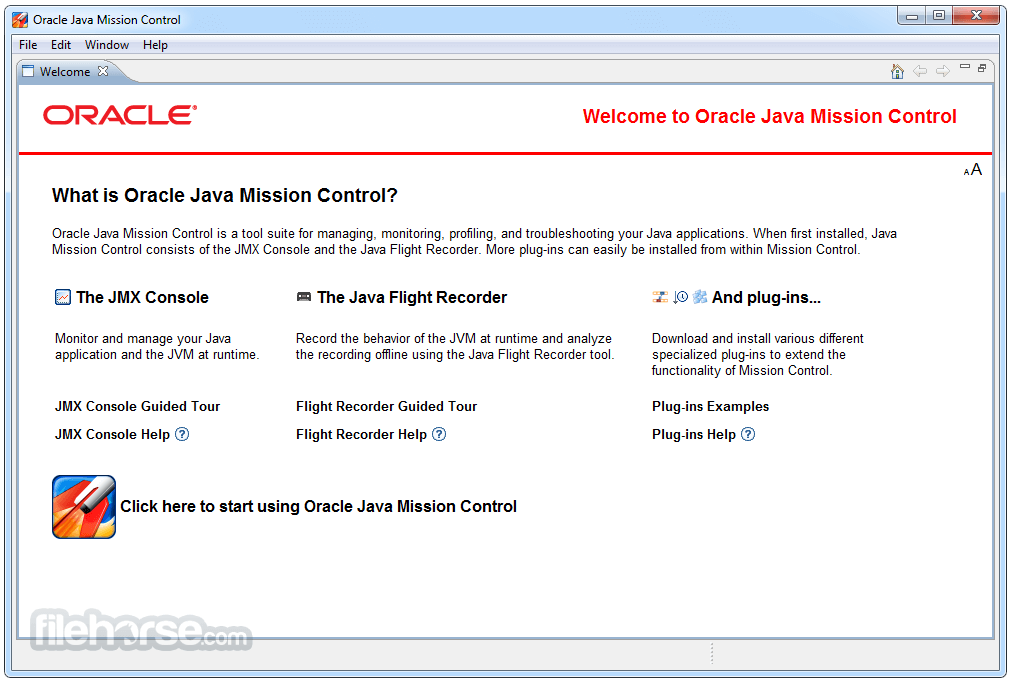
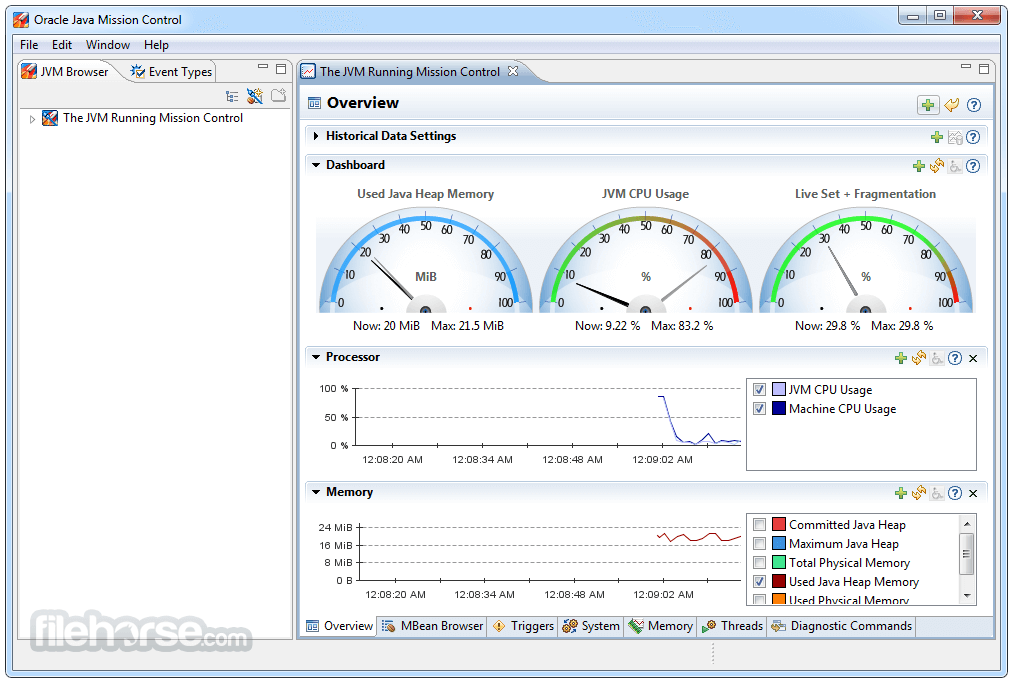
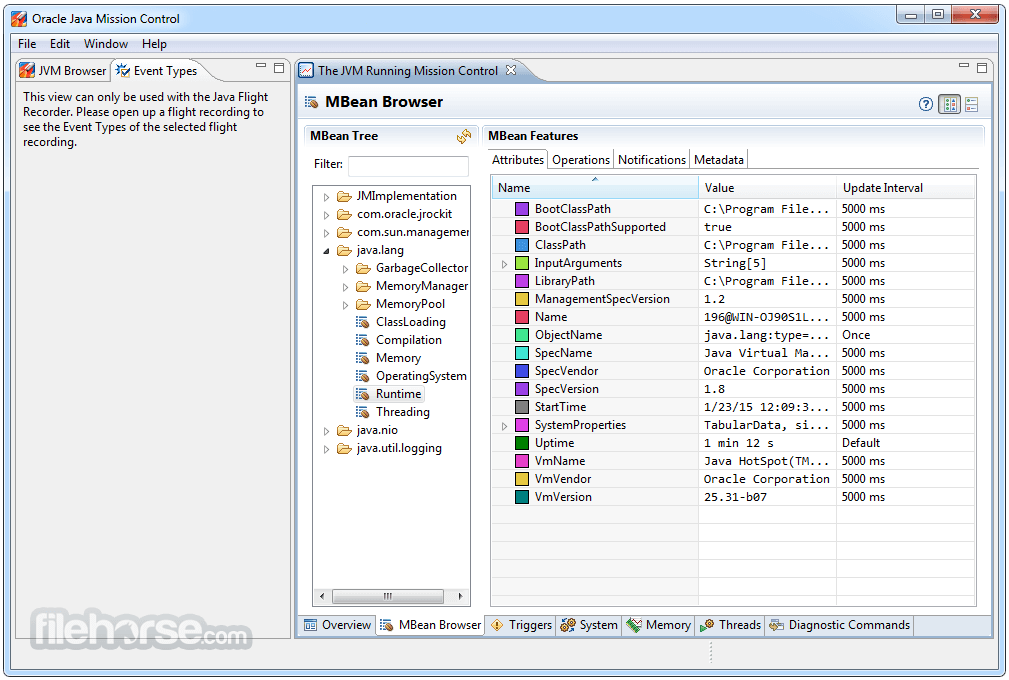
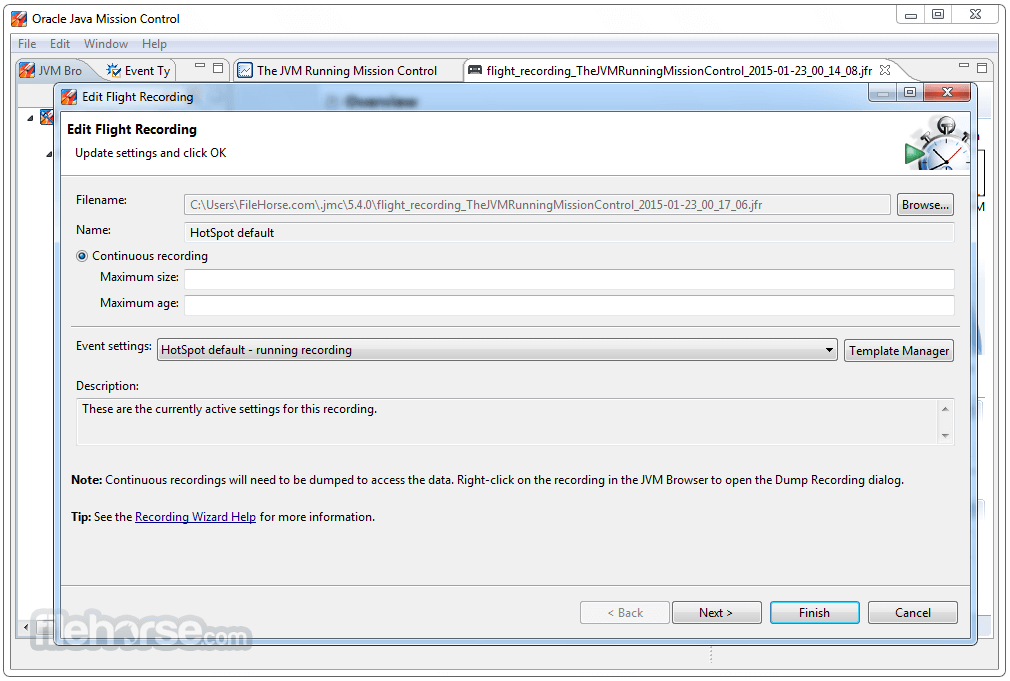
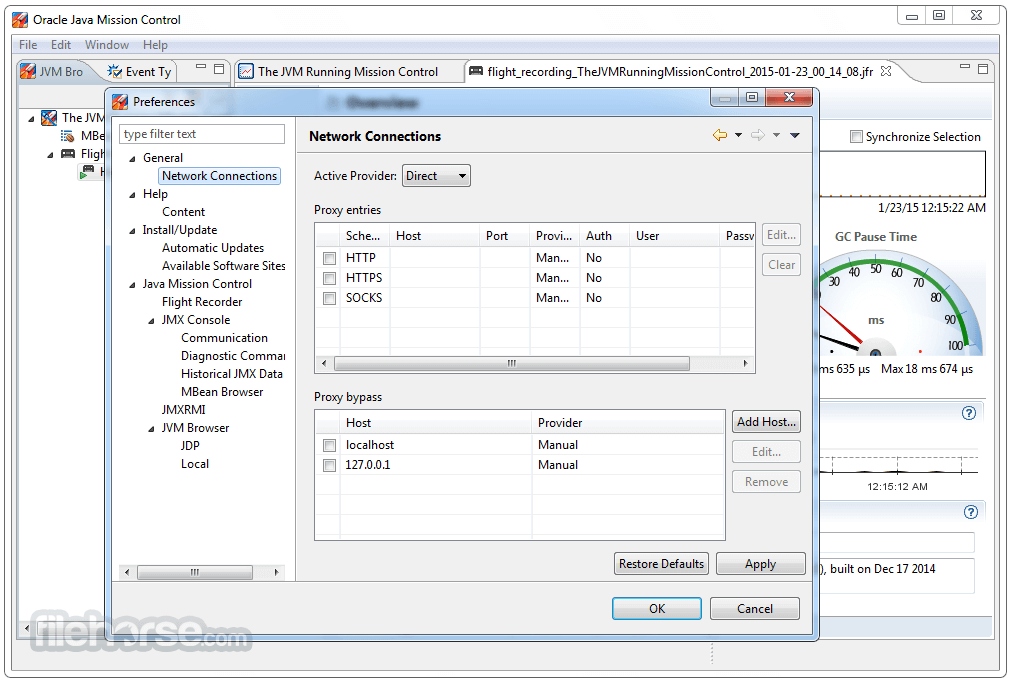
Java JDK 8 Update 491 (32-bit) Screenshots
The images below have been resized. Click on them to view the screenshots in full size.
-
-
-
-
What's new in this version:
JDK 8u491 contains IANA time zone data 2026a which contains the following changes since the previous update:
- Several code changes for compatibility with FreeBSD
- The only changed data are leap second table expiration and pre-1976 time in Baja California
- Moldova has used EU transition times since 2022
- The "right" TZif files are no longer installed by default
- -DTZ_RUNTIME_LEAPS=0 disables runtime support for leap seconds
- TZif files are no longer limited to 50 bytes of abbreviations
- zic is no longer limited to 50 leap seconds
- Several integer overflow bugs have been fixed
New Features:
security-libs/java.security ➜ Enhanced keytool Password Handling When Output Is Redirected (JDK-8354469):
- The keytool command reads passwords from the system console to prevent them from being displayed on the screen. However, the console is usually available only when both the standard input and output streams are not redirected. Previously, if the standard output stream was redirected into a file or another command, the console was unavailable and the input password was echoed on the screen. This enhancement improves password handling to ensure that the password is not displayed on the screen even if the standard output stream is redirected. This enhancement has also been made to the jarsigner command and the JAAS TextCallbackHandler API.
security-libs/java.security ➜ Oracle JDK src.zip File Now Includes Source Code for the JSSE/JCE/JGSS Components (JDK-8369608):
- The <java-home>/lib/src.zip file distributed with the Oracle JDK now contains sources for JCE, JGSS, and JSSE. Debugging tools can now examine or display most of the security source files.
security-libs/java.security➜ New Security Property jdk.crypto.disabledAlgorithms for Restricting Algorithms at the JCE layer (JDK-8244336):
- A new security property named jdk.crypto.disabledAlgorithms has been introduced to disable algorithms for JCE/JCA cryptographic services. Initially, this property only supports the Cipher, KeyStore, MessageDigest, and Signature services. This property is defined in the java.security file and initially no algorithms are disabled by default. However, this may change in the future. This security property can be overridden by a system property of the same name if applications need to re-enable algorithms.
Other Notes:
javafx/other ➜ Oracle JDK 8 Includes JavaFX for a Limited Time (JDK-8371301 (not public)):
- JavaFX is again included with JDK 8, although it has a shorter support timeline than JDK 8. Update releases of JDK 8 after March 2028 will not include JavaFX. Visit www.oracle.com/javase/javafx for details.
core-libs/java.net➜ Implementation of java.net.CookieStore.getURIs() and get(URI) Methods Now Return an Immutable List (JDK-8365086):
- The JDK's implementation of the java.net.CookieStore interface has been updated to return an immutable java.util.List from the getURIs() and get(URI) methods. The updated implementation now matches the specification of these two methods.
security-libs/java.security➜ Distrust TLS Server Certificates Anchored by Chunghwa Root Certificates and Issued After March 17, 2026 (JDK-8369282):
- The JDK will stop trusting TLS server certificates issued after March 17, 2026 and anchored by Chunghwa root certificates, in line with similar plans announced by Google and Mozilla.
- TLS server certificates issued on or before March 17, 2026 will continue to be trusted until they expire. Certificates issued after that date, and anchored by the Certificate Authority listed in the table below, will be rejected.
- The restrictions are enforced in the JDK implementation (the SunJSSE Provider) of the Java Secure Socket Extension (JSSE) API. A TLS session will not be negotiated if the server's certificate chain is anchored by any of the Certificate Authorities in the table below and the certificate has been issued after March 17, 2026.
An application will receive an exception with a message indicating the trust anchor is not trusted, for example:
- "TLS Server certificate issued after 2026-03-17 and anchored by a distrusted legacy Chunghwa root CA: OU=ePKI Root Certification Authority, O="Chunghwa Telecom Co., Ltd." C=TW"
- The JDK can be configured to trust these certificates again by removing "CHUNGHWA_TLS" from the jdk.security.caDistrustPolicies security property in the java.security configuration file.
Fixed:
- JDK-8162545 client-libs/2d Mac build failure
- JDK-8223045 client-libs/2d GraphicsEnvironment does not detect resolution changes in multiscreen systems
- JDK-8373727 client-libs/2d New XBM images parser regression: only the first line of the bitmap array is parsed
- JDK-6899304 client-libs/java.awt java.awt.Toolkit.getScreenInsets(GraphicsConfiguration) returns incorrect values
- JDK-8372756 client-libs/java.awt Mouse additional buttons and horizontal scrolling are broken on XWayland GNOME >= 47 after JDK-8351907
- JDK-8372534 client-libs/java.awt Update Libpng to 1.6.51
- JDK-8372048 client-libs/java.awt Performance improvement on Linux remote desktop
- JDK-8375063 client-libs/java.awt Update Libpng to 1.6.54
- JDK-8372977 client-libs/java.awt Unnecessary gthread-2.0 loading
- JDK-8366261 core-libs/java.io Provide utility methods for sun.security.util.Password
- JDK-8048192 core-libs/java.nio (bf) Out of direct buffer memory message should include the limits
- JDK-8228343 core-svc/tools JCMD and attach fail to work across Linux Container boundary
- JDK-8371052 javafx/media Update libFFI to 3.5.2
- JDK-8377099 javafx/web Additional WebKit 623.1 fixes from WebKitGTK 2.50.4
- JDK-8377930 javafx/web Additional WebKit 623.1 fixes from WebKitGTK 2.50.5
- JDK-8368572 javafx/web Update WebKit to 623.1
- JDK-8380557 javafx/web Additional WebKit 623.1 fixes from WebKitGTK 2.50.6
- JDK-8375549 security-libs/java.security ConcurrentModificationException if jdk.crypto.disabledAlgorithms has multiple entries with known oid
- JDK-8374555 security-libs/java.security No need for visible input warning in s.s.u.Password when not reading from System.in
- JDK-8186831 security-libs/org.ietf.jgss:krb5 Kerberos ignores PA-DATA with a non-null s2kparams
- JDK-8336695 xml/jaxp Update Commons BCEL to Version 6.10.0
 OperaOpera 133.0 Build 5932.24 (64-bit)
 LDPlayerLDPlayer - Android Emulator
 PhotoshopAdobe Photoshop CC 2026 27.7 (64-bit)
 BlueStacks AIBlueStacks AI
 GTA 6GTA 6 for PS5
 CapCutCapCut Desktop 8.7.0
 PC RepairPC Repair Tool 2026
 Hero WarsHero Wars - Online Action Game
 TradingViewTradingView - Trusted by 100 Million Traders
 Forza HorizonForza Horizon 6
Comments and User Reviews