




 10Web
10Web dbForge Studio
 SQL Server
 Instapage
 Antigravity
 Dreamweaver
 Portfolio
 Access
-
Latest Version
Apache NetBeans 29.0 LATEST
-
Review by
-
Operating System
Windows 7 64 / Windows 8 64 / Windows 10 64 / Windows 11
-
User Rating
Click to vote -
Author / Product
-
Filename
netbeans-29-bin.zip
-
MD5 Checksum
ec069a28ea5d8493ffe8f62b74a65c9e
Apache NetBeans is an open-source integrated development environment (IDE) primarily used for Java application development, but it also supports other programming languages like PHP, HTML5, and C/C++.
Originally developed by Sun Microsystems as a commercial IDE named NetBeans, it was later open-sourced under the Apache Software Foundation.
It provides a comprehensive set of tools and features to streamline the software development process and enhance productivity.
Apache NetBeans goes beyond being just a text editor. It not only highlights source code for both syntax and semantics but also offers a plethora of convenient and robust tools to facilitate effortless code refactoring.
Furthermore, it offers a wide array of editors, wizards, and templates designed to assist you in developing applications in various programming languages, including Java and PHP.
It's worth noting that NetBeans for Windows 11/10 can be effortlessly installed on all major operating systems that support Java, including Windows, Linux, Mac OSX, and BSD.
Just like the "Write Once, Run Anywhere" mantra that applies to Java, the prpogram adheres to the same principle.
Main Features
Multi-Language Support
Java, PHP, HTML5, C/C++, and more. Syntax highlighting, code completion, and code templates for various languages.
Extensive Plugin Ecosystem
A rich repository of plugins and extensions. Customize your IDE with tools and features that suit your development needs.
Project Management
Project templates for Java SE, Java EE, web, and other project types. Version control integration with Git, Subversion, and Mercurial.
Visual Designer
GUI Builder for creating Java Swing and JavaFX applications. Drag-and-drop components to design user interfaces effortlessly.
Debugging and Profiling
Advanced debugging tools with breakpoints, watches, and variable inspection. Profiling tools to analyze application performance.
Maven and Ant Support
Built-in support for Apache Maven and Apache Ant build tools. Simplifies project build and dependency management.
Platform
Develop standalone desktop applications using the Platform. Reusable components and modules for building Java applications.
Compatibility
Cross-platform support for Windows, macOS, and Linux. Compatible with JDK 8 and later.
User Interface
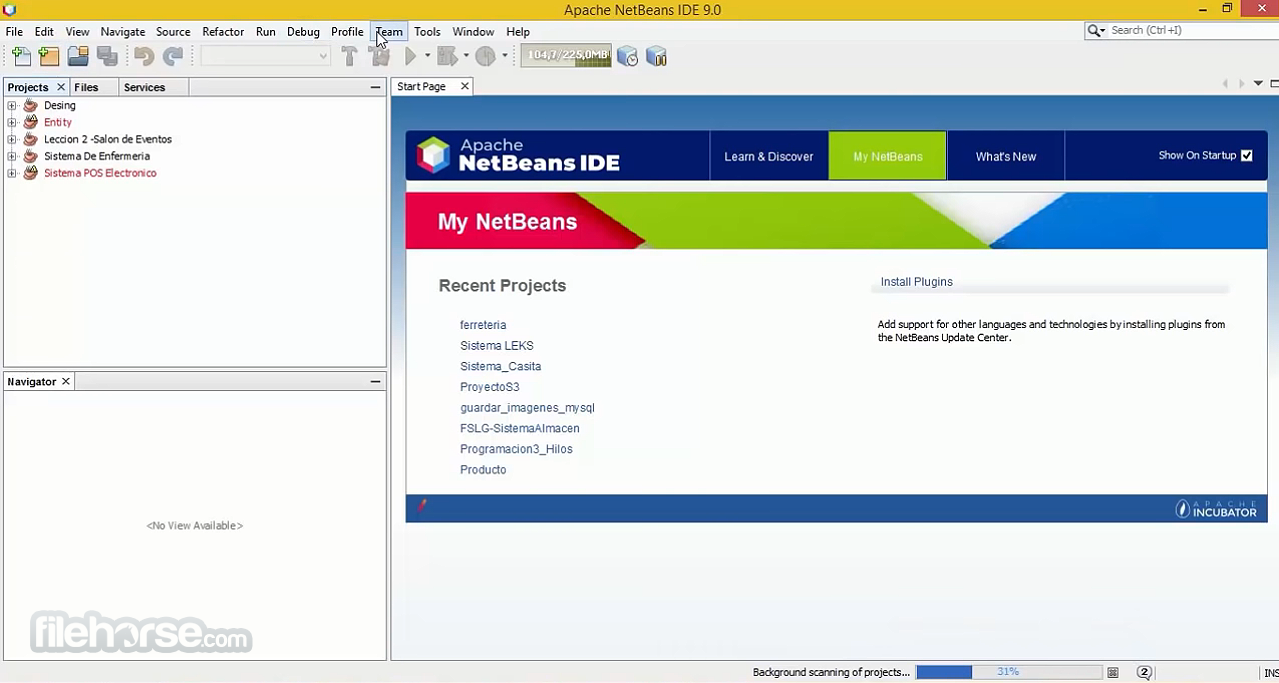
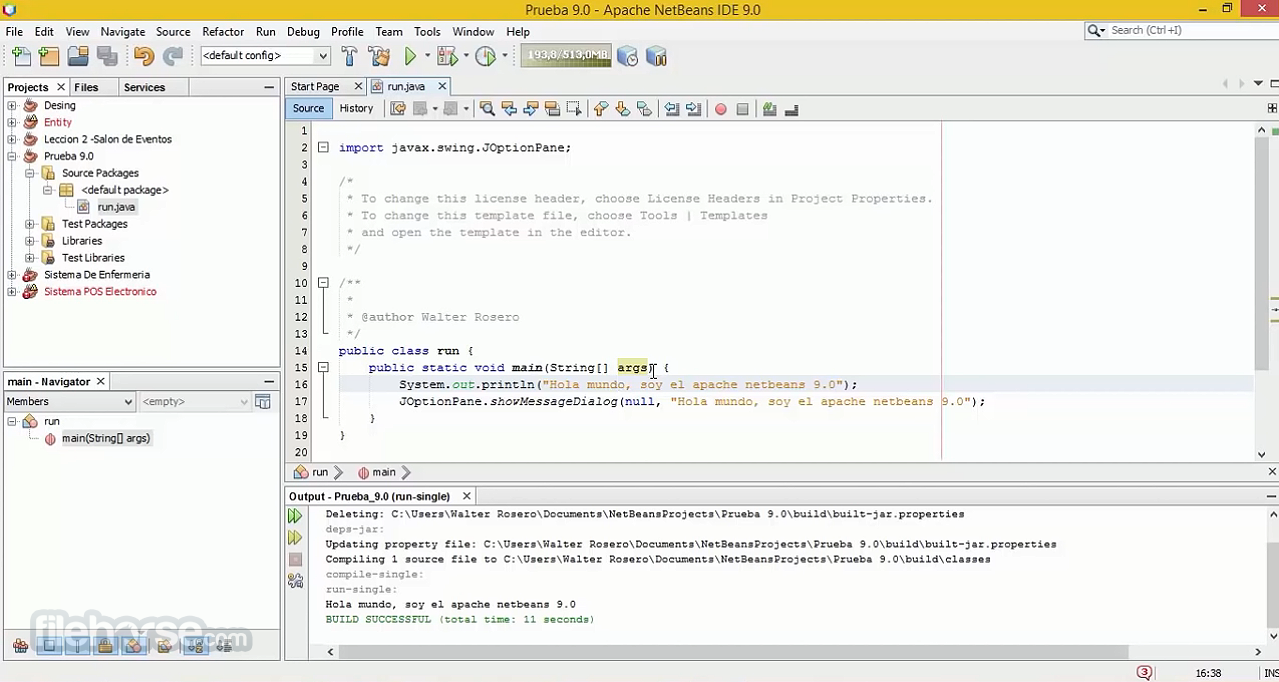
It offers an intuitive and user-friendly interface. The IDE features a clean, organized layout with a menu bar, toolbars, and multiple customizable windows for source code editing, project management, and output monitoring.
The dark and light themes cater to different preferences, making it easy on the eyes during long coding sessions. The drag-and-drop GUI builder is a standout feature, simplifying UI design.
Installation and Setup
Installing the IDE is straightforward. You can download the installer from the official website and follow the step-by-step instructions provided in the installer wizard. The installation process usually takes only a few minutes.
During installation, you can choose the desired plugins and extensions to include, tailoring the IDE to your specific needs.
How to Use
Creating a New Project
Is Apache NetBeans completely FREE to use?
Yes, Apache NetBeans is open-source and FREE to use, with no licensing fees.
Can I use Apache NetBeans for non-Java programming languages?
Yes, it supports multiple programming languages, including PHP, HTML5, and C/C++.
Are there any limitations to the FREE version of NetBeans for PC?
No, there are no limitations; it offers full functionality out of the box.
How can I update or install additional plugins in NetBeans?
You can access the plugin manager under "Tools" > "Plugins" to install, update, or remove plugins.
Is NetBeans suitable for professional software development?
Yes, NetBeans is widely used by professional developers for various types of projects.
Alternatives
Visual Studio Code: A lightweight, open-source code editor with extensive language support and a large collection of extensions. Ideal for web development and scripting.
Visual Studio Community: Free, fully-featured IDE for students, open-source and individual developers!
Eclipse IDE: Another popular open-source IDE that supports various programming languages, including Java, C/C++, and Python. It offers a vast plugin ecosystem and strong community support.
IntelliJ IDEA: A commercial IDE known for its strong Java support. It provides excellent code analysis and refactoring tools. A free Community Edition is available.
Pricing
The IDE software is completely FREE and open-source, with no associated costs for usage or support. This makes it an attractive choice for individuals, students, and organizations on a budget.
System Requirements
Apache NetBeans is a powerful and versatile integrated development environment that caters to developers working on Java and other programming languages. Its rich feature set, including a robust plugin ecosystem, visual designer, and version control integration, makes it a strong contender in the IDE landscape.
The fact that it's open-source and free to use only adds to its appeal, making it an excellent choice for both beginners and experienced developers alike. If you're looking for a reliable and feature-packed IDE without breaking the bank, Apache NetBeans is definitely worth trying out for your next coding project.
Note: Requires Java Development Kit.
Also Available: Download NetBeans IDE for Mac
Originally developed by Sun Microsystems as a commercial IDE named NetBeans, it was later open-sourced under the Apache Software Foundation.
It provides a comprehensive set of tools and features to streamline the software development process and enhance productivity.
Apache NetBeans goes beyond being just a text editor. It not only highlights source code for both syntax and semantics but also offers a plethora of convenient and robust tools to facilitate effortless code refactoring.
Furthermore, it offers a wide array of editors, wizards, and templates designed to assist you in developing applications in various programming languages, including Java and PHP.
It's worth noting that NetBeans for Windows 11/10 can be effortlessly installed on all major operating systems that support Java, including Windows, Linux, Mac OSX, and BSD.
Just like the "Write Once, Run Anywhere" mantra that applies to Java, the prpogram adheres to the same principle.
Main Features
Multi-Language Support
Java, PHP, HTML5, C/C++, and more. Syntax highlighting, code completion, and code templates for various languages.
Extensive Plugin Ecosystem
A rich repository of plugins and extensions. Customize your IDE with tools and features that suit your development needs.
Project Management
Project templates for Java SE, Java EE, web, and other project types. Version control integration with Git, Subversion, and Mercurial.
Visual Designer
GUI Builder for creating Java Swing and JavaFX applications. Drag-and-drop components to design user interfaces effortlessly.
Debugging and Profiling
Advanced debugging tools with breakpoints, watches, and variable inspection. Profiling tools to analyze application performance.
Maven and Ant Support
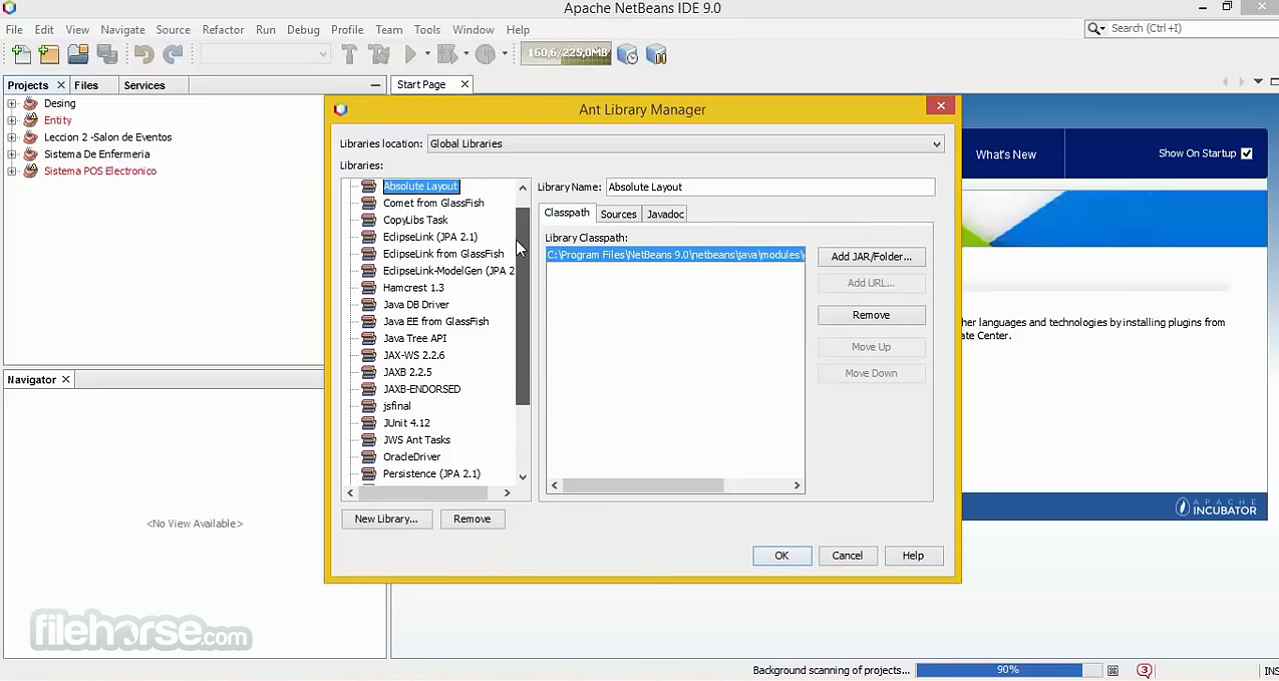
Built-in support for Apache Maven and Apache Ant build tools. Simplifies project build and dependency management.
Platform
Develop standalone desktop applications using the Platform. Reusable components and modules for building Java applications.
Compatibility
Cross-platform support for Windows, macOS, and Linux. Compatible with JDK 8 and later.
User Interface
It offers an intuitive and user-friendly interface. The IDE features a clean, organized layout with a menu bar, toolbars, and multiple customizable windows for source code editing, project management, and output monitoring.
The dark and light themes cater to different preferences, making it easy on the eyes during long coding sessions. The drag-and-drop GUI builder is a standout feature, simplifying UI design.
Installation and Setup
Installing the IDE is straightforward. You can download the installer from the official website and follow the step-by-step instructions provided in the installer wizard. The installation process usually takes only a few minutes.
During installation, you can choose the desired plugins and extensions to include, tailoring the IDE to your specific needs.
How to Use
Creating a New Project
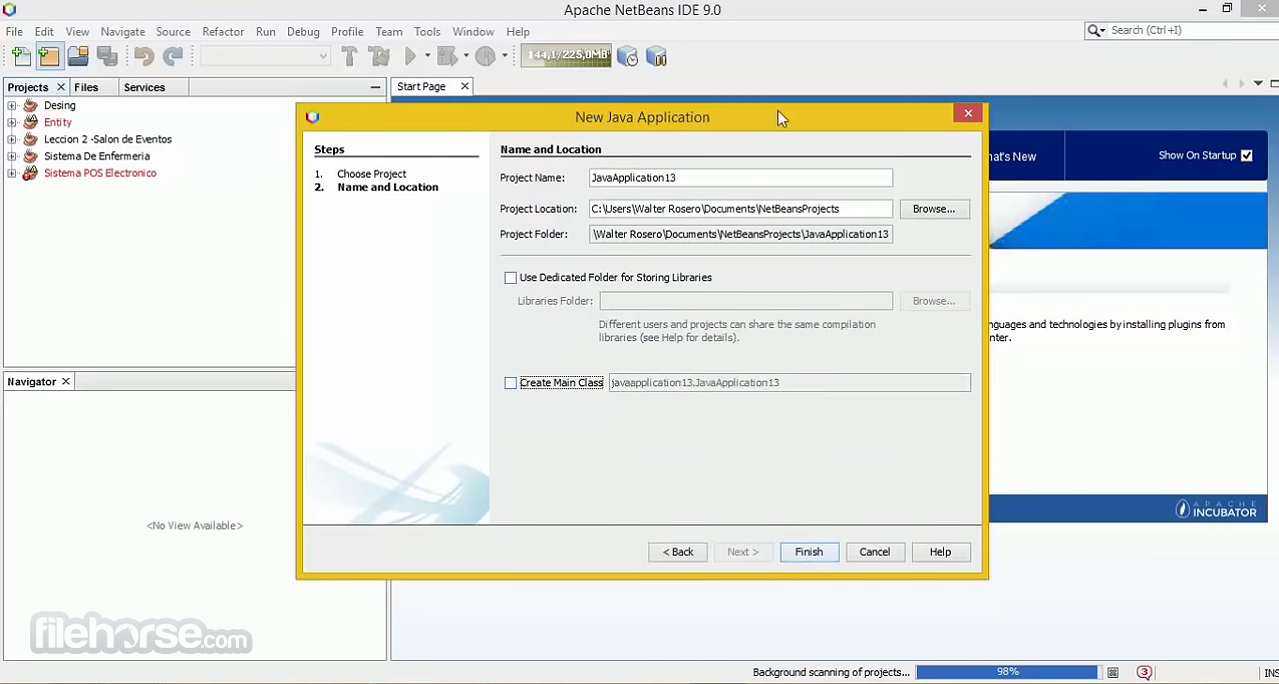
- Launch the program and click on "File" > "New Project."
- Select the project type and configure project settings.
- Click "Finish" to create the project.
- Open source files in the editor.
- Use code templates, code completion, and error highlighting for efficient coding.
- Click "Run" to build and execute your project.
- Debug and profile your code as needed.
- Navigate to "Tools" > "Plugins" to access the plugin manager.
- Install, update, or remove plugins to extend functionality.
- Integrate your project with version control systems.
- Perform commits, updates, and other VCS operations from within the IDE.
Is Apache NetBeans completely FREE to use?
Yes, Apache NetBeans is open-source and FREE to use, with no licensing fees.
Can I use Apache NetBeans for non-Java programming languages?
Yes, it supports multiple programming languages, including PHP, HTML5, and C/C++.
Are there any limitations to the FREE version of NetBeans for PC?
No, there are no limitations; it offers full functionality out of the box.
How can I update or install additional plugins in NetBeans?
You can access the plugin manager under "Tools" > "Plugins" to install, update, or remove plugins.
Is NetBeans suitable for professional software development?
Yes, NetBeans is widely used by professional developers for various types of projects.
Alternatives
Visual Studio Code: A lightweight, open-source code editor with extensive language support and a large collection of extensions. Ideal for web development and scripting.
Visual Studio Community: Free, fully-featured IDE for students, open-source and individual developers!
Eclipse IDE: Another popular open-source IDE that supports various programming languages, including Java, C/C++, and Python. It offers a vast plugin ecosystem and strong community support.
IntelliJ IDEA: A commercial IDE known for its strong Java support. It provides excellent code analysis and refactoring tools. A free Community Edition is available.
Pricing
The IDE software is completely FREE and open-source, with no associated costs for usage or support. This makes it an attractive choice for individuals, students, and organizations on a budget.
System Requirements
- Operating System: Windows 11, 10, 8 or 7
- Processor: 1.5 GHz or faster
- RAM: 2 GB minimum (4 GB recommended)
- Disk Space: 1.5 GB free space
- Open-source and free of charge
- Extensive plugin ecosystem
- Multi-language support
- Visual GUI designer
- Version control integration
- Cross-platform compatibility
- May have a steeper learning curve for beginners
- Slower startup compared to some other IDEs
Apache NetBeans is a powerful and versatile integrated development environment that caters to developers working on Java and other programming languages. Its rich feature set, including a robust plugin ecosystem, visual designer, and version control integration, makes it a strong contender in the IDE landscape.
The fact that it's open-source and free to use only adds to its appeal, making it an excellent choice for both beginners and experienced developers alike. If you're looking for a reliable and feature-packed IDE without breaking the bank, Apache NetBeans is definitely worth trying out for your next coding project.
Note: Requires Java Development Kit.
Also Available: Download NetBeans IDE for Mac
Why is this app published on FileHorse? (More info)
-
Apache NetBeans 29.0 Screenshots
The images below have been resized. Click on them to view the screenshots in full size.
-
-
-
-
 OperaOpera 128.0 Build 5807.52 (64-bit)
 Kling AIKling AI - Text or Image to Video
 PhotoshopAdobe Photoshop CC 2026 27.4 (64-bit)
 BlueStacksBlueStacks 10.42.166.1001
 OKXOKX - Buy Bitcoin or Ethereum
 CapCutCapCut 7.9.0
 PC RepairPC Repair Tool 2026
 Hero WarsHero Wars - Online Action Game
 TradingViewTradingView - Trusted by 100 Million Traders
 AdGuard VPNAdGuard VPN 2.9.0
Comments and User Reviews