




 10Web
10Web Replit
 Windsurf
 Cursor
 Instapage
 OnSpace AI
 SQL Server
 Antigravity
-
Latest Version
Charles 5.2 LATEST
-
Review by
-
Operating System
Windows 10 / Windows 11
-
User Rating
Click to vote -
Author / Product
-
Filename
charles-proxy-5.2-win-x86_64.msi
-
MD5 Checksum
667933fe43d0823ea4ecd79178eb6637
It acts as an intermediary between your computer and the internet, capturing and analyzing HTTP and HTTPS traffic.
By allowing users to inspect and manipulate web requests and responses, Charles software helps troubleshoot issues related to APIs, web applications, and network performance.
It is widely used for debugging applications, checking website security, and optimizing network traffic.
Key Features
HTTP and HTTPS Traffic Monitoring – Captures all HTTP and HTTPS requests made from your system to the internet.
SSL Proxying – Decrypts secure traffic to inspect and debug SSL/TLS encrypted websites.
Bandwidth Throttling – Simulates different network speeds to test application performance under varying conditions.
Request and Response Editing – Allows modification of requests and responses for debugging purposes.
Breakpoints – Intercepts and modifies requests before they reach the server.
Session Recording and Playback – Saves sessions for later review and debugging.
Reverse Proxy – Enables testing of applications that connect to backend services.
Cross-Platform Support – Runs on Windows, macOS, and Linux.
Mobile Device Debugging – Supports debugging traffic from iOS and Android devices.
Advanced Filtering and Searching – Helps isolate specific requests for better analysis.
User Interface
It provides a structured, tab-based UI that includes:
- A session overview panel displaying captured requests.
- A detailed request/response inspector.
- Tools for modifying, throttling, and replaying requests.
- A clear and intuitive layout, though it may take some time for new users to fully grasp its capabilities.
- Download and Install – Visit the official website or FileHorse, download the installer for Windows, and follow the installation steps.
- Configure Proxy Settings – Charles Proxy app automatically configures proxy settings for most users, but you may need to adjust browser or system settings manually.
- Install SSL Certificate – To debug HTTPS traffic, install the Charles root certificate and trust it in your browser or system.
- Enable Mobile Debugging – If testing a mobile app, configure the device to route traffic through Charles.
- Launch this program and ensure the proxy is enabled.
- Open the application or website you want to debug.
- It will capture and display traffic in real-time.
- Click on individual requests to inspect headers, bodies, and responses.
- Use breakpoints or modify requests to analyze issues in depth.
- Save or export logs for further analysis.
How do I capture HTTPS traffic in Charles?
Install the Charles root certificate and enable SSL proxying for specific domains under the SSL Proxy Settings menu.
Why is Charles not capturing traffic?
Ensure the proxy settings are correctly configured, and check if your firewall or antivirus is blocking Charles.
How do I debug mobile applications with Charles?
Set your mobile device’s proxy to Charles’ IP address and install the Charles SSL certificate on the device for HTTPS traffic inspection.
Can I use Charles to modify API requests?
Yes, use breakpoints to intercept requests and modify parameters before they reach the server.
Is Charles free to use?
It offers a free trial, but a license is required for continued use.
Alternatives
Fiddler – A popular alternative with similar debugging and network monitoring capabilities.
Wireshark – A packet analyzer for deep network analysis.
Postman – Primarily used for API testing with request debugging features.
Pricing
Trial Version: Free but with session interruptions.
Full License: $50 per user (one-time purchase).
Educational Discounts: Available for students and instructors.
System Requirements
- OS: Windows 7, 8, 10, 11 (32-bit and 64-bit)
- RAM: Minimum 2GB (4GB recommended)
- Disk Space: At least 200MB of free space
- Java Runtime: Required for some advanced features
- Powerful debugging tool for developers.
- Supports HTTPS traffic analysis.
- Flexible request manipulation and breakpoints.
- Bandwidth throttling for network testing.
- Works across multiple platforms, including mobile devices.
- Learning curve for new users.
- Paid license required for full functionality.
- Can be flagged by antivirus software.
- Lacks automation features found in some alternatives.
- UI feels outdated compared to modern debugging tools.
Charles Web Debugging Proxy is an essential tool for developers and testers who need in-depth insight into network traffic. Its capabilities in HTTPS monitoring, request manipulation, and bandwidth throttling make it invaluable for debugging web and mobile applications.
Note: 30 days trial version.
Also Available: Download Charles for Mac
-
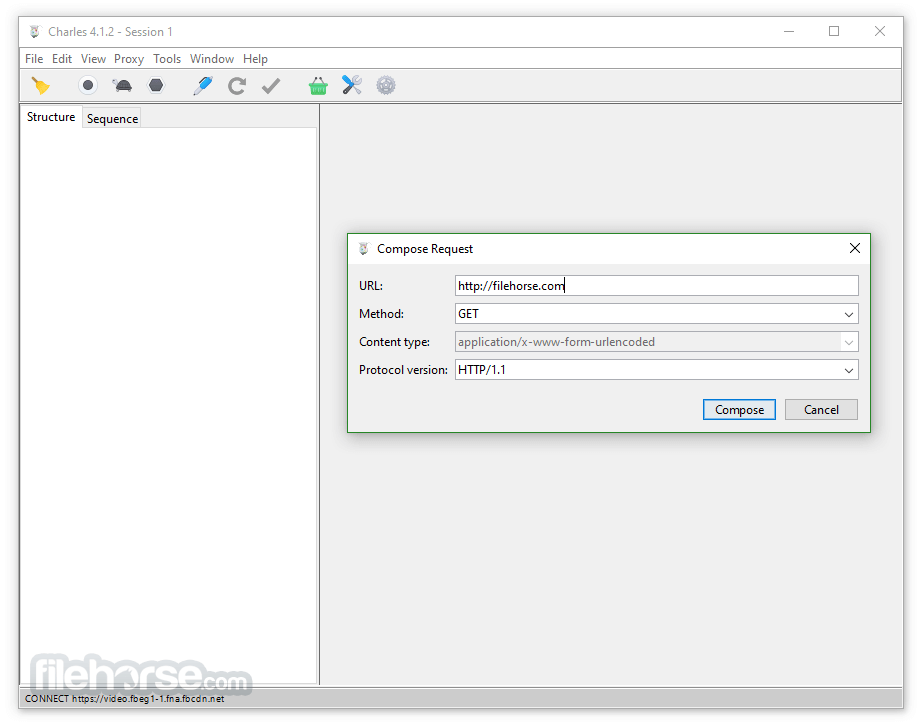
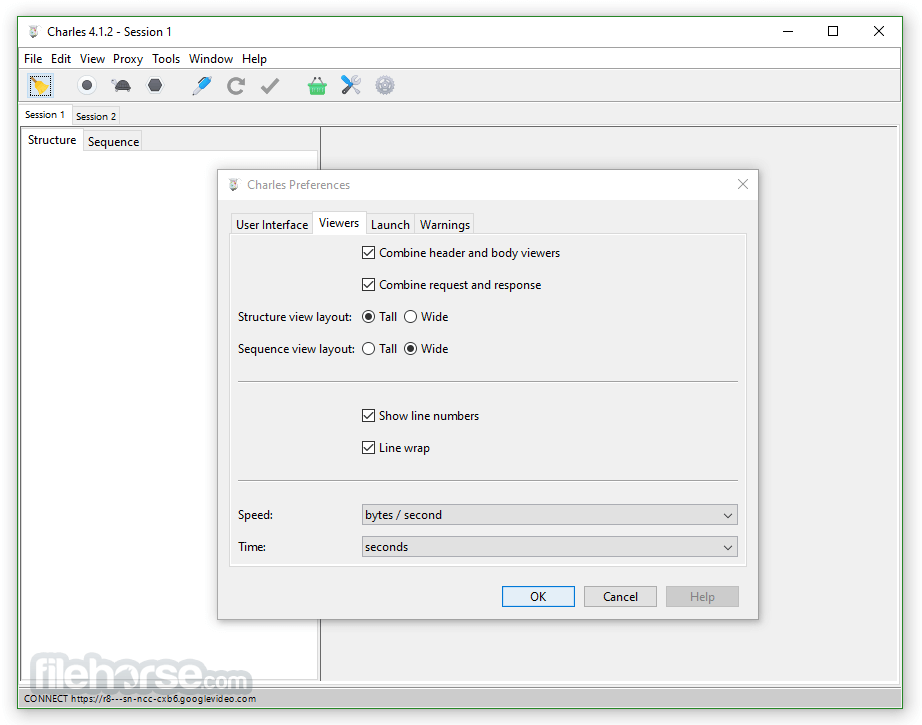
Charles 5.2 Screenshots
The images below have been resized. Click on them to view the screenshots in full size.
-

-
-

-

What's new in this version:
Major improvements:
- Faster and more reliable connections to dual-stack hosts using Happy Eyeballs (RFC 8305) connection establishment
- Forward 1xx interim responses, including 103 Early Hints, recorded as linked transactions
- Many HTTP/2 proxying correctness and robustness improvements (see bug fixes)
Minor improvements:
- New Unencrypted filter in the sequence view
- Improved sequence view filtering performance
- Improve expansion handling on the Structure view when using the filter
- New icons in the JSON and XML tree viewers
- Windows: JNA DLL is now codesigned
- Rewrite tool response status rewrite now works on HTTP2 responses
- Improved detection of text bodies for rewrite rules
- Rewrite the SSL certificate name when DNS Spoofing or the Rewrite tool changes the destination
- Recognise more TLS 1.3 draft minor versions and HTTP/3 draft version strings
- Propagate TCP half-close through tunnelled connections
- Flatlaf 3.7 for minor UI fixes & improvements on Linux and Windows
- New charles filter CLI subcommand for filtering requests and responses from saved Charles sessions
- --debug launch option to enable debug-level logging
- Allow saving the Error Log and streaming it to a file (right-click on Error Log)
Fixed:
- HTTP2 fixes and improvements: fixes a hang when concurrent streams exhaust the connection window; improve handling of max concurrent streams; improve hung stream detection; fix protocol error when Charles forwards a reset after remote close; fix an issue where Charles created an extra DATA frame on some GET requests; protocol compliance improvements; early connection closed handling and reporting
- Block list tool no longer hangs the connection when it blocks HTTP2 requests
- Fix NullPointerException on Active Connections frame when under load
- Avoid displaying non-sensical TLS information for in-progress streams
- Fix CSS and feed validation
- Reduce flashing when switching between requests
- macOS: menu bar icon dims again when the menu bar is inactive
 OperaOpera 132.0 Build 5905.73 (64-bit)
 LDPlayerLDPlayer - Android Emulator
 PhotoshopAdobe Photoshop CC 2026 27.7 (64-bit)
 BlueStacks AIBlueStacks AI
 NitradoNitrado - Rent a Gaming Server
 CapCutCapCut Desktop 8.7.0
 PC RepairPC Repair Tool 2026
 Hero WarsHero Wars - Online Action Game
 TradingViewTradingView - Trusted by 100 Million Traders
 Forza HorizonForza Horizon 6
Comments and User Reviews