




 Lovable
 10Web
10Web SQL Server
 OnSpace AI
 Cursor
 Windsurf
 Replit
 Antigravity
-
Latest Version
Apache NetBeans 31.0 LATEST
-
Review by
-
Operating System
Windows 7 64 / Windows 8 64 / Windows 10 64 / Windows 11
-
User Rating
Click to vote -
Author / Product
-
Filename
netbeans-31-bin.zip
-
MD5 Checksum
fd47fd7abce75df0194d072dd9987936
Originally developed by Sun Microsystems as a commercial IDE named NetBeans, it was later open-sourced under the Apache Software Foundation.
It provides a comprehensive set of tools and features to streamline the software development process and enhance productivity.
Apache NetBeans goes beyond being just a text editor. It not only highlights source code for both syntax and semantics but also offers a plethora of convenient and robust tools to facilitate effortless code refactoring.
Furthermore, it offers a wide array of editors, wizards, and templates designed to assist you in developing applications in various programming languages, including Java and PHP.
It's worth noting that NetBeans for Windows 11/10 can be effortlessly installed on all major operating systems that support Java, including Windows, Linux, Mac OSX, and BSD.
Just like the "Write Once, Run Anywhere" mantra that applies to Java, the prpogram adheres to the same principle.
Main Features
Multi-Language Support
Java, PHP, HTML5, C/C++, and more. Syntax highlighting, code completion, and code templates for various languages.
Extensive Plugin Ecosystem
A rich repository of plugins and extensions. Customize your IDE with tools and features that suit your development needs.
Project Management
Project templates for Java SE, Java EE, web, and other project types. Version control integration with Git, Subversion, and Mercurial.
Visual Designer
GUI Builder for creating Java Swing and JavaFX applications. Drag-and-drop components to design user interfaces effortlessly.
Debugging and Profiling
Advanced debugging tools with breakpoints, watches, and variable inspection. Profiling tools to analyze application performance.
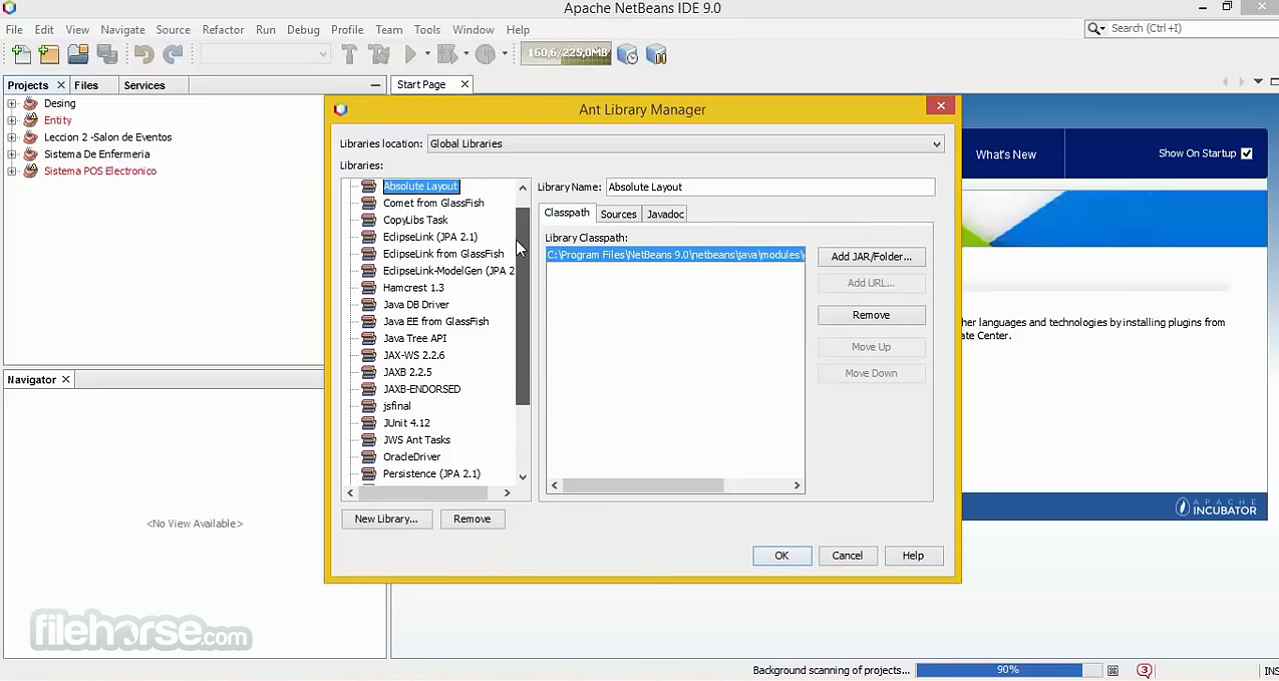
Maven and Ant Support
Built-in support for Apache Maven and Apache Ant build tools. Simplifies project build and dependency management.
Platform
Develop standalone desktop applications using the Platform. Reusable components and modules for building Java applications.
Compatibility
Cross-platform support for Windows, macOS, and Linux. Compatible with JDK 8 and later.
User Interface
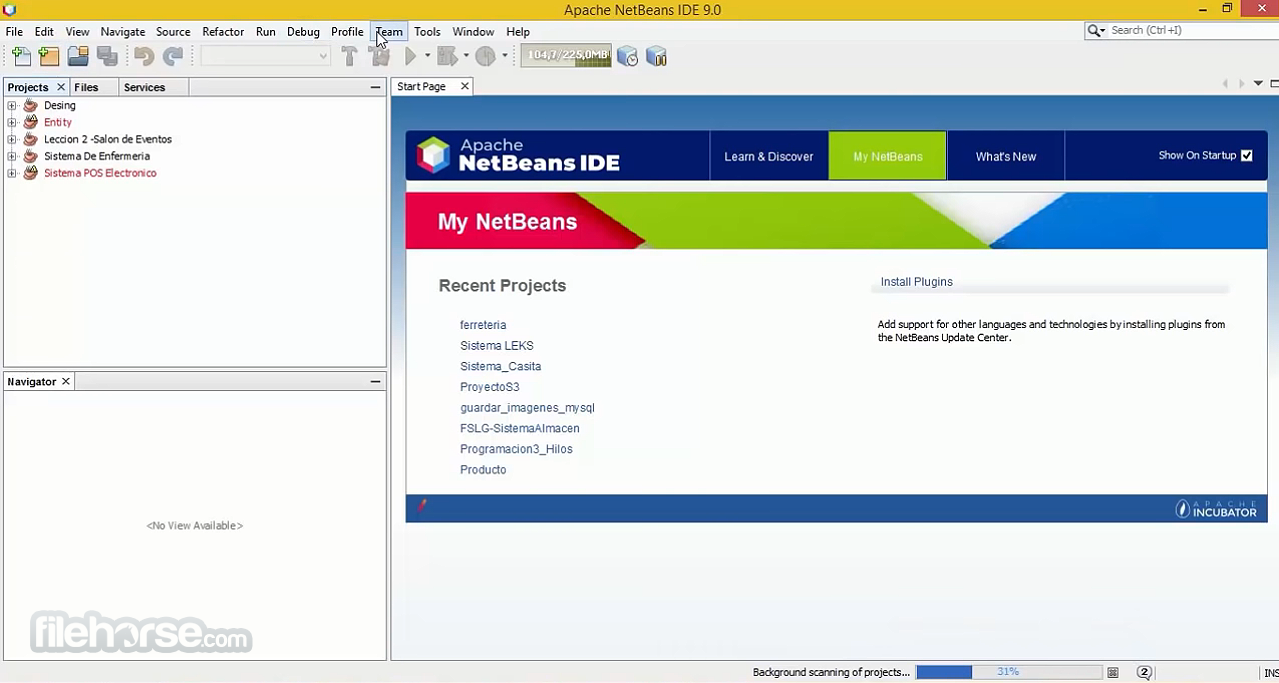
It offers an intuitive and user-friendly interface. The IDE features a clean, organized layout with a menu bar, toolbars, and multiple customizable windows for source code editing, project management, and output monitoring.
The dark and light themes cater to different preferences, making it easy on the eyes during long coding sessions. The drag-and-drop GUI builder is a standout feature, simplifying UI design.
Installation and Setup
Installing the IDE is straightforward. You can download the installer from the official website and follow the step-by-step instructions provided in the installer wizard. The installation process usually takes only a few minutes.
During installation, you can choose the desired plugins and extensions to include, tailoring the IDE to your specific needs.
How to Use
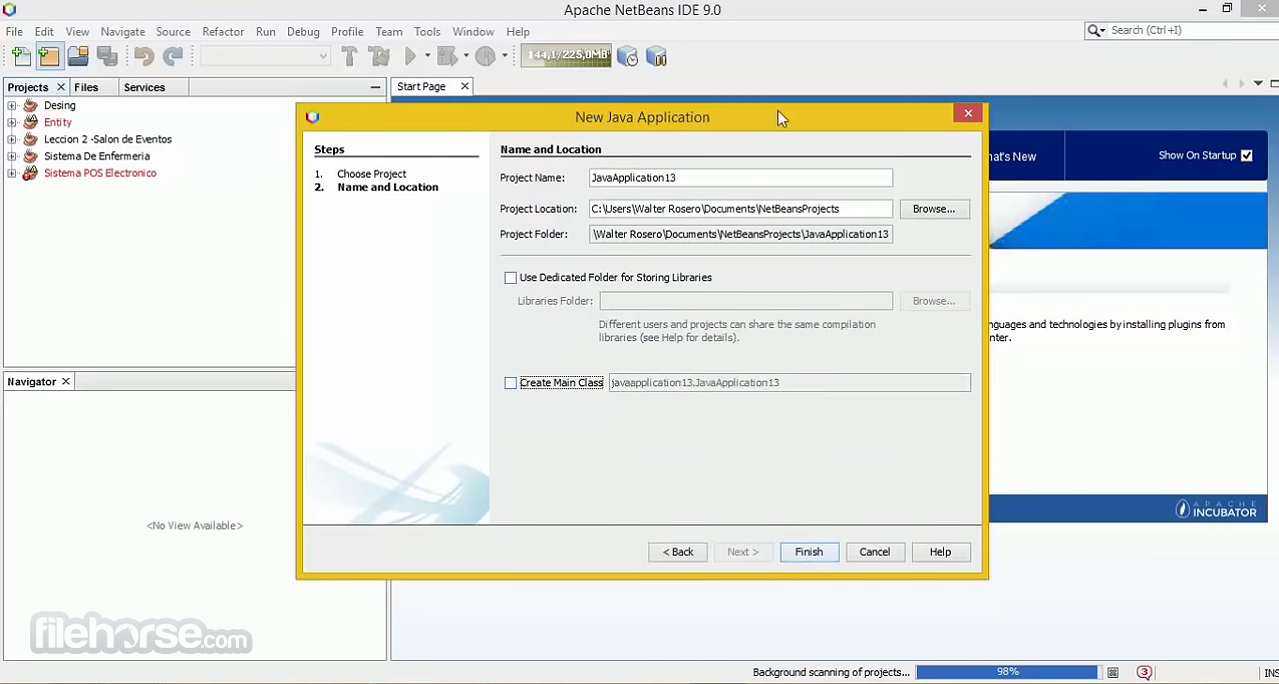
Creating a New Project
- Launch the program and click on "File" > "New Project."
- Select the project type and configure project settings.
- Click "Finish" to create the project.
- Open source files in the editor.
- Use code templates, code completion, and error highlighting for efficient coding.
- Click "Run" to build and execute your project.
- Debug and profile your code as needed.
- Navigate to "Tools" > "Plugins" to access the plugin manager.
- Install, update, or remove plugins to extend functionality.
- Integrate your project with version control systems.
- Perform commits, updates, and other VCS operations from within the IDE.
Is Apache NetBeans completely FREE to use?
Yes, Apache NetBeans is open-source and FREE to use, with no licensing fees.
Can I use Apache NetBeans for non-Java programming languages?
Yes, it supports multiple programming languages, including PHP, HTML5, and C/C++.
Are there any limitations to the FREE version of NetBeans for PC?
No, there are no limitations; it offers full functionality out of the box.
How can I update or install additional plugins in NetBeans?
You can access the plugin manager under "Tools" > "Plugins" to install, update, or remove plugins.
Is NetBeans suitable for professional software development?
Yes, NetBeans is widely used by professional developers for various types of projects.
Alternatives
Visual Studio Code: A lightweight, open-source code editor with extensive language support and a large collection of extensions. Ideal for web development and scripting.
Visual Studio Community: Free, fully-featured IDE for students, open-source and individual developers!
Eclipse IDE: Another popular open-source IDE that supports various programming languages, including Java, C/C++, and Python. It offers a vast plugin ecosystem and strong community support.
IntelliJ IDEA: A commercial IDE known for its strong Java support. It provides excellent code analysis and refactoring tools. A free Community Edition is available.
Pricing
The IDE software is completely FREE and open-source, with no associated costs for usage or support. This makes it an attractive choice for individuals, students, and organizations on a budget.
System Requirements
- Operating System: Windows 11, 10, 8 or 7
- Processor: 1.5 GHz or faster
- RAM: 2 GB minimum (4 GB recommended)
- Disk Space: 1.5 GB free space
- Open-source and free of charge
- Extensive plugin ecosystem
- Multi-language support
- Visual GUI designer
- Version control integration
- Cross-platform compatibility
- May have a steeper learning curve for beginners
- Slower startup compared to some other IDEs
Apache NetBeans is a powerful and versatile integrated development environment that caters to developers working on Java and other programming languages. Its rich feature set, including a robust plugin ecosystem, visual designer, and version control integration, makes it a strong contender in the IDE landscape.
The fact that it's open-source and free to use only adds to its appeal, making it an excellent choice for both beginners and experienced developers alike. If you're looking for a reliable and feature-packed IDE without breaking the bank, Apache NetBeans is definitely worth trying out for your next coding project.
Note: Requires Java Development Kit.
Also Available: Download NetBeans IDE for Mac
-
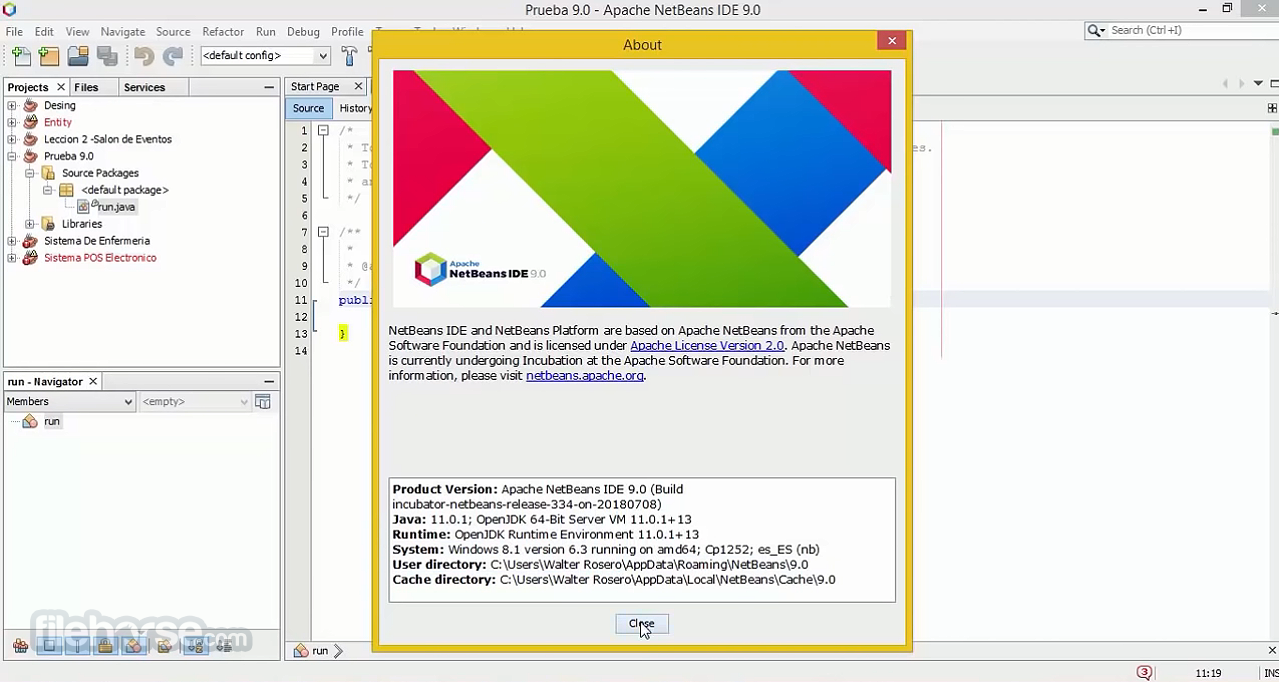
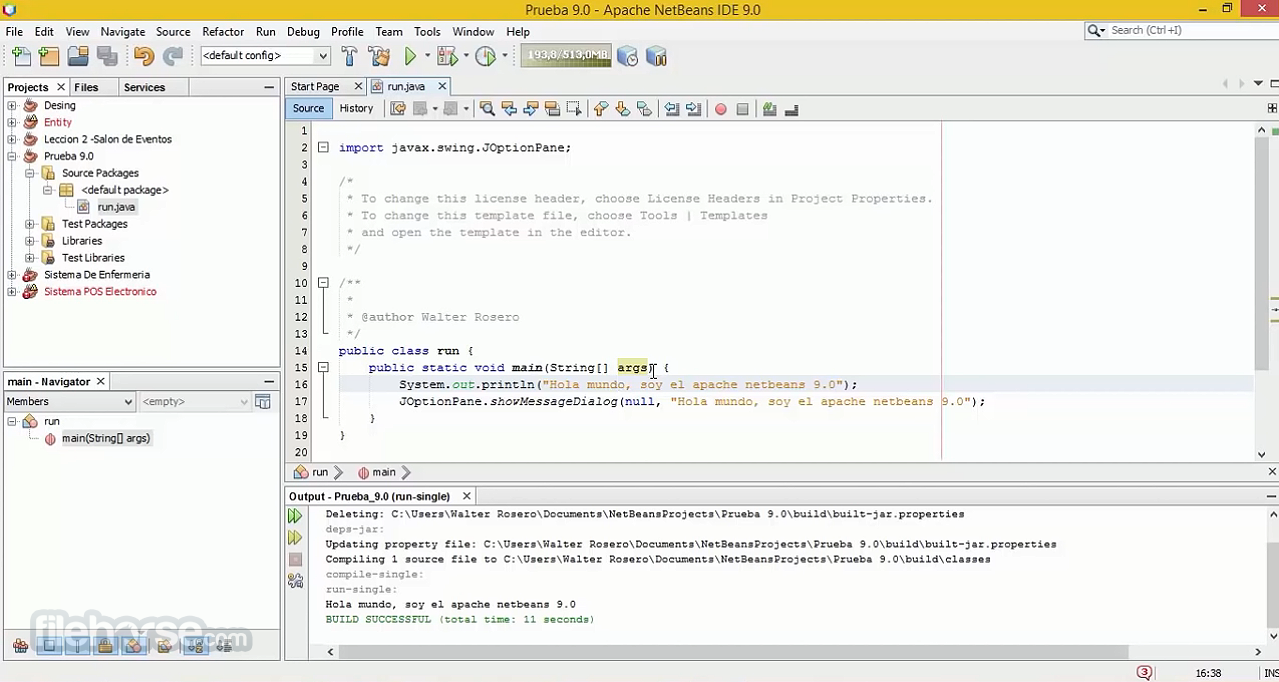
Apache NetBeans 31.0 Screenshots
The images below have been resized. Click on them to view the screenshots in full size.
-
-
-
-
What's new in this version:
Gradle:
- GradleFiles project scan should adhere to global root settings
- Gradle "Go to source" on callstack entries in test results does not work
- Upgrade Gradle Tooling to 9.6.1
Maven:
- Fix #9337 — recognize compact -T and --threads= Maven flags
- CI: Start testing on JDK 27-ea
- Fix #8087-Unable to add new web service client
- Added a global preference for user settings.xml for Maven projects
- Remove Netbinox dependency from MavenOSGI and support Export-Package with multi-package entries
- Fix Maven compile panel to respect Maven default JDK
- Update bundled maven to 3.9.16
- Bump MavenVersionSettings fallback versions for NB31
- Update exec-maven-plugin from 3.5.1 to 3.6.3
- Maven should not filter out non-jrt URLs from Java platform modular BCP
- Bump JavaFx maven archetype properties to more recent versions
Ant:
- Fixed more ternary concatenation bugs
- For apisupport.ant, don't try to use the nbjdk.bootclasspath ant property, but rather take nbjdk.home, and take the JDK's bootstrap classpath
- Update warning message of JavaFX ant project wizard
Java:
- Adding support for import module in code completion; fixing handling of module names in the LSP server
- Breakpoints for Java lambdas
- Adding ability to run OpenJDK tests against a full image
- Java completion enhanced to support no insertion of method parameters
- Fix Java reformatter for empty records and nested lambdas
- Upgrading to nb-javac from JDK 27b26
- Fix record reformatting for alternative brace positioning
- Update Reformatter to honour case wrap settings with switch expressions (GH7326)
- Update embedded tomcat from 9.0.113 to 9.0.120
- When running javac for a tagged CompilationController, do not set partial reparse positions
JavaFX:
- Update OpenJFX and fix crash on JDK 26
PHP:
- [PHP] FIXES #9171 Return type not added to constructor override
- Bump shivammathur/setup-php from 2.37.0 to 2.37.2
- [PHP] Return type changed in PHP >= 8-0. Fluent setters now return static
- PHP: Support variadic marked variables in PHPDoc
- PHP 8.4 Support: Property hooks
Enterprise:
- Fix default name evaluation for CDI beans
- CDI: improve PackagingFilter performance by avoiding costly opeation in loop
- Improve perf of EL module by caching ResolverContext in ELParserResult
- CDI: Fix/improve handling of EE specific artifacts in EnableBeansFilter
- GlassFish: Show supported range when no compatible JDK is installed
- Fix GlassFish 8.x install detection when modules/glassfish.jar is absent
- GlassFish: Don't pass removed -Djava.endorsed.dirs when running app clients
- Permit running Payara on JDK 25
Web:
- Update scss grammar file to fix those tickets: #8636, #8686 and #5799
- Expanding list of recognized JavaScript and TypeScript extensions
Versioning:
- Remember sort order of the file table in git diff view
Editor:
- Open files from imported projects on first run after update.
- Documents Window: keep selection after document is closed
- Fix search preview editor mime type on JDK 27
UI Changes:
- Remove textmate grammar registration by delete key and select the next one for fast deletion
Platform:
- Fix NetBeans launch failure on unix shell for arguments with quotes et al
- Moduleloading: Fix loading of classes in packages only present as versioned entries
- Enhance platform launcher to honour JAVA_HOME on macos
- Update JNA to 5.19.1
- Upgrader: add the migration of (filtered) var/attributes.xml
- Update FlatLaf from 3.7.1 to 3.7.2
- Reduce log level for PersistenceManager deserialization problems to INFO
Language Server Protocol:
- Added basic type checks in java.lsp.server config change listeners
- Disable LSP ServerTest#testChangeMethodParameters due to CI failures
Maintenance:
- Bump test-summary/action from 2.4 to 2.6
- Update ASM from 9.9 to 9.10
- Revert "Replace delete-artifact action with REST api calls using gh CLI"
- Updating commons-lang3 and testng dependencies
- Bump geekyeggo/delete-artifact from 5.1.0 to 6.0.0
- Pin runner images to specific OS versions in native binary workflows.
- Bump actions/checkout from 6 to 7
- Bump actions/cache from 5 to 6
- Improve XMLUtil and usage
- CI: disable the javac log matcher of the setup-java action
Other Changes:
- Propagate canUseRelease into CustomJavacClassLoader
 OperaOpera 134.0 Build 5954.56 (64-bit)
 BlueStacksBlueStacks 10.42.255.1002
 PhotoshopAdobe Photoshop CC 2026 27.9.1 (64-bit)
 LDPlayerLDPlayer - Android Emulator
 GTA 6GTA 6 for PS5
 CapCutCapCut Desktop 9.1.0
 PC RepairPC Repair Tool 2026
 Hero WarsHero Wars - Online Action Game
 TradingViewTradingView - Trusted by 100 Million Traders
 Halo: CampaignHalo: Campaign Evolved
Comments and User Reviews