




 LitMedia AI
 FocuSee
 RecCloud
 Filmora
 Restream
 Premiere Pro
-
Latest Version
-
Operating System
Windows 7 64 / Windows 8 64 / Windows 10 64 / Windows 11
-
User Rating
Click to vote -
Author / Product
-
Filename
OpenShot-v3.3.0-x86_64.exe
Sometimes latest versions of the software can cause issues when installed on older devices or devices running an older version of the operating system.
Software makers usually fix these issues but it can take them some time. What you can do in the meantime is to download and install an older version of OpenShot Video Editor 3.3.0 (64-bit).
For those interested in downloading the most recent release of OpenShot Video Editor (64-bit) or reading our review, simply click here.
All old versions distributed on our website are completely virus-free and available for download at no cost.
We would love to hear from you
If you have any questions or ideas that you want to share with us - head over to our Contact page and let us know. We value your feedback!
-
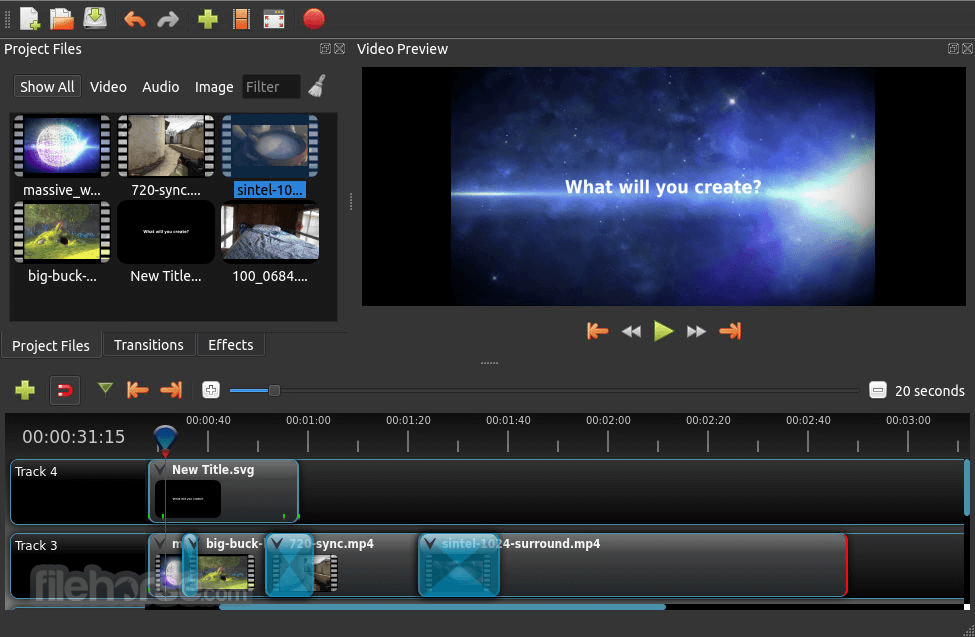
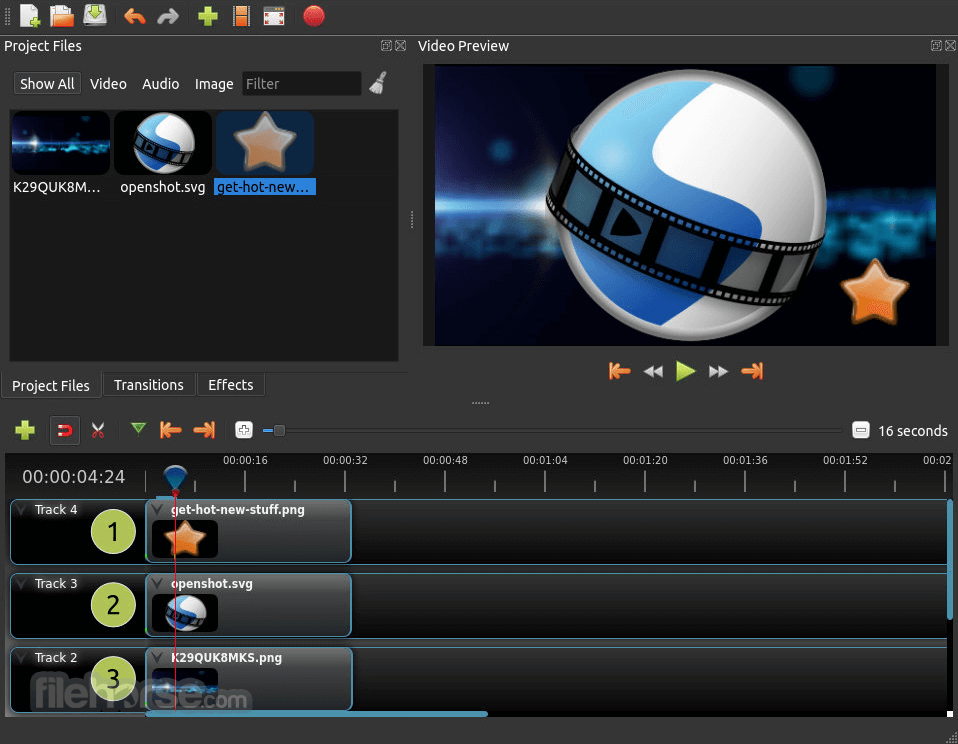
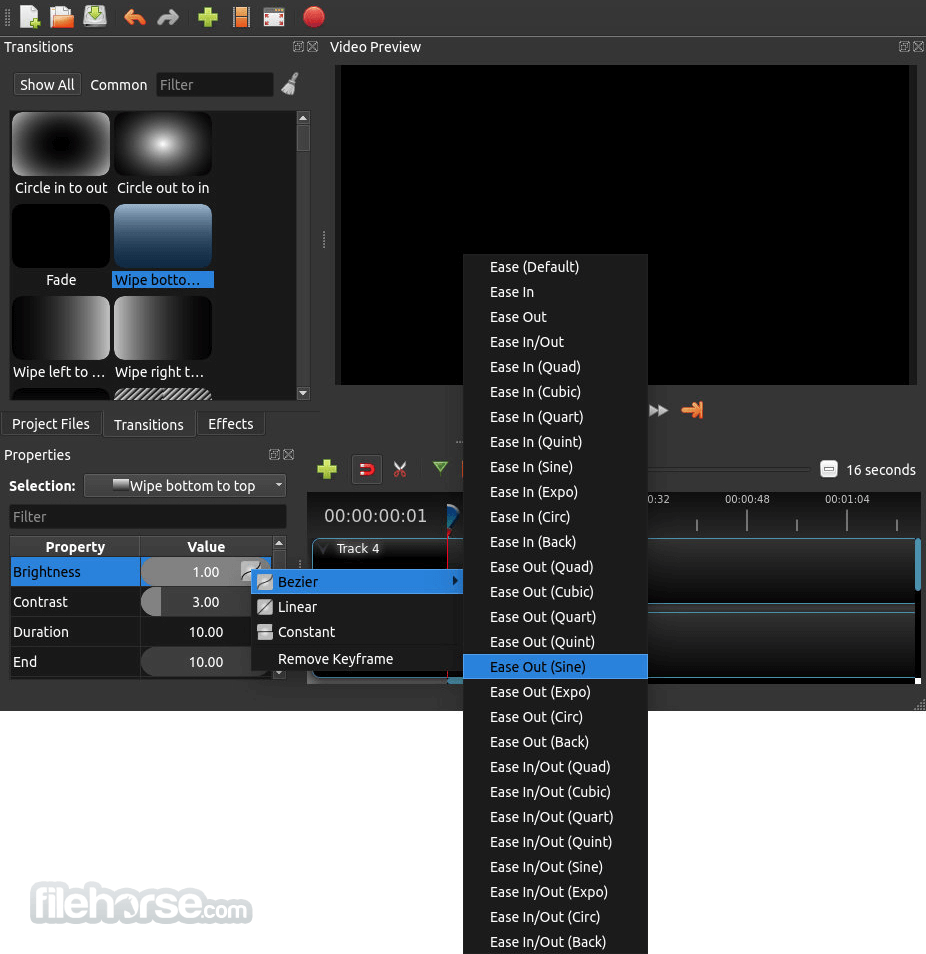
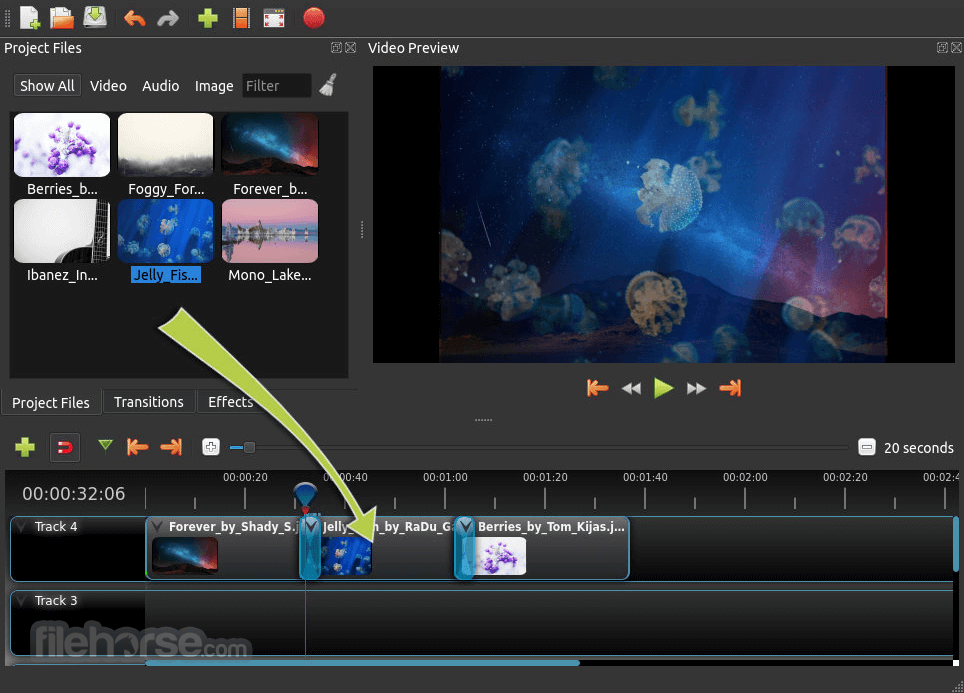
OpenShot Video Editor 3.3.0 (64-bit) Screenshots
The images below have been resized. Click on them to view the screenshots in full size.
-
-

-
-
What's new in this version:
Highlights & Features:
New Default Theme: "Cosmic Dusk" brings a modern and stylish look to OpenShot.
Comprehensive Ripple Editing Improvements:
- Playhead Alignment: The playhead now aligns automatically after ripple slice operations, keeping your edits precise
- Ripple Slice Enhancements: Ripple slicing supports multi-selection across different layers, allowing simultaneous slicing and realignment
- Ripple Delete Optimization: Deleting clips with ripple now adjusts the timeline seamlessly, preventing gaps and maintaining synchronization
- Ripple Select: Added Alt+Click for ripple selection, allowing users to select all items to the right of the clicked position, making timeline adjustments faster and more intuitive
- Keyboard Shortcut for Ripple Delete: Introduced Shift+Delete for quick ripple deletion, streamlining the editing process
- Focus Improvements: UI focus stays consistent on the timeline after ripple operations, ensuring uninterrupted workflow
- Recovery Menu: Restore previous project versions with a streamlined recovery menu, including timestamps for easy navigation
- Wayland-Compatible Color Picker: New color picker supports Wayland, ensuring compatibility with modern Linux systems
- Tutorial Dock Enhancements: Enhanced design and navigation with left/right arrows and word-wrap for wide translations
- Updated About Dialog: Redesigned layout with Cosmic Dusk theme alignment, word-wrap support, and a "Copy Version Info" option
- Zoom Slider Improvements: Enhanced zoom precision, frame boundary banding, and seamless navigation along the timeline
- Copy/Paste Overhaul: Smarter copy-paste for effects and timeline elements, with improved clipboard management
- Faster Timeline Updates: Significant performance boost when handling large projects or batch operations
- Audio Buffer Size Control: Customizable audio buffer size in preferences for optimal playback on various systems
- Track Resizing Fixes: Improved resizing behavior with better snapping to FPS precision
- Multi-Drag and Drop: Simplified handling of large clip batches with faster operations and better snapping
- Keyboard Shortcut Enhancements: Refined shortcuts for improved consistency and usability, aligned with industry standards
- Export Settings Refinements: Persistent export settings tied to projects, with "Restore Defaults" option
- No More Timeline Gaps: Automatically fixes tiny gaps during profile changes or exports to different FPS settings
- Translation Updates: Comprehensive updates to support additional languages and improve existing ones
 OperaOpera 129.0 Build 5823.28 (64-bit)
 Kling AIKling AI - Text or Image to Video
 PhotoshopAdobe Photoshop CC 2026 27.4 (64-bit)
 BlueStacksBlueStacks 10.42.167.1001
 OKXOKX - Buy Bitcoin or Ethereum
 CapCutCapCut 7.9.0
 PC RepairPC Repair Tool 2026
 Hero WarsHero Wars - Online Action Game
 TradingViewTradingView - Trusted by 100 Million Traders
 AdGuard VPNAdGuard VPN 2.9.0
Comments and User Reviews