




 Restream
 LitMedia AI
 Kling AI
 Camo Studio
 Artlist
 OpusClip
 Premiere Pro
-
Latest Version
-
Operating System
Windows 10 (64-bit) / Windows 11
-
User Rating
Click to vote -
Author / Product
-
Filename
PlexMediaServer-1.43.1.10611-1e34174b1-x86_64.exe
Sometimes latest versions of the software can cause issues when installed on older devices or devices running an older version of the operating system.
Software makers usually fix these issues but it can take them some time. What you can do in the meantime is to download and install an older version of Plex Media Server 1.43.1.10611.
For those interested in downloading the most recent release of Plex Media Server or reading our review, simply click here.
All old versions distributed on our website are completely virus-free and available for download at no cost.
We would love to hear from you
If you have any questions or ideas that you want to share with us - head over to our Contact page and let us know. We value your feedback!
-
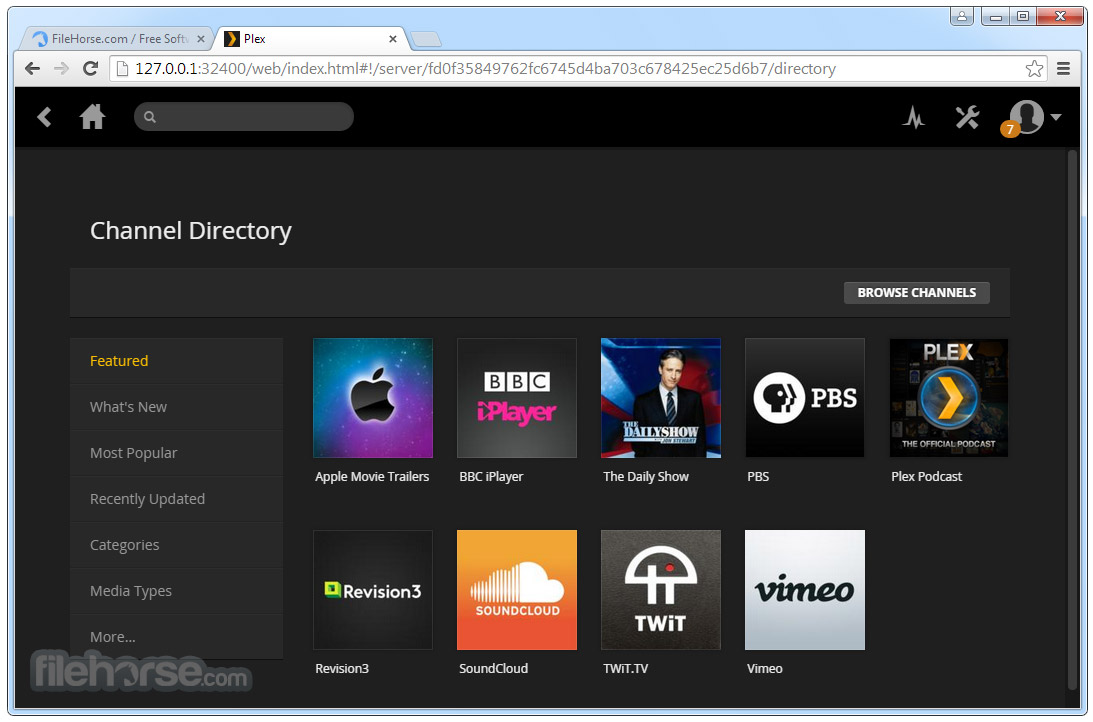
Plex Media Server 1.43.1.10611 Screenshots
The images below have been resized. Click on them to view the screenshots in full size.
-

-

-

-

What's new in this version:
New:
- (Transcoding) Add support for decoding AV1 files on Windows using Intel devices.
- (Transcoding) Added support for battlemage GPUs.
- (Transcoding) Removed experimental tag from HEVC preferences and enable by default.
- Updated Web to 4.159.0
Fixed:
- (Credits Detection) Force detection when manually triggering an analyze operation
- (Database) Migrations can fail on startup if malformed JSON data exists in the media_streams table
- (Downloads/Optimization) DiskFull and AccessDenied errors are no longer treated as recoverable.
- (Editions) The ‘Other Editions of’ hub could return incorrect items for non-Plex metadata agents
- (Extras) Cinema Trailers would fail to play on some clients
- (Hubs) Collections promoted to hubs on home and library section would not obey label restrictions for visibility
- (Hubs) The “Recently Added” TV Show hubs could potentially skip shows or seasons
- (Library) Server could crash when matching music
- (Linux) RPM package could fail to install in some specific scenarios
- (Live-TV) Addressed various issues with live-tv playback
- (MacOS) Local assets can sometimes be ignored when folder paths contain unicode characters
- (Metadata) Add ratings support to NFO parser
- (Metadata) Alternate collection image options were not being returned
- (Metadata) Critic and audience ratings lower than 10% were not being saved to the database
- (Metadata) Embedded thumbnails in episodes were being ignored
- (Metadata) Refreshing an item will set its logo again when it has been explicitly unset
- (Metadata) Requests for alternate images may return incomplete results if called quickly in succession
- (Metadata) Season and episode thumbnails for custom metadata agents would get removed when cleaning bundles
- (Metadata) Support spanning episodes in NFO parser
- (Metadata) When using the NFO Series provider, running a metadata refresh can get stuck
- (Music) Correctly tagged albums with more than 20 discs would fail matching all tracks
- (Scanner) Ignore QNAP specific hidden paths when watching for file changes
- (Sharing) Newly created libraries would not immediately be visible on “Grant Library Access” page
- (Subtitles) Fixes sync issue when transcoding subtitles to webvtt
- (Thumbnails) Thumbnails were incorrectly generated for videos with rotation
- (Transcode) Transcoding files with an aac audio track could fail with an ios client
- (Transcoder) Error message was unclear when all transcoder slots were used
- (Transcoding) Burning in subtitles produced a green border for some videos
- (Voice Activity) Allow manual analyze to force detection on previously failed attempts
- (Voice Activity) Detection could fail in some instances
 OperaOpera 133.0 Build 5932.60 (64-bit)
 LDPlayerLDPlayer - Android Emulator
 PhotoshopAdobe Photoshop CC 2026 27.7 (64-bit)
 BlueStacks AIBlueStacks AI
 GTA 6GTA 6 for PS5
 CapCutCapCut Desktop 8.9.1
 PC RepairPC Repair Tool 2026
 Hero WarsHero Wars - Online Action Game
 TradingViewTradingView - Trusted by 100 Million Traders
 Forza HorizonForza Horizon 6
Comments and User Reviews