




 Comet
Comet Opera GX
 Chrome
 Firefox
 Samsung
 iTop Browser
 AdsPower
-
Latest Version
-
Operating System
Windows 10
-
User Rating
Click to vote -
Author / Product
-
Filename
Vivaldi.8.0.4033.26.exe
Sometimes latest versions of the software can cause issues when installed on older devices or devices running an older version of the operating system.
Software makers usually fix these issues but it can take them some time. What you can do in the meantime is to download and install an older version of Vivaldi 8.0.4033.26 (32-bit).
For those interested in downloading the most recent release of Vivaldi (32-bit) or reading our review, simply click here.
All old versions distributed on our website are completely virus-free and available for download at no cost.
We would love to hear from you
If you have any questions or ideas that you want to share with us - head over to our Contact page and let us know. We value your feedback!
-
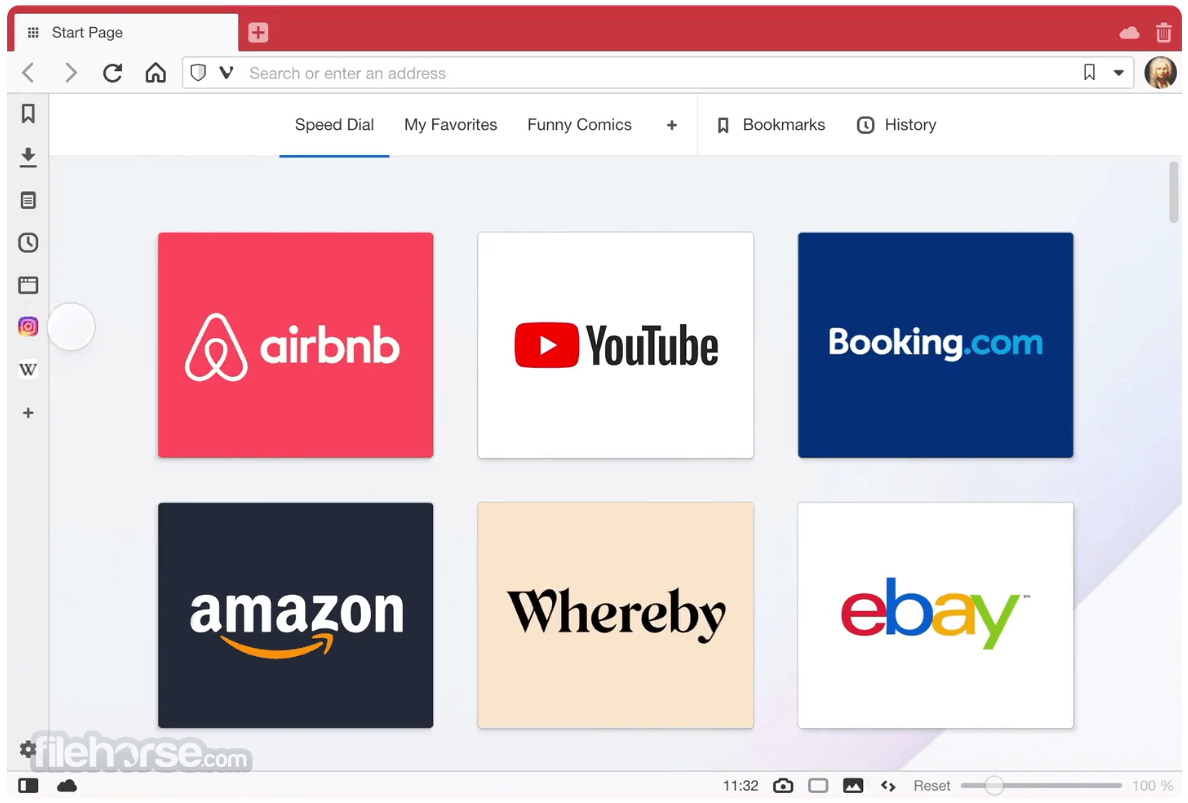
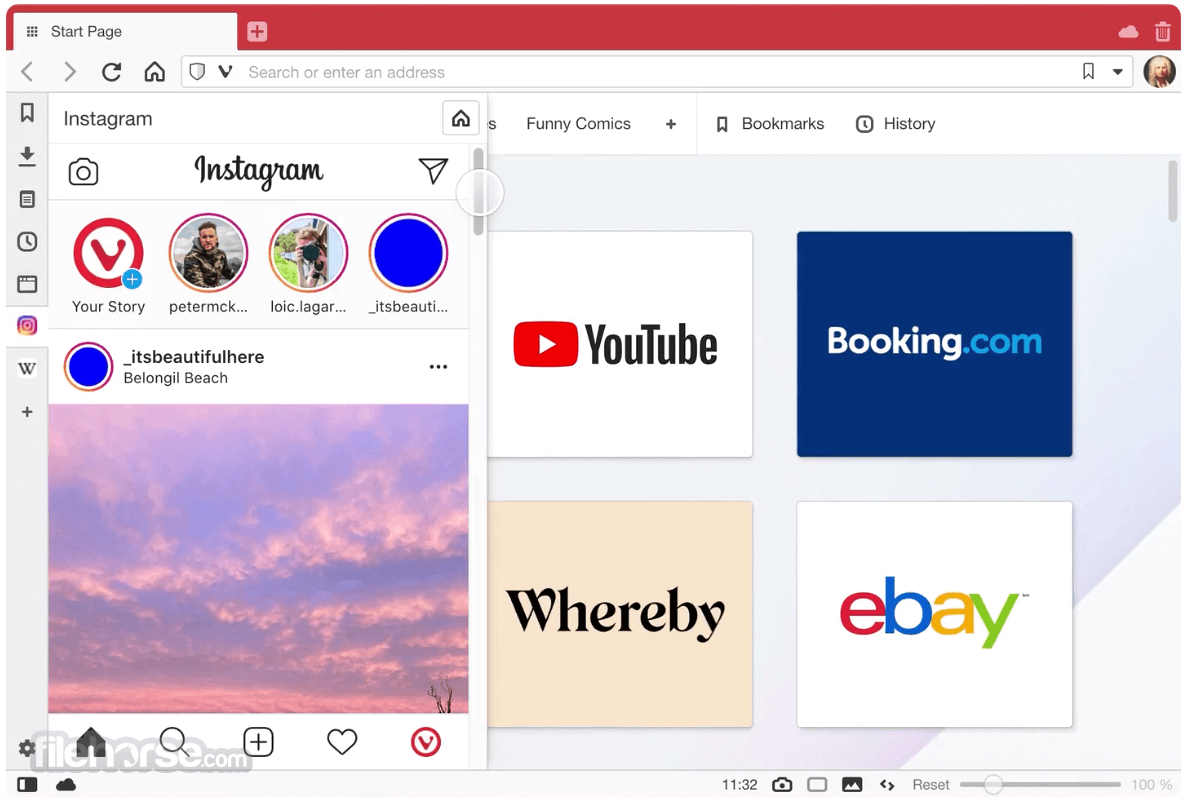
Vivaldi 8.0.4033.26 (32-bit) Screenshots
The images below have been resized. Click on them to view the screenshots in full size.
-
-

-

What's new in this version:
- [New][Themes] UI and theme refresh with unified design theme option
- [New][Layouts][Onboarding][Settings] Add preset layouts for easier quick configuration of the browser
- [New][Address field] Combine Site Prefs and Tracker blocker dialog
- [New][Panel Editor] Combine Add Web Panel and Customize into one dialog
- [New][Start Page] Quick settings makeover
- [New][Panels][Extensions] chrome.sidePanel.setOptions API does not work
- [New][User Agent] Spoof the current stable Chromium version: users were blocked because the browser is “unsupported”
- [New][Translate] Improve look of translate dialog
- [New][Tabs][Performance] Rewrite of the tabs management backend
- [New][Tabs][Windows Panel] Provide a new related tabs panel sort view
- [New][Permissions] Refactor permission handling
Auto-hide:
- [AutoHide] Suppress edge hot spots when entered while selecting/dragging
- [AutoHide][Mail] Panel doesn’t activate when on mail page
- [Autohide] Tune delay and animation speed
- [Autohide][Panels] Hidden panel can’t be shown after enabling
Crash:
- [Crash] On startup due to failing to initialize the ICU Library
- [Crash] When dismissing password save/update dialog
- [Crash] When undocking inspector
macOS:
- [macOS] Opening external link when the browser is closed opens in new window behind regular window
- [macOS] Three-finger tap lookup gesture is broken
- [macOS][Auto Update] Update Sparkle library
Mail:
- [Mail] Disabled elements in Mail Panel: send button does not work
- [Mail] Enter key no longer works in mail list for opening messages
- [Mail] Filter by date does nothing
- [Mail] Fix Search DB discrepancies
- [Mail] Mail Status Button running in Guest mode
- [Mail] Make composer Rich/Plain toggle into toolbar button
- [Mail] Offer a way to fix the unseen counters
- [Mail] Remove subject sorting from sorting per folder prefs
- [Mail] Sender and Recipient columns are reversed in Sent folders
- [Mail] Show an alert when an email without subject is sent
- [Mail] Some settings should be disabled when the system is not up
- [Mail] Some users mail cannot send or receive
- [Mail] Startup/shutdown needs an overhaul
- [Mail] Unable to re-add account after a crash
Menus:
- [Menus] Add Selection To context menu entry hides Notes/Calendar options
- [Menus] Horizontal Menu has two menu-buttons
- [Menus][Mail][Calendar] Add Selection To context menu entry hides Notes/Calendar options
Tabs:
- [Tabs] Animation is bad when the tab bar is not full
- [Tabs] Dragging over an accordion tabstack will unstack it
- [Tabs] Edit Tabstack, click in dialog and it closes
- [Tabs] External app link open, improve tab placement rule
- [Tabs][Restricted Pinned Tabs] Links opened from pinned tab get pinned
- [Tabs] Opened within a tiled tabstack should also be tiled
- [Tabs] Stuck in tab rename mode after accidentally double clicking a tab
- [Tabs] Tab opens outside current Workspace
- [Tabs] When vertical tabs enabled, make New Tab clickable area bigger
Settings:
- [Settings] Add explanation to Floating Panel when using Auto-hide UI
- [Settings] Disabled single key shortcuts show as enabled in keyboard cheat sheet
- [Settings] Turn off “Close window confirmation” as the default
Start Page:
- [Start Page] Cannot paste a copied text into sticky note when “Show Search Field” is unchecked
- [Start Page] Dragging a speed dial causes flashes between multiple states
- [Start Page] Focus Page hotkey not working
Other:
- [Address field] Priorize URLs else default to search when autocomplete is off
- [Auto Update] Restart notification displays no text until moused over
- [Bookmarks] Selector “Manually – related” option is shown when it should not
- [Bookmarks][a11y] Add label to edit bookmark dialog from startpage
- [Calendar] Extend event clipboard text representation
- [Chromium] Update to 148.0.7778.183
- [Dialogs] Single shortcut warning lacks padding
- [Feeds] Option for disabling feed button depends on feeds being enabled
- [Feeds] Wrong characters in from field of feed using different charset
- [Find in Page][Performance] Removing CSS filter from webview when unused
- [Follower Tab] Opening follower tab link in a stacked tab will automatically tile all the rest of the tabs in your stacked tab
- [Keyboard] Disabling web shortcuts prevents Shift+letter to write capital letters
- [Media][Widevine] Fetch Widevine earlier on startup
- [Panels][Windows Panel] Audio icon overlays active tab indicator
- [Translate] Gibberish Context added in Translation from Japanese to English
- [Window Panel] Change component visibility and order
- [Windows][Installer] vivaldi protocol association in Windows, causing popup on every launch
- [Workspaces] Links open in a new empty window with a broken tab bar
- [Workspaces] List is not updated when a window is closed
 OperaOpera 133.0 Build 5932.34 (64-bit)
 LDPlayerLDPlayer - Android Emulator
 PhotoshopAdobe Photoshop CC 2026 27.7 (64-bit)
 BlueStacks AIBlueStacks AI
 GTA 6GTA 6 for PS5
 CapCutCapCut Desktop 8.7.0
 PC RepairPC Repair Tool 2026
 Hero WarsHero Wars - Online Action Game
 TradingViewTradingView - Trusted by 100 Million Traders
 Forza HorizonForza Horizon 6
Comments and User Reviews