




 LimeWire
 RecoverGo
 AnyRecover
 Data Recovery
 iTop Recovery
 Proton Drive
 RecoveryFox
 Drecov
-
Latest Version
-
Operating System
Windows 7 64 / Windows 8 64 / Windows 10 64 / Windows 11
-
User Rating
Click to vote -
Author / Product
-
Filename
winrar-x64-721.exe
-
MD5 Checksum
17aa68c22d6983ad188a099b9c1a49ff
Sometimes latest versions of the software can cause issues when installed on older devices or devices running an older version of the operating system.
Software makers usually fix these issues but it can take them some time. What you can do in the meantime is to download and install an older version of WinRAR 7.21 (64-bit).
For those interested in downloading the most recent release of WinRAR (64-bit) or reading our review, simply click here.
All old versions distributed on our website are completely virus-free and available for download at no cost.
We would love to hear from you
If you have any questions or ideas that you want to share with us - head over to our Contact page and let us know. We value your feedback!
-
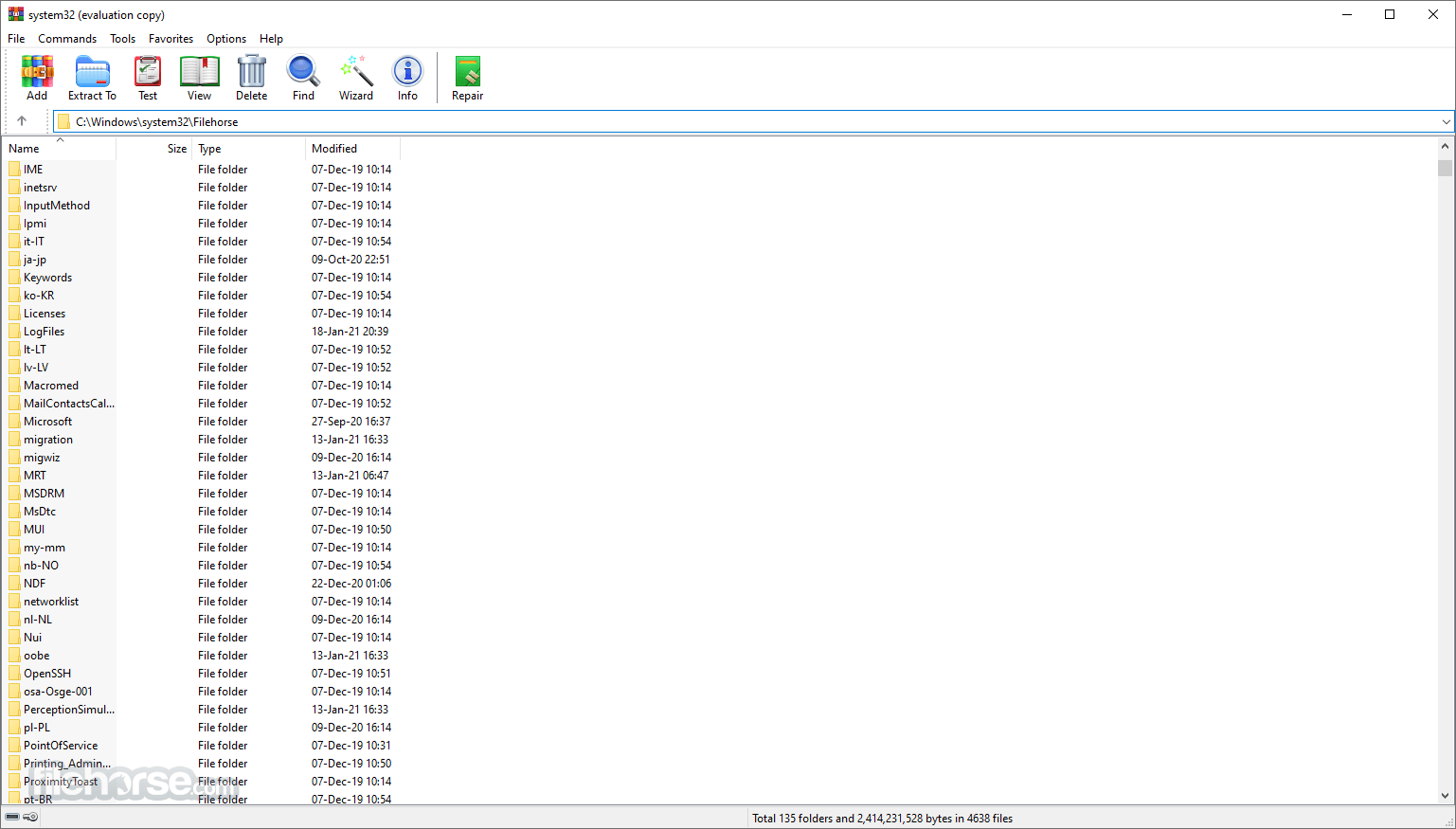
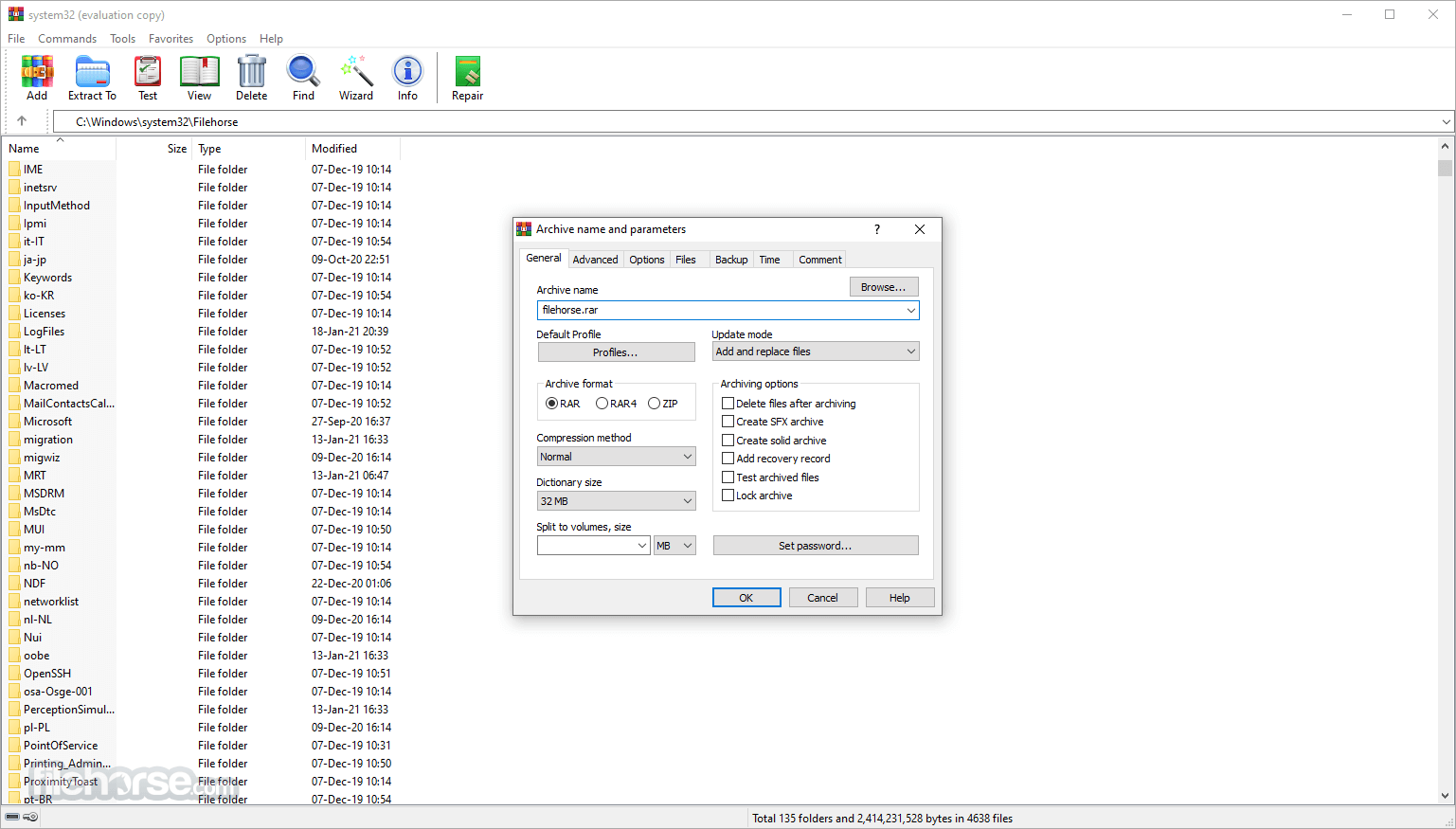
WinRAR 7.21 (64-bit) Screenshots
The images below have been resized. Click on them to view the screenshots in full size.
-
-

-

-

What's new in this version:
- WinRAR properly recognizes archives with a wrong file extension, containing an archive in another format stored without compression. For example, if host.rar, storing nested.zip inside, was renamed to host.zip, WinRAR 7.20 could display nested.zip contents when opening such host.zip. This version displays host.zip contents.
- Similarly to Windows Explorer, the first click on size and time columns in WinRAR file list sets the reverse sort mode with largest and latest files at the top.
- Switch -s=e performs the case insensitive file extension comparison in Windows. Unlike previous versions, solid statistics isn't reset anymore for file extensions differing only by case.
- If self-extracting archive attempts to extract files to a folder requring administrator rights and elevation prompt is cancelled by user, the archive quits silently instead of issuing the folder access error.
Fixed:
- WinRAR 7.20 could produce a broken archive when deleting files from solid archives in old RAR4 format. As a result of this fix, deleting files in solid RAR4 archives now involves the full archive repacking, similar to WinRAR versions preceding 7.20. It doesn't affect archives in the modern RAR5 format; with a rare combination of source data type and compression parameters, WinRAR 7.x could crash when compressing source data. Such crash was more likely when processing large amount of poorly compressible data;
- WinRAR 7.20 couldn't unpack ZIP archives containing file comment fields
- switch -tl didn't set the latest time when used with RAR 7.20 "ch" command
- extraction command didn't automatically replace device names like "aux", when unpacking archives containing such reserved names
- if folder shortcut was double clicked in "Save WinRAR settings as" dialog when exporting WinRAR settings, folder shortcut itself was overwritten with settings data instead of opening a target folder
 OperaOpera 132.0 Build 5905.22 (64-bit)
 AdsPowerAdsPower - Antidetect Browser
 PhotoshopAdobe Photoshop CC 2026 27.7 (64-bit)
 BlueStacks AIBlueStacks AI
 OKXOKX - Buy Bitcoin or Ethereum
 CapCutCapCut Desktop 8.7.0
 PC RepairPC Repair Tool 2026
 Hero WarsHero Wars - Online Action Game
 TradingViewTradingView - Trusted by 100 Million Traders
 Forza HorizonForza Horizon 6
Comments and User Reviews