




 Replit
 Cursor
 Lovable
 SQL Server
 Antigravity
 Windsurf
 OnSpace AI
 10Web
10Web
-
Latest Version
-
Operating System
Windows 7 64 / Windows 8 64 / Windows 10 64 / Windows 11
-
User Rating
Click to vote -
Author / Product
-
Filename
appbuilder64.zip
-
MD5 Checksum
e592957fd53e862eb1b9c45726c64309
Sometimes latest versions of the software can cause issues when installed on older devices or devices running an older version of the operating system.
Software makers usually fix these issues but it can take them some time. What you can do in the meantime is to download and install an older version of App Builder 2026.17.
For those interested in downloading the most recent release of App Builder or reading our review, simply click here.
All old versions distributed on our website are completely virus-free and available for download at no cost.
We would love to hear from you
If you have any questions or ideas that you want to share with us - head over to our Contact page and let us know. We value your feedback!
-
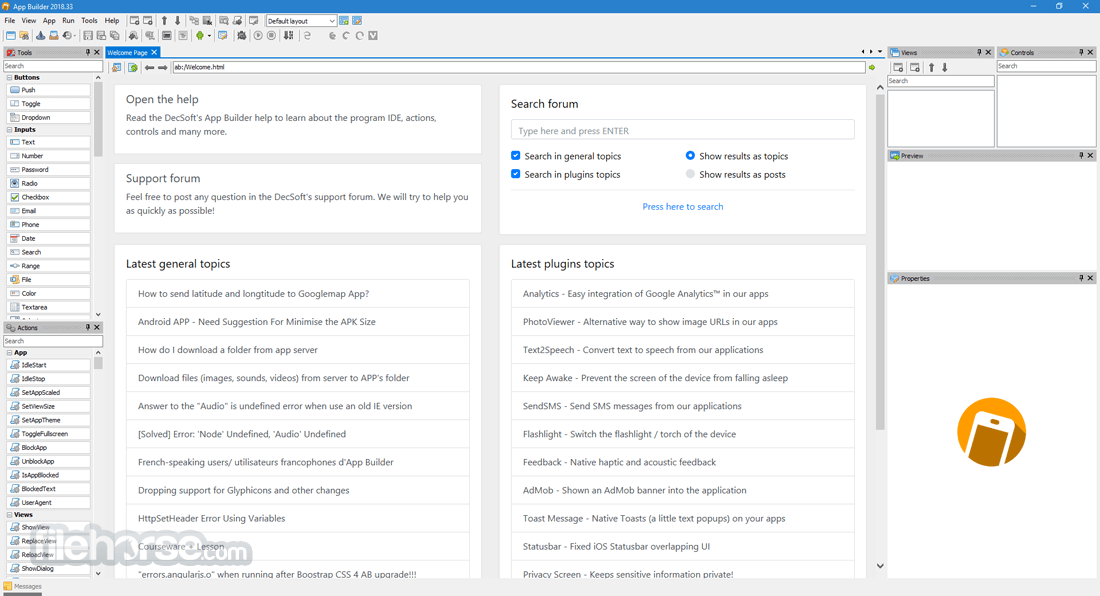
App Builder 2026.17 Screenshots
The images below have been resized. Click on them to view the screenshots in full size.
-

-

-

-

What's new in this version:
- This release of the product removes the full installer of Microsoft Runtime Edge from the product installer. Nowadays, including the installer of the Microsoft Runtime Edge is probably not required, since Windows 11 includes it out of the box, and Windows 10 includes it too with the right update. We keep, however, the installer in its "download flavor", just in case we need to use it. By doing this change, we reduce the DecSoft App Builder installer size from 270 MB to 72 MB.
 OperaOpera 134.0 Build 5954.26 (64-bit)
 BlueStacksBlueStacks 10.42.251.1003
 PhotoshopAdobe Photoshop CC 2026 27.9.1 (64-bit)
 LDPlayerLDPlayer - Android Emulator
 GTA 6GTA 6 for PS5
 CapCutCapCut Desktop 9.1.0
 PC RepairPC Repair Tool 2026
 Hero WarsHero Wars - Online Action Game
 TradingViewTradingView - Trusted by 100 Million Traders
 Halo: CampaignHalo: Campaign Evolved
Comments and User Reviews