




 Kittl
Kittl FotorPea
 Luminar Neo
 CorelDRAW Go
 Picsart
 Envato
 Lightroom
-
Latest Version
-
Operating System
Windows 7 64 / Windows 8 64 / Windows 10 64
-
User Rating
Click to vote -
Author / Product
-
Filename
Blockbench_5.0.3
Sometimes latest versions of the software can cause issues when installed on older devices or devices running an older version of the operating system.
Software makers usually fix these issues but it can take them some time. What you can do in the meantime is to download and install an older version of Blockbench 5.0.3.
For those interested in downloading the most recent release of Blockbench or reading our review, simply click here.
All old versions distributed on our website are completely virus-free and available for download at no cost.
We would love to hear from you
If you have any questions or ideas that you want to share with us - head over to our Contact page and let us know. We value your feedback!
-
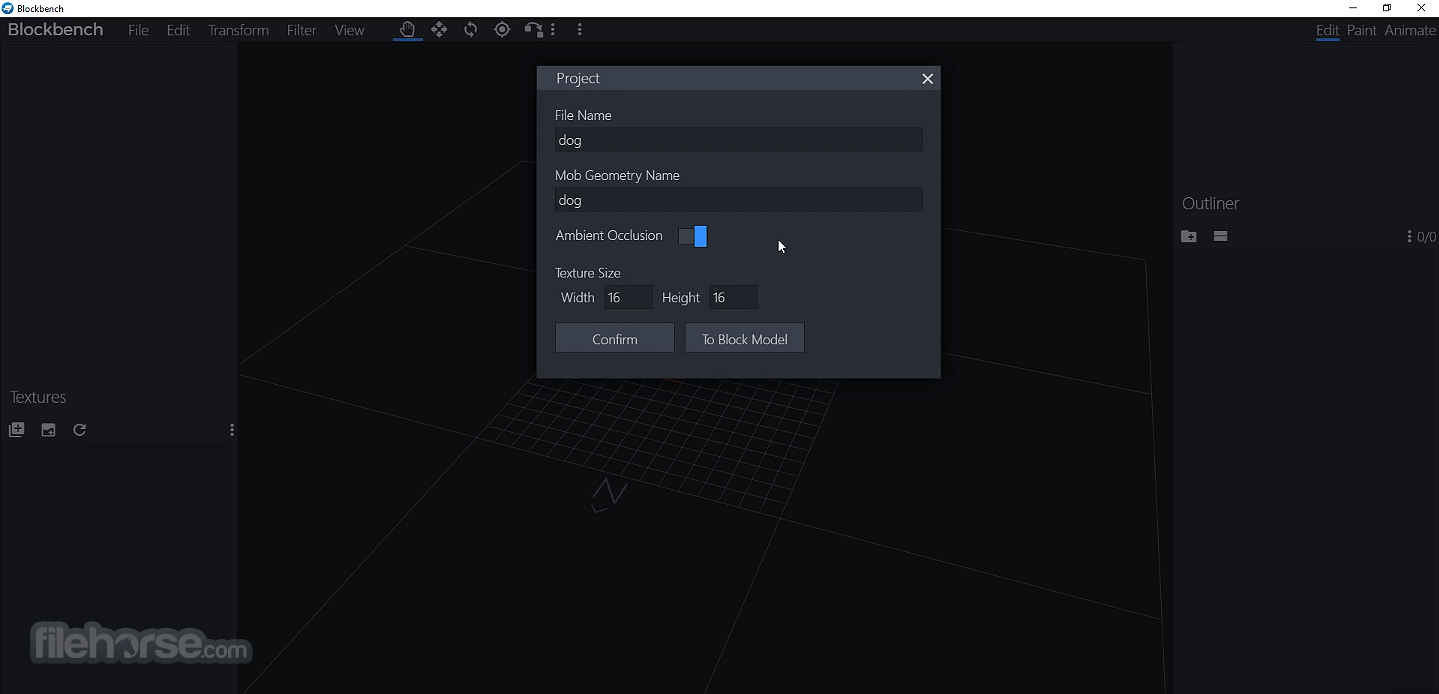
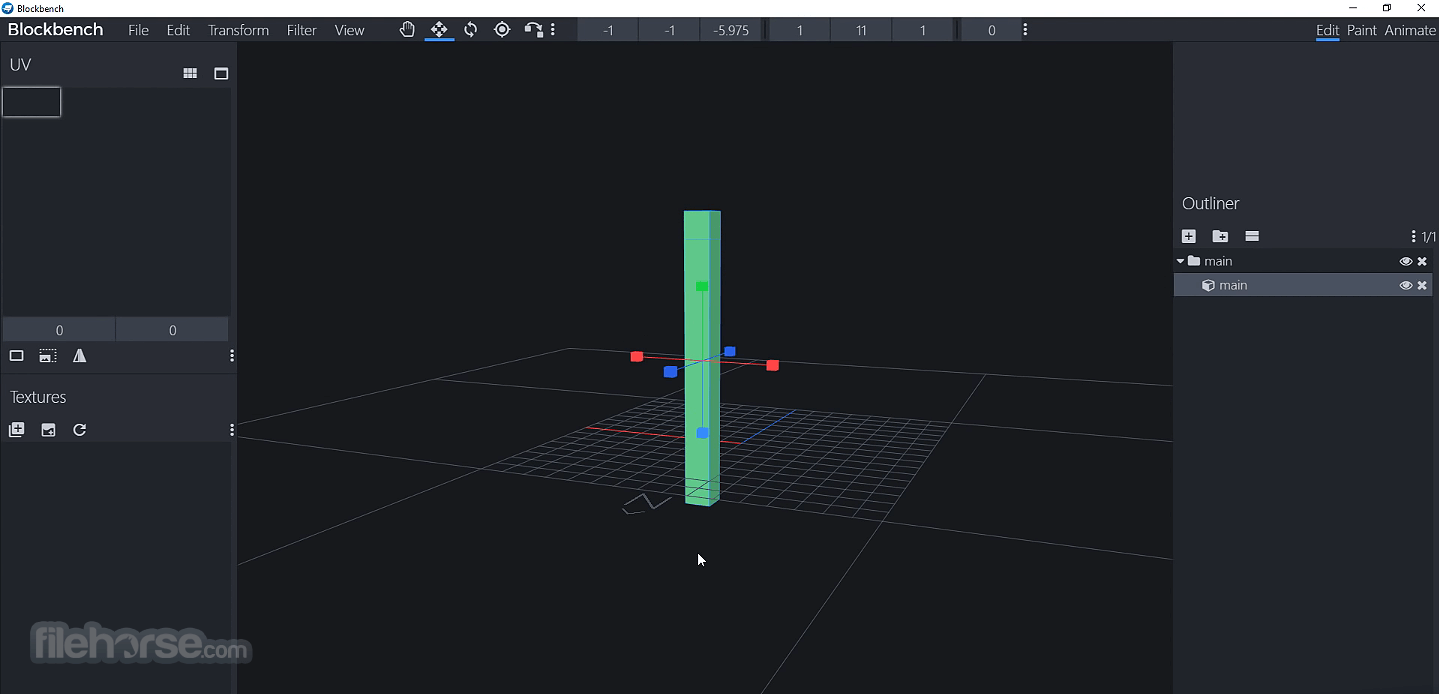
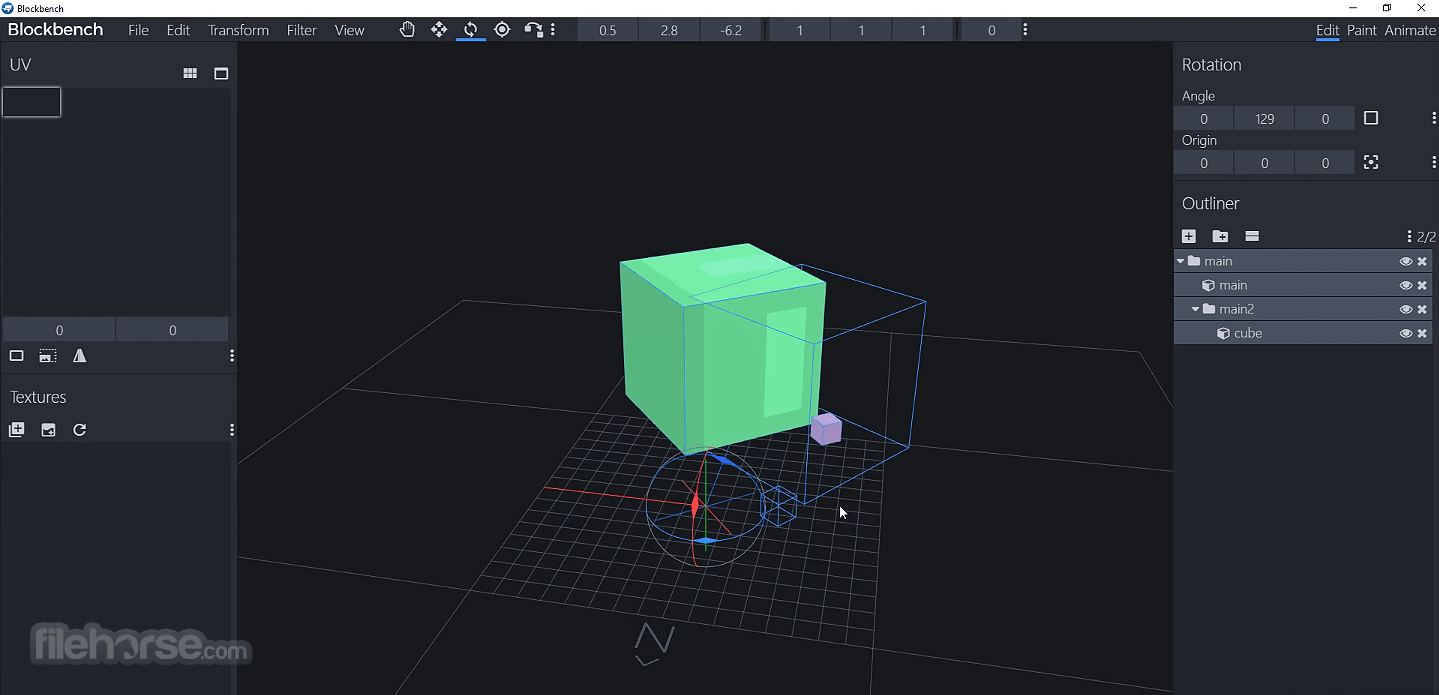
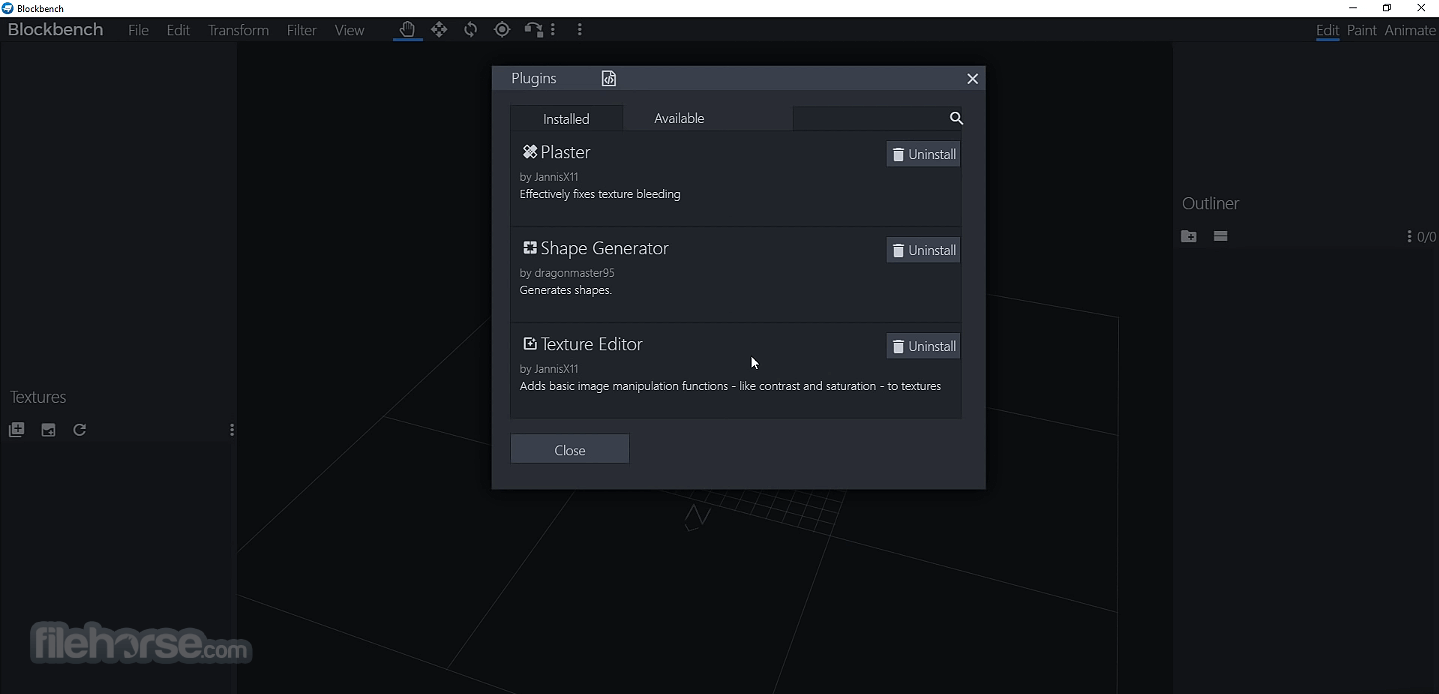
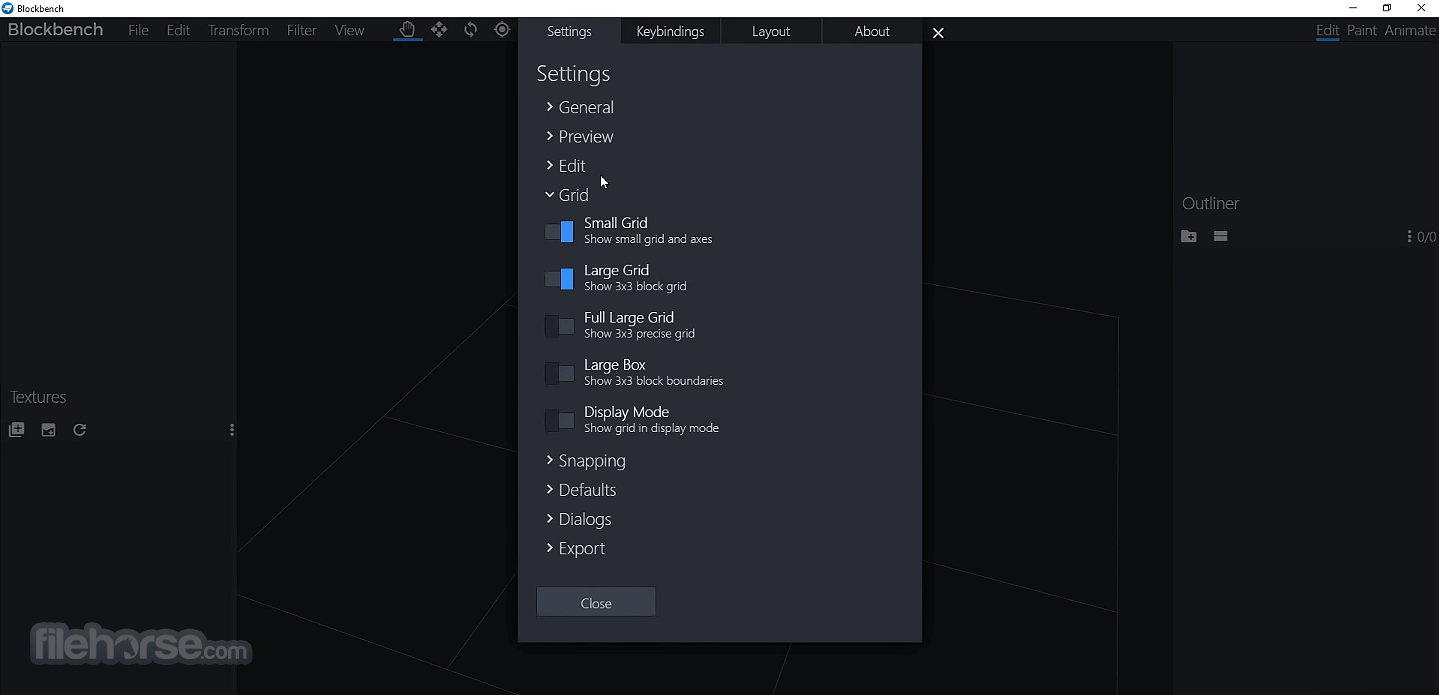
Blockbench 5.0.3 Screenshots
The images below have been resized. Click on them to view the screenshots in full size.
-
-
-
-
What's new in this version:
General Changes:
- Added ability to use multiple meshes in one armature
- Added setting to select default bedrock format (entity or block)
- Auto-detect bedrock block format when display settings exist
- Made Edit Binding dialog resizable
- Made it easier to double click to rename armature bone
- Added support for new Minecraft Bedrock 1.21.120 Molang math and easing functions
- Added setting for whether to limit brush opacity per stroke, defaults to on
Mobile & Touch UX:
- Display transform toolbar in status bar to improve mobile UX
- Added setting to control whether to use the transform panel or use transform toolbars in the status bar
- Offset cursor tooltip on touch input towards the top to make it more readable
Technical changes:
- Return false in action click event to cancel use
- Included source maps in electron build to make the console easier to read
- Improved missing WebGL API error message
Fixed:
- color variable set to wrong value when opening theme dialog
- issue loading models with texture mesh
- group values not updating properly in element panel
- stretch tool appearing in paint mode
- stretch slider interval
- stretch slider default value
- Normalise vertex weights when exporting to glTF
- UV editor scrollbar click detection
- outliner element name color on iOS
- Remember which panel tab was selected when switching modes or restarting
- color picker not updating when switched to palette tab
- artifacts in brush stroke with lower opacity
- web app not caching correctly for offline use
- dialog form issue in Change Animation Speed
- easing generator not working in animation controller editor
- missing lang string for version in theme editor
- copy pasting group does not retain texture
- Toggling off Flipbook Animation not on the first frame erases texture
- fonts not working in offline PWA
- Pasting into num slider from context menu not working
- waist bone not resetting when switching pose
- factory reset button not working in some cases
- dev tools not opening when loading fails
- Wrong targets in Flip Animation
- Disabled feature to automatically remove builtin java-item parent, which is no longer required
- transform space selector missing when using resize tool
- selecting parent group of armature not selecting all armature bones
- @import in custom themes not working
 OperaOpera 129.0 Build 5823.22 (64-bit)
 Kling AIKling AI - Text or Image to Video
 PhotoshopAdobe Photoshop CC 2026 27.4 (64-bit)
 BlueStacksBlueStacks 10.42.167.1001
 OKXOKX - Buy Bitcoin or Ethereum
 CapCutCapCut 7.9.0
 PC RepairPC Repair Tool 2026
 Hero WarsHero Wars - Online Action Game
 TradingViewTradingView - Trusted by 100 Million Traders
 AdGuard VPNAdGuard VPN 2.9.0
Comments and User Reviews