




 Pixelcut
 CorelDRAW Go
 Affinity
 Envato
 Luminar Neo
 Lightroom
 PhotoRoom
-
Latest Version
Blockbench 5.1.5 LATEST
-
Review by
-
Operating System
Windows 7 64 / Windows 8 64 / Windows 10 64
-
User Rating
Click to vote -
Author / Product
-
Filename
Blockbench_5.1.5
The project is open source and the website is funded by donations.
Everything that you make with the app is your artwork. Blockbench is just a tool. That means that you can use and redistribute anything made with Block bench, even for commercial use.
It would, however, be nice if you give credit – and leave the credit line in the JSON file – in return.
Most antivirus programs detect downloaded executable files that are not signed. Signing requires a specific certificate that is not viable for an independent developer like me. Block bench and all its libraries and frameworks are open source, so you can be sure that the installer is safe to use.
You can add background images to each camera angle in the app. On orthographic camera angles, the background can be used as a blueprint for the model.
To add a new background, use the menu View > Background > Add Background. To change it, use the toolbar in the bottom right corner of the preview window.
Features and Highlights
Display Settings
Don't waste your time changing numbers and reloading the resource pack. Blockbench has it all built-in!
Vertex Snapping
Vertex Snapping lets you connect two angled shapes. This makes it super easy to create smooth curves.
Plugins
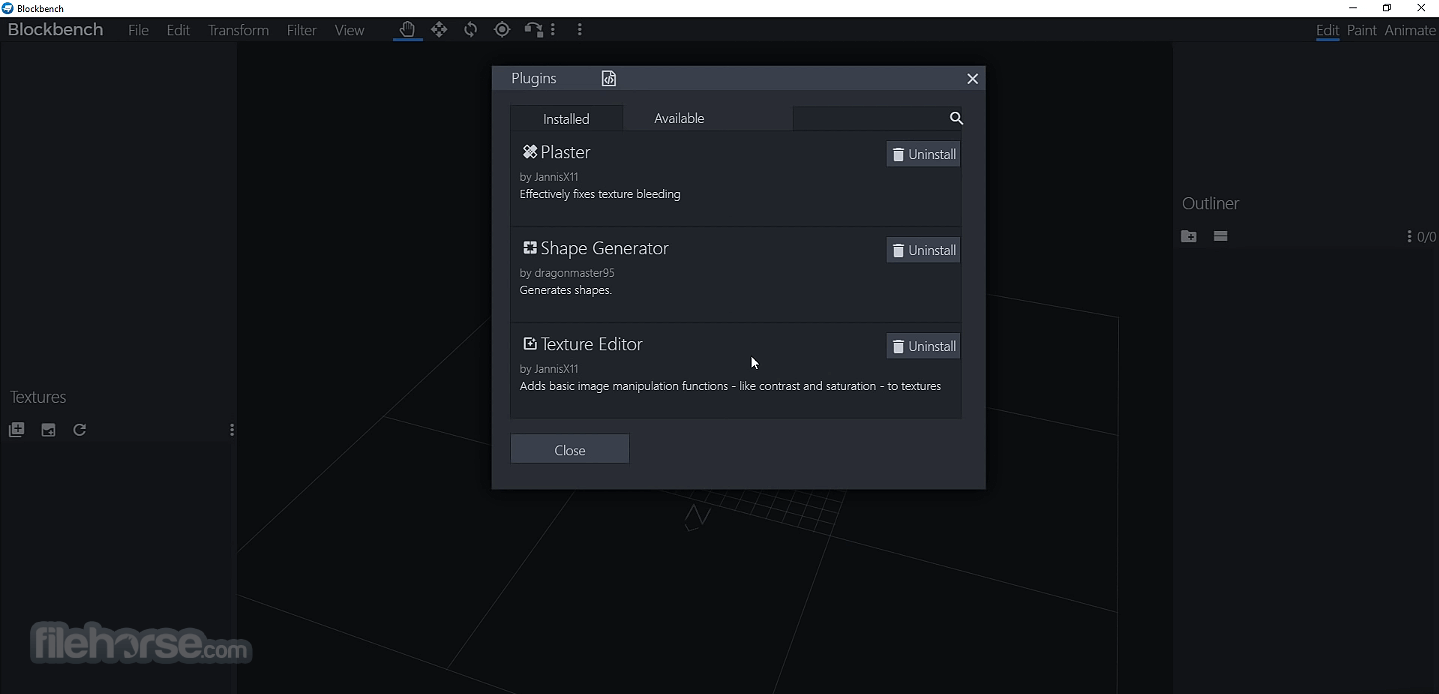
Customize the program with the built-in plugin store. Or create your own plugin and add a new feature or new format.
Entity Modeling
Create and edit custom entity models. For Bedrock Edition and Optifine!
Export Formats
It can export to various formats, including Bedrock and Optifine models or .obj models for Sketchfab.
Texture Editing
Create, edit, and paint texture right inside the program. This makes the app an all-in-one solution for custom models.
How to Use
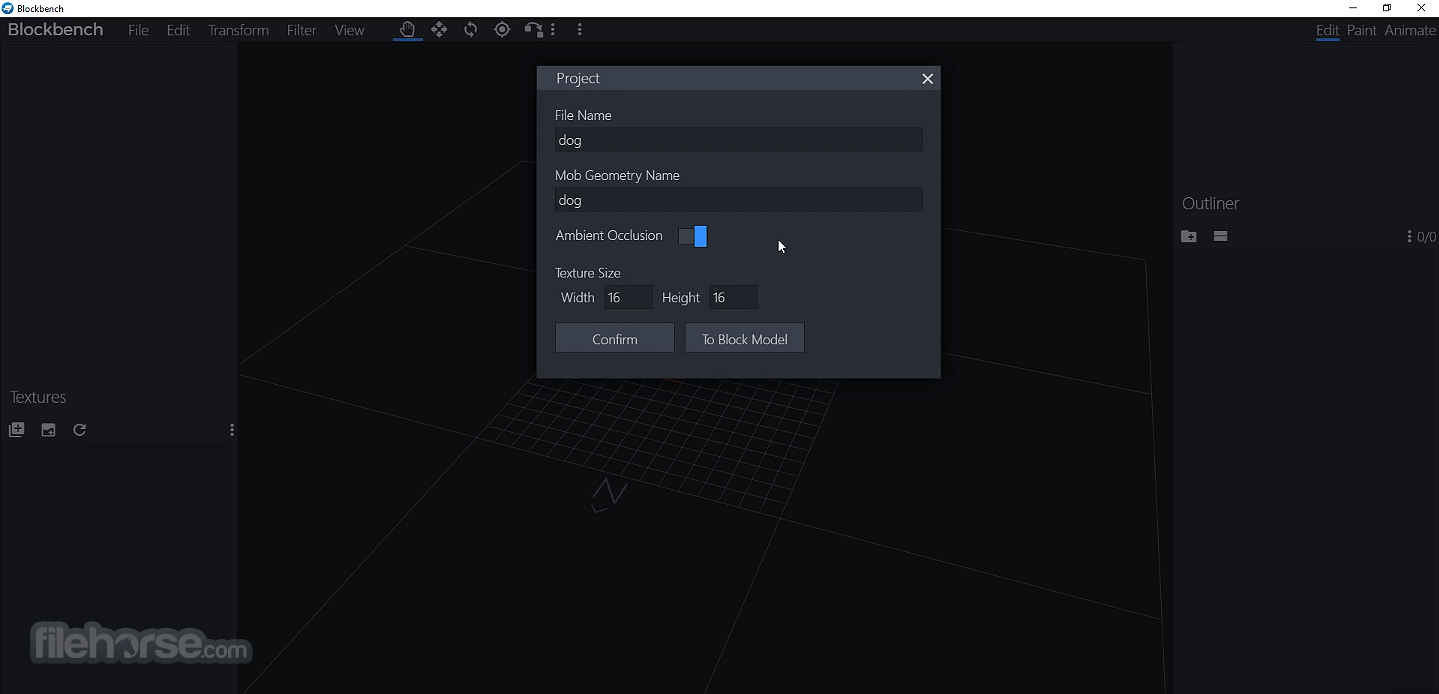
- Launch the software and create a new project
- Select a model format compatible with Minecraft
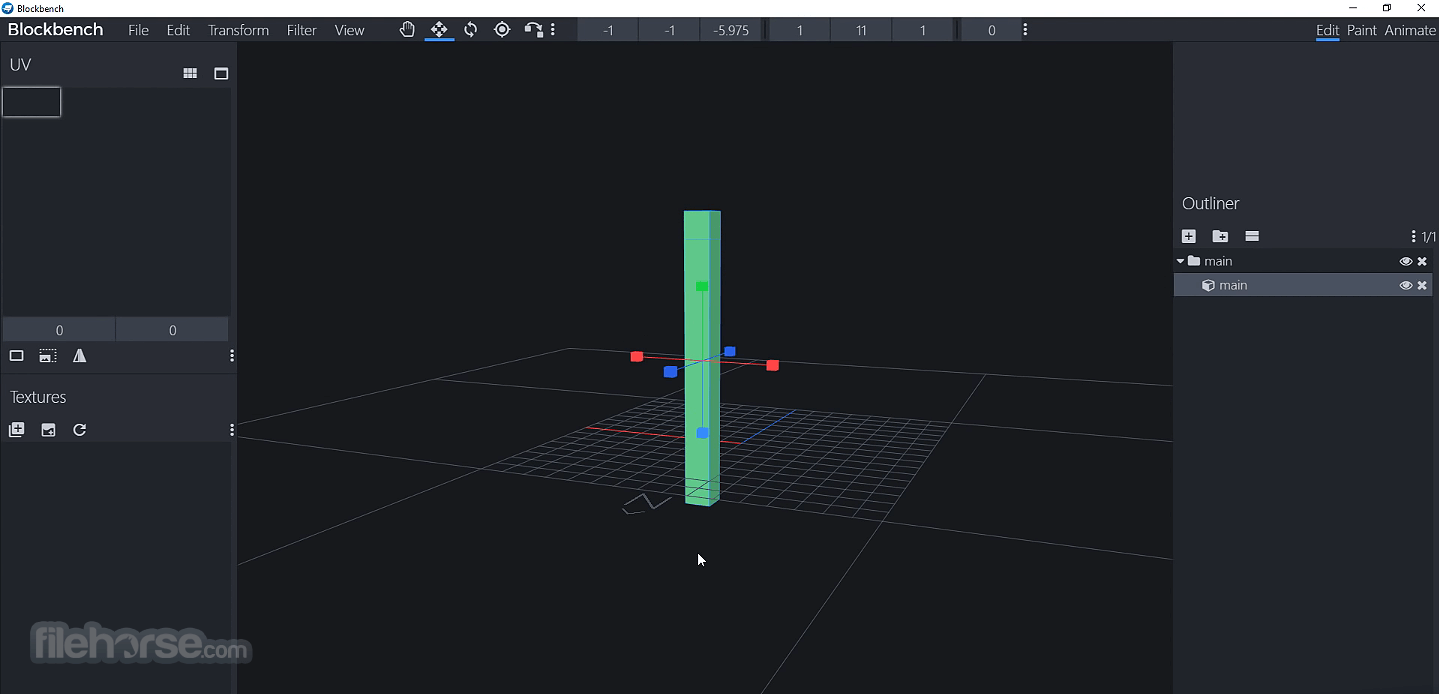
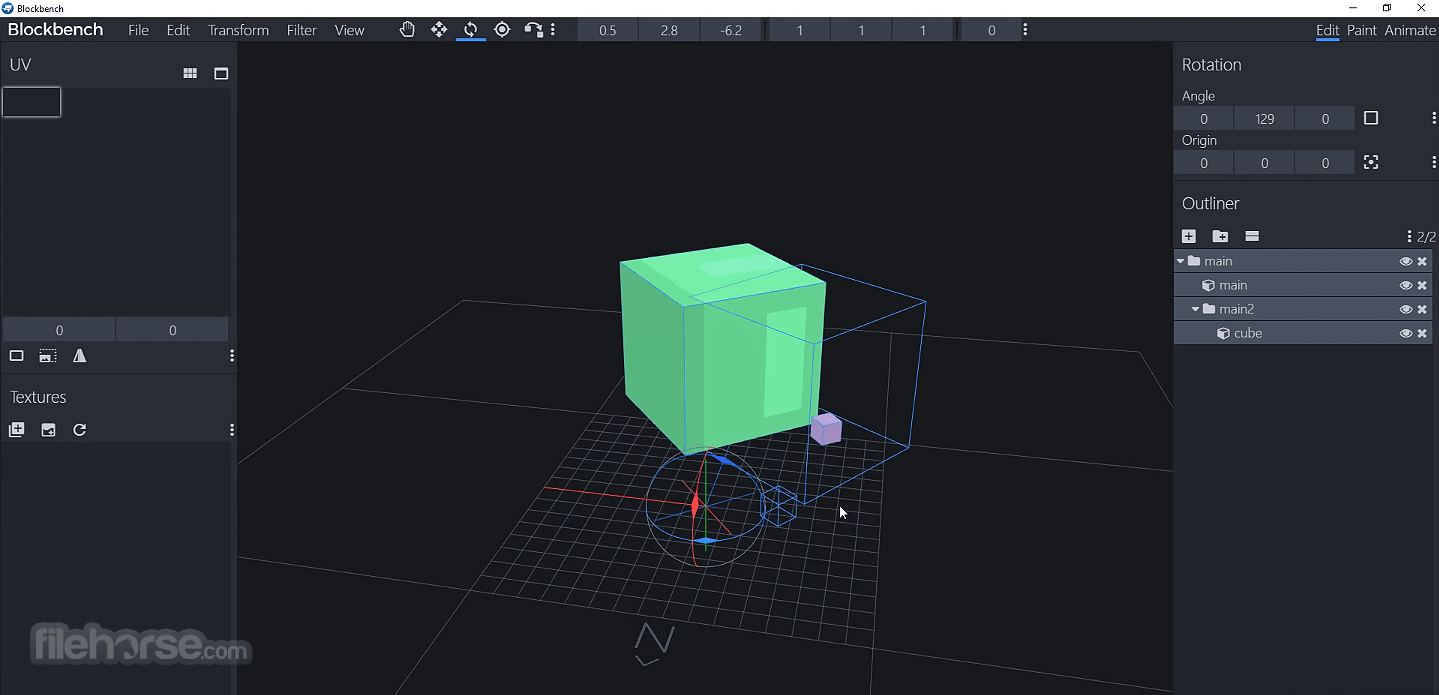
- Use the tools to create and modify 3D models
- Apply textures and materials to your model
- Animate models using the built-in animation editor
- Export the model in the required format for Minecraft
- Test and implement the model in Minecraft mods
- OS: Windows 10 or Windows 11
- Processor: Intel or AMD dual-core processor
- RAM: 4GB minimum (8GB recommended)
- Graphics: Integrated or dedicated GPU with OpenGL support
- Storage: 500MB available disk space
- Display: 1024x768 resolution or higher
- Free and open-source software
- Supports multiple Minecraft model formats
- Built-in texture and animation tools
- User-friendly interface for beginners
- Active community and plugin support
- Limited to Minecraft-specific modeling
- Lacks advanced 3D modeling features
- Requires learning curve for animations
- Some tools feel basic for professionals
- Occasional performance issues with large models
-
Blockbench 5.1.5 Screenshots
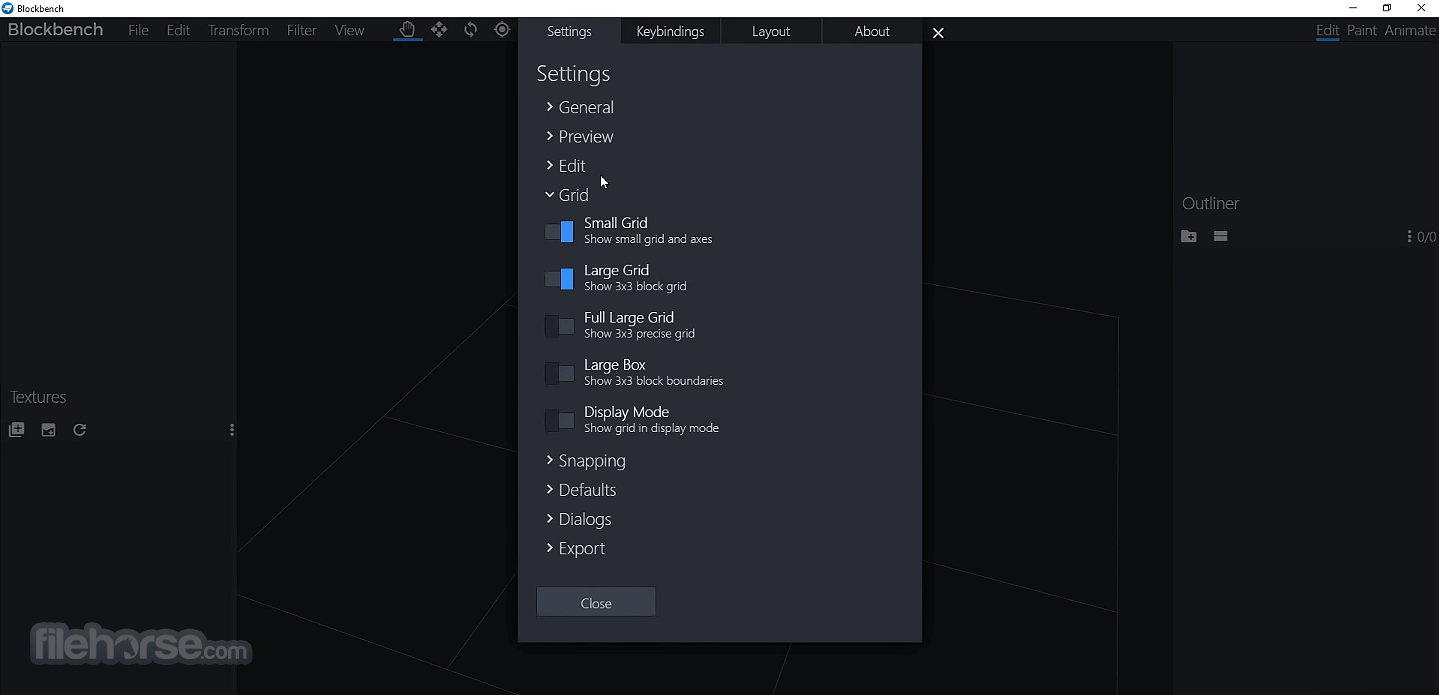
The images below have been resized. Click on them to view the screenshots in full size.
-
-
-
-
What's new in this version:
Changed:
- New language: Thai
- Added rounded corners in dialog progress bar
- Display version number in error screen
- Updated shading on benchbot (default) Minecraft skin
- Automatically sanitize bedrock animation names to prevent white-spaces in export
Fixed:
- error loading bbmodel with animators targeting non-existent elements
- Knife tool deselection issue
- Increased plugin list request timeout and added additional console warning
- issue with vertex-snapping group pivot
- issues with adding armatures to collection
- Power-of-two rescaling in glTF export when textures are external
- Edit Session issue when syncing texture layers
- Billboard not updating when recording GIF
- Scale step keyframes incorrectly load as uniform
- preview.scale bugs switching between animation projects
- Animation Controllers don't save or load pre_effect_script
- incorrect handling of multi‑statement molang
- dragging groups/elements into a selected group
- TGA texture loading in skin format and fixed Phantom skin preset
- translation issue in share model error message
- side effect of mouse wheel keybindings
- "Move To" does not work from Action Control
- per_group_texture not working with meshes
- false molang validation error in effect keyframes
- mesh face highlights not updating when selecting island in UV editor
- undo issue when centering nested groups
- can no longer reorder animators in timeline
- Linux paths for Aseprite, PixiEditor, Photoshop, and GIMP
- Added fallback for mismatch when loading outliner structure data
- Binding in Elements section does not update when editing binding via dialog
- error when dragging image from UI into Blockbench
- groups can be added to armatures via null object
- overflow of checklist dialogs
- UI offset when creating new image project
- Adjust Curves adds 1/255 in RGB values
- mirror modeling undo issue
- armature bone of different meshes used to highlight weights
 OperaOpera 133.0 Build 5932.60 (64-bit)
 BlueStacksBlueStacks 10.42.251.1002
 PhotoshopAdobe Photoshop CC 2026 27.7 (64-bit)
 WPS OfficeWPS Office Free 12.2.0.23196
 GTA 6GTA 6 for PS5
 CapCutCapCut Desktop 8.9.1
 PC RepairPC Repair Tool 2026
 Hero WarsHero Wars - Online Action Game
 TradingViewTradingView - Trusted by 100 Million Traders
 Forza HorizonForza Horizon 6
Comments and User Reviews