




 4WinKey
 CCleaner
 SystemCare
 PC Internals
 GearUP Booster
 Drive Monitor
 Windhawk
-
Latest Version
-
Operating System
Windows 7 / Windows 8 / Windows 10 / Windows 11
-
User Rating
Click to vote -
Author / Product
-
Filename
DGEngSetup6101725.exe
-
MD5 Checksum
862c8a2e871c3dbf462318141664b7d7
Sometimes latest versions of the software can cause issues when installed on older devices or devices running an older version of the operating system.
Software makers usually fix these issues but it can take them some time. What you can do in the meantime is to download and install an older version of DiskGenius 6.01.
For those interested in downloading the most recent release of DiskGenius or reading our review, simply click here.
All old versions distributed on our website are completely virus-free and available for download at no cost.
We would love to hear from you
If you have any questions or ideas that you want to share with us - head over to our Contact page and let us know. We value your feedback!
-
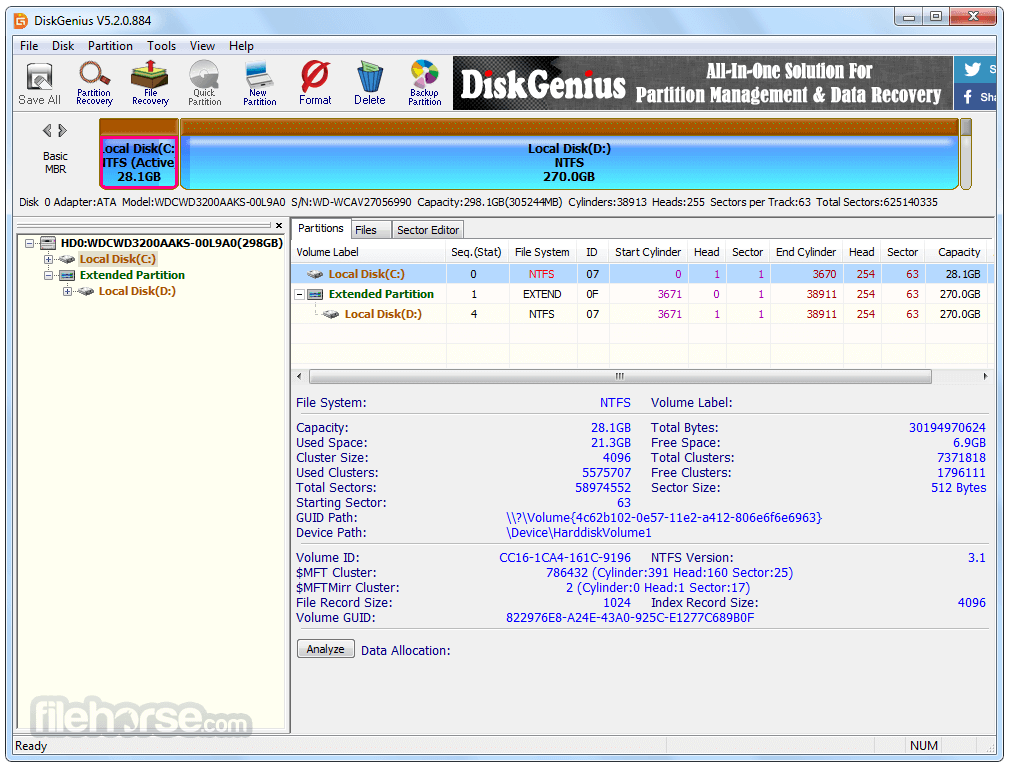
DiskGenius 6.01 Screenshots
The images below have been resized. Click on them to view the screenshots in full size.
-

-

-

-

What's new in this version:
New:
- The "Erase Sector" feature adds multiple secure erase levels and supports saving erase reports
- The "File Recovery" feature supports scanning BitLocker-encrypted partitions even when they are locked
- Improved support for the ReFS file system
- Blue and black arrow icons are used to identify soft links and hard links. You can jump to the target path of soft and hard links via the right-click menu
- Added preview support for AVIF image format
Enhanced:
- When resizing a partition, if an integer GB value is entered, the partition size will display as an exact integer GB value in Windows
- The speed display unit has been changed from per minute to per second during disk or partition cloning and file copying
- The filtering option for file recovery feature supports filtering empty directories
- When copying recovered files, skipped files remain selected for easier retry copying
- File size is displayed in the file copy report
- The Sector Editor supports displaying ReFS file node structures
- The "Go to sector" and "Go to cluster" options, based on cursor's value, are added to the Sector Editor's right-click menu
- Improved and added some data templates for the Sector Editor
- The "Modify Partition Parameters" feature optimizes the selection of system identifiers for MBR disks and enhances the detection of parameter changes
- Improved compatibility with abnormal NTFS file system data
- Optimized support for the EXT4 file system
- Optimized the file recovery feature for the exFAT file system
- Optimized support for certain ISO image formats
- Enhanced compatibility with damaged BitLocker-encrypted partitions
Fixed:
- Fixed issues that might occur during disk cloning, disk back and restore, and system migration in certain situations
- Fixed the file time display issue for the EXT4 file system
- Fixed poor recovery results for NEF photo files when recovering by file type
- Fixed filename compliance issues for Office documents recovered by file type
- Fixed the issue that some high bit-depth images could not be previewed
- Fixed the issue that extra partitions might appear when formatting a RAM disk
 OperaOpera 129.0 Build 5823.28 (64-bit)
 Kling AIKling AI - Text or Image to Video
 PhotoshopAdobe Photoshop CC 2026 27.4 (64-bit)
 BlueStacksBlueStacks 10.42.167.1001
 OKXOKX - Buy Bitcoin or Ethereum
 CapCutCapCut 7.9.0
 PC RepairPC Repair Tool 2026
 Hero WarsHero Wars - Online Action Game
 TradingViewTradingView - Trusted by 100 Million Traders
 AdGuard VPNAdGuard VPN 2.9.0
Comments and User Reviews