




 GearUP Booster
 CCleaner
 Windhawk
 SystemCare
 PC Internals
 Drive Monitor
 4WinKey
-
Latest Version
-
Operating System
Windows 7 / Windows 8 / Windows 10 / Windows 11
-
User Rating
Click to vote -
Author / Product
-
Filename
DGEngSetup6111742.exe
-
MD5 Checksum
e26aa798a752fed69bff473c2c83f897
Sometimes latest versions of the software can cause issues when installed on older devices or devices running an older version of the operating system.
Software makers usually fix these issues but it can take them some time. What you can do in the meantime is to download and install an older version of DiskGenius 6.11.
For those interested in downloading the most recent release of DiskGenius or reading our review, simply click here.
All old versions distributed on our website are completely virus-free and available for download at no cost.
We would love to hear from you
If you have any questions or ideas that you want to share with us - head over to our Contact page and let us know. We value your feedback!
-
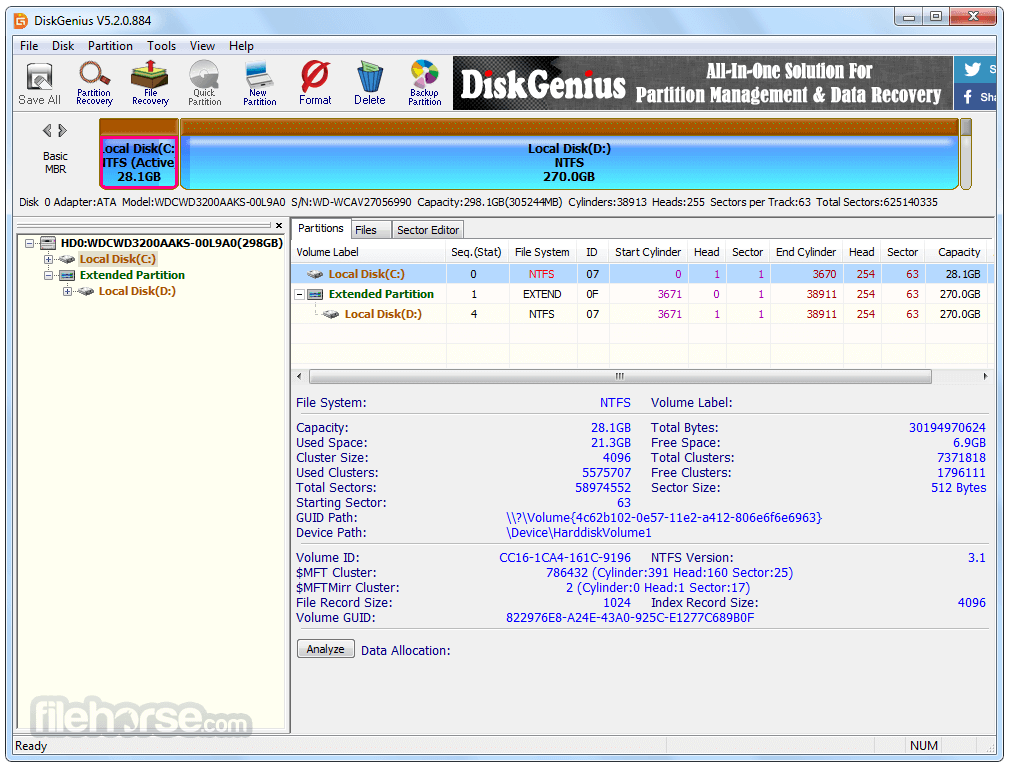
DiskGenius 6.11 Screenshots
The images below have been resized. Click on them to view the screenshots in full size.
-

-

-

-

What's new in this version:
New:
- The Verify Or Repair Bad Sectors/Blocks and File Copy features now support saving reports in Excel format
- The File Recovery feature supports running "Search For Known File Types" independently
Enhanced:
- Improved SSD scanning performance in the File Recovery feature
- Improved file copy speed
- Added support for detecting the underlying physical devices of system-mounted virtual disks when performing functions such as clone disk and copy files
- Optimized file recovery results for FAT32 partitions
Fixed:
- an issue where file copy would stop and fail to continue with other files after encountering read errors
- a slow response issue when selecting files with the Spacebar during file recovery
- display errors in the context menu
- an issue where Clone Disk and System Migration features might fail in certain cases
- an issue that excessive invalid files were generated when recovering MTS, DEX, and TIFF files by type
- an exception that occurred when recovering files from EXT4 partitions
 OperaOpera 132.0 Build 5905.11 (64-bit)
 AdsPowerAdsPower - Antidetect Browser
 PhotoshopAdobe Photoshop CC 2026 27.7 (64-bit)
 BlueStacks AIBlueStacks AI
 OKXOKX - Buy Bitcoin or Ethereum
 CapCutCapCut Desktop 8.5.0
 PC RepairPC Repair Tool 2026
 Hero WarsHero Wars - Online Action Game
 TradingViewTradingView - Trusted by 100 Million Traders
 Forza HorizonForza Horizon 6
Comments and User Reviews