




 Chrome
 AdsPower
 Firefox
 Samsung
 Opera GX
 iTop Browser
 Comet
Comet
-
Latest Version
-
Operating System
Windows 10 / Windows 11
-
User Rating
Click to vote -
Author / Product
-
Filename
Lunascape-0.40.1.Setup.exe
Sometimes latest versions of the software can cause issues when installed on older devices or devices running an older version of the operating system.
Software makers usually fix these issues but it can take them some time. What you can do in the meantime is to download and install an older version of Lunascape Phoebe 0.40.1.
For those interested in downloading the most recent release of Lunascape Browser or reading our review, simply click here.
All old versions distributed on our website are completely virus-free and available for download at no cost.
We would love to hear from you
If you have any questions or ideas that you want to share with us - head over to our Contact page and let us know. We value your feedback!
-
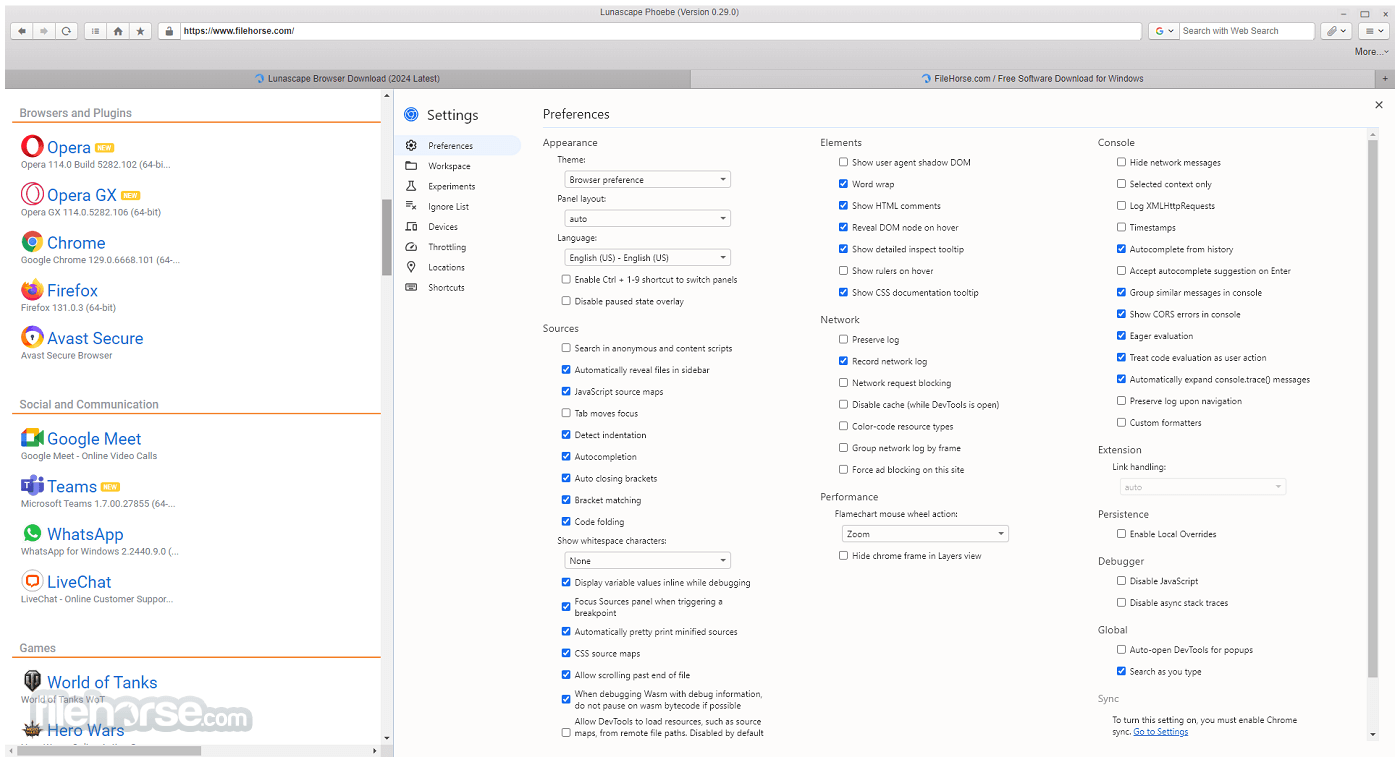
Lunascape Phoebe 0.40.1 Screenshots
The images below have been resized. Click on them to view the screenshots in full size.

-

-

-
-

What's new in this version:
- Fixed browser-extension popups on Windows: they now open reliably and no longer flicker or show stray scrollbars
New Features:
- Integrated G.U. Wallet
- Tab drag and drop between windows
- Private window
- Session restore: tabs, navigation history, and macOS windows on startup
- Named persistent profiles (multi-profile support)
- Redesigned dashboard with top sites, theme presets, and custom backgrounds
- Built-in password manager with an encrypted vault, biometric unlock, and autofill
- Browser extension support: install and manage extensions (experimental)
- AI Sidebar: chat with an AI assistant about the current page (experimental)
- Import your bookmarks, passwords, and cookies from another browser on first run
- Site data manager to view and clear cookies and local storage per site
- Search engine categories and a quick app launcher
- Profile switcher button in the toolbar
- Updated libraries and framework
Fixed:
- a crash when a popup window closes itself
- the download list failing when a file icon is unavailable
- dragging a tab out into a new window on macOS
- a freeze caused by an extension background worker crash-restart loop
- the password manager prompting for Touch ID while simply browsing
- a startup error dialog and a related case where the freeze guard did not engage
Improved:
- Modernized interface with a refreshed flat design
- Redesigned bookmark manager with frequency-based auto-sorting and drag-and-drop reordering
- Animated tab open and close in the tab bar
- Drop a tab onto the bookmark bar to bookmark it
- Windows keyboard shortcuts and a bookmark-bar toggle in the menu
- Stronger safeguards for how extensions access your bookmarks and browsing data
- Window minimum width now adapts dynamically to the toolbar
- More stable toolbar and extension button behavior across multiple windows
 OperaOpera 134.0 Build 5954.46 (64-bit)
 BlueStacksBlueStacks 10.42.252.1003
 PhotoshopAdobe Photoshop CC 2026 27.9.1 (64-bit)
 LDPlayerLDPlayer - Android Emulator
 GTA 6GTA 6 for PS5
 CapCutCapCut Desktop 9.1.0
 PC RepairPC Repair Tool 2026
 Hero WarsHero Wars - Online Action Game
 TradingViewTradingView - Trusted by 100 Million Traders
 Halo: CampaignHalo: Campaign Evolved
Comments and User Reviews