




 Lovable
 10Web
10Web Antigravity
 Cursor
 SQL Server
 Replit
 Windsurf
 OnSpace AI
-
Latest Version
-
Operating System
Windows 7 64 / Windows 8 64 / Windows 10 64 / Windows 11
-
User Rating
Click to vote -
Author / Product
-
Filename
npp.8.9.3.Installer.x64.exe
Sometimes latest versions of the software can cause issues when installed on older devices or devices running an older version of the operating system.
Software makers usually fix these issues but it can take them some time. What you can do in the meantime is to download and install an older version of Notepad++ 8.9.3 (64-bit).
For those interested in downloading the most recent release of Notepad++ (64-bit) or reading our review, simply click here.
All old versions distributed on our website are completely virus-free and available for download at no cost.
We would love to hear from you
If you have any questions or ideas that you want to share with us - head over to our Contact page and let us know. We value your feedback!
-
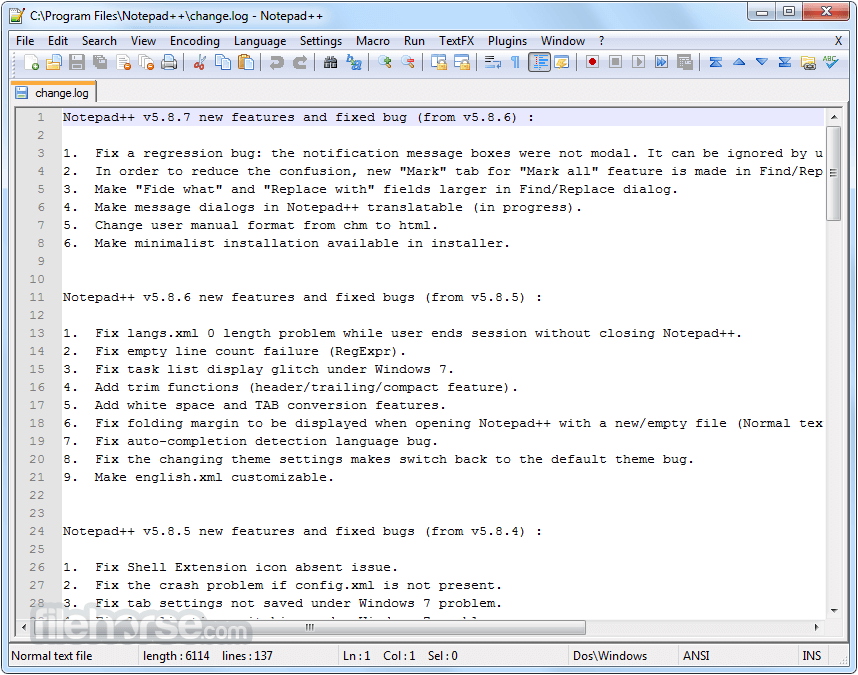
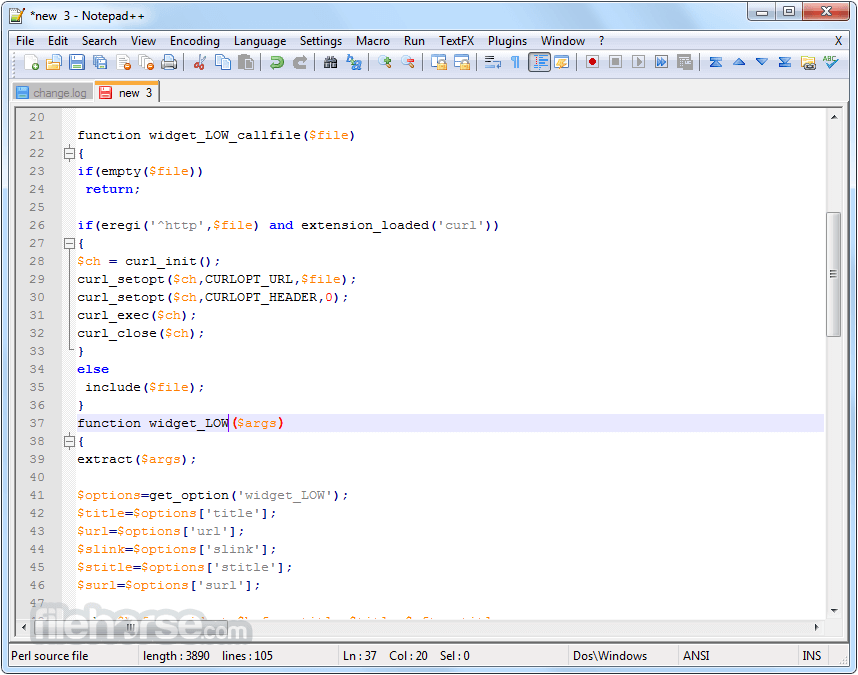
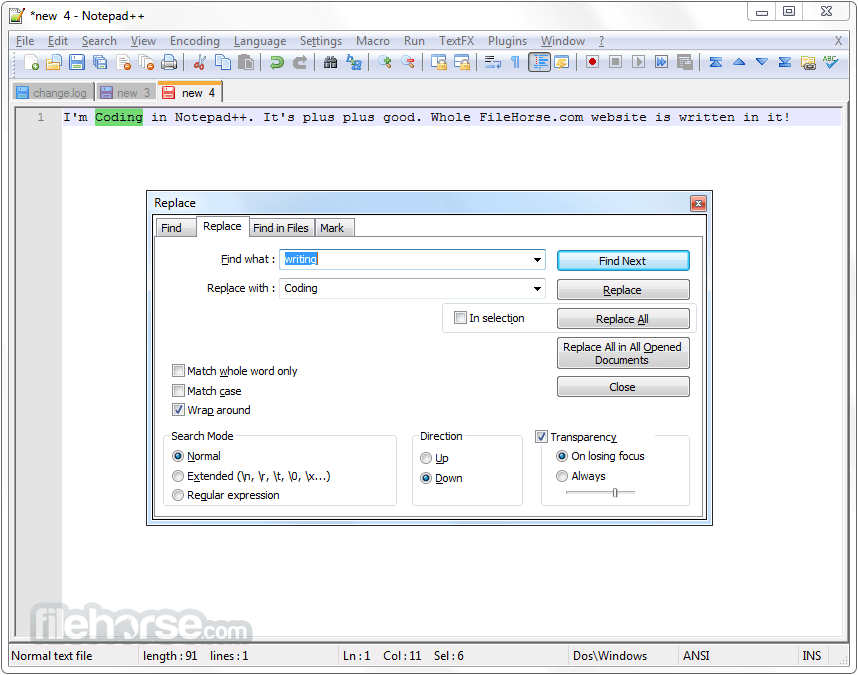
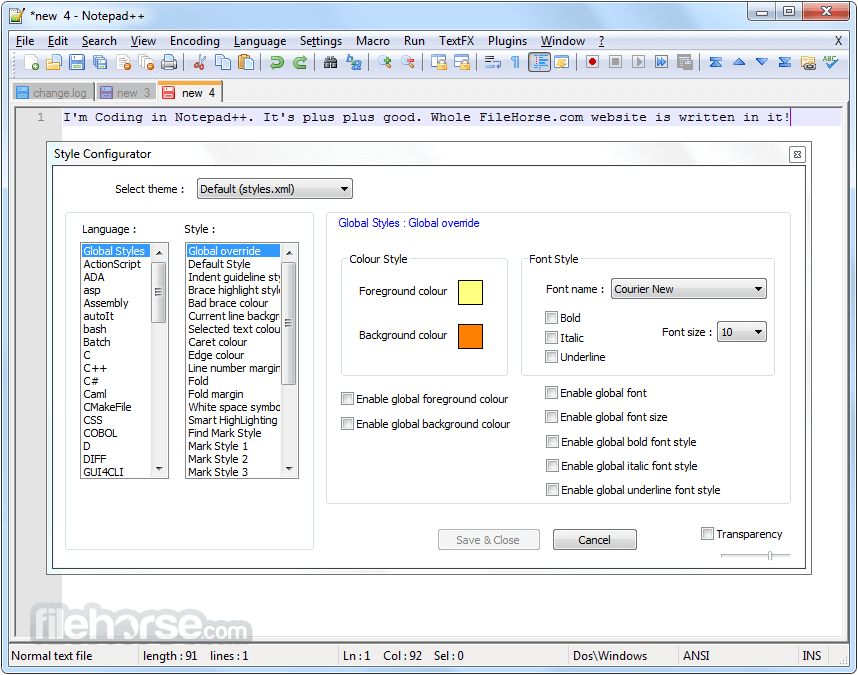
Notepad++ 8.9.3 (64-bit) Screenshots
The images below have been resized. Click on them to view the screenshots in full size.
-
-

-
-
What's new in this version:
- Regression fix: a crash in User Defined Language
- Regression fix: installing (or removing) plugin re-opens Notepad++ with permanent admin privilege
- Regression-fix: wrongly added parenthesis for some multi-bytes characters
- Regression-fix: incorrect function list text display for non-UTF8 documents
- Regression-fix: ProjectPanel Workspace text localization issue
- Regression-fix: Change History margin not enabled by default
- Regression-fix: Notepad++ update & plugin download fail behind corporate MITM proxies
- Security enhancement: Update cURL to v8.19.0 in auto-updater (WinGUp) to fix cURL security issue
- Improve performance by migrating the XML parser from TinyXML to pugixml
- Update Scintilla to 5.6.0 & Lexilla to 5.4.7
- Enhancement: prevent XML config files from being overwritten when updating portable package (copy/paste)
Added:
- Add disableNppAutoUpdate.xml to disable auto-update when WinGUp (GUP.exe) is present
- Add model capacity of shortcuts.xml & contexMenu.xml for administration
- Add an option to disable selected text drag-and-drop
- Add Function List & Autocompletion for D language
Fixed:
- Fix the issue where printing caused Notepad++ to crash
- Fix Find in Files failing to search file content on disk
- Fix a memory leak on exit
- Fix installed auto-completion files not overwritten after update
- Fix wrong theme-writing path for non-ProgramFiles installations
- Fix incomplete Find dialg tab translation when 1st opêned from Project Panels
- Fix Notepad++ spawning a new Windows Explorer process in Task Manager
 OperaOpera 135.0 Build 5973.41 (64-bit)
 BlueStacksBlueStacks 10.42.255.1003
 PhotoshopAdobe Photoshop CC 2026 27.9.1 (64-bit)
 LDPlayerLDPlayer - Android Emulator
 GTA 6GTA 6 for PS5
 CapCutCapCut Desktop 9.1.0
 PC RepairPC Repair Tool 2026
 Hero WarsHero Wars - Online Action Game
 TradingViewTradingView - Trusted by 100 Million Traders
 Halo: CampaignHalo: Campaign Evolved
Comments and User Reviews