




 Filmora
 FocuSee
 Premiere Pro
 LitMedia AI
 Restream
 RecCloud
-
Latest Version
-
Operating System
Windows 8 (64-bit) / Windows 10 (64-bit) / Windows 11
-
User Rating
Click to vote -
Author / Product
-
Filename
OBS-Studio-32.1.0-Windows-x64-Installer.exe
-
MD5 Checksum
aa93bd55d2eb6babae57d1022f53c992
Sometimes latest versions of the software can cause issues when installed on older devices or devices running an older version of the operating system.
Software makers usually fix these issues but it can take them some time. What you can do in the meantime is to download and install an older version of OBS Studio 32.1.0 (64-bit).
For those interested in downloading the most recent release of OBS Studio (64-bit) or reading our review, simply click here.
All old versions distributed on our website are completely virus-free and available for download at no cost.
We would love to hear from you
If you have any questions or ideas that you want to share with us - head over to our Contact page and let us know. We value your feedback!
-
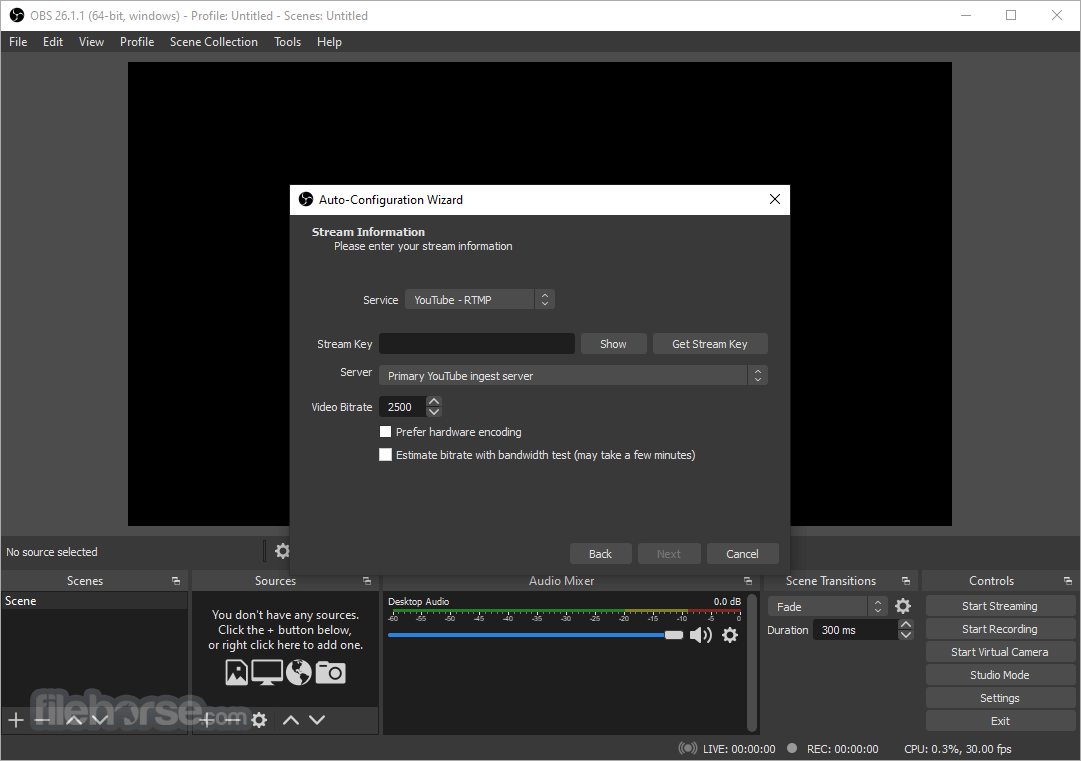
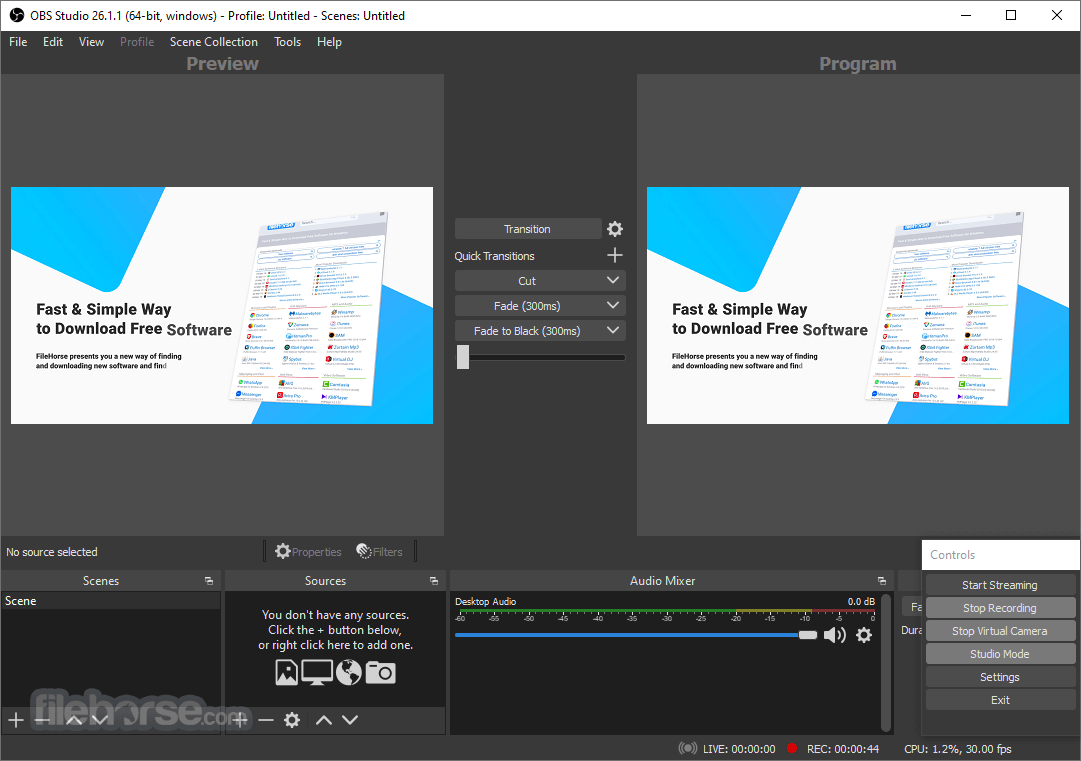
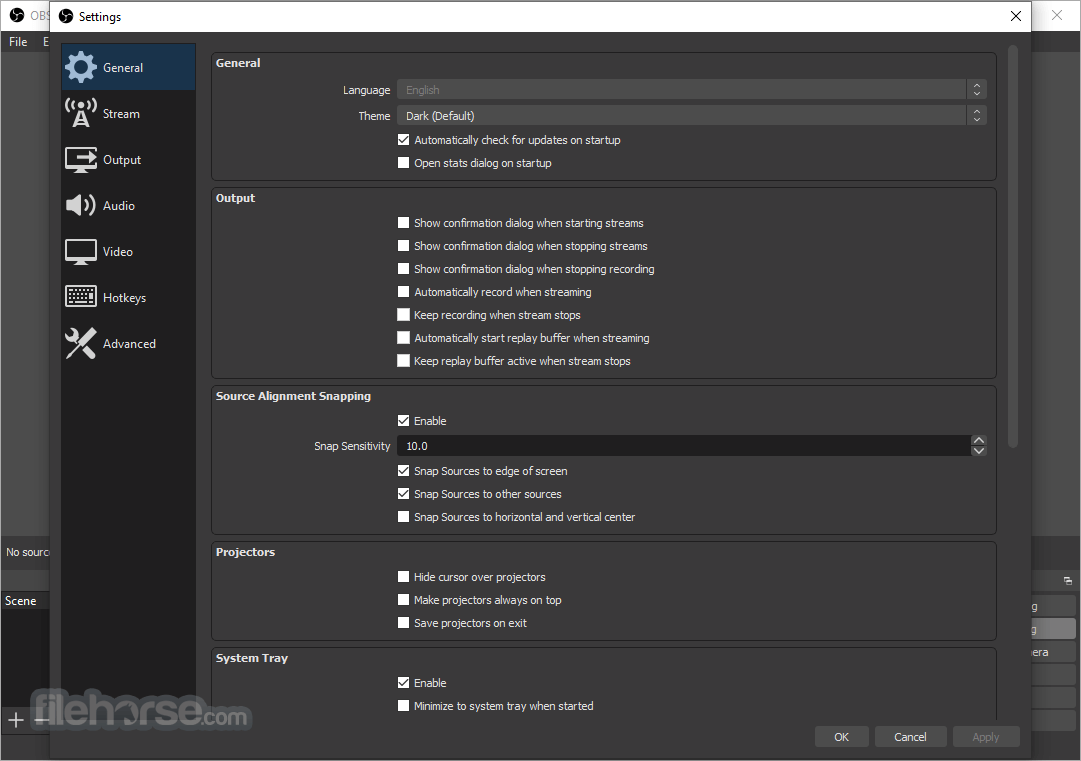
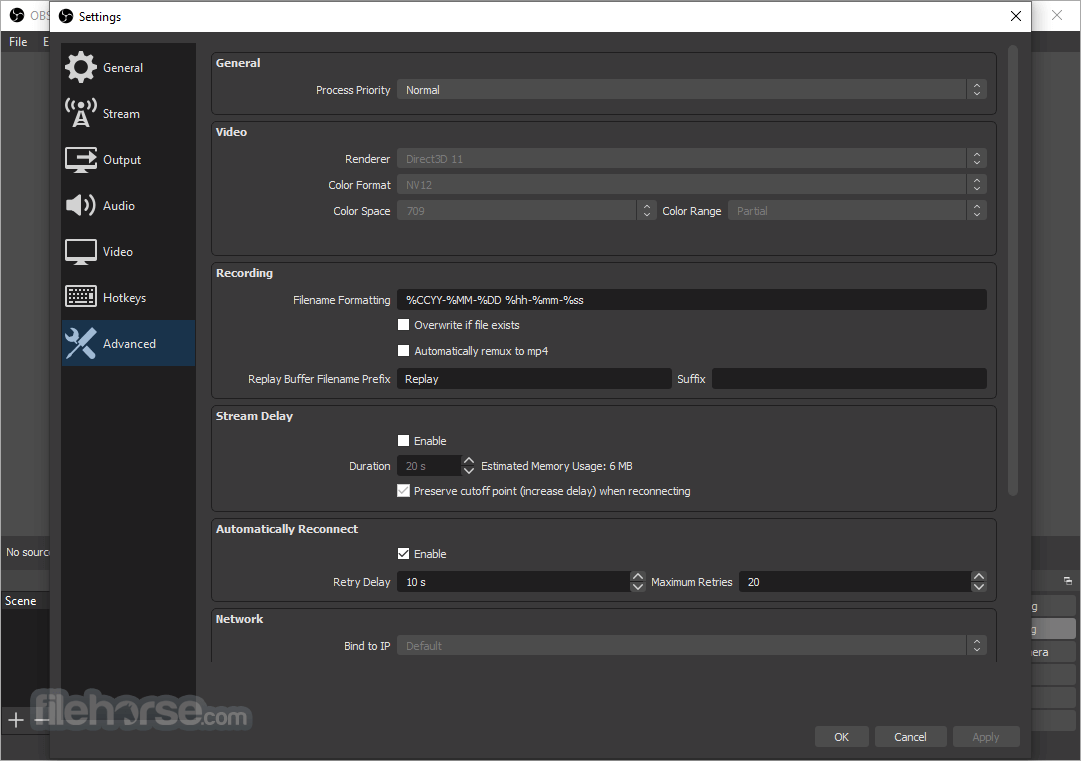
OBS Studio 32.1.0 (64-bit) Screenshots
The images below have been resized. Click on them to view the screenshots in full size.
-
-
-
-

What's new in this version:
New Features:
- Added new Audio Mixer
- Added WebRTC Simulcast Support
- Added missing undo/redo actions for scene items
- Scale filtering, blending mode, blending method, deinterlacing mode and deinterlacing field order
- Added partial support for Canvases to obs-websocket
Changed:
- Improved security of browser sources using local files
- Improved plugin manager by allowing enabling/disabling missing plugins
- Removed "Source" from source names
- Updated the Edit Transform dialog
- Changed copying a scene item to copy all properties
- Disabled dock animations
- Moved transition preview button to button box
- Rearranged default dock positions
- Increased media source playback slider update rate
- Enabled palette for Light theme audio mixer
- Changed default bitrates to 6000 kbps
Fixed:
- Fixed a crash if some source data was null
- Fixed a crash on Linux when changing profiles or on application shutdown
- Fixed a possible crash on macOS during application shutdown if YouTube docks were active
- Fixed an issue where projector resolutions had decimals
- Fixed sync of Preview/Program size and positioning
- Refactored OBSBasic::Save to only save frontend canvas scenes/groups
- Fixed NAL type for HEVC caption/BPM SEIs
- Fixed an issue where video scaling could be incorrect in multivideo encoder scenarios
- Fixed an issue with chapter markers having incorrect time when using file splitting
- Fixed an issue where some recordings could have black thumbnails
- Fixed an issue where the NVIDIA Blur and Background Blur could have banding or look splotchy
- Fixed an issue where macOS Screen Capture would select an item for capture by default
- Fixed an issue with PipeWire when capturing a device that does not require a framerate
- Fixed an issue where PipeWire Camera framerates listed could be incorrect
- Fixed an issue where HDR video playback in Media Source could be darker than expected
- Fixed an issue that could cause OBS to become unable to change profiles or video settings
- Fixed an issue that could cause transitions to become locked
 OperaOpera 129.0 Build 5823.44 (64-bit)
 Kling AIKling AI - Text or Image to Video
 PhotoshopAdobe Photoshop CC 2026 27.5 (64-bit)
 BlueStacksBlueStacks 10.42.167.1001
 OKXOKX - Buy Bitcoin or Ethereum
 CapCutCapCut 7.9.0
 PC RepairPC Repair Tool 2026
 Hero WarsHero Wars - Online Action Game
 TradingViewTradingView - Trusted by 100 Million Traders
 AdGuard VPNAdGuard VPN 2.9.0
Comments and User Reviews