




 PhotoRoom
 Envato
 CorelDRAW Go
 Lightroom
 Pixelcut
 Luminar Neo
 Affinity
-
Latest Version
PureRef 2.1.3 (64-bit) LATEST
-
Review by
-
Operating System
Windows 10 (64-bit) / Windows 11
-
User Rating
Click to vote -
Author / Product
-
Filename
PureRef-2.1.3_x64.exe
-
MD5 Checksum
dd04ce775944ba3b312b80e46b331852
PureRef 64bit is a versatile and lightweight software application designed for creatives, artists, designers, and anyone in need of an efficient way to organize and visualize their reference materials.
It serves as a digital mood board that allows users to collect, arrange, and manage images, notes, and reference files seamlessly. Whether you're working on art projects, graphic design, 3D modeling, or simply need a visual inspiration board, it aims to streamline your creative workflow.
It promotes fast photo discovery, fast access to a wide array of basic and useful tools, and an easy way to access photos no matter how many albums and libraries are accessed. Developed by Idyllic Pixel, this graphics utility has received numerous updates that have made it one of the most useful tools for home users, students, and professionals who want to organize their inspiration and speed up their creative process.
By optimizing the process of photo management, the PureRef 64 bit app enables artists and professionals to move away from finding inspiration in dozens of browser tabs and move to a more streamlined experience where inspiration is just one look away.
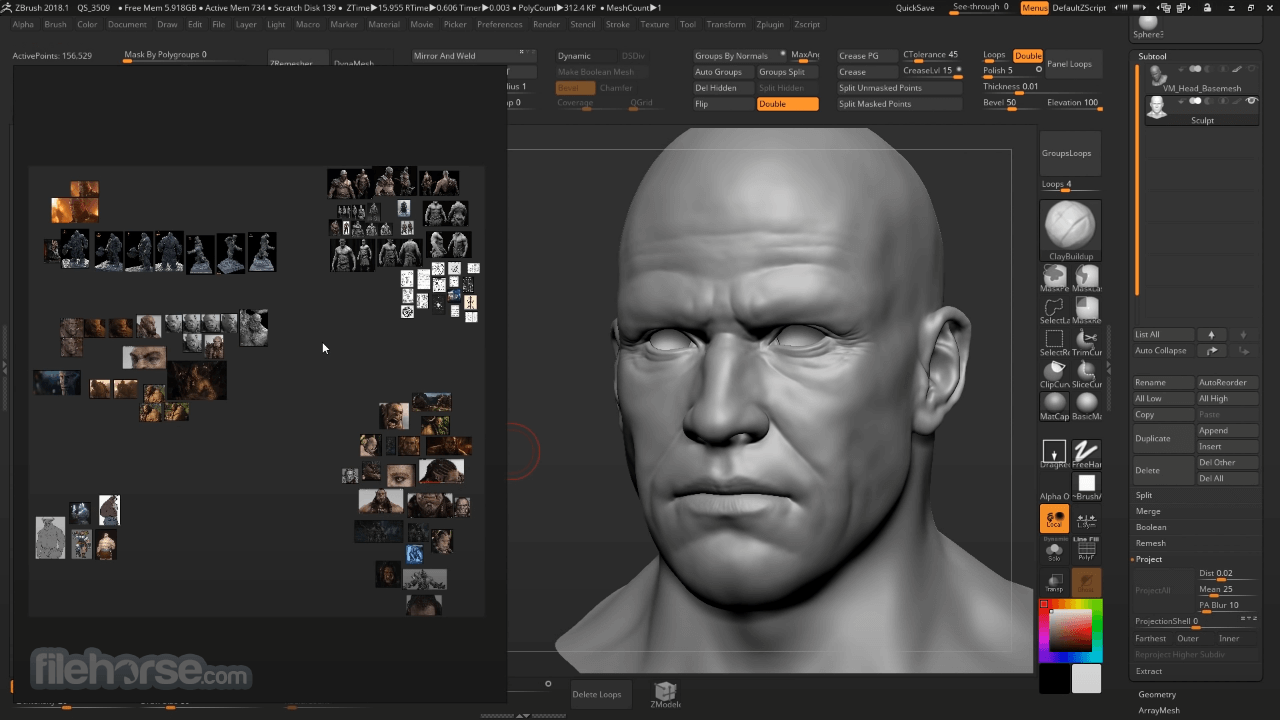
The app design is not what you may initially expect. Upon starting it, it shows on your desktop as a featureless dark floating area. To create your new photo library or mood board, the user simply needs to drag and drop pictures on it, and then arrange them into the desired position. The pictures can be zoomed, moved, rotated and the entire canvas area can be reduced in intensity by lowering its opacity.
This simple approach of making mood boards and photo walls can greatly help artists in helping them organize their inspirations and always keep them close in the view. To make the process of art creation as easiest as possible, users can even drag and drop photos from PureRef mood bard directly into the editor app (such as Photoshop).
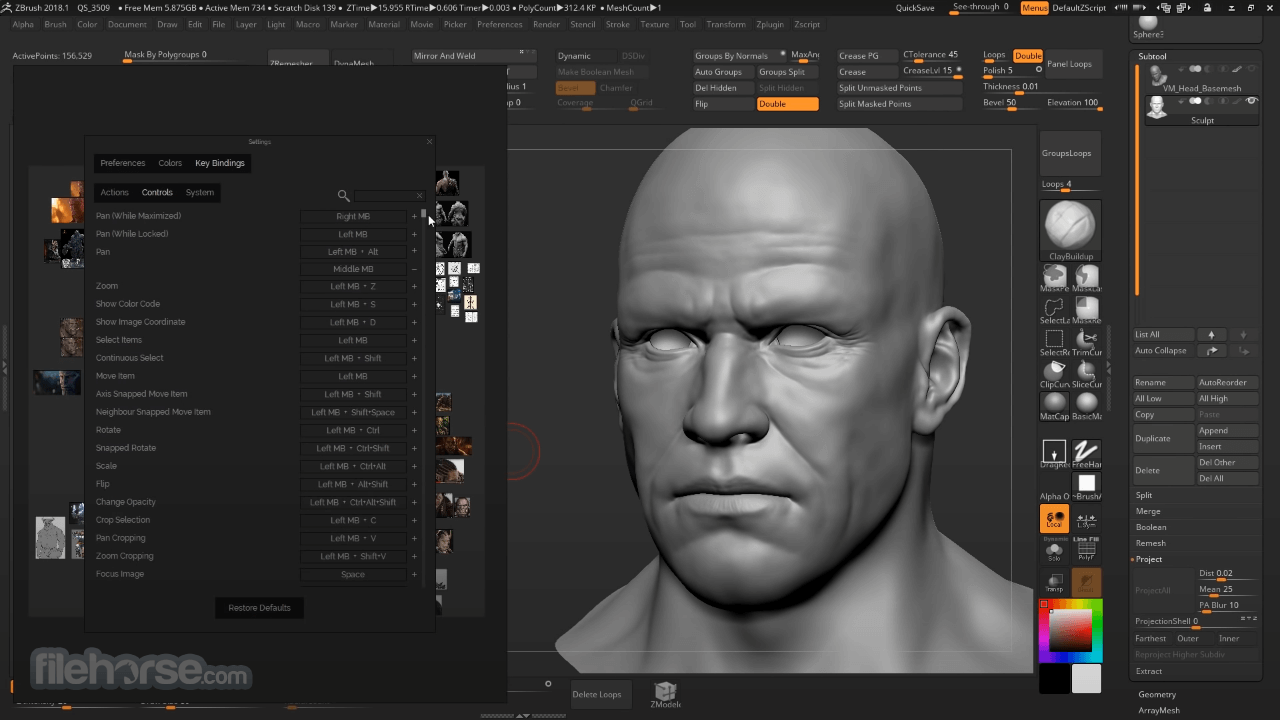
The interface of PureRef is minimalistic, unobtrusive, and in fact, it appears only when you actively want to interact with it. In general use, the dark canvas is empty and hosts only images. If you do want to interact with these tools, they are always available via the right mouse click dropdown menu. The app allows adding quick notes, desaturation toggle, align image tools, and a wide variety of image sorting modes.
Itcomes in a small installer, but once installed it becomes a portable application that can be easily copied to any other storage device. This makes it perfect for users who want to bring their mood boards and image albums with them on an external HDD or USB stick.
The program is 100% FREE and does not feature any locked features. The app is optimized for all modern versions of Windows OS (7, 8, 10, or 11 both 32-bit and 64-bit).
Features
Infinite Canvas: With the tool, you're not limited to a fixed canvas size. You can expand your workspace infinitely in any direction, accommodating as many reference images as you need.
Drag and Drop: Adding reference images is a breeze. Simply drag and drop files from your computer directly onto the canvas, and the app will instantly place them where you want.
Zoom and Pan: Effortlessly zoom in and out or pan across your canvas to focus on specific details or view your entire mood board.
Snap and Grid: Align and organize your references precisely using snap and grid features, ensuring a clean and organized layout.
Customizable Workspace: Tailor your workspace by arranging, resizing, and grouping references, as well as adding labels and notes to each image.
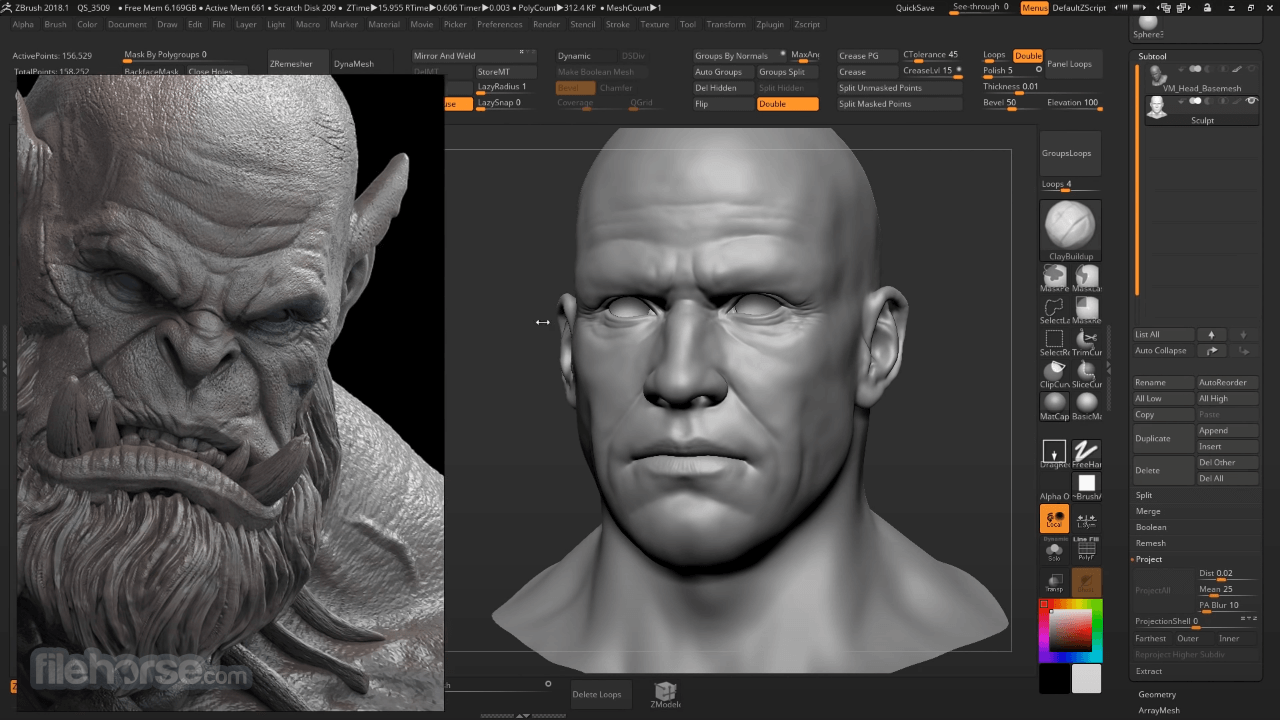
Overlay and Transparency: Adjust the transparency of your references or overlay one on top of another for easy comparison.
Export and Save: Save your mood board as a project file or export it as an image for easy sharing with others or for use in your creative projects.
Cross-Platform: The app is available for Windows, macOS, and Linux, ensuring compatibility with various operating systems.
User Interface
The software boasts a clean and intuitive user interface that minimizes distractions, allowing you to focus on your creative process.
The canvas is the central element, with a minimalist toolbar and options located around the edges for quick access.
The interface is highly customizable, enabling you to create a workspace that suits your workflow.
Installation and Setup
- Visit the official website or FileHorse and download the version compatible with your operating system.
- Run the installer and follow the on-screen instructions.
- Launch the app after installation.
- You're ready to start creating your digital mood boards.
Adding References: Drag and drop image files onto the canvas, or use the "Add Image" button in the toolbar.
Organizing References: Resize, move, and arrange references as desired. Use the snap and grid features for precise alignment.
Customizing: Add labels, notes, or change the transparency of references by right-clicking on them.
Zoom and Pan: Use your mouse scroll wheel to zoom in and out, and click and drag to pan across the canvas.
Exporting: Save your mood board as a project file (.pur) or export it as an image (.png, .jpg, etc.) via the File menu.
FAQ
Is PureRef free to use?
Yes, it offers a free version with a generous set of features. However, there is also a paid version available, PureRef Plus, which offers additional features and supports the development of the software.
Can I use PureRef offline?
Yes, PureRef is a standalone desktop application, and it doesn't require an internet connection for its core functionality. You can use it offline to create and manage your mood boards.
Are there any limitations on the number of references I can add to a canvas?
It does not impose a strict limit on the number of references you can add. However, the performance may vary depending on your computer's capabilities and the complexity of your mood board.
Can I import references directly from the web?
It primarily relies on local image files, but you can download images from the web and then drag and drop them onto your canvas.
Alternatives
If you are looking for an excellent alternative to this product, we recommend Eagle - a better way to collect, search and organize your design files in a logical way and all in one place.
Pricing
(Free): The free version of the app includes the core features needed to create and manage digital mood boards.
Plus (Paid): Plus plan is available for a one-time purchase fee, which grants you access to additional features and supports the continued development of the software.
The pricing may vary, so check the official website for the most up-to-date information.
PROS
- Intuitive and customizable interface.
- Infinite canvas for limitless creativity.
- Lightweight and efficient performance.
- Cross-platform compatibility.
- Free version available with essential features.
- Free version may lack some advanced features available in the paid version.
PureRef is a valuable tool for creatives and professionals who rely on visual inspiration and reference materials in their work. Its simplicity, customizability, and cross-platform compatibility make it a strong contender in the realm of digital mood board software. Whether you're an artist, designer, or anyone seeking a streamlined way to manage visual references, the app is worth trying out.
With a free version offering core features and a paid option for those who need more, it provides flexibility for a range of users. Keep an eye on updates and improvements, as it continues to evolve to meet the needs of the creative community.
Also Available: PureRef for Mac
-
PureRef 2.1.3 (64-bit) Screenshots
The images below have been resized. Click on them to view the screenshots in full size.
-
-
What's new in this version:
Features:
- Image export: New option to include children, making it possible to export images with their individual notes/drawings
Fixed:
- Fixed aligning sometimes leaving holes with alignment padding set to 0
- Show bounds of selection even when transforming
- Retain view transform when re-loading the same scene after an external change
- Fixed issue where file thumbnails sometimes weren't centered properly
- New drawings should now always be parented to the selected item even if it is not an image
- Image export: Fixed issue where exporting multiple images with the same name would overwrite each other
- Image export: Avoid triggering directory browser when changing export settings
- Fixed incorrect size of group when moving items between groups
- Fixed issue where periodic saving stopped working after canceling a save
- Hierarchy: Disallow changing selection while loading
- Hierarchy: Fixed blinking outline of locked items getting stuck
- Fixed grid disappearing when canvas color is set to transparent
- Fixed crash when closing relink dialog during relinking
- Fixed some rare crashes during shutdown
- Further tweaks to make drag & drop from browsers more reliable
- Fixed unlock button not showing up for locked items in a group
- Fixed issue where the last used font would reset to the first font in a note on deselect
- Fixed issue where the transform gizmo wouldn't show up when selecting items via the hierarchy
 OperaOpera 133.0 Build 5932.60 (64-bit)
 BlueStacksBlueStacks 10.42.251.1002
 PhotoshopAdobe Photoshop CC 2026 27.7 (64-bit)
 WPS OfficeWPS Office Free 12.2.0.23196
 GTA 6GTA 6 for PS5
 CapCutCapCut Desktop 9.1.0
 PC RepairPC Repair Tool 2026
 Hero WarsHero Wars - Online Action Game
 TradingViewTradingView - Trusted by 100 Million Traders
 Forza HorizonForza Horizon 6
Comments and User Reviews