




 Picsart
 Leonardo AI
 Lightroom
 Luminar Neo
 FotorPea
 CorelDRAW Go
 Image Upscaler
-
Latest Version
-
Operating System
Windows 10
-
User Rating
Click to vote -
Author / Product
-
Filename
PureRef-2.1.0_x86.exe
-
MD5 Checksum
da353e2d9c116a8da0ab5fa65b052c5c
Sometimes latest versions of the software can cause issues when installed on older devices or devices running an older version of the operating system.
Software makers usually fix these issues but it can take them some time. What you can do in the meantime is to download and install an older version of PureRef 2.1.0 (32-bit).
For those interested in downloading the most recent release of PureRef or reading our review, simply click here.
All old versions distributed on our website are completely virus-free and available for download at no cost.
We would love to hear from you
If you have any questions or ideas that you want to share with us - head over to our Contact page and let us know. We value your feedback!
-
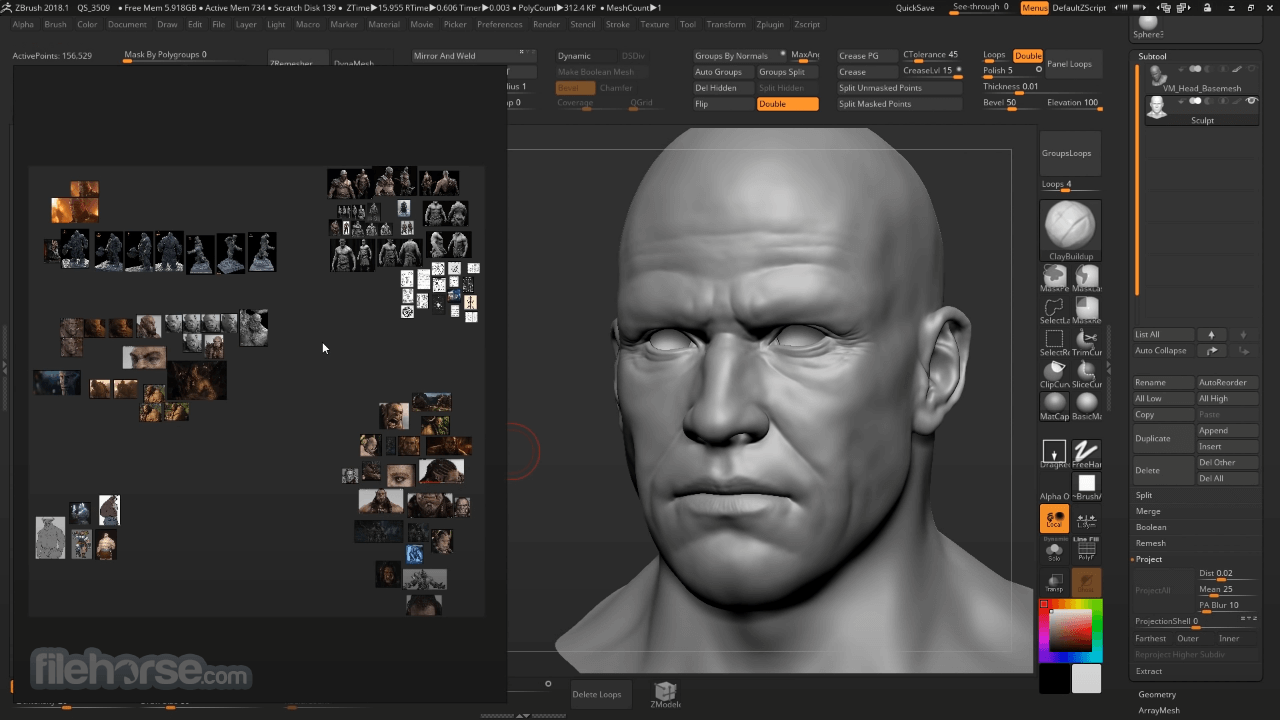
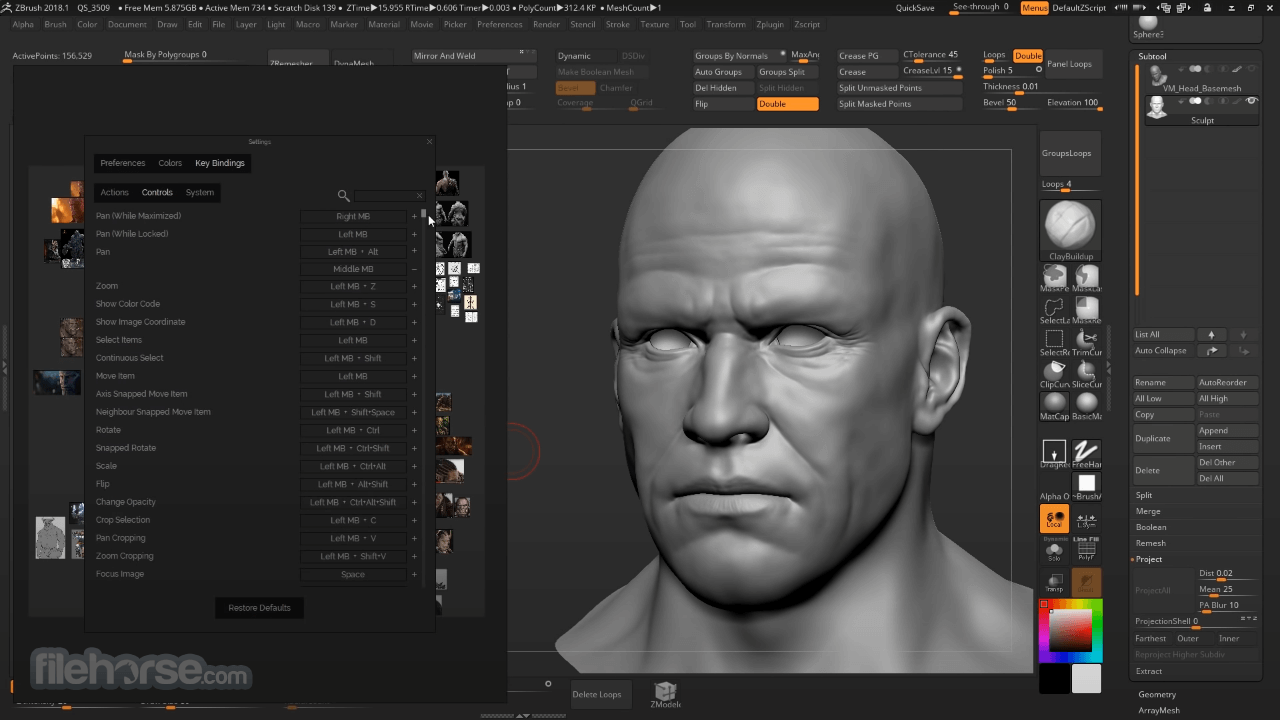
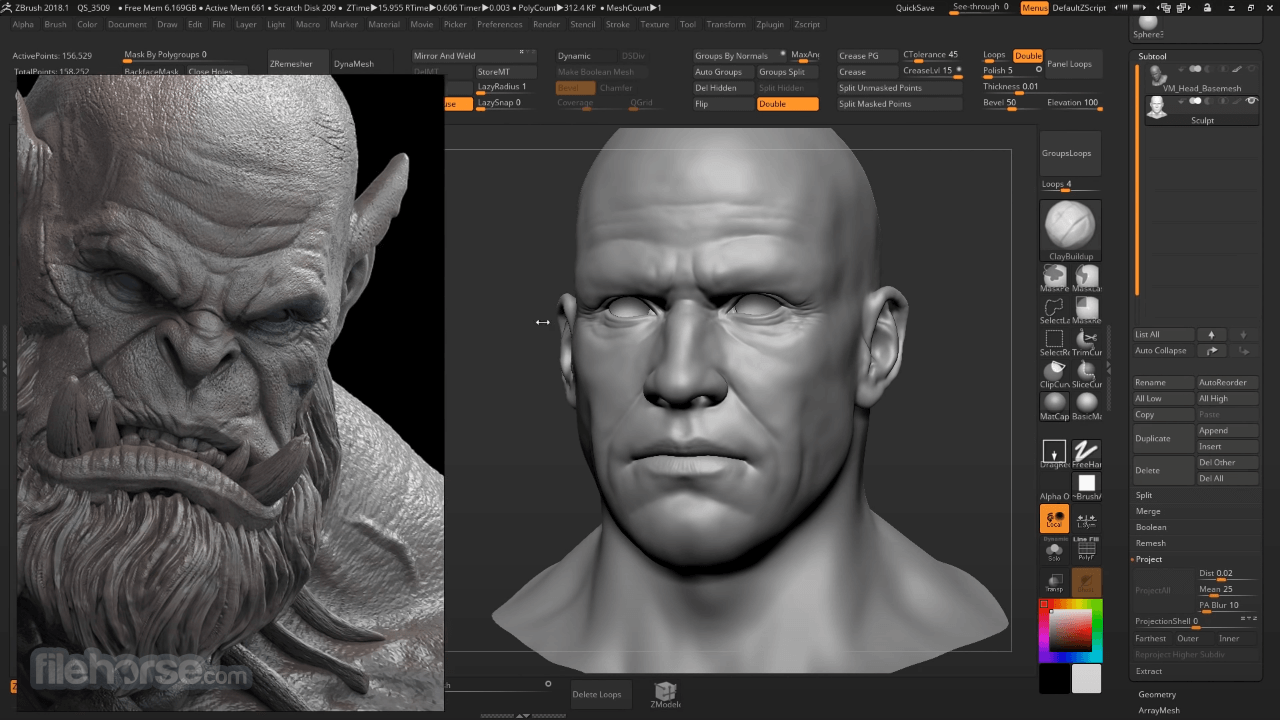
PureRef 2.1.0 (32-bit) Screenshots
The images below have been resized. Click on them to view the screenshots in full size.
-
-
What's new in this version:
Features:
- Added togglable background Grid with snapping support. (G)
- Recent files thumbnails are now shown on new canvas
- Added an Image management tool with support for updating downscaling, image formats, and image locations
- First version support for translations. (Chinese, French, Japanese, Korean, Spanish)
- Drawing: Straight lines and shapes tool
- Added aspect lock functionality to the Crop gizmo
- Added rich text editing support to the Comment dialog
- Added setting Auto optimize imported images, which replaces the setting "Auto downscale large images"
- Added Open scene location command. (Ctrl + Alt + L)
- Added Duplicate command. (Ctrl + D)
- Added Parent items command. (P)
- Added Edit item command. (Return)
- Added Arrange randomly command. (Ctrl + Alt + R)
- Added Normalize area command
- Added Replace image command
- Added Continuous deselect command that can be bound in the shortcut settings
- Added setting Drag and drop items into groups
- Added setting Double click title bar to maximize
- Added setting CPU core allocation to be able to tweak CPU resource usage
- Added setting Generate scene thumbnails to enable/disable thumbnail generation on save. May speed up scene saving speed depending on the size of the scene and configured performance mode.
- Added setting Clipboard copy image max size
- Added experimental setting Use screen color profile
- It is now possible to Adjust opacity of drawings and notes
- Added copy/paste text formatting commands for multi selected notes that can be bound in the shortcut settings
Tweaks:
- Changed the default shortcut for Draw to Ctrl + Shift + D to allow for Duplicate on Ctrl + D to conform with standards
- Notes: Creating a new note or drawing now only auto parents to the selection if an image or group is selected
- Notes: Pasting a note no longer parents it to the currently selected item. Use the new Duplicate command instead to keep the parent or drag and drop it in the Hierarchy. Configure with Auto parent pasted notes.
- Notes: Enable word wrap automatically when pasting long text lines
- Notes: Allow inserting links even if no text is selected
- Notes: Remove quotes when pasting a quoted path into the link editor
- Groups: Make it possible to add items into existing groups by selecting the group first before using the Group action
- Groups: Remember the last used group background color between restarts
- Groups: Moving items from different groups at the same time should no longer move them to the same group
- Toolbars are now hidden while transforming an item
- When exporting or copying groups, always include all children, if no child is selected
- Ask about replacing existing files when exporting images
- Undo during gizmo crop now resets the crop rectangle instead of exiting crop mode
- Use the aspect ratio of the window for all arrange methods
- Place new images in a grid during loading to reduce flickering
- When the setting Auto open last scene on start up is enabled it is now possible to hold Ctrl during startup to temporarily disable it
- Hide transform gizmo and toolbars during transform operations
- Show comment in item tooltips in the hierarchy view
- Windows: Made the glass preset a little bit more transparent
- Mac: Add support for the Open in setting
Fixed:
- Notes: Fixed issue where child items to notes would move as you edit the note
- Notes: Fixed issue where unlinking a link at the end of the note wouldn't work
- Notes: A new note wouldn't display selection highlight when using Shift + arrow keys
- Notes: Fixed some pre-formatted pasted text not being resizable
- Notes: Fixed Clear formatting not working on notes that start with a bullet point
- Notes: Fixed issue where bullet points wouldn't use the correct text color
- Notes: Fixed disappearing text after paste
- Notes: Better handling of copy/paste of list items
- Notes: List markers (bullets, numbers, check boxes) are now properly aligned and won't be clipped if they are large
- Notes: Use less memory, and even less when using the performance mode No cache (at the cost of performance)
- Notes: Retain auto-height when word-wrap causes the height to change during resize
- Always on top of: Don't restore the window with the parent if it was manually minimized
- Fixed issue where font sizes could change after changing appearance settings
- Fixed support for using a settings file located next to the PureRef binary
- Hierarchy: Fixed positioning of the name edit field
- Hierarchy: Edit actions are now blocked when the scene is locked
- Hierarchy: Fixed crash when Ctrl + dragging note to duplicate it in the hierarchy
- Hierarchy: Fixed navigating by typing
- Support new versions of JPEG XL
- Fixed issue where alignment padding couldn't be set to 0px
- Fixed issue where the color picker dialog wouldn't show up the second time on some screen setups
- Improved corrupt file recovery even more
- Fixed issue where loading a new scene during a crop operation would sometimes apply the crop to an image in the new scene
- Fixed issue where copying rotated items would produce incorrect bounds
- Fixed crash when loading images with a specific type of color profile
- Further performance tweaks to make loading scenes faster and have less of an impact on the general performance of the operating system
- Fixed issue where retrying a canceled update would fail
- Try to sort out thumbnail images from images dragged from Google
- Properly include all selected items when copying as image
- Fixed issue where text input focus was lost when panning the scene with a touch device
- Fixed issue where file names with '&' would show up as 'Untitled' in the hierarchy
- Don't exit draw mode when saving
- Set the Referer HTTP header when downloading images to avoid certain bot blockers
- Fixed rare crash when dropping an image from a browser
- Panning the scene with 2 fingers on a touch device should no longer sometimes move the window
- Fixed crash when copying a 1x1 px image
- Fixed gizmo cropping for items smaller than 2px
- Fixed rare hang when searching by typing in the hierarchy
- Windows: Workaround for a crash that happens when opening a file browse dialog caused by IBM Aspera Connect
- Mac: Fixed application freeze when disconnecting monitors
- Mac: Fixed issue where double clicking a .pur file while another file was loading could cause crashes
- Mac: Don't detect Logitech MX mice as trackpads
- Mac: Fixed issue where double clicking the title bar would not properly maximize the window
- Mac: Fixed issue where moving PureRef towards the top of the screen could make the resize handles show up in the wrong spot
- Mac: Adjustments to make always on top work better with stage manager
- Linux: Fixed issue where the native file dialog wouldn't be used
- Linux: Fixed missing system fonts
 OperaOpera 127.0 Build 5778.14 (64-bit)
 Kling AIKling AI - Text or Image to Video
 PhotoshopAdobe Photoshop CC 2026 27.3.1 (64-bit)
 BlueStacksBlueStacks 10.42.163.1003
 OKXOKX - Buy Bitcoin or Ethereum
 CapCutCapCut 7.9.0
 PC RepairPC Repair Tool 2026
 Hero WarsHero Wars - Online Action Game
 TradingViewTradingView - Trusted by 60 Million Traders
 AdGuard VPNAdGuard VPN 2.8.2
Comments and User Reviews