




 Replit
 Lovable
 10Web
10Web SQL Server
 OnSpace AI
 Antigravity
 Windsurf
 Cursor
-
Latest Version
-
Operating System
Windows 10 / Windows 11
-
User Rating
Click to vote -
Author / Product
-
Filename
rapidphp2025.exe
-
MD5 Checksum
9eddeed798b2961ad5b829c7a7679ddb
Sometimes latest versions of the software can cause issues when installed on older devices or devices running an older version of the operating system.
Software makers usually fix these issues but it can take them some time. What you can do in the meantime is to download and install an older version of Rapid PHP Editor 2025 18.7.
For those interested in downloading the most recent release of Rapid PHP Editor or reading our review, simply click here.
All old versions distributed on our website are completely virus-free and available for download at no cost.
We would love to hear from you
If you have any questions or ideas that you want to share with us - head over to our Contact page and let us know. We value your feedback!
-
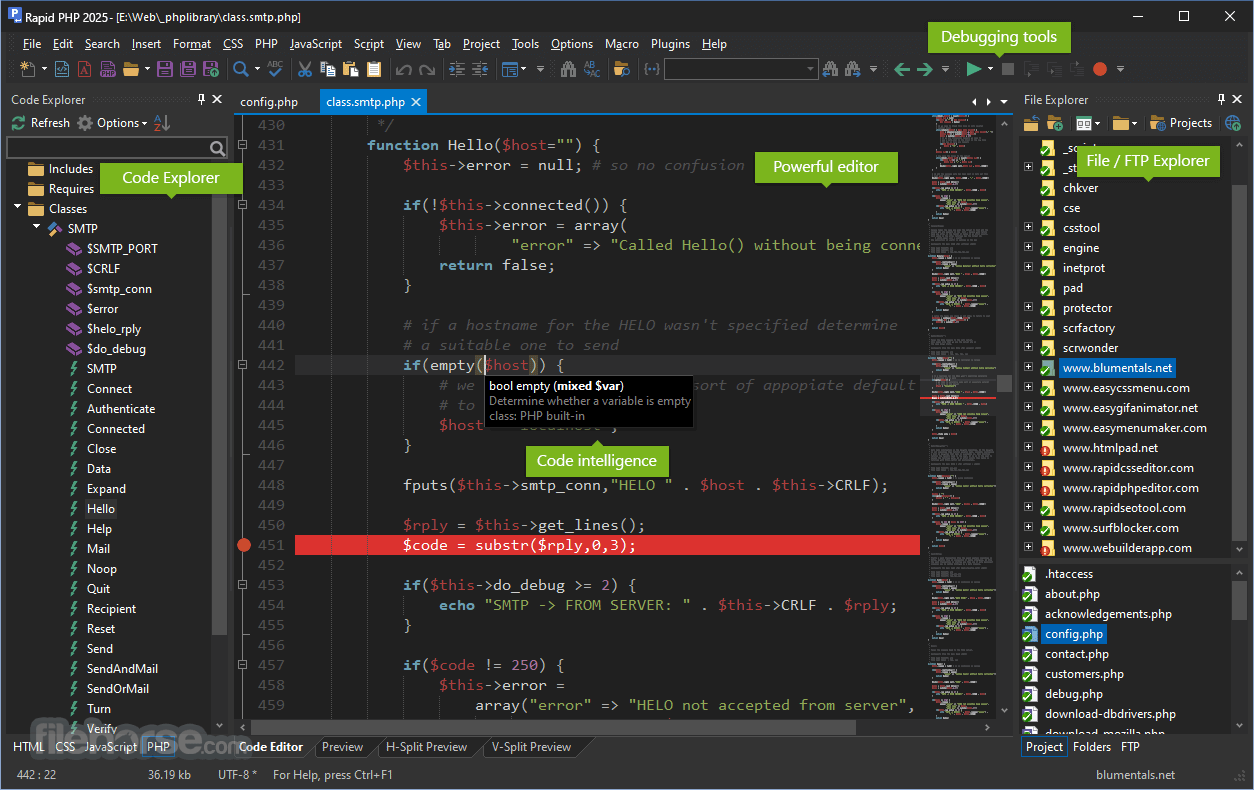
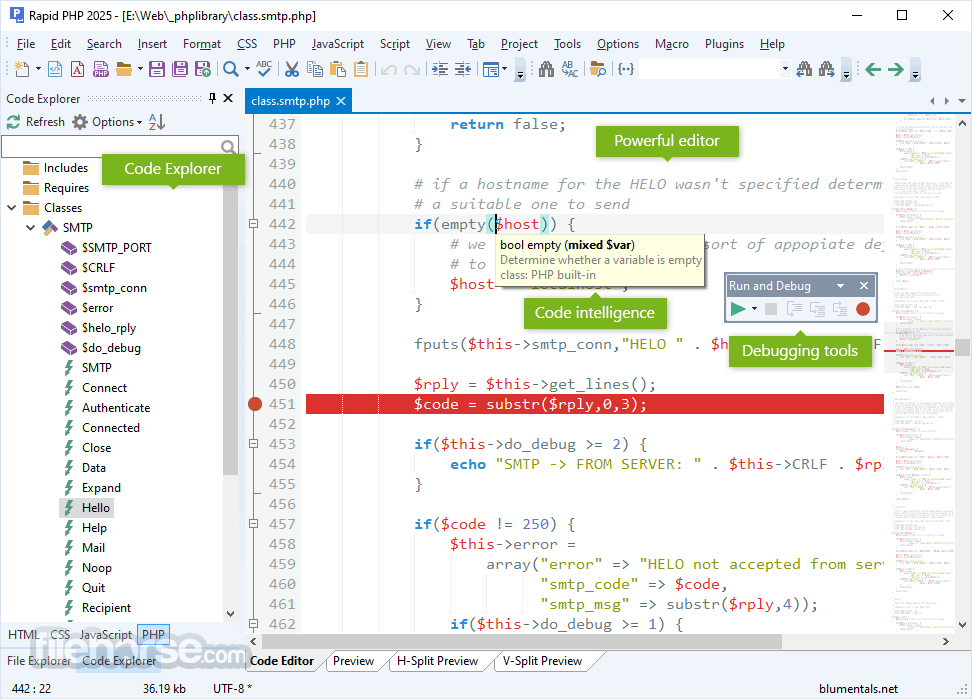
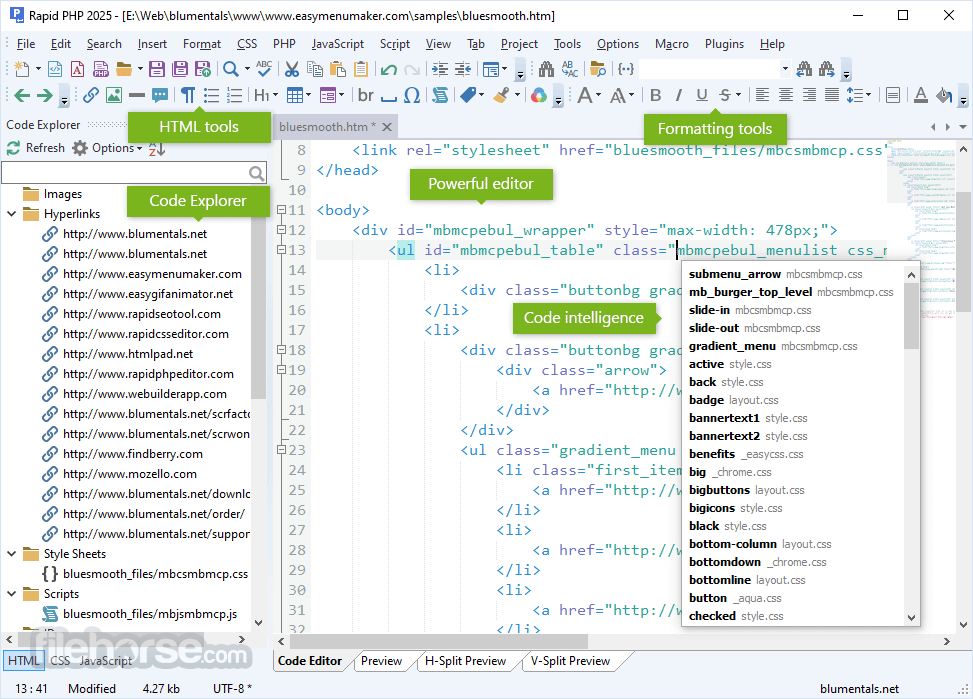
Rapid PHP Editor 2025 18.7 Screenshots
The images below have been resized. Click on them to view the screenshots in full size.
-
-
-

-

What's new in this version:
Added:
- Support for Fable AI model
- Support for the modern CSS :is() and :where() selectors in the code engine, so highlighting and code intelligence work correctly with them
- Support for the CSS :has() selector
- AI Chat - a smart "scroll to bottom" button that appears when you've scrolled up
- MariaDB connector is now loaded automatically when it's installed on your system
Improved:
- Safer SFTP uploads - files are overwritten more safely so an interrupted transfer won't leave a file damaged (inspired by the WinSCP project)
- AI History - more reliable saving and loading, plus automatic compression and cleanup of older history to keep it fast and compact
- Publish dialog - press Space to toggle all currently selected items at once
- Markdown - headings now appear in the Code Explorer, and the preview refreshes automatically when the file is changed outside the editor
- More reliable SFTP connections
- Reworked internal timing and timeout handling for smoother, more stable operation
- Increased the processing queue wait time for users with heavier workloads
- Localization in all languages
- Faster and more efficient word wrap operation
Fixed:
- A memory leak
- Several potential crashes, including a crash during search
- "Compare with remote" and "Mark as published" were unavailable when publishing a subfolder of a project
- Various stability and reliability issues under the hood
 OperaOpera 134.0 Build 5954.26 (64-bit)
 BlueStacksBlueStacks 10.42.251.1002
 PhotoshopAdobe Photoshop CC 2026 27.7 (64-bit)
 WPS OfficeWPS Office Free 12.2.0.23196
 GTA 6GTA 6 for PS5
 CapCutCapCut Desktop 9.1.0
 PC RepairPC Repair Tool 2026
 Hero WarsHero Wars - Online Action Game
 TradingViewTradingView - Trusted by 100 Million Traders
 Halo: CampaignHalo: Campaign Evolved
Comments and User Reviews