




 CorelDRAW Go
 Envato
 Affinity
 Lightroom
 Luminar Neo
 Pixelcut
 PhotoRoom
-
Latest Version
Rhino 8.28 LATEST
-
Review by
-
Operating System
Windows 10 (64-bit) / Windows 11
-
User Rating
Click to vote -
Author / Product
Rhino (Rhinoceros 3D) can create, edit, analyze, document, render, animate, and translate NURBS curves, surfaces, and solids, point clouds, and polygon meshes.
There are no limits on complexity, degree, or size beyond those of your hardware.
The Rhino development process started with the overriding goal to remove as many of your workflow bottlenecks as possible, in addition to making thousands of large and small improvements.
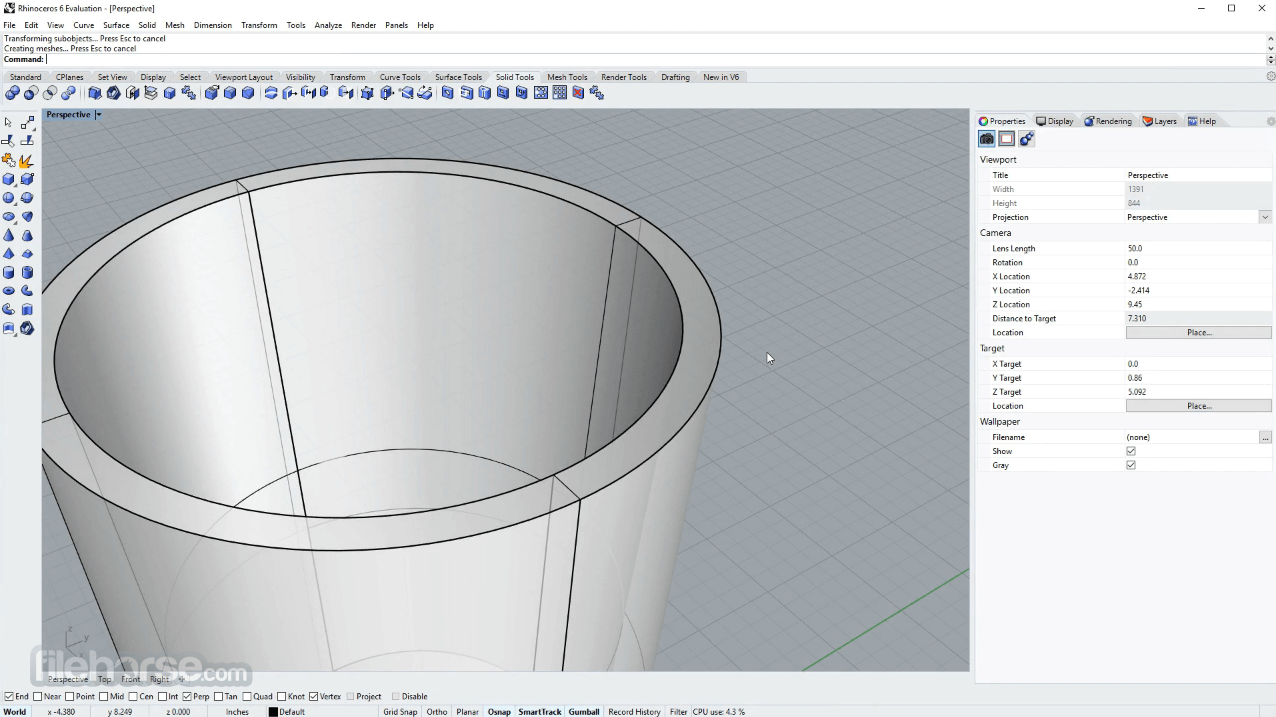
That meant making Rhino 3D faster and able to handle much larger models and project teams. Design realization requires high-quality 3D models in every phase of design, presentation, analysis, and fabrication.
Rhinoceros for Windows includes new tools and enhancements to help ensure that the 3D models used throughout your process are of the highest possible quality. The software has a great number of tools for 3D modeling!
Features include extremely fast 3D graphics, unlimited viewports, shaded, working views, perspective working views, named views, floating views, full-screen display, 3D stereo view modes, draw order support, two-point perspective, clipping planes, and one-to-one scale to view models at full size.
As you may know, the Rhino for PC development project started nearly 20 years ago to provide marine designers with tools for building computer models that could be used to drive the digitally controlled fabrication equipment used in shipyards.
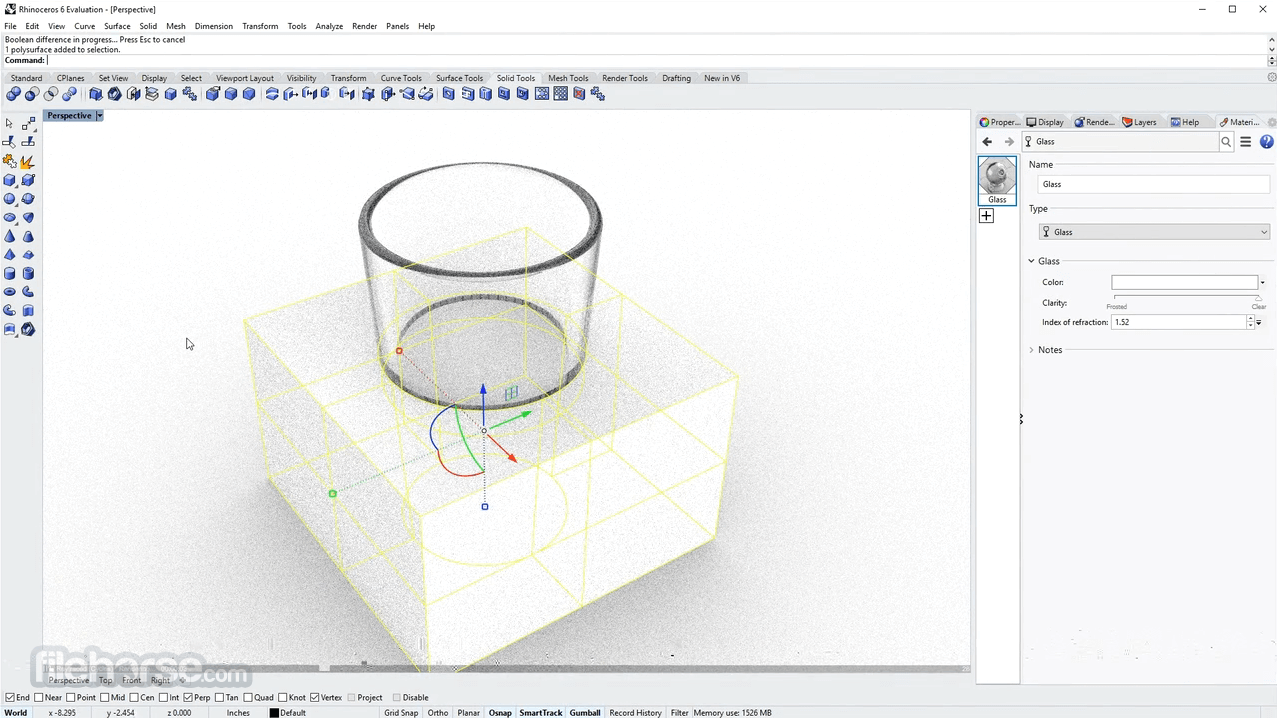
Features and Highlights
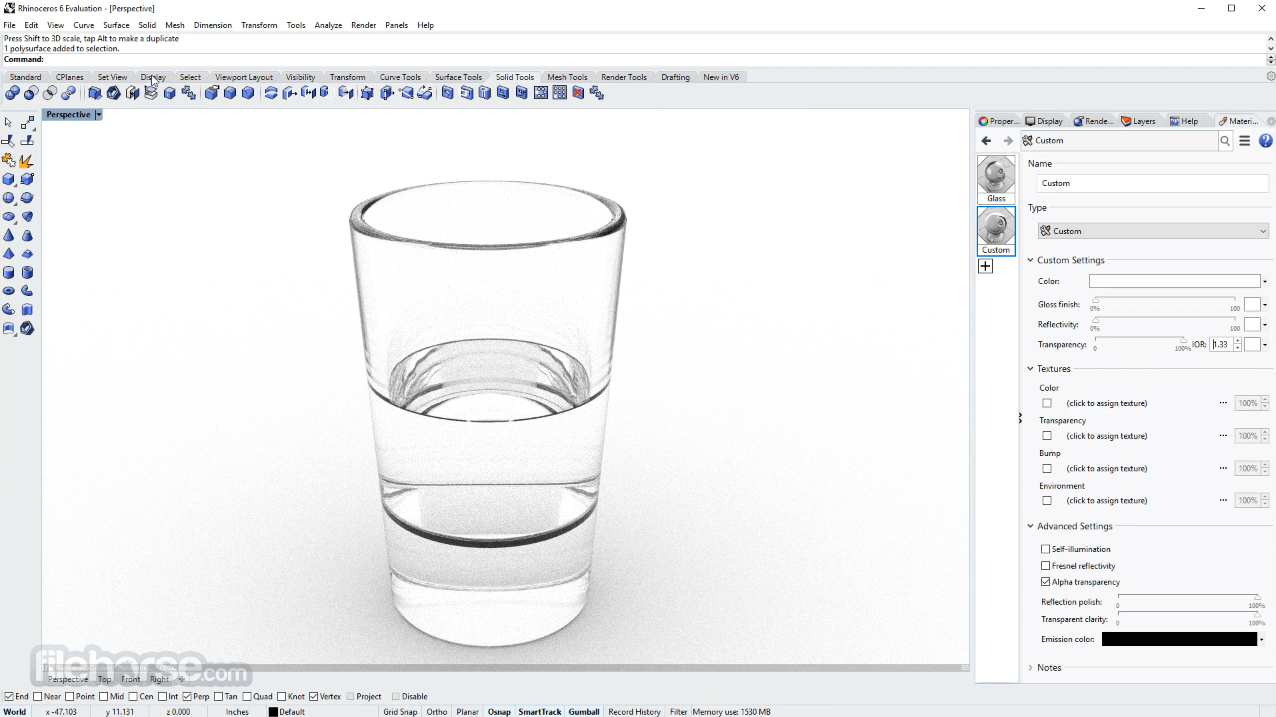
What`s New
Student Plan - €195 (One-time purchase)
Blender - Blender is a free and open-source 3D modeling software known for its versatility and active community. It's an excellent choice for beginners and professionals alike.
ZBrush - ZBrush is renowned for its sculpting capabilities and is widely used in the creation of detailed character models and organic shapes.
Cinema 4D - Cinema 4D is known for its user-friendly interface and is popular among motion graphics and 3D animation professionals.
3ds Max - Autodesk's 3ds Max is a comprehensive 3D modeling and animation software favored by professionals in architectural visualization and game development.
System Requirements
Minimum System Requirements
Also Available: Download Rhino for Mac
There are no limits on complexity, degree, or size beyond those of your hardware.
The Rhino development process started with the overriding goal to remove as many of your workflow bottlenecks as possible, in addition to making thousands of large and small improvements.
That meant making Rhino 3D faster and able to handle much larger models and project teams. Design realization requires high-quality 3D models in every phase of design, presentation, analysis, and fabrication.
Rhinoceros for Windows includes new tools and enhancements to help ensure that the 3D models used throughout your process are of the highest possible quality. The software has a great number of tools for 3D modeling!
Features include extremely fast 3D graphics, unlimited viewports, shaded, working views, perspective working views, named views, floating views, full-screen display, 3D stereo view modes, draw order support, two-point perspective, clipping planes, and one-to-one scale to view models at full size.
As you may know, the Rhino for PC development project started nearly 20 years ago to provide marine designers with tools for building computer models that could be used to drive the digitally controlled fabrication equipment used in shipyards.
Features and Highlights
- Uninhibited free-form 3D modeling tools like those found only in products costing 20 to 50 times more. Model any shape you can imagine.
- Accuracy is needed to design, prototype, engineer, analyze, and manufacture anything from an airplane to jewelry.
- Compatibility with all your other design, drafting, CAM, engineering, analysis, rendering, animation, and illustration software.
- Read and repair meshes and extremely challenging IGES files.
- Accessible. So easy to learn and use that you can focus on design and visualization without being distracted by the software.
- Fast, even on an ordinary laptop computer. No special hardware is needed.
- Development platform for hundreds of specialty 3D products.
- Affordable. Ordinary hardware. Short learning curve. Affordable purchase price. No maintenance fees.
- Points: points, point clouds, point grid, extract from objects, mark (intersection, divide, draft angle, ends, closest, foci)
- Curves: line, polyline, polyline on mesh, free-form curve, circle, arc, ellipse, rectangle, polygon, helix, spiral, conic, TrueType text, point interpolation, control points (vertices), sketch.
- Curves from other objects: through points, through polyline, extend, continue curve, fillet, chamfer, offset, blend, arc blend, from 2 views, tween, cross-section profiles, intersection, contour on NURBS surface or mesh, a section on NURBS surface or mesh, border, silhouette, extract isoparm, extract curvature graph, projection, pullback, sketch, wireframe, detach trim, 2D drawings with dimensions and text, flatten developable surfaces.
- Surfaces: from 3 or 4 points, from 3 or 4 curves, from planar curves, from a network of curves, rectangle, deformable plane, extrude, ribbon, rule, loft with tangency matching, developable, sweep along a path with edge matching, sweep along two rail curves with edge continuity, revolve, rail revolve, tween, blend, patch, drape, point grid, heightfield, fillet, chamfer, offset, plane through points, TrueType text, Unicode (double-byte) text.
- Solids: box, sphere, cylinder, tube, pipe, cone, truncated cone, pyramid, truncated pyramid, ellipsoid, torus, extrude planar curve, extrude surface, cap planar holes, join surfaces, region, nonmanifold merge, TrueType text, Unicode (double-byte) text.
- Meshes: from NURBS surfaces, from closed polyline, mesh face, plane, box, cylinder, cone, and sphere.
What`s New
- Improved viewport performance when working with large numbers of curves.
- Fixed Grasshopper annotation visibility issues in the viewport.
- Improved Sweep1 component accuracy and custom curve preview bounding box calculations.
- Enhanced DWG import reliability, including corrected elevation handling.
- Fixed spacing issues in multi-page PDF export.
- Resolved missing geometry during E57 point cloud imports.
- Restored proper hatch import support for AI files.
- Added new RhinoIntersectPlaneBrep function to the RhinoCommon API.
- Fixed multiple RhinoCommon API crashes and stability issues.
- Resolved Windows-specific UI lockups and layer panel focus problems.
- Download and install Rhino from the official website.
- Launch the application and choose a template (Small Objects, Large Objects, etc.).
- Use drawing tools (Line, Curve, Circle) to create basic shapes.
- Apply surface and solid modeling tools to build 3D objects.
- Edit geometry using commands like Move, Scale, Rotate, and Trim.
- Organize objects with layers for better workflow management.
- Apply materials and adjust view modes for visualization.
- Save or export your model in the desired file format (e.g., .3dm, .obj, .stl).
Student Plan - €195 (One-time purchase)
- Perpetual license
- Includes support & service updates
- Commercial use allowed
- No credit card required
- All features included
- Includes support
- Commercial use allowed
- Perpetual license
- Includes support & service updates
- Floating license
Blender - Blender is a free and open-source 3D modeling software known for its versatility and active community. It's an excellent choice for beginners and professionals alike.
ZBrush - ZBrush is renowned for its sculpting capabilities and is widely used in the creation of detailed character models and organic shapes.
Cinema 4D - Cinema 4D is known for its user-friendly interface and is popular among motion graphics and 3D animation professionals.
3ds Max - Autodesk's 3ds Max is a comprehensive 3D modeling and animation software favored by professionals in architectural visualization and game development.
System Requirements
Minimum System Requirements
- OS: Windows 10 or Windows 11 (64-bit)
- Processor: 64-bit Intel or AMD processor (ARM not supported)
- Memory: 8 GB RAM
- Storage: 5 GB available disk space
- Graphics: OpenGL 4.5-capable video card
- Input: Multi-button mouse with scroll wheel
- Internet: Required for download, license validation, and Rhino account access
- OS: Windows 10 or Windows 11 (64-bit)
- Processor: 64-bit Intel or AMD multi-core processor
- Memory: 16 GB RAM or more
- Storage: SSD recommended
- Graphics: OpenGL 4.5 capable GPU with at least 4 GB VRAM
- Input: Multi-button mouse with scroll wheel; 3Dconnexion SpaceNavigator (optional)
- Internet: Required for download, license validation, Cloud Zoo license management, and technical support access
- Windows 8.1 or older
- Windows Server (any version)
- ARM processors (including Microsoft SQ1 and SQ2)
- Boot Camp on Apple Silicon Macs
- Virtualization systems (VMWare, Remote Desktop, Parallels)
- Linux
- Powerful 3D Modeling
- Wide File Format Support
- Customizable with Plugins
- Affordable One-time Purchase
- Strong Community & Support
- Lacks Parametric Design
- No Built-in Rendering Engine
- Limited Mesh Editing Tools
- Not Industry Standard for Some Fields
Also Available: Download Rhino for Mac
Why is this app published on FileHorse? (More info)
-
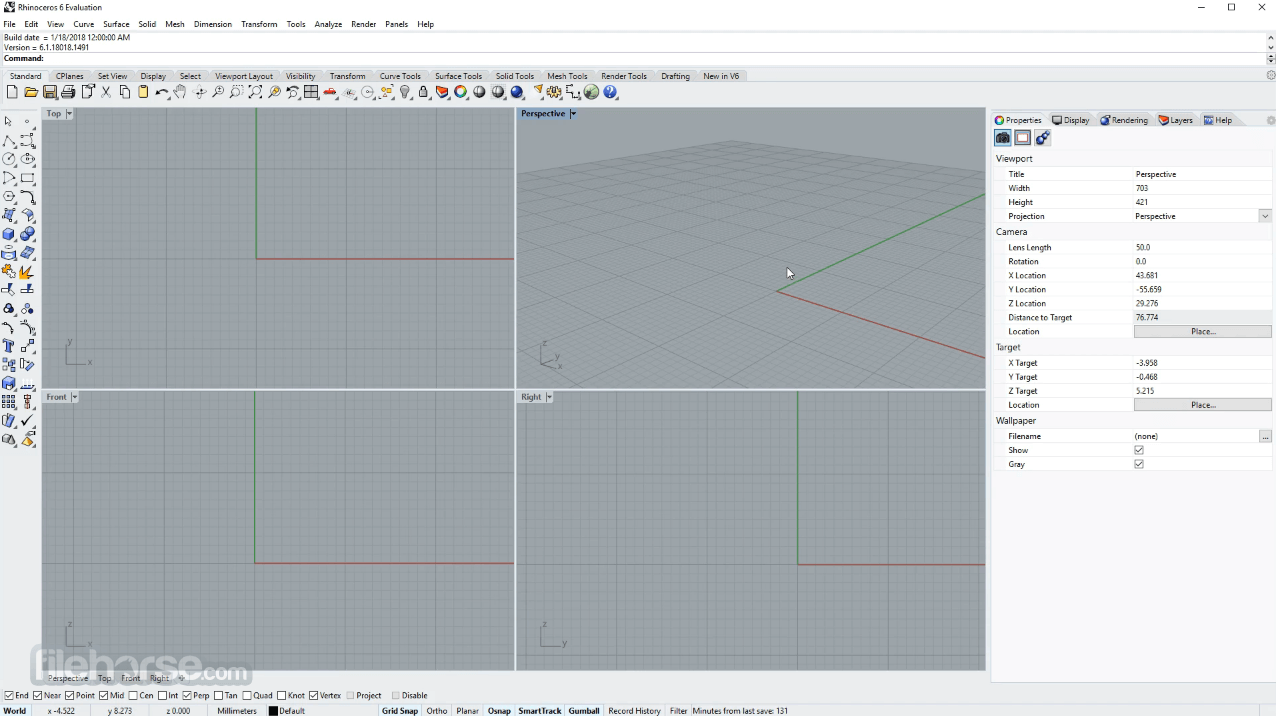
Rhino 8.28 Screenshots
The images below have been resized. Click on them to view the screenshots in full size.
-
-
-
 OperaOpera 135.0 Build 5973.92 (64-bit)
 LDPlayerLDPlayer - Android Emulator
 PhotoshopAdobe Photoshop CC 2026 27.9.1 (64-bit)
 MalwarebytesMalwarebytes Premium 5.7.0
 GTA 6GTA 6 for PS5
 CapCutCapCut Desktop 9.3.0
 PC RepairPC Repair Tool 2026
 Hero WarsHero Wars - Online Action Game
 TradingViewTradingView - Trusted by 100 Million Traders
 How to FishHow to Fish
Comments and User Reviews