




 Restream
 Premiere Pro
 RecCloud
 Filmora
 FocuSee
 LitMedia AI
-
Latest Version
-
Operating System
Windows 10 (64-bit) / Windows 11
-
User Rating
Click to vote -
Author / Product
-
Filename
SplitCamSetup_x64.msi
-
MD5 Checksum
d2b12fc4e20dd912607b65807f458eea
Sometimes latest versions of the software can cause issues when installed on older devices or devices running an older version of the operating system.
Software makers usually fix these issues but it can take them some time. What you can do in the meantime is to download and install an older version of SplitCam 10.8.55.
For those interested in downloading the most recent release of SplitCam or reading our review, simply click here.
All old versions distributed on our website are completely virus-free and available for download at no cost.
We would love to hear from you
If you have any questions or ideas that you want to share with us - head over to our Contact page and let us know. We value your feedback!
-
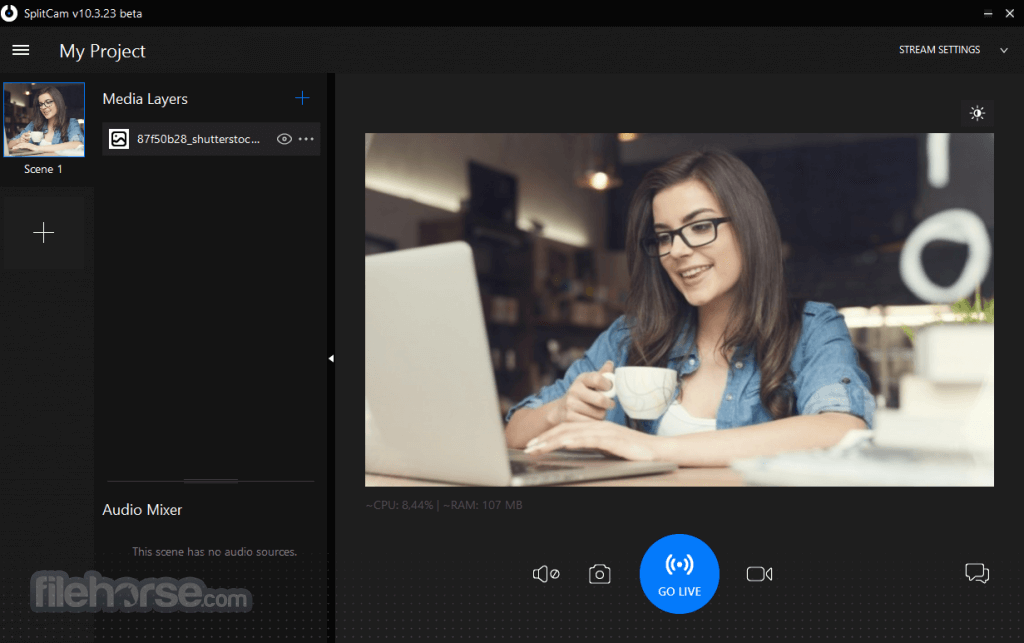
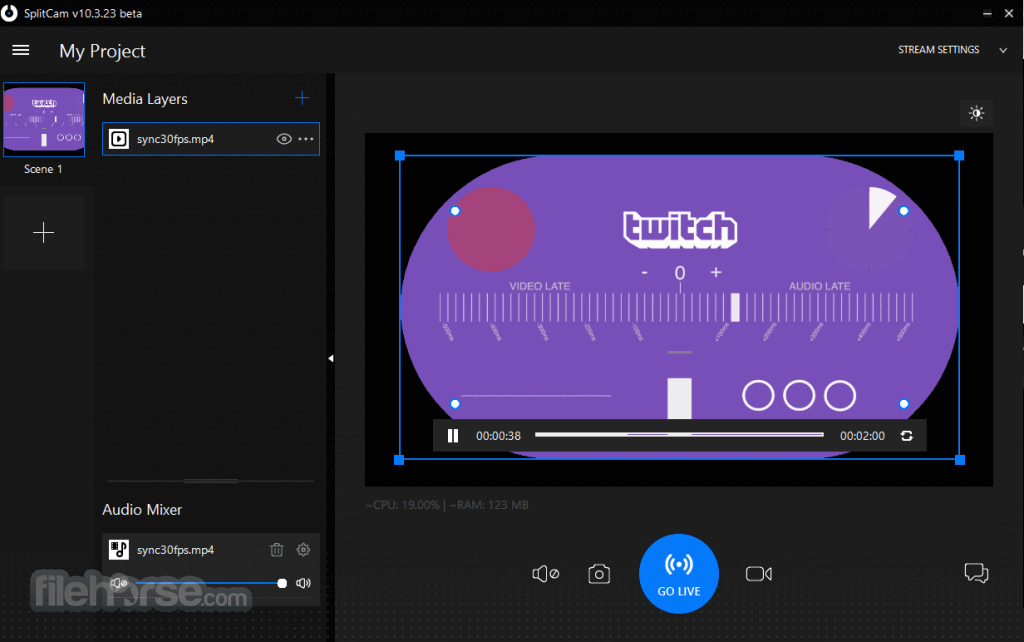
SplitCam 10.8.55 Screenshots
The images below have been resized. Click on them to view the screenshots in full size.
-

-
What's new in this version:
New:
- Added Sound Offset filter. Now you can adjust syncing of audio/video streams using the Sound Offset filter in audio layers.
- New method of audio stretch in Replay media source. When changing the playback speed of Replay media source SplitCam keeps the same pitch.
- Audio Compressor filter is available again as a reply to users request
Updated:
- Changed ingests update method to account for download errors on some Windows installations
- Check for support of hardware video encoding. SplitCam will test for the availability of hardware video encoding which might be unavailable due to unsupported GPU or outdated video drivers.
- Added Replay source Speed parameter
Fixed:
- Fixed stopping streaming when all active streams are in error state
- Replay bug fixed: update mixer panel after deleting the Replay source
- 3D rotation effect is working correctly
- Fixed bugs with 3d transform and Replay sources
- Minor string fix in the OnlyFans dialog
 OperaOpera 129.0 Build 5823.15 (64-bit)
 Kling AIKling AI - Text or Image to Video
 PhotoshopAdobe Photoshop CC 2026 27.4 (64-bit)
 BlueStacksBlueStacks 10.42.167.1001
 OKXOKX - Buy Bitcoin or Ethereum
 CapCutCapCut 7.9.0
 PC RepairPC Repair Tool 2026
 Hero WarsHero Wars - Online Action Game
 TradingViewTradingView - Trusted by 100 Million Traders
 AdGuard VPNAdGuard VPN 2.9.0
Comments and User Reviews