




 Premiere Pro
 Filmora
 Restream
 FocuSee
 LitMedia AI
 RecCloud
-
Latest Version
-
Operating System
Windows 10 (64-bit) / Windows 11
-
User Rating
Click to vote -
Author / Product
-
Filename
SplitCamSetup_x64.msi
-
MD5 Checksum
ecd5ef9a9dac7e7d70485216f2609651
Sometimes latest versions of the software can cause issues when installed on older devices or devices running an older version of the operating system.
Software makers usually fix these issues but it can take them some time. What you can do in the meantime is to download and install an older version of SplitCam 10.8.70.
For those interested in downloading the most recent release of SplitCam or reading our review, simply click here.
All old versions distributed on our website are completely virus-free and available for download at no cost.
We would love to hear from you
If you have any questions or ideas that you want to share with us - head over to our Contact page and let us know. We value your feedback!
-
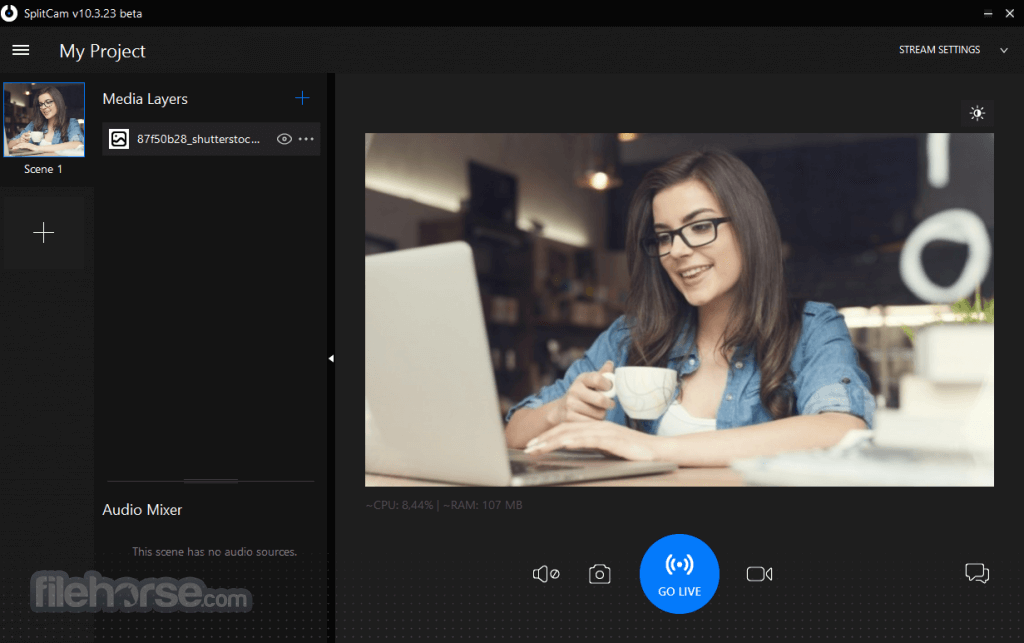
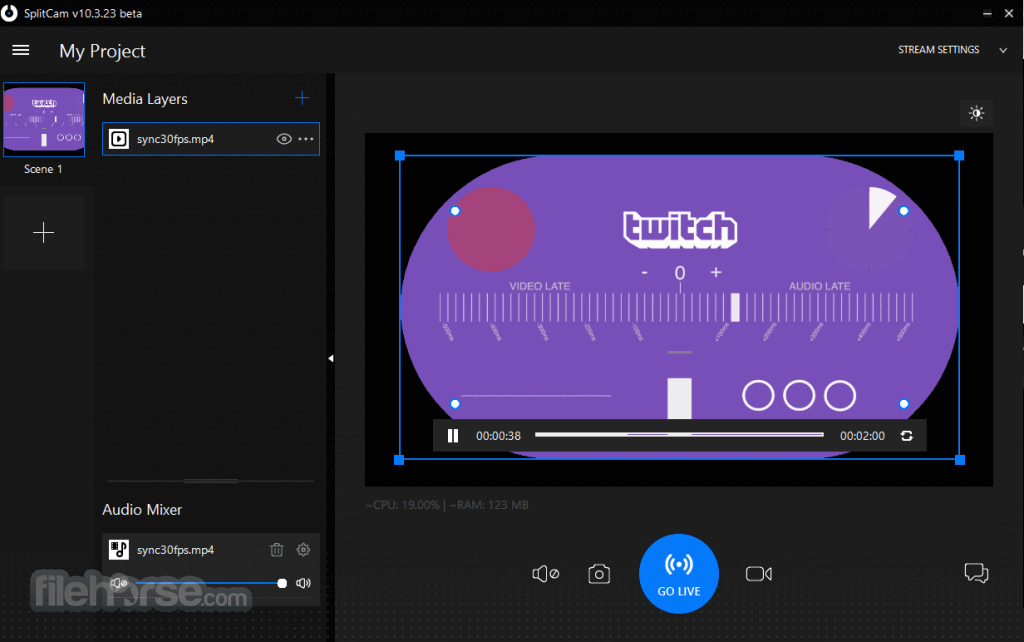
SplitCam 10.8.70 Screenshots
The images below have been resized. Click on them to view the screenshots in full size.
-

-
What's new in this version:
New:
- SplitCam's Virtual Camera can now be setup to show any selected scene or a layer from any scene. Set it up in SplitCam Settings dialog on the Additional tab under the 'Virtual video device input' option
- AI Assistant added to the program's main menu
- New country specific servers for Remote Camera source
- SplitCam now adds two virtual cameras to Windows for better compatibility with third-party software
- Added Show/Hide transition to all layers. When enabled in layer settings the layer appears or disappears using the transition when it is shown or hidden by the user
- New Fading Edges effect in Frames section of the Effects dialog
- Added the new config server for users in Russia
- Detect user location upon program startup. This is required to determine which server to use for dowloading updated ingest servers list
Updated:
- Skype contact removed from support menu
- When deleting Remote Camera source also delete the corresponding audio track
- Always recommend software codec for streaming and restream non-regarding GPUs availablility
- Ignore case when looking for an option in local.cfg
- Changed the way of enumerating and using available GPUs
- Changed colors of source control bar and source controls
- Added more informative format logging to file recorder
Fixed:
- Fixed saving downloaded files locally using CURL when path name contains international characters
- When setting up the environement use WCHAR instead of CHAR while updating PATH variable to account for international characters
- Fixed program crash when loading image sources on some computers
- Fixed OnlyFans login error when CAPTCHA window disappears if incorrect password is provided by the user
- Don't try to load non-existing Lottie files found in older project files
- Skip non-existing channels when loading older project files
- Fixed scene thumbnails generation
- Fixed a bug that caused high GPU load during slideshow transitions and slideshow display
- Fixed opacity bug in slideshow transitions
- Fixed slideshow crossfade transition
- Load locallly saved ingest and restream servers in offline mode
 OperaOpera 129.0 Build 5823.65 (64-bit)
 Kling AIKling AI - Text or Image to Video
 PhotoshopAdobe Photoshop CC 2026 27.5 (64-bit)
 BlueStacksBlueStacks 10.42.167.1001
 OKXOKX - Buy Bitcoin or Ethereum
 CapCutCapCut 7.9.0
 PC RepairPC Repair Tool 2026
 Hero WarsHero Wars - Online Action Game
 TradingViewTradingView - Trusted by 100 Million Traders
 AdGuard VPNAdGuard VPN 2.9.0
Comments and User Reviews