




 FocuSee
 Kling AI
 Restream
 LitMedia AI
 Filmora
 Premiere Pro
 RecCloud
-
Latest Version
SplitCam 10.9.2 LATEST
-
Review by
-
Operating System
Windows 10 (64-bit) / Windows 11
-
User Rating
Click to vote -
Author / Product
-
Filename
SplitCamSetup_x64.msi
-
MD5 Checksum
f69f844f0c5edaf3fce109f9d0160cc2
Additionally SplitCam is the easiest way to split your webcam to several programs like Skype, Google Hangouts and Facebook Messenger at the same time.
The name of the program consists of two words – Split and Camera. Why it’s so? The answer is very simple. Initially the program was designed to solve a problem with exclusive using of webcam by applications in Windows operating system.
If you are not aware of this problem try to connect your webcam to Skype and right after this connect the webcam to Facebook Messenger.
Stream video to few stream channels at the same time, from your HD camera and other video sources, without video quality loss. Feel free to use your webcam in several applications without receiving “webcam busy” error.
Believe your webcam can do more!. Mix audio sources (mic, audio file, etc.) in one audio stream. With Split Cam, your webcam will work in a new way!

Highlights
HD video broadcast
Stream video from your HD camera without video quality loss. Select needed resolution manually.
Video splitting
Feel free to use your webcam in several applications without receiving “webcam busy” error.
Realistic 3D Masks
Replace whole your head with some 3D object. Just imagine virtual elephant or some other animal.
All popular services support
Skype, Google Hangouts, Facebook Messenger, Windows Live Messenger, ICQ, Camfrog, Youtube and more…
Streaming to popular services
Twitch.tv, Livestream, Ustream, Facebook, Youtube Live, Periscope and other services in few clicks and using all features.
Zoom video feature
Zoom your video in the app and stream only needed part of it.
Features
- Add fun effects to your webcam during video chats for a boost of positive vibes.
- Use your webcam across multiple apps without getting the "webcam busy" error.
- Transform your head with realistic 3D masks like an animal or movie character that mimic your movements.
- Compatible with popular chat and streaming platforms like Skype, YouTube, Gtalk, and Chatroulette.
- Stream live video to services like Ustream, Justin.tv, and TinyChat with full SplitCam effects.
- Broadcast in HD and choose from a wide range of video resolutions up to 2048x1536.
- Stream from various sources: webcam, video files, slideshows, or screen capture.
- Use an IP camera as a video source instead of your regular webcam.
- Record and upload videos directly to YouTube without needing other software.
- Zoom in on specific areas of your video using your mouse or keyboard.
SplitCam is a versatile webcam software that adds fun effects to your video calls, making chats with friends more entertaining. It also lets you split your webcam feed, so you can use it simultaneously across multiple apps and services.
Whether you're video chatting or live streaming, SplitCam makes it easy to connect and share your video in real-time across different platforms.
How to Use
Launch SplitCam from the desktop or start menu
Connect your webcam or video source
Choose a video source from the left panel
Add effects or overlays from the right menu
Select your desired resolution and frame rate
Click on “Virtual Camera” to start broadcasting
Open your video chat app (e.g., Zoom, Skype)
Select "SplitCam Video Driver" as the camera source
System Requirements
- Operating System: Windows 7, 8, 10, or 11 (64-bit)
- Processor: Intel Core i3 or equivalent
- RAM: Minimum 4 GB
- Graphics: DirectX 11 compatible GPU
- Storage: At least 250 MB free disk space
- Internet: Required for online features and updates
- Supports multiple streaming platforms
- Virtual webcam for all major apps
- Includes filters, effects, and overlays
- Allows multiple video sources
- Free to use with no watermark
- Interface may feel outdated
- Limited advanced video editing tools
- Occasional compatibility issues
- Can be resource-intensive
-
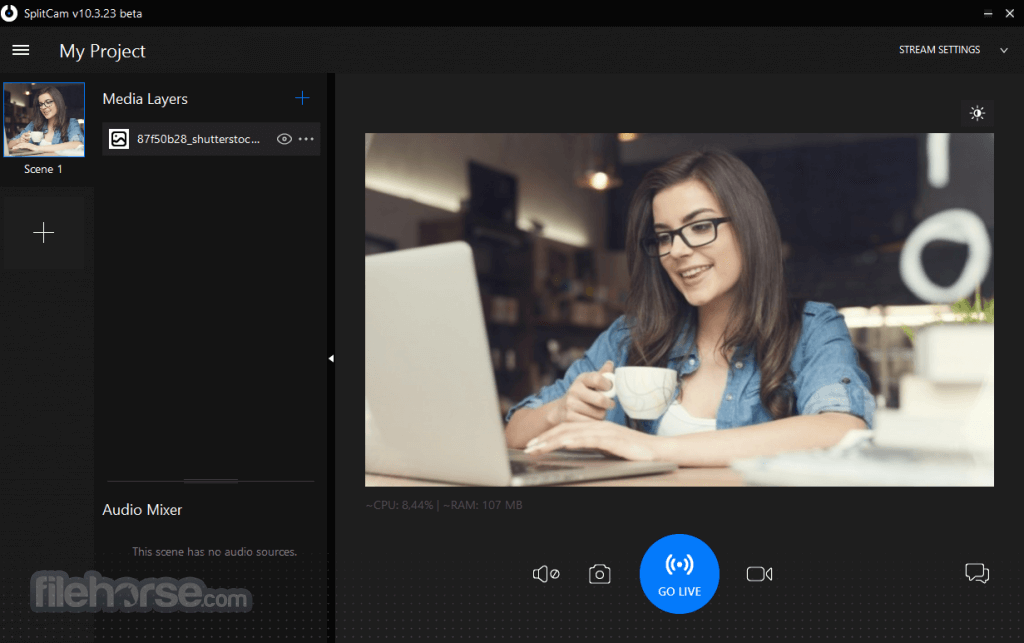
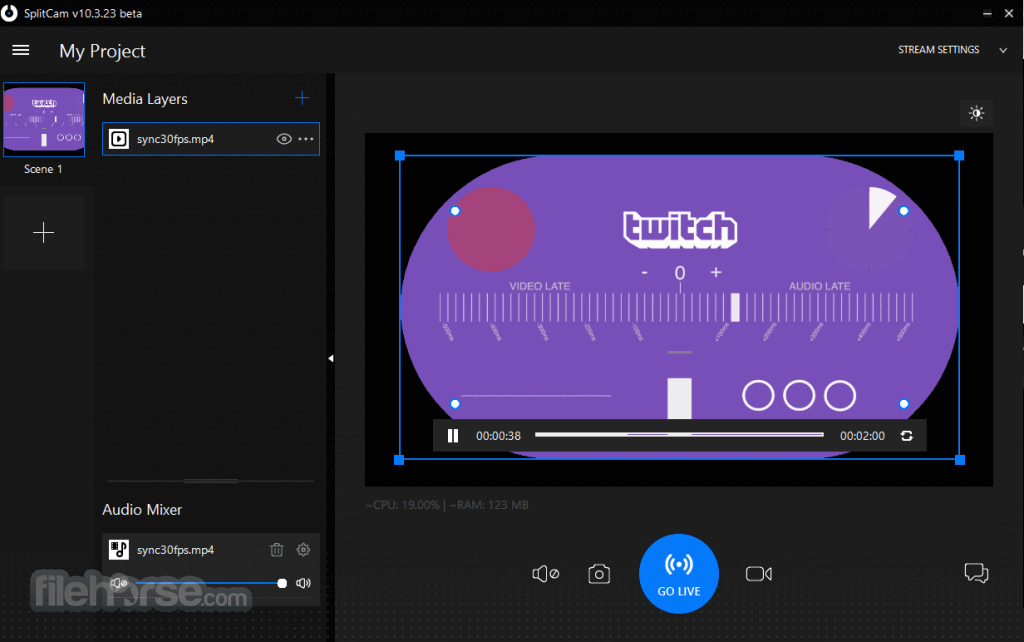
SplitCam 10.9.2 Screenshots
The images below have been resized. Click on them to view the screenshots in full size.
-
-
What's new in this version:
New:
- Added vertical canvas for streaming and recording
- Users can now stream vertical content. To enable vertical canvas you can click the Canvas Orientation button at the top-right part over the canvas. Horizontal and vertical canvases are fully independent and must be set up separately, including audio sources.
- Added Fill Canvas command in layer menu
- New stream channel: Amateur.tv
- New video effect: Masks->Blusher
- Animated gif files can now be used in slideshow layers
- Internet speed test made available for Russia
- Fixed country detection in Russia or wherever access to geoapi.info is blocked
- In Restream Settings Dialog you can now select a restream server from available list
Updated:
- Accept drag-and-drop url links without a path (protocol and server only)
- Added caching for translations of text layers
- Added a sizing border around the main window
- Scene thumbnail generation updated
- Improve empty content handling in scene preview
- Delete thumbnail files when scene has zero sources
- Dynamic font size calculation fit text within the available canvas width when the scene is paused
- Fixed lagging during Move transition applied to layers with rounded corners
- Sync live stream settings between OnlyFans and SplitCam
- Update settings in SplitCam when they are changed in stream's chat page on the web site. Also take into account that stream settings may be invalid during the first ~30 secs after starting the stream
- Changed detection and processing of available GPUs
- Replaced WSS protocol with the more stable HTTP protocol when communicating with restream servers
Fixed:
- Update stream item after it's been edited
- Fix panel repainting when the window is moved to another monitor
- Fixed bugs with transitions preview
- Fixed the problem with Add Video File dialog not opening
- Fixed crush when user deleted a scene during transition effect
- Stream status update in mini window was not working
- Refactor streamer for safer resource management
- Fixed playback of video files of non-standard resolution
- Fixed: pause gif when scene paused
- Fixed: don't change global locale in text layer code
 OperaOpera 131.0 Build 5877.55 (64-bit)
 AdsPowerAdsPower - Antidetect Browser
 PhotoshopAdobe Photoshop CC 2026 27.5 (64-bit)
 BlueStacks AIBlueStacks AI
 OKXOKX - Buy Bitcoin or Ethereum
 CapCutCapCut 8.5.0
 PC RepairPC Repair Tool 2026
 Hero WarsHero Wars - Online Action Game
 TradingViewTradingView - Trusted by 100 Million Traders
 AdGuard VPNAdGuard VPN 2.9.0
Comments and User Reviews