




 iTop Browser
 Chrome
 Incogniton
 Norton Browser
 Firefox
 Opera GX
 Comet
Comet
-
Latest Version
-
Operating System
Windows 10 (64-bit) / Windows 11
-
User Rating
Click to vote -
Author / Product
-
Filename
Vivaldi.7.8.3925.56.x64.exe
Sometimes latest versions of the software can cause issues when installed on older devices or devices running an older version of the operating system.
Software makers usually fix these issues but it can take them some time. What you can do in the meantime is to download and install an older version of Vivaldi 7.8.3925.56 (64-bit).
For those interested in downloading the most recent release of Vivaldi (64-bit) or reading our review, simply click here.
All old versions distributed on our website are completely virus-free and available for download at no cost.
We would love to hear from you
If you have any questions or ideas that you want to share with us - head over to our Contact page and let us know. We value your feedback!
-
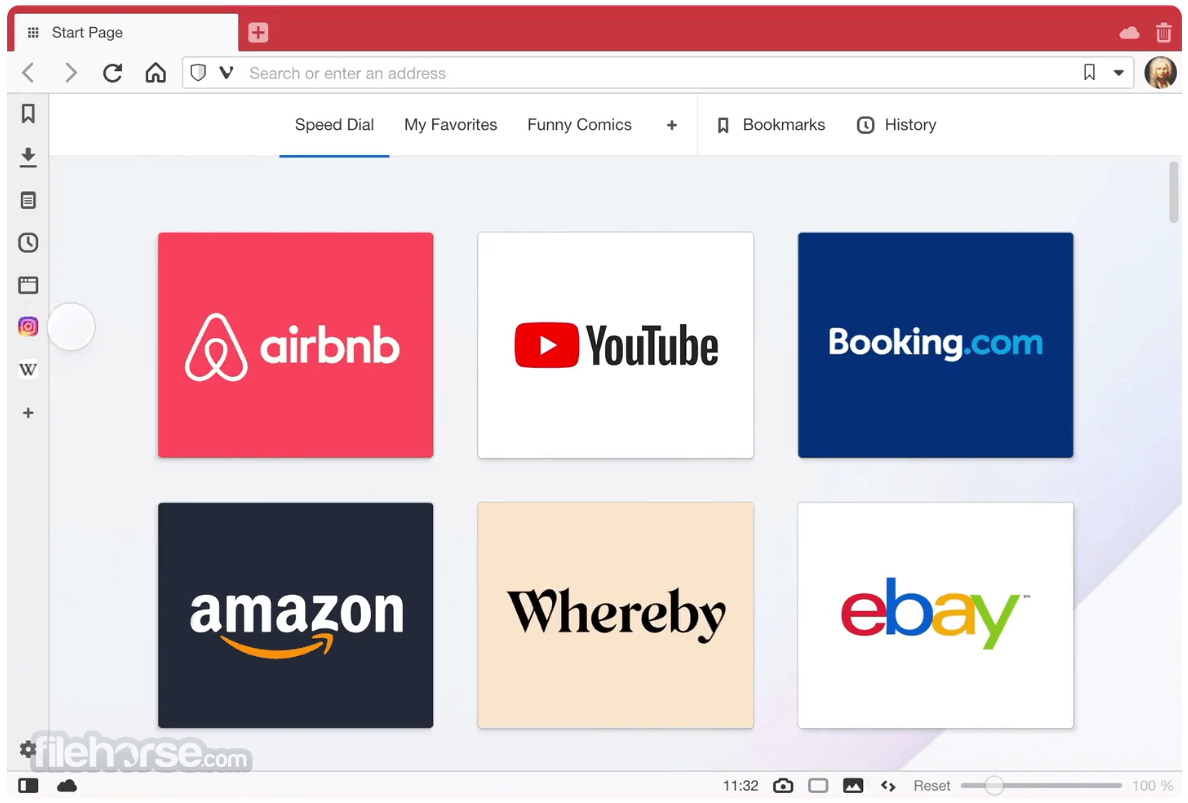
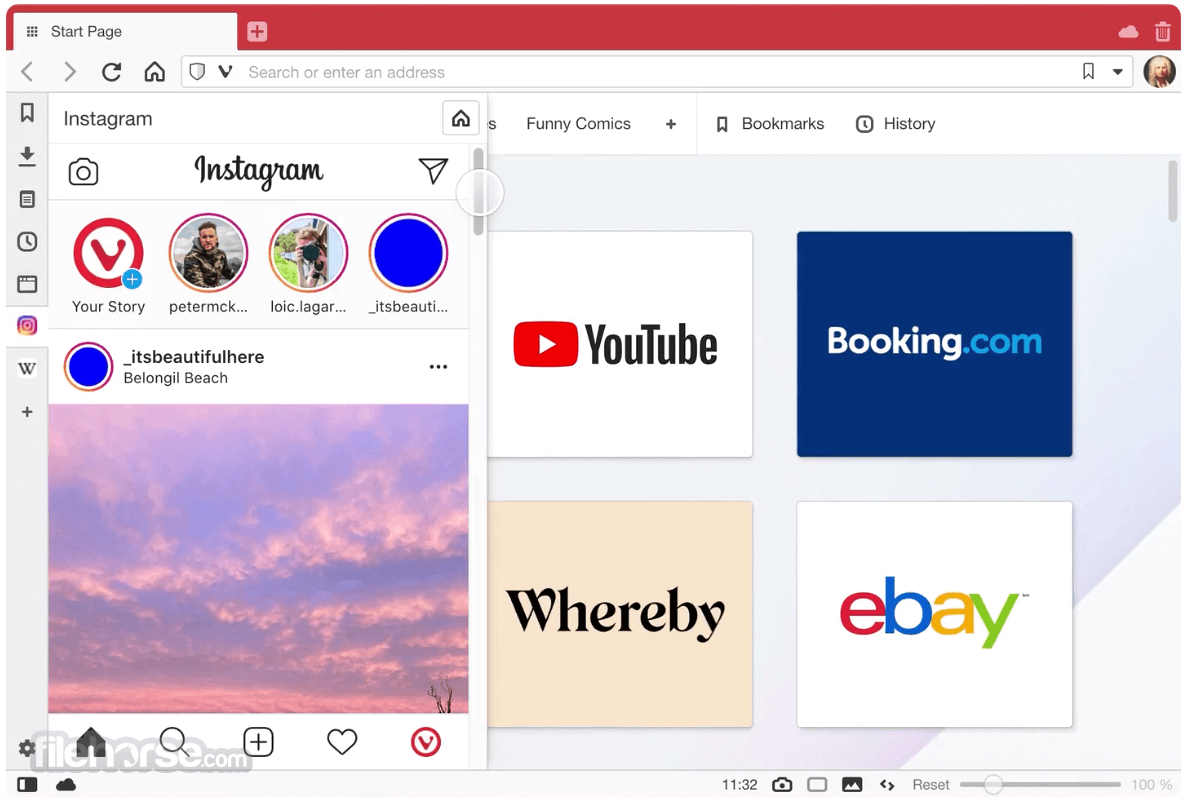
Vivaldi 7.8.3925.56 (64-bit) Screenshots
The images below have been resized. Click on them to view the screenshots in full size.
-
-

-

What's new in this version:
New:
- [New][Tab][Tiling] Allow tab tiling via drag and drop
- [New][Daily Image][Dashboard] Offer to automatically replace background
- [New][Tabs] Pinned tabs contained to one domain
- [New][Windows][Installer] UI redesign
- [New][Mail] Allow in multiple tabs and windows
- [New][Mail] Pin mail tabs across Workspaces
- [New][Tabs] Add copy and paste of tabs
Address Field:
- [Address Field] Don’t fill Address Field when opening item in background tab
- [Address Field][Settings][Search] When “Search in Address field” is disabled, do not search
- [Address Field][Settings] Search engine nicknames can appear in query string
Bookmarks:
- [Bookmarks] Keep selected item visible when clearing filter
- [Bookmarks] Nickname disappears when switching folder
- [Bookmarks] Search that matches folder name no longer displays folder contents
- [Bookmarks] Searching does not work in the bookmarks drop down
- [Bookmarks] ‘Add Page to Bookmarks’ always creates two duplicate bookmarks
Crash:
- [Crash] Accessing website settings in private window
- [Crash] Check that infobar’s delegate exists before using it
- [Crash] Drag out stack with tiles
- [Crash] In Extension Function Dispatcher
- [Crash] In report NC mouse position
- [Crash] JavaScript callback handling
[Crash] On chrome:new-tab-page and tabs.create
- [Crash] On various confirmation dialogs
- [Crash] Opening a Speed Dial folder on the Dashboard
- [Crash] Pointer lock event handling
- [Crash] Socket API cleanup during shutdown
[Crash] TypeError: Cannot read properties of undefined (reading ‘length’)
- [Crash] When autofill show update address profile bubble is to be shown
- [Crash] When displaying a password bubble
- [Crash] When dragging file after download
- [Crash][Ad Blocker] During Request Handling
- [Crash][Extensions] Tile tab extension
- [Crash][Linux] When importing passwords created from a very old Chromium
- [Crash][Mail] Errors when turning off/on mail
- [Crash][Mail] On deleting label
- [Crash][Mail] When clicking Mail from NTP navbar in secondary window
- [Crash][Menus] Context menu handling
- [Crash][Search] Dialog to suggest alternative providers crashes when list is empty
- [Crash][Spatial Navigation] On a local mHTML page
- [Crash][Sync] Whenever I try and log in
Crash reporting:
- [Crash Reporting] Opt-in toolbar after crash
- [Crash Reporting] Crashpad handler not launched on first run
- [Crash Reporting][Settings] Crash Report checkbox not working
Keyboard:
- [Keyboard] F2 to rename bookmark/note/session etc also opens Quick Commands
- [Keyboard][A11Y] Support caret browsing
- [Keyboard][Settings] “Prioritize Website Shortcuts” blocks Ctrl+C and Ctrl+V
Mail:
- [Mail] Add affiliate links to account setup
- [Mail] Add your first account dialog looks broken
- [Mail] Attempting to delete one e-mail that is in multiple IMAP inboxes displays UI without any option selected
- [Mail] Changing sorting of list not reflected in list header until selecting a message
- [Mail] Clear all Labels not for multiple selections
- [Mail] Columns removed are not persisted
- [Mail] Date Sent column information not consistent
- [Mail] Date column information in Trash is not consistent
- [Mail] Duplicating e-mails in folders
[Mail] Error in Mail Search Database: prompt to rebuild
- [Mail] Error when adding first account
- [Mail] Incorrect sorting when switching folders
- [Mail] List entry thread not updated correctly when threading data changes
- [Mail] Mark as read button disabled on starting with a mail tab
- [Mail] Messages sent to self are not threaded
- [Mail] Missing gap below thread
- [Mail] Overlapping buttons with address bar hidden and tabs on side
- [Mail] Remove border under collapsed threads
- [Mail] Save as filter from “see messages to and from” does not work
- [Mail] Some messages not found found in search
- [Mail] Sorted data not maintained correctly
- [Mail] Strange delete confirmation dialog behaviour
- [Mail] There are two Date entries for column selection
- [Mail] Update unseen regardless of its current state
- [Mail] Wrong order on incoming mails
- [Mail][Calendar] Delete of mail and calendar accounts fail
- [Mail][Welcome] Add proton certificate step to adding new account steps
- [Mail][Workspaces][Settings][Tabs] Allow to pin tabs across Workspaces
Menus:
- [Menus] Hot keys always open menu in the latest window
- [Menus] Second click on the Vivaldi menu does not close it
- [Menus][Bookmarks] Right click menu doesn’t work in the bookmark bar, “Add Active Tab”
Settings:
- [Settings] Added calendar view looks identical to add calendar view
- [Settings] Cannot delete a website from the Declined Sites option in Passwords
- [Settings] Disabling “Allow Vertical Text Direction” leaves you stuck in vertical mode
- [Settings] Improvements and fixes to the site permissions
- [Settings] Password list is truncated to single line
- [Settings] Restore Default Keys resets mouse gestures
- [Settings] Restore button cannot be pressed
- [Settings] Set as Default button overlaps its column in Spanish
- [Settings] Sync settings may steal search field focus
- [Settings][Search] Search engine setting requires reopening search to update
- [Settings][Tabs] Restrict pinned tab to domain menu setting does not stick on first attempt
- [Settings][Themes] Check boxes in theme editor do not work
- [Settings][Themes] Dropdown menu in the editor does not work
- [Settings][Themes] Theme editor UI not updated with changes
Start Page:
- [Start Page] Folder selection flickers when opening new tab
- [Start Page] Jerky animation with thumbnails
- [Start Page] Show only the Speed Dial folder can cause bookmark popup to close on selection
- [Start Page] Speed Dial transitions are jerky, won’t respect reduce-motion setting
- [Start Page] Speed Dial folders order resets on restart
- [Start Page] When moving Speed Dial in folders everything disappears
- [Start Page] Widgets disappear after adding a bookmark via the Dashboard
- [Start Page] Widgets should not appear when you navigate to a sub folder
- [Start Page][Bookmark] Widget’s folder choice and scrolling broken
- [Start Page][Settings] Quick Settings panel does not close when clicking on the background
Tabs:
- [Tabs] Clicking on speaker button activates the tab
- [Tabs] Sharing banner not disappearing if stopped and duplicates when tab switches
- [Tabs] Switch tabs on mouse down again
- [Tabs][Keyboard] Cannot cycle tabs when browser is full screened or chrome-less
- [Tabs][Media] Narrow tabs and audio-icon conflicting
- [Tabs][Media] Too easy to accidentally mute tab
- [Tabs][Menu] Stacking is visible in context menu even when disabled
- [Tabs][Settings] Wrong text in Settings for stacking tabs
- [Tabs][Settings] “Tabs → Tab Features → Minimise Active Tab” is broken
Widgets:
- [Widgets] Add Mini calendar in the date widget
- [Widgets] Privacy widget flickers and goes out of view
- [Widgets][Performance] Privacy Statistics widget flashes
Other:
- [AdBlocker] Not retrieving and updating the ad and tracker blocker sources
- [Calendar] Alarm description not encoded on export
- [Chromium] Update to 144.0.7559.114
- [Commands] Focus panel command fails to focus panel
- [Commands] Missing command “Copy page address”
- [Dashboard] Bookmark widget not showing correct title
- [Downloads] Can’t download files in pop-up windows
- [Downloads] Download chart animates incorrectly
- [Extensions] Installed Screen freezes browser
- [Gestures][Tabs][Commands] Make “Open Link in Tiled Tab (Over a Link)” an option that can be mapped
- [Linux] Rotate keys in packaging and add KEY12
- [macOS][Import] Safari not visible on Welcome page
- [macOS][Popout Video] Picture in Picture on Google Meet doesn’t work
- [macOS][Toolbars] Add a “share” button
- [Media][Popout Video] PiP Volume control in the separate video window does not work
- [Notes] Create Note with Selection output option in Capture Tool dialog fails to create a note
- [Profiles] Open popup window on Guest Profile
- [Profiles] Opening Settings in one profile freezes the other profile windows
- [Quick Commands] Order of tabs shown is random
- [Search] Confusing message when trying to delete a search engine
- [Status bar] Prevent menu content calculation on each render
- [Themes][Settings] Reset button for default themes is unresponsive after making a change
- [Thumbnails] Update thumbnail on page refresh
- [Touch] Dialogs and pop-outs not dismissed when clicking outside them but on a web page
- [UI] Redesign the session recovery interface to make it cleaner and easier to understand
- [Windows Panel] Invisible text in panel during mouse drags
- [Workspaces] Avoid layout shift when moving between Workspaces
 OperaOpera 130.0 Build 5847.12 (64-bit)
 Kling AIKling AI - Text or Image to Video
 PhotoshopAdobe Photoshop CC 2026 27.5 (64-bit)
 BlueStacksBlueStacks 10.42.167.1001
 OKXOKX - Buy Bitcoin or Ethereum
 CapCutCapCut 7.9.0
 PC RepairPC Repair Tool 2026
 Hero WarsHero Wars - Online Action Game
 TradingViewTradingView - Trusted by 100 Million Traders
 AdGuard VPNAdGuard VPN 2.9.0
Comments and User Reviews