




 Artlist
 Kling AI
 Camo Studio
 Premiere Pro
 Restream
 LitMedia AI
 OpusClip
-
Latest Version
VLC Media Player 3.0.23 (64-bit) LATEST
-
Review by
-
Operating System
Windows 7 64 / Windows 8 64 / Windows 10 64 / Windows 11
-
User Rating
Click to vote -
Author / Product
-
Filename
vlc-3.0.23-win64.exe
-
MD5 Checksum
f711b3aee7c805d52ab28fe53440e35f
VLC Media Player (formerly VideoLAN Client) is a highly portable free multimedia player for various audio and video formats, including MPEG-1, MPEG-2, MPEG-4, DivX, MP3, and OGG, as well as for DVDs, VCDs, and various streaming protocols.
It also can be used as a server for unicast or multicast streams in IPv4 or IPv6 on a high-bandwidth network.
With a new audio core, hardware decoding and encoding, port to mobile platforms, preparation for Ultra-HD video, and special care to support more formats, 2.1 is a major upgrade for VLC 2026.
Rincewind has a new rendering pipeline for audio, with better efficiency, volume, and device management, to improve VLC audio support. It supports many new devices' inputs, formats, and metadata and improves most of the current ones, preparing for the next-gen codecs.
What`s New
To use VLC, you will first need to download and install the tool on your computer. Once it is installed, you can open it and use the following steps to play a video or audio file:
Advanced formats
Input Media
UDP/RTP Unicast, UDP/RTP Multicast, HTTP / FTP, MMS, TCP/RTP Unicast, DCCP/RTP Unicast, File, DVD Video, Video CD / VCD, SVCD, Audio CD (no DTS-CD), DVB (Satellite, Digital TV, Cable TV), MPEG encoder, Video acquisition.
Input Formats
MPEG (ES, PS, TS, PVA, MP3), AVI, ASF / WMV / WMA, MP4 / MOV / 3GP, OGG / OGM / Annodex, Matroska (MKV), Real, WAV (including DTS), Raw Audio: DTS, AAC, AC3/A52, Raw DV, FLAC, FLV (Flash), MXF, Nut, Standard MIDI / SMF, Creative™ Voice.
Miscellaneous
SAP/SDP announces, Bonjour protocol, Mozilla/Firefox plugin, ActiveX plugin, SVCD Menus, Localization, CD-Text, CDDB CD info, IGMPv3, IPv6, MLDv2, CPU acceleration.
Plays all formats
DVD, Text files (MicroDVD, SubRIP, SubViewer, SSA1-5, SAMI, VPlayer), Closed captions, Vobsub, Universal Subtitle Format (USF), SVCD / CVD, DVB, OGM, CMML, Kate. ID3 tags, APEv2, Vorbis comment.
FAQ
Is VLC Safe to Use?
Yes, VLC Media Player is generally considered safe to use. It is open-source software that has been widely used and trusted by millions of users worldwide. The source code is publicly available and has been reviewed and audited by many security experts, reducing the risk of security vulnerabilities.
What formats does VLC Media Player support?
VLC supports a wide range of audio and video formats, including MP3, MP4, AVI, FLAC, and more.
Is VLC Media Player free to use?
Yes, VLC Player is free and open-source software.
Can VLC Media Player play DVDs and Blu-rays?
Yes, it can play DVDs and Blu-rays.
Can VLC Media Player stream online content?
Yes, It can stream online content through various protocols, including HTTP, RTP, and RTSP.
How do I take screenshots in VLC Media Player?
To take screenshots in VLC, go to Video > Take Snapshot.
How do I add subtitles to a video in VLC Media Player?
To add subtitles to a video in VLC, go to Subtitle > Add Subtitle File.
How do I change the aspect ratio in VLC Media Player?
To change the aspect ratio in VLC, go to Video > Aspect Ratio and select the desired aspect ratio.
Can I customize the interface of VLC Media Player?
Yes, It allows customization of the interface through skins and customization settings.
Does VLC Media Player support audio and video effects?
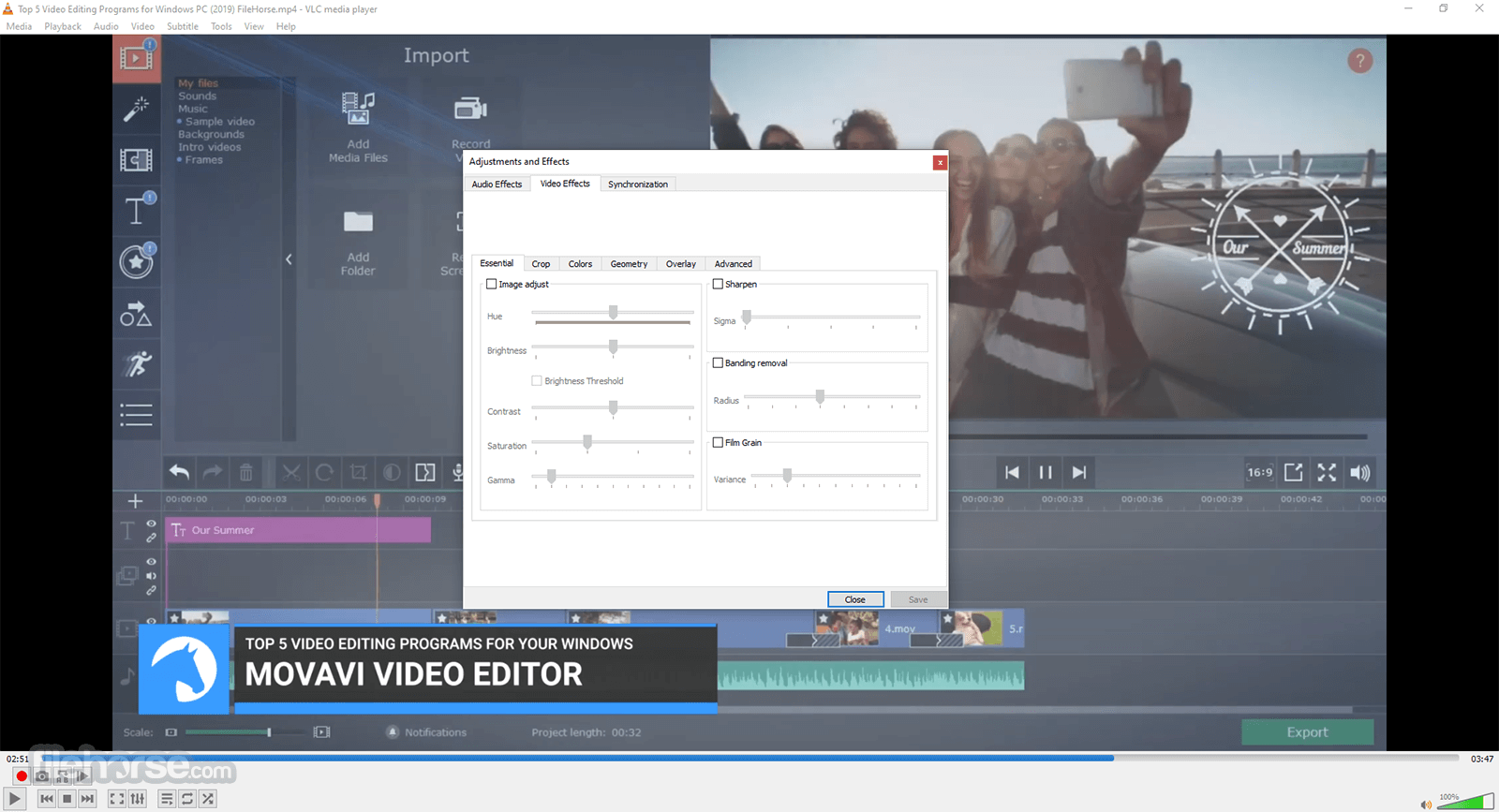
Yes, It has audio and video effects, including equalizer, audio spatializer, and more.
Can VLC Media Player be used on multiple platforms?
Yes, VLC Player is available for Windows, MacOS, Linux, Android, and iOS.
How to Uninstall VLC
To uninstall VLC Media Player on Windows, follow these steps:
Features and Highlights

Alternatives
PotPlayer: A powerful multimedia player with a sleek and modern interface. It offers a vast array of customization options, supports various codecs, and includes advanced features like 3D playback and screen recording.
KMPlayer: A multimedia player that provides a comprehensive solution for playing various types of media files. It offers a range of features and functionalities to enhance the viewing experience.
GOM Player: A cost-free video player that offers seamless playback of videos in diverse formats. It comes with an integrated codec, ensuring compatibility with a wide range of video file types.
Media Player Classic - Home Cinema (MPC-HC): This is a lightweight and customizable media player that resembles the classic Windows Media Player interface. It supports a wide range of formats and provides essential playback features.
5KPlayer: A multimedia player that supports 4K, 5K, and even 8K video playback. It includes features like AirPlay support, and DLNA streaming, making it a versatile option for both local and online media playback.
System Requirements
VLC Player is a free, open-source, and cross-platform media player app that can play various multimedia files and streaming protocols. It is known for its versatility and ability to play almost any format without the need for additional codecs.
It also offers features such as an equalizer, playlist management, and support for a wide range of subtitles. With its user-friendly interface and customizable settings, it is a popular choice among users for playing audio and video files.
Also Available: VLC Media Player (32-bit), VLC Media Player for Mac and VLC Media Player Portable
It also can be used as a server for unicast or multicast streams in IPv4 or IPv6 on a high-bandwidth network.
With a new audio core, hardware decoding and encoding, port to mobile platforms, preparation for Ultra-HD video, and special care to support more formats, 2.1 is a major upgrade for VLC 2026.
Rincewind has a new rendering pipeline for audio, with better efficiency, volume, and device management, to improve VLC audio support. It supports many new devices' inputs, formats, and metadata and improves most of the current ones, preparing for the next-gen codecs.
What`s New
- Improved hardware decoding support for smoother 4K and HDR playback.
- Enhanced compatibility with modern video and audio codecs.
- Optimized streaming performance for network and online media.
- Updated subtitle rendering with better styling and synchronization.
- Improved user interface responsiveness and theme consistency.
- Expanded support for new container formats and media extensions.
- Better playlist management with smoother navigation.
- Security fixes addressing recent media parsing vulnerabilities.
- Improved Blu-ray and DVD playback stability.
- General bug fixes and performance optimizations across platforms.
To use VLC, you will first need to download and install the tool on your computer. Once it is installed, you can open it and use the following steps to play a video or audio file:
- Click on the "Media" menu and select "Open File" or "Open Folder" to open the file or folder containing the media you want to play.
- Alternatively, you can also drag and drop a media file into the window.
- Once the file is open, it will begin playing automatically.
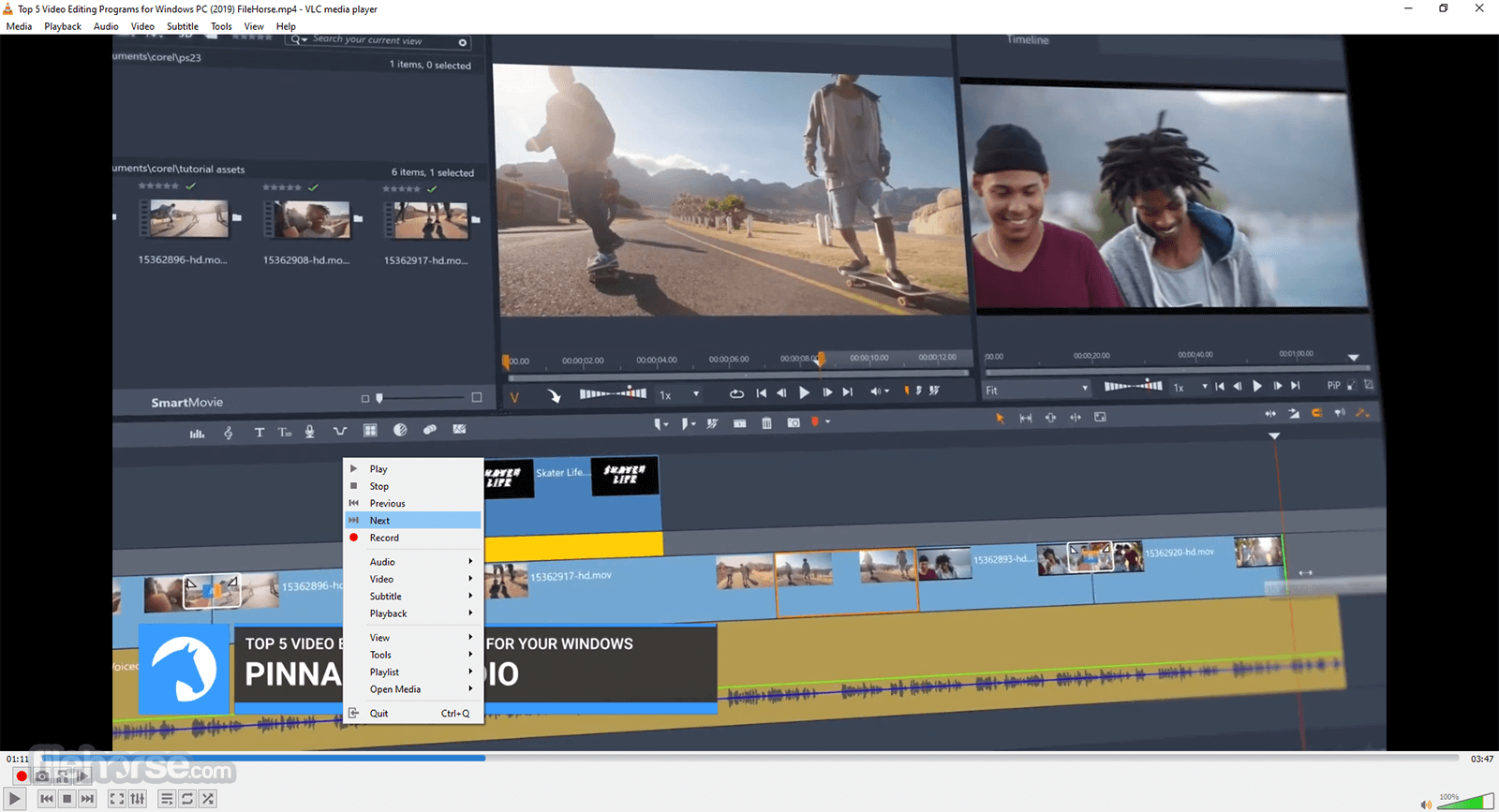
- You can use the controls at the bottom of the window to play, pause, fast-forward, and rewind the video or audio.
- You can also use the "Audio" and "Video" menus to adjust the volume, brightness, and other settings.
- To play a playlist, use the "Media" menu and select "Open Playlist" or you can also drag and drop the playlist file into the window
- To customize the interface, you can use the “View” menu to access different skins, and can also access the preferences from the tools menu
- To play a DVD, you can use the “Media” menu and select “Open Disc” and choose the DVD option.
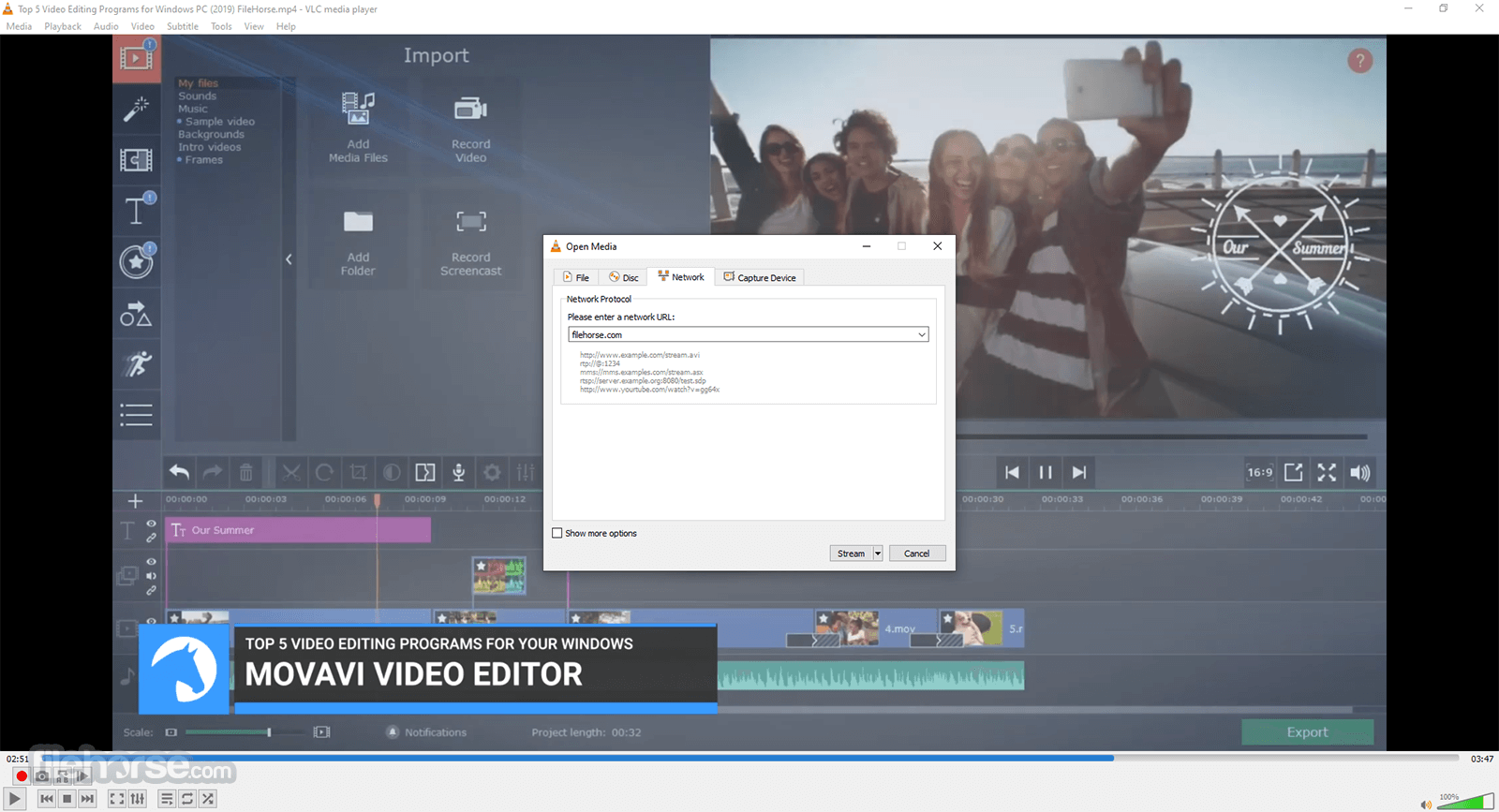
- To stream media, use the “Media” menu and select “Open Network Stream” and enter the URL of the stream.
Advanced formats
Input Media
UDP/RTP Unicast, UDP/RTP Multicast, HTTP / FTP, MMS, TCP/RTP Unicast, DCCP/RTP Unicast, File, DVD Video, Video CD / VCD, SVCD, Audio CD (no DTS-CD), DVB (Satellite, Digital TV, Cable TV), MPEG encoder, Video acquisition.
Input Formats
MPEG (ES, PS, TS, PVA, MP3), AVI, ASF / WMV / WMA, MP4 / MOV / 3GP, OGG / OGM / Annodex, Matroska (MKV), Real, WAV (including DTS), Raw Audio: DTS, AAC, AC3/A52, Raw DV, FLAC, FLV (Flash), MXF, Nut, Standard MIDI / SMF, Creative™ Voice.
Miscellaneous
SAP/SDP announces, Bonjour protocol, Mozilla/Firefox plugin, ActiveX plugin, SVCD Menus, Localization, CD-Text, CDDB CD info, IGMPv3, IPv6, MLDv2, CPU acceleration.
Plays all formats
DVD, Text files (MicroDVD, SubRIP, SubViewer, SSA1-5, SAMI, VPlayer), Closed captions, Vobsub, Universal Subtitle Format (USF), SVCD / CVD, DVB, OGM, CMML, Kate. ID3 tags, APEv2, Vorbis comment.
FAQ
Is VLC Safe to Use?
Yes, VLC Media Player is generally considered safe to use. It is open-source software that has been widely used and trusted by millions of users worldwide. The source code is publicly available and has been reviewed and audited by many security experts, reducing the risk of security vulnerabilities.
What formats does VLC Media Player support?
VLC supports a wide range of audio and video formats, including MP3, MP4, AVI, FLAC, and more.
Is VLC Media Player free to use?
Yes, VLC Player is free and open-source software.
Can VLC Media Player play DVDs and Blu-rays?
Yes, it can play DVDs and Blu-rays.
Can VLC Media Player stream online content?
Yes, It can stream online content through various protocols, including HTTP, RTP, and RTSP.
How do I take screenshots in VLC Media Player?
To take screenshots in VLC, go to Video > Take Snapshot.
How do I add subtitles to a video in VLC Media Player?
To add subtitles to a video in VLC, go to Subtitle > Add Subtitle File.
How do I change the aspect ratio in VLC Media Player?
To change the aspect ratio in VLC, go to Video > Aspect Ratio and select the desired aspect ratio.
Can I customize the interface of VLC Media Player?
Yes, It allows customization of the interface through skins and customization settings.
Does VLC Media Player support audio and video effects?
Yes, It has audio and video effects, including equalizer, audio spatializer, and more.
Can VLC Media Player be used on multiple platforms?
Yes, VLC Player is available for Windows, MacOS, Linux, Android, and iOS.
How to Uninstall VLC
To uninstall VLC Media Player on Windows, follow these steps:
- Go to the Start menu and click on the "Control Panel".
- In the Control Panel, select "Programs and Features".
- Find VLC Media Player in the list of installed programs and click on it.
- Click on the "Uninstall" button.
- Follow the on-screen instructions to complete the uninstallation process.
- Restart your computer to complete the uninstallation process.
Features and Highlights
- 8K support (hardware decoding is on by default)
- Chromecast/Google Cast support
- HDR and 10-bit video
- HMDI Audio passthrough
- Network browsing for NAS systems
- 360 video and 3D audio
- Modifying subtitle size live
- Drag and drop support
- HD DVD support
- Rewritten video output core and modules, allowing blending in GPU.
- Shader support in the OpenGL output, for conversion, including 10bits.
- Video outputs for Windows 10 64-bit, 8 and 7, Android, iOS and OS/2.
- Debanding, grain, denoising, and anti-flickering filters.
- Deinterlacing filter, including an Inverse Telecine algorithm.
- Resamplers for higher quality audio.
- Dynamic range compressor and karaoke filters.
- Simplification of the audio core for faster processing.
- Audio outputs for iOS, Android, and OS/2.
- Multi-threaded decoding for H.264, MPEG-4/Xvid, and WebM.
- Support for 10-bit codecs, WMV image, and some other codecs.
- Rewritten support for images, including jpeg, png, xcf, bmp, etc.
- Important changes in RealVideo and Real Format support.
- CrystalHD cards and Android OpenMAX support for hardware decoding.
- And many more features...
Alternatives
PotPlayer: A powerful multimedia player with a sleek and modern interface. It offers a vast array of customization options, supports various codecs, and includes advanced features like 3D playback and screen recording.
KMPlayer: A multimedia player that provides a comprehensive solution for playing various types of media files. It offers a range of features and functionalities to enhance the viewing experience.
GOM Player: A cost-free video player that offers seamless playback of videos in diverse formats. It comes with an integrated codec, ensuring compatibility with a wide range of video file types.
Media Player Classic - Home Cinema (MPC-HC): This is a lightweight and customizable media player that resembles the classic Windows Media Player interface. It supports a wide range of formats and provides essential playback features.
5KPlayer: A multimedia player that supports 4K, 5K, and even 8K video playback. It includes features like AirPlay support, and DLNA streaming, making it a versatile option for both local and online media playback.
System Requirements
- Operating System: Windows (7, 8, 10, 11), macOS (10.7 or later), Linux, Unix, Android, iOS, and more.
- Processor: 1 GHz or faster processor (multi-core recommended for HD playback).
- RAM: 512 MB RAM (1 GB recommended for HD playback).
- Storage Space: Around 200 MB of free disk space for installation.
- Graphics Card: Most modern graphics cards are supported.
- Sound Card: Any compatible sound card.
- Internet Connection: Required for online media streaming and some additional features.
- Versatile Media Support
- Cross-Platform Compatibility
- Customizable Interface
- Advanced Playback Features
- Open-Source Development
- Limited Streaming Capabilities
- Complex Preferences Menu
- Occasional Playback Issues
- Outdated User Interface
VLC Player is a free, open-source, and cross-platform media player app that can play various multimedia files and streaming protocols. It is known for its versatility and ability to play almost any format without the need for additional codecs.
It also offers features such as an equalizer, playlist management, and support for a wide range of subtitles. With its user-friendly interface and customizable settings, it is a popular choice among users for playing audio and video files.
Also Available: VLC Media Player (32-bit), VLC Media Player for Mac and VLC Media Player Portable
Why is this app published on FileHorse? (More info)
-
VLC Media Player 3.0.23 (64-bit) Screenshots
The images below have been resized. Click on them to view the screenshots in full size.
-
-
-
-
 OperaOpera 134.0 Build 5954.56 (64-bit)
 BlueStacksBlueStacks 10.42.255.1002
 PhotoshopAdobe Photoshop CC 2026 27.9.1 (64-bit)
 LDPlayerLDPlayer - Android Emulator
 GTA 6GTA 6 for PS5
 CapCutCapCut Desktop 9.1.0
 PC RepairPC Repair Tool 2026
 Hero WarsHero Wars - Online Action Game
 TradingViewTradingView - Trusted by 100 Million Traders
 Halo: CampaignHalo: Campaign Evolved
Comments and User Reviews