




 Opera GX
 Firefox
 Samsung
 Comet
Comet iTop Browser
 Chrome
 AdsPower
-
Latest Version
SeaMonkey 2.53.24 (64-bit) LATEST
-
Review by
-
Operating System
Windows 7 64 / Windows 8 64 / Windows 10 64 / Windows 11
-
User Rating
Click to vote -
Author / Product
-
Filename
seamonkey-2.53.24.en-US.win64.installer.exe
-
MD5 Checksum
46071448eb12511b43ae75617ab1fe0d
Developed by the SeaMonkey Council, it continues the legacy of the Mozilla Application Suite, offering a versatile and lightweight alternative to standalone applications.
This open-source software is designed for advanced users who prefer an integrated browsing experience with extensive customization options.
Features
Web Browser – Based on the Mozilla engine, SeaMonkey for Windows provides a fast and secure browsing experience with tabbed browsing, pop-up blocking, and session restore.
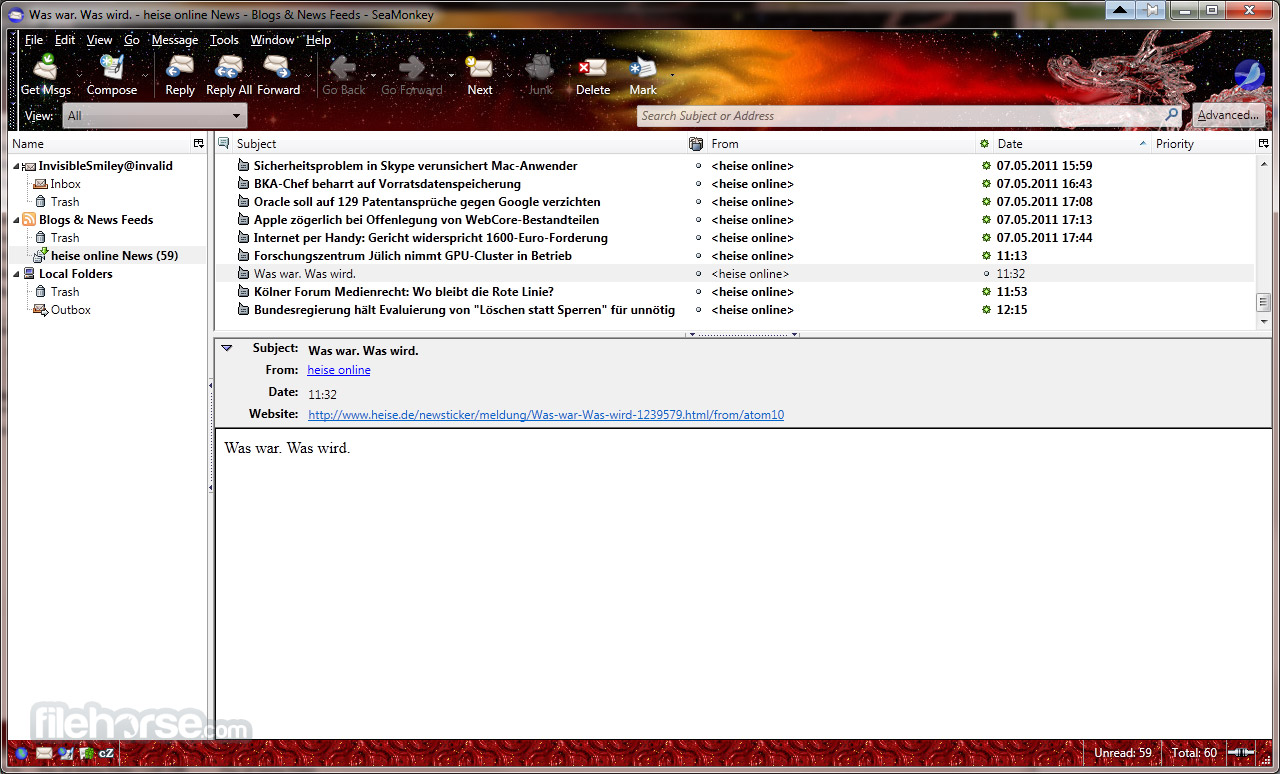
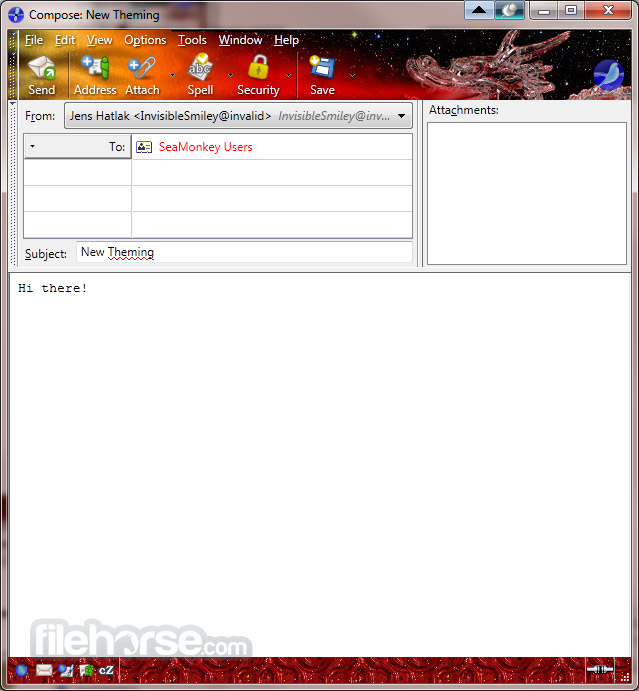
Email & Newsgroup Client – A robust email client with multiple account support, spam filters, and RSS feed integration.
HTML Editor – A built-in WYSIWYG HTML editor allows users to create and edit web pages easily.
IRC Chat – An integrated chat client that supports multiple chat networks.
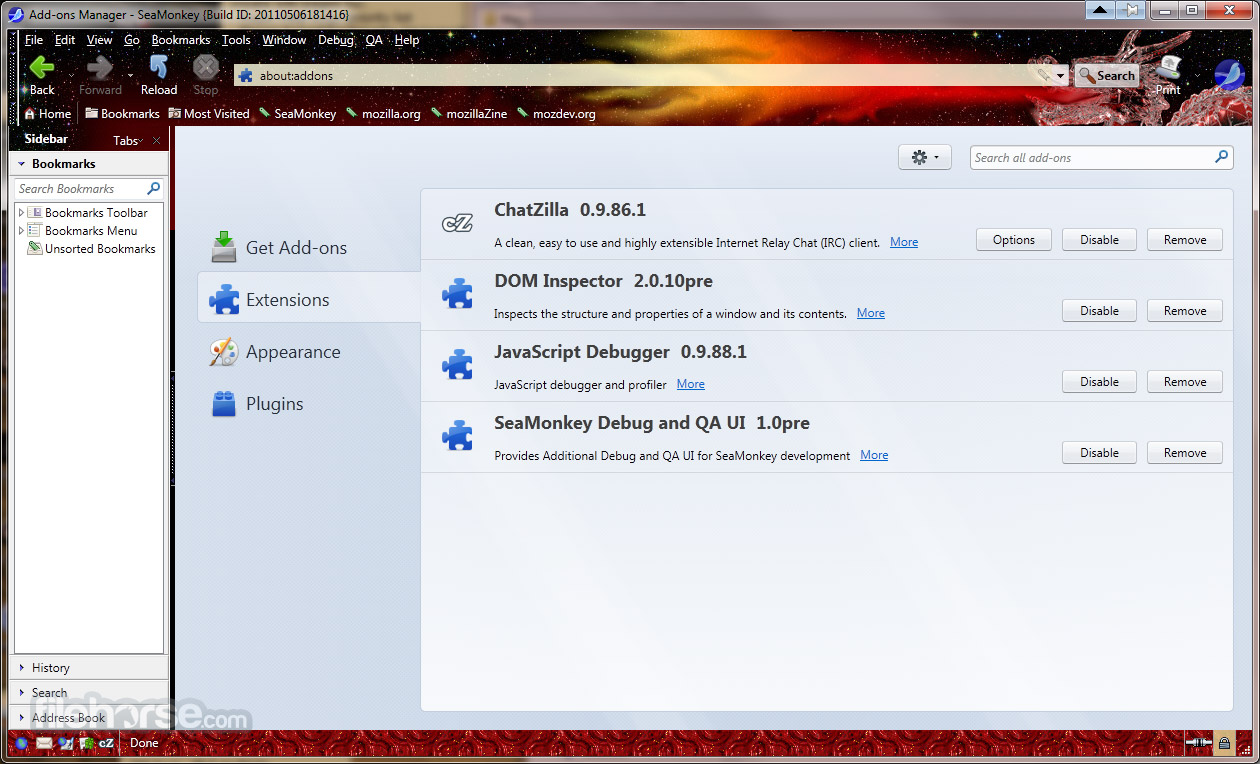
Add-ons & Extensions – Supports legacy Firefox add-ons, enhancing functionality with additional tools and features.
Developer Tools – Includes an advanced DOM Inspector and JavaScript debugger for web development.
User Interface
It features a classic, straightforward interface reminiscent of older versions of Firefox and Netscape Navigator. The layout is user-friendly but may feel outdated compared to modern browsers.
The suite's components, including the browser, email client, and chat, are easily accessible via a top navigation menu, ensuring a seamless transition between tasks.
How to Use
Browsing – Open this app and type a URL in the address bar or use bookmarks for quick access.
Email Client – Add an email account, check messages, and manage multiple email inboxes from one interface.
Web Development – Open the Composer tool to create and edit web pages with an intuitive editor.
Chat – Join IRC chat rooms using the integrated chat client.
Customization – Install add-ons and themes to personalize your experience.
FAQ
Is SeaMonkey still being developed?
Yes, SeaMonkey is actively maintained by a dedicated community, though updates may not be as frequent as mainstream browsers.
Can I use Firefox extensions with SeaMonkey?
Some older Firefox extensions are compatible, but newer WebExtensions are not supported.
Does SeaMonkey support modern web standards?
It supports most modern web technologies, but its engine may lag behind mainstream browsers like Chrome and Firefox.
Is SeaMonkey safe to use?
Yes, but it relies on users to manually update it for the latest security patches.
Can I sync bookmarks and settings across devices?
The app does not have built-in sync capabilities like Firefox or Chrome, but users can manually import/export data.
Alternatives
Opera GX: The gaming browser built for gamers with RAM and CPU limiters!
Chrome: The fast, free browser that`s built for the modern web
Firefox: Fast and customizable browser with a strong focus on privacy and security.
Edge: A modern and efficient browser with excellent compatibility and integrated Microsoft services.
Brave: Privacy-focused browser that blocks ads and trackers by default, ensuring a faster and more secure browsing experience.
System Requirements
- OS: Windows 7, 8, 10, 11 (64-bit)
- Processor: Intel or AMD 64-bit processor
- RAM: 2GB minimum, 4GB recommended
- Storage: At least 200MB of free disk space
- Internet: Required for updates and extensions
- Lightweight and Fast Performance
- Built-in Email & IRC Chat
- Customizable with Add-ons
- Integrated Web Development Tools
- Low System Resource Usage
- Outdated User Interface
- Limited Modern Extension Support
- Website Compatibility Issues
- Small Developer Community
SeaMonkey (64-bit) is an excellent choice for users who prefer an all-in-one internet suite with a classic browsing experience. While it lacks some modern features and updates can be infrequent, it remains a solid option for those who value integration and customization.
Advanced users who need a lightweight, extensible, and multi-functional suite will appreciate what this app offers. However, for those looking for the latest web technologies, enhanced security, and faster performance, alternatives like Firefox or Chrome may be a better fit.
Also Available: SeaMonkey (32-bit) and SeaMonkey for Mac
-
SeaMonkey 2.53.24 (64-bit) Screenshots
The images below have been resized. Click on them to view the screenshots in full size.

-
-

-
-
What's new in this version:
- Remove unused method readRDFString
- Cancel Filter edit dialog closes the whole Message Filter dialog too
- Put home button in the SeaMonkey main toolbar
- Calendar "Edit Recurrence"/Weekly doesn't show days
- Fix typo in addon-sdk util.js
- Create README template to use in releases
- Remove use of globalOverlay.xul in DOM Inspector
 OperaOpera 133.0 Build 5932.60 (64-bit)
 BlueStacksBlueStacks 10.42.251.1002
 PhotoshopAdobe Photoshop CC 2026 27.7 (64-bit)
 WPS OfficeWPS Office Free 12.2.0.23196
 GTA 6GTA 6 for PS5
 CapCutCapCut Desktop 9.1.0
 PC RepairPC Repair Tool 2026
 Hero WarsHero Wars - Online Action Game
 TradingViewTradingView - Trusted by 100 Million Traders
 Halo: CampaignHalo: Campaign Evolved
Comments and User Reviews