




 After Effects
 HitPaw Video
 Filmora
 VEED AI
 CapCut
 Restream
 Recorder
-
Latest Version
-
Operating System
Windows 7 / Windows 8 / Windows 10 / Windows 11
-
User Rating
Click to vote -
Author / Product
-
Filename
zp2151max.exe
-
MD5 Checksum
ec31498c1dfe400799a20e5f1118206c
Sometimes latest versions of the software can cause issues when installed on older devices or devices running an older version of the operating system.
Software makers usually fix these issues but it can take them some time. What you can do in the meantime is to download and install an older version of Zoom Player MAX 21.5.1.
For those interested in downloading the most recent release of Zoom Player MAX or reading our review, simply click here.
All old versions distributed on our website are completely virus-free and available for download at no cost.
We would love to hear from you
If you have any questions or ideas that you want to share with us - head over to our Contact page and let us know. We value your feedback!
-
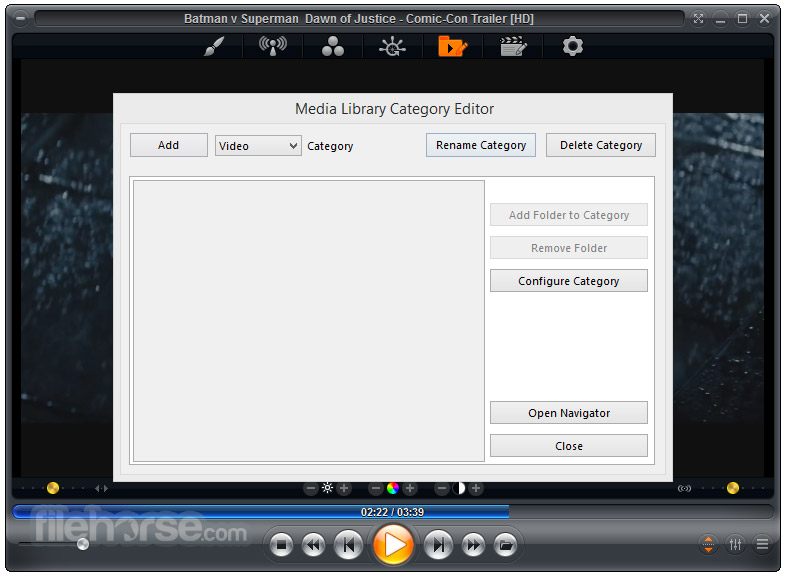
Zoom Player MAX 21.5.1 Screenshots
The images below have been resized. Click on them to view the screenshots in full size.

-

-

-
-

What's new in this version:
Changed:
- I changed how the trial version works by removing the view time limits entirely. Zoom Player is now limited to running for 20 days after a fresh install, letting you know how many days remain on each run.
- Optimized the IPTV M3U parsing and overall load time by 20-50% depending on the playlist size
- The IPTV window should open faster when using playlists with 1000's of different groups
- I've enhanced the keyboard shortcut help dialog (Press "F1" to show) to allow filtering of the keyboard shortcut list, making it much easier and faster to find what you're looking for
- Closing and re-opening the IPTV window after playing an archive (catchup) program restores the currently playing program into view
- Small enhancements to Zoom Player's Install Center experience, making it easier to cancel downloads and showing clearer messaging
- The OSD time/date display (Alt+Ctrl+"D" keyboard shortcut) will now switch automatically between the 12H AM/PM and 24H time formats based on the Windows setting which you can easily change in Windows regional settings
Fixed:
- Using the "MPC Audio Renderer" component as the audio renderer could have triggered a freeze if no audio devices were actually installed on the PC
- Playing an IPTV stream containing Unicode characters in the name could have resulted in "????" characters displaying as the title
- Even though the IPTV's fix Player API encoding setting was disabled, it still got applied in some cases, causing properly encoded non-English characters and Emoji to appear as question marks
- Fixed a bug where if the playlist or equalizer windows were open, clicking on another application would send Zoom Player to the back of all currently opened windows applications or mess with the magnetize state
- Fixed a case where pressing the play button on Modern UI with the playlist window visible could cause the Modern UI overlay to disappear behind the player window, making it inaccessible until hidden by timeout or triggered through a keyboard shortcut
- In trial mode, the "please upgrade" window could appear in a different monitor than the player window
 OperaOpera 125.0 Build 5729.49 (64-bit)
 MalwarebytesMalwarebytes Premium 5.4.5
 PhotoshopAdobe Photoshop CC 2026 27.1 (64-bit)
 BlueStacksBlueStacks 10.42.153.1001
 OKXOKX - Buy Bitcoin or Ethereum
 Premiere ProAdobe Premiere Pro CC 2025 25.6.3
 PC RepairPC Repair Tool 2025
 Hero WarsHero Wars - Online Action Game
 TradingViewTradingView - Trusted by 60 Million Traders
 Edraw AIEdraw AI - AI-Powered Visual Collaboration
Comments and User Reviews