




 Luminar Neo
 Affinity
 CorelDRAW Go
 Pixelcut
 PhotoRoom
 Envato
 Lightroom
-
Latest Version
-
Operating System
Windows 7 64 / Windows 8 64 / Windows 10 64
-
User Rating
Click to vote -
Author / Product
-
Filename
Blockbench_5.1.4
Sometimes latest versions of the software can cause issues when installed on older devices or devices running an older version of the operating system.
Software makers usually fix these issues but it can take them some time. What you can do in the meantime is to download and install an older version of Blockbench 5.1.4.
For those interested in downloading the most recent release of Blockbench or reading our review, simply click here.
All old versions distributed on our website are completely virus-free and available for download at no cost.
We would love to hear from you
If you have any questions or ideas that you want to share with us - head over to our Contact page and let us know. We value your feedback!
-
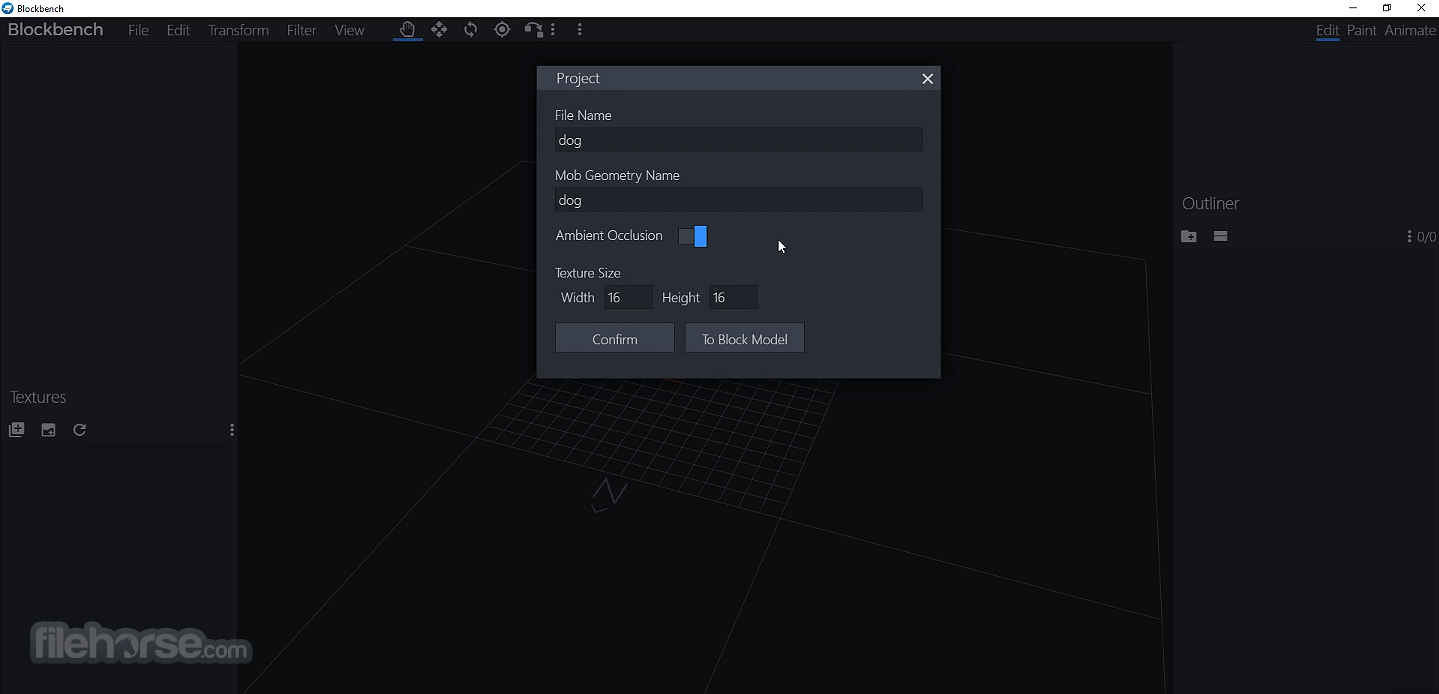
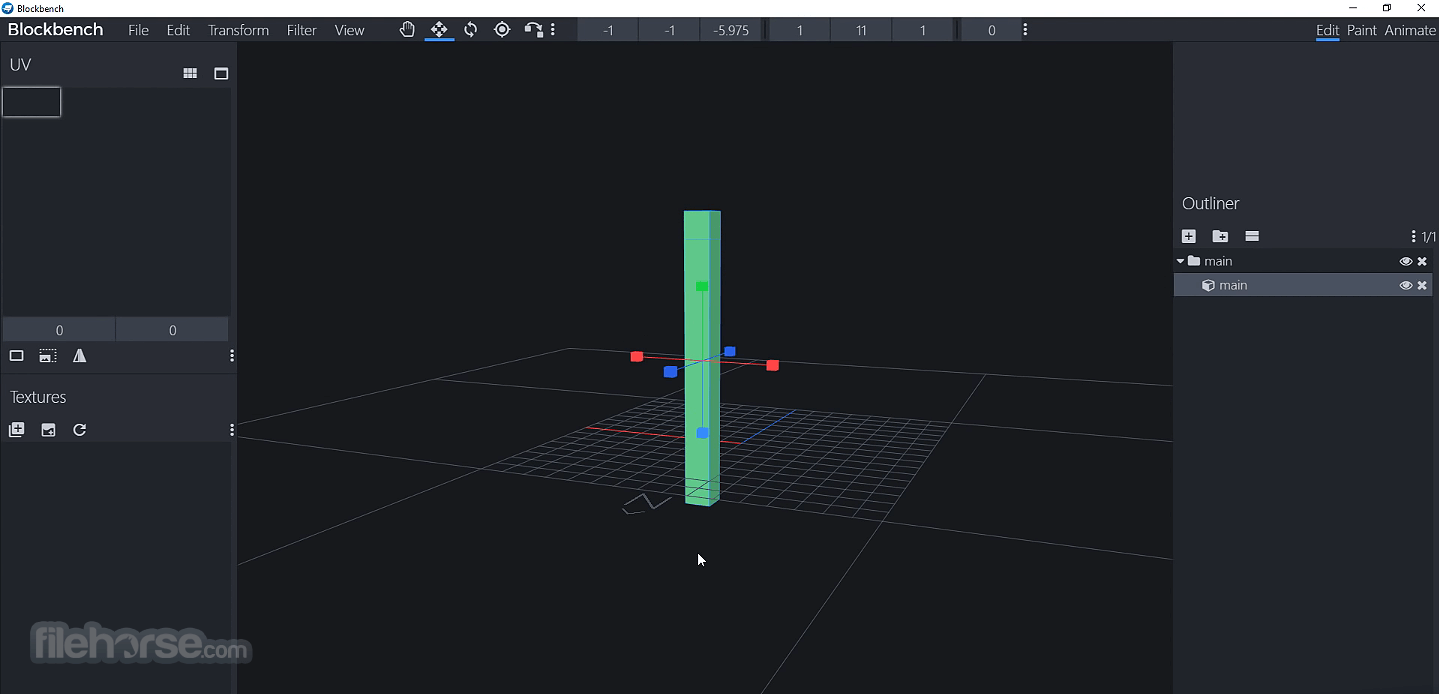
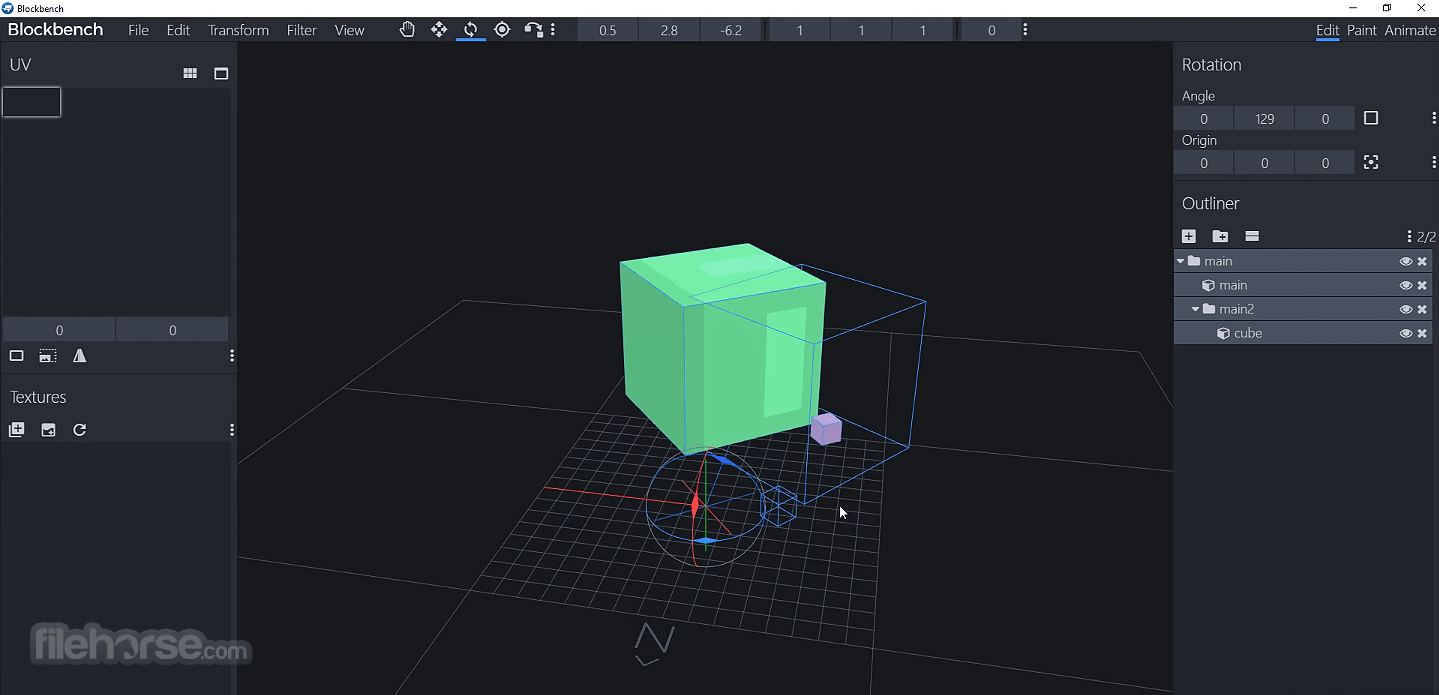
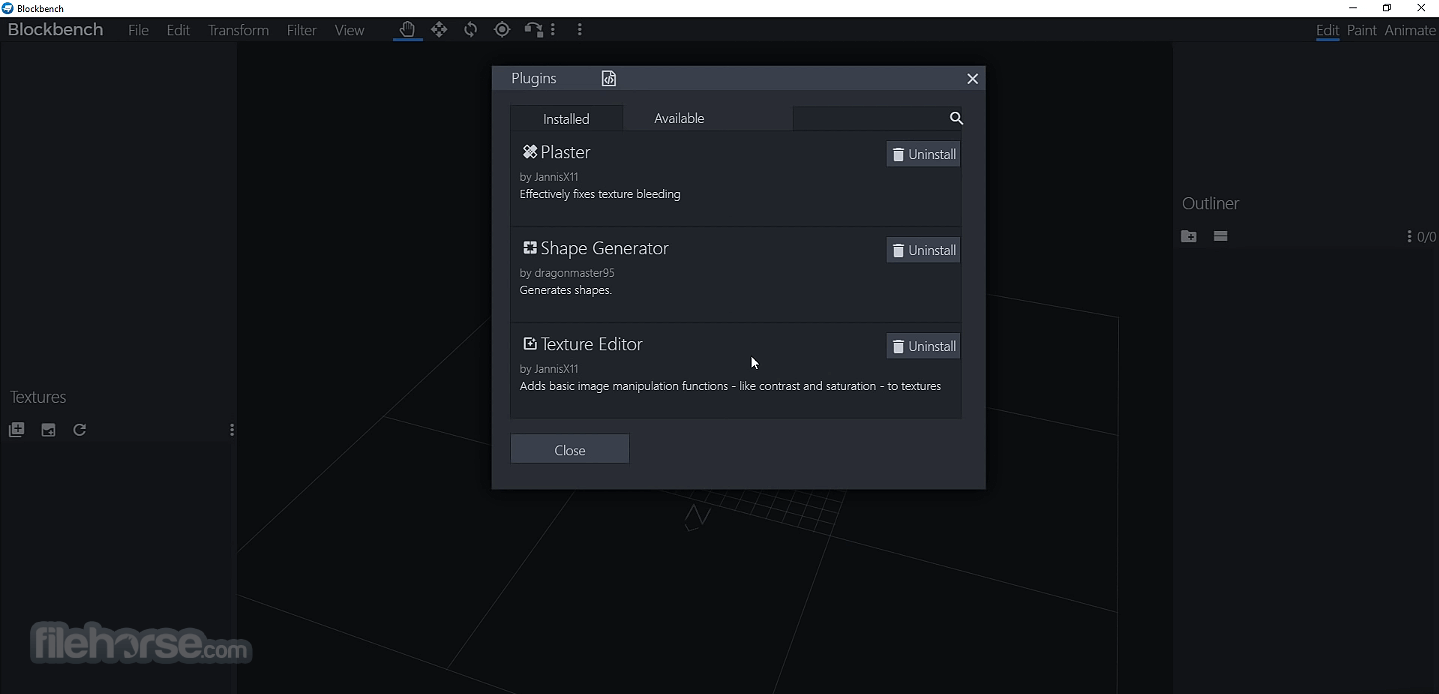
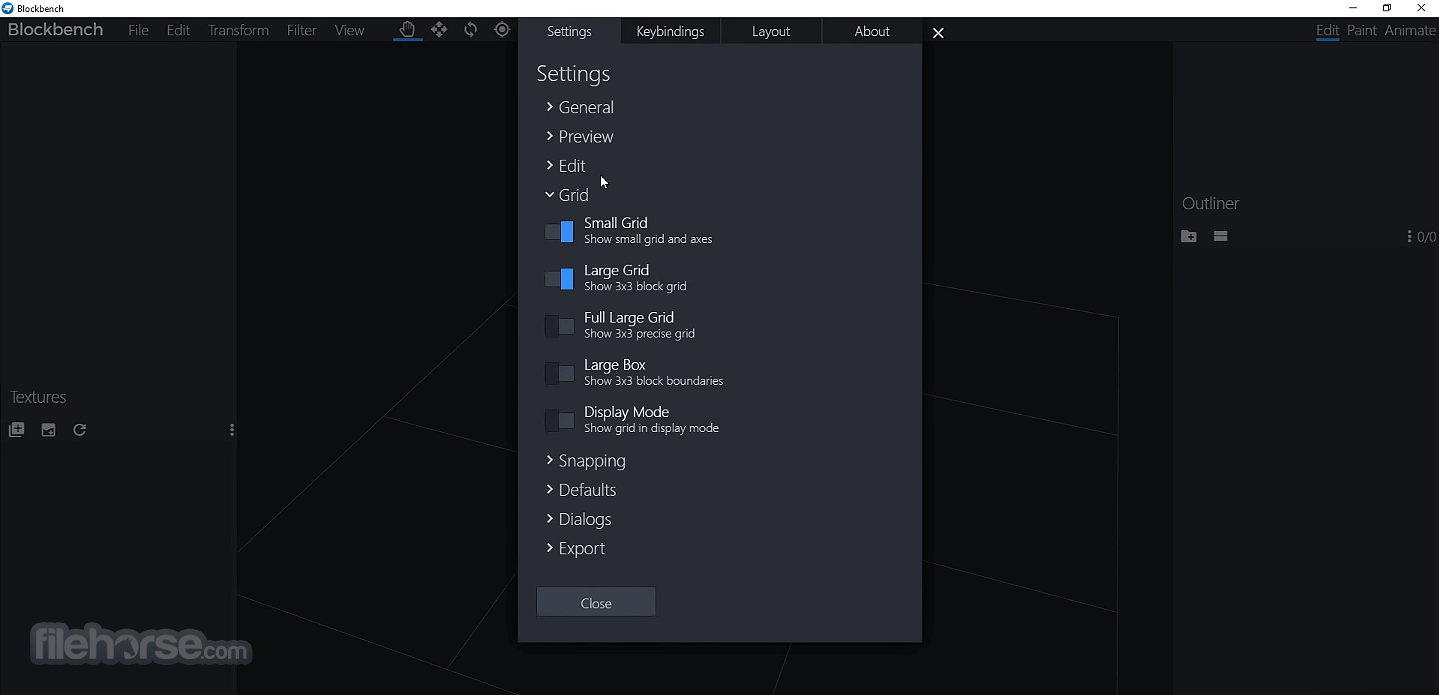
Blockbench 5.1.4 Screenshots
The images below have been resized. Click on them to view the screenshots in full size.
-
-
-
-
What's new in this version:
Changed:
- Restoring cube faces now defaults to a texture that's assigned to other faces
- Use encompassing collider for minecraft:selection_box generator
- Added molang validator check for complex expressions with no return value
- Updated plugin store text
- Added more detailed error message for when plugin API cannot be accessed
- Animated texture custom frame order can now be previewed in Blockbench
Technical changes:
- Added node:stream and node:perf_hooks as safe requestable APIs
- Added scoped FS watch APIs
- Exposed UVSizeUtil for dealing with UV sizes
Fixes & Performance:
- Fixed #3500 Opening a second blockbench instance shows file unsupported dialog
- Fixed #3519 Open With Blockbench not working with special character at end of file names
- FIxed #3476 Resolve Group does not undo track child groups correctly
- Fixed mirror modeling issues
- Fixed undo issues after duplicating nested groups or armature bones
- Fixed issue with Preserve World Transform on meshes
- Improved viewport raycast performance
- Improved toggle visibility performance
- Fixed timeline CSS issue
- Fixed #3503 wrong UV on beak on java edition parrot skin preset
- Fixed java version of zombie skin preset texture not matching UV
- Fixed positioning of elytra in skin preset
- Fixed #3505 Advanced screenshot with ortho preset has wrong size on first use
- Fixed UI overflow of long layer names
- Fixed copy brush not working when brush resizing is assigned to ctrl + left drag
- Fixed labels missing on num sliders
- Fixed texture content not updating when duplicating layer
- Fixed #3483 Toggling cube face only works if the face is selected
- Fixed speed button in flipbook timeline opening properties dialog twice
- Fixed #3515 Mirror Modeling Weight Painting not working on armature with individual meshes
 OperaOpera 134.0 Build 5954.46 (64-bit)
 BlueStacksBlueStacks 10.42.252.1003
 PhotoshopAdobe Photoshop CC 2026 27.9.1 (64-bit)
 LDPlayerLDPlayer - Android Emulator
 GTA 6GTA 6 for PS5
 CapCutCapCut Desktop 9.1.0
 PC RepairPC Repair Tool 2026
 Hero WarsHero Wars - Online Action Game
 TradingViewTradingView - Trusted by 100 Million Traders
 Halo: CampaignHalo: Campaign Evolved
Comments and User Reviews