




 Wallpaper
 WindowBlinds
 Flow Launcher
 Lookeen
 Fluent Search
 Raycast
 Folder Color
 DeskScapes
-
Latest Version
-
Operating System
Windows 10 / Windows 11
-
User Rating
Click to vote -
Author / Product
-
Filename
Fences6-sd-setup.exe
-
MD5 Checksum
98abc153c4c3f4a2f03282315632ddfb
Sometimes latest versions of the software can cause issues when installed on older devices or devices running an older version of the operating system.
Software makers usually fix these issues but it can take them some time. What you can do in the meantime is to download and install an older version of Fences 6.2.0.1.
For those interested in downloading the most recent release of Fences or reading our review, simply click here.
All old versions distributed on our website are completely virus-free and available for download at no cost.
We would love to hear from you
If you have any questions or ideas that you want to share with us - head over to our Contact page and let us know. We value your feedback!
-
Fences 6.2.0.1 Screenshots
The images below have been resized. Click on them to view the screenshots in full size.
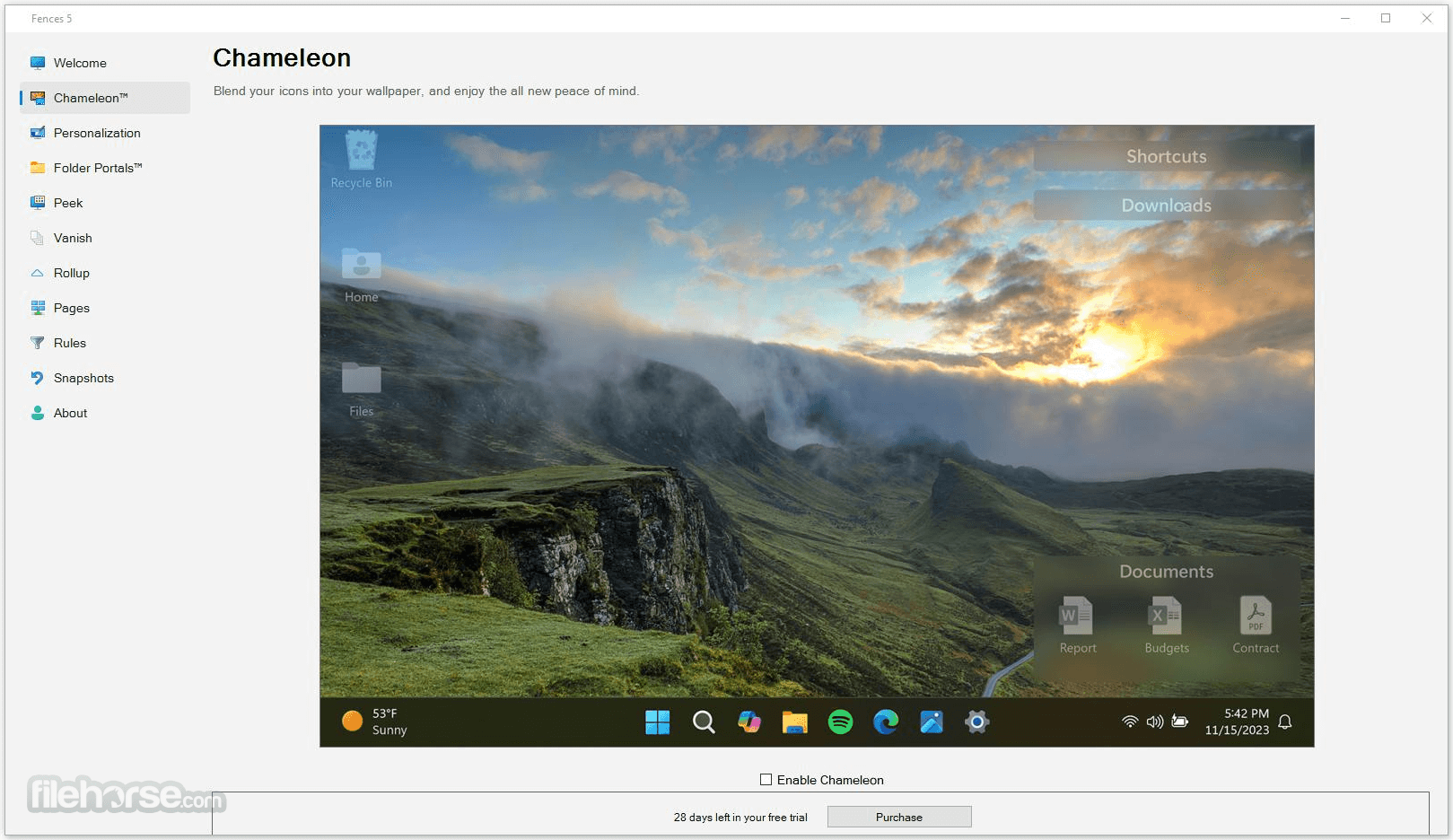
-
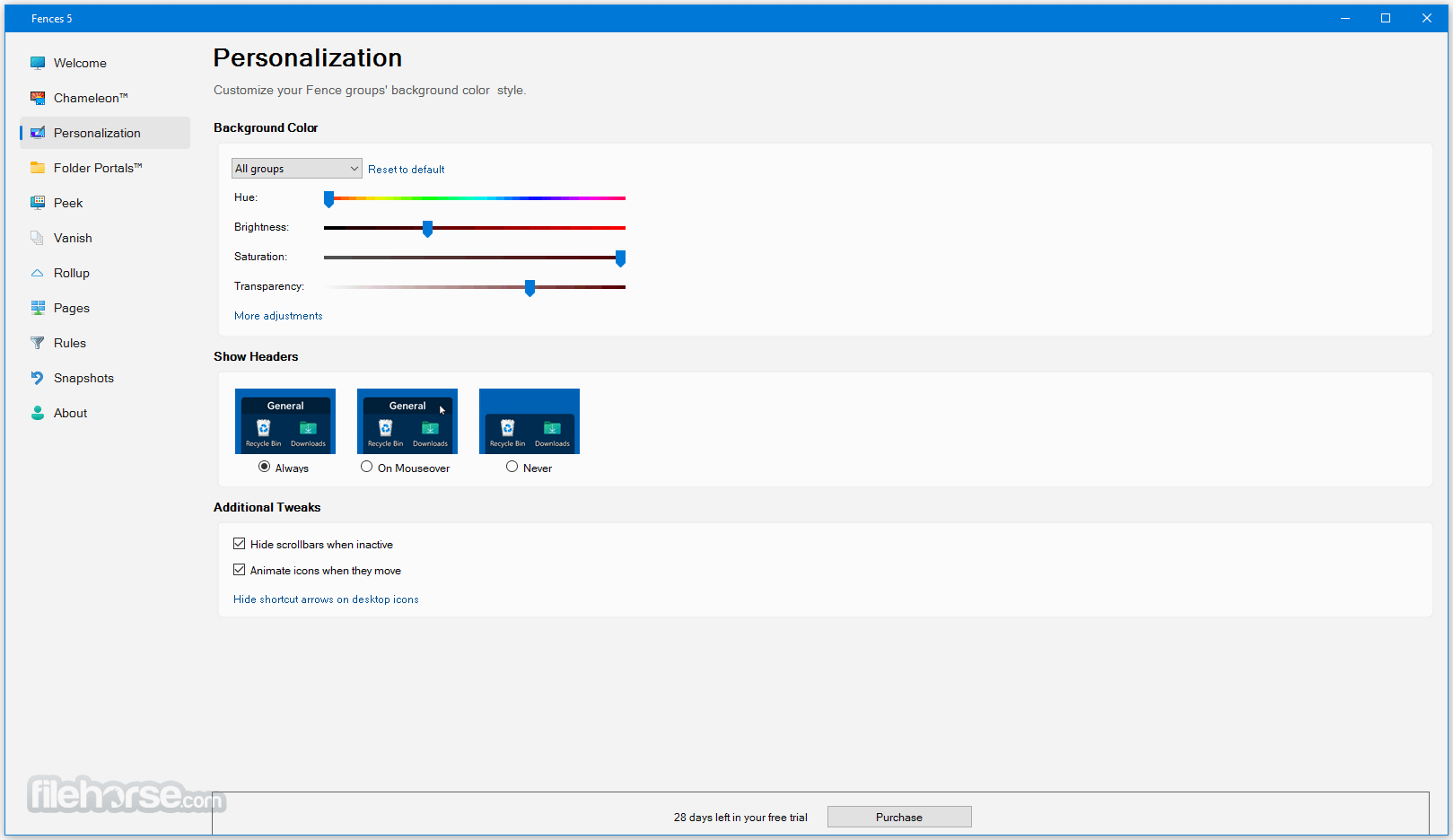
-

-

What's new in this version:
New:
- Feature/option: Require click to open Rollup Fence groups
- Feature/option: Require mouse hover to open Rollup Fence groups
Enhanced:
- Alignment snapping experience when placing a group near the edge of a display when using fixed distance spacing
- Right clicking & selecting "Open" to a folder in Folder Portals will now open folder in new explorer window, even if Navigate is enabled
Added:
- detection for multiple keyboard layouts, so that the default Peek hotkey (WinKey+Space) does not override Windows switch-keyboard hotkey
- intelligent detection of changes to the desktop directory & adjustment thereof
- "Icon's name is exactly" rule
Fixed:
- Related to switching between specific multi-mon configs
- Fences context menu item opening wrong window
- Horizontal scrollbars in horizontal-list view Folder Portals would break after navigating
- “Personalization” desktop menu item might stop working after using “More options…” item
 OperaOpera 134.0 Build 5954.26 (64-bit)
 BlueStacksBlueStacks 10.42.251.1003
 PhotoshopAdobe Photoshop CC 2026 27.7 (64-bit)
 WPS OfficeWPS Office Free 12.2.0.23196
 GTA 6GTA 6 for PS5
 CapCutCapCut Desktop 9.1.0
 PC RepairPC Repair Tool 2026
 Hero WarsHero Wars - Online Action Game
 TradingViewTradingView - Trusted by 100 Million Traders
 Halo: CampaignHalo: Campaign Evolved
Comments and User Reviews