




 Blip Transfer
 YTD Download
 PRTG
PRTG 4K Download
 TrueNAS
 WTFast
 Keeprix
 CleverGet
-
Latest Version
-
Operating System
Windows 7 / Windows 8 / Windows 10 / Windows 11
-
User Rating
Click to vote -
Author / Product
-
Filename
TeamViewerPortable_15.78.3.paf.exe
-
MD5 Checksum
733887057f24b7edd53ba28a40220df7
Sometimes latest versions of the software can cause issues when installed on older devices or devices running an older version of the operating system.
Software makers usually fix these issues but it can take them some time. What you can do in the meantime is to download and install an older version of TeamViewer Portable 15.78.3.
For those interested in downloading the most recent release of TeamViewer Portable or reading our review, simply click here.
All old versions distributed on our website are completely virus-free and available for download at no cost.
We would love to hear from you
If you have any questions or ideas that you want to share with us - head over to our Contact page and let us know. We value your feedback!
-
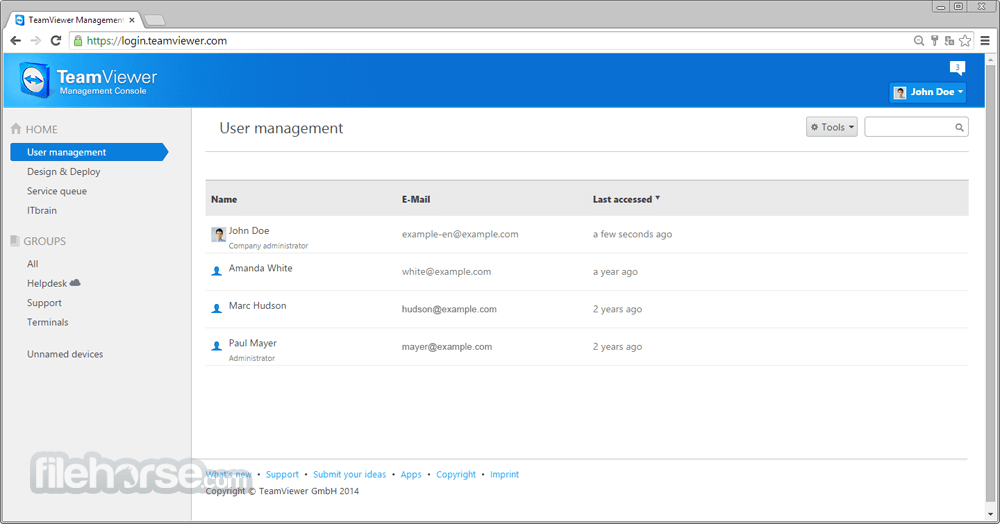
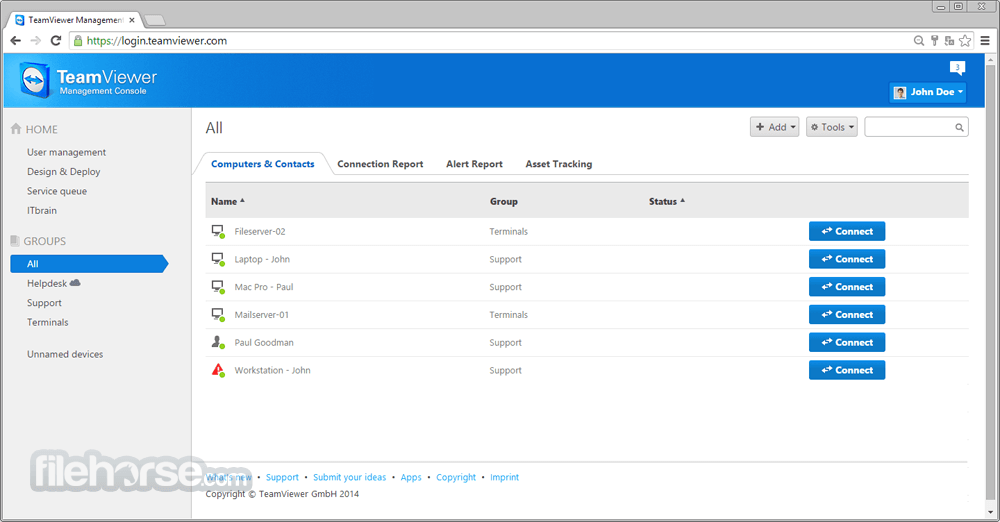
TeamViewer Portable 15.78.3 Screenshots
The images below have been resized. Click on them to view the screenshots in full size.

-

-
-
-

What's new in this version:
New features:
- Users can now assign a service case directly from the device page in TeamViewer Remote.
The view for creating Conditional Access rules has been streamlined and is now available as a full‑page view. Company‑based Conditional Access rules (now called internal rules) can be created on a single page instead of through multiple steps:
- Chat
- Manage virtual monitors
- Port forwarding
- Session Insights logging
- Multitenancy with Conditional Access is now available, enabling organizations to manage and securely connect data sources across multiple companies within a single framework. Organizations with access to both Conditional Access and Multitenancy can control data sources across multiple entities and create Conditional Access rules for external partners or subsidiary companies.
- Supporters now receive an automatically assigned virtual IP address for tunneling during agentless access, enabling secure access limited to the configured port from the supporter’s device.
- In‑app notifications are now displayed in TeamViewer Remote when a service case is created or assigned, and when an end user comes online with an active service case. This enables faster and more responsive handling of service requests.
- It is now possible to configure, for all outgoing Session Summary types, whether the supporter and/or the remote user can stop logging.
- The dashboard button has been removed from the Quick Actions in the in‑session toolbar. The functionality remains available from the Files & Extras menu.
- The user interface now displays billing permissions, enabling administrators to grant billing access required for the Customer Portal
Improved:
- Users can now connect to a session using Windows Authentication directly from the device page in TeamViewer Remote
- Users can now close a session directly from the device page in TeamViewer Remote
- The UI toggle in the Classic client is now visible to Tensor‑licensed admins to support early exploration and onboarding of the TeamViewer Remote interface
- Automatically created custom modules and rollout setup configurations are now filtered out from the client, reducing UI clutter and preventing potential performance impact.
- Tooltip styling in the port forwarding user interface is now consistent across all areas and aligned with the overall TeamViewer design.
- The device management page in Settings has been enhanced to provide a clearer overview of device permissions. For company‑managed devices, internal members are now grouped as Company, while external users are listed separately with their respective permissions.
- The way the client receives updates about changes to devices and device groups has been improved
Fixed:
- a bug where connections started via contacts were blocked because of an invalid connection type check
- a crash that could occur after switching sides during a remote control session when sending an in‑session chat message
- a bug where Session Insights data downloads failed in the client and were instead redirected to the web client
- a bug that affected bulk manager removal and device or device group sharing
 OperaOpera 132.0 Build 5905.73 (64-bit)
 LDPlayerLDPlayer - Android Emulator
 PhotoshopAdobe Photoshop CC 2026 27.7 (64-bit)
 BlueStacks AIBlueStacks AI
 NitradoNitrado - Rent a Gaming Server
 CapCutCapCut Desktop 8.7.0
 PC RepairPC Repair Tool 2026
 Hero WarsHero Wars - Online Action Game
 TradingViewTradingView - Trusted by 100 Million Traders
 Forza HorizonForza Horizon 6
Comments and User Reviews