




 CleverGet
 Keeprix
 Blip Transfer
 4K Download
 PRTG
PRTG YTD Download
 TrueNAS
 WTFast
-
Latest Version
-
Operating System
Windows 7 / Windows 8 / Windows 10 / Windows 11
-
User Rating
Click to vote -
Author / Product
-
Filename
TeamViewerPortable_15.76.3.paf.exe
-
MD5 Checksum
fbcca1a6e9580728cdd1c7f61b196bbf
Sometimes latest versions of the software can cause issues when installed on older devices or devices running an older version of the operating system.
Software makers usually fix these issues but it can take them some time. What you can do in the meantime is to download and install an older version of TeamViewer Portable 15.76.3.
For those interested in downloading the most recent release of TeamViewer Portable or reading our review, simply click here.
All old versions distributed on our website are completely virus-free and available for download at no cost.
We would love to hear from you
If you have any questions or ideas that you want to share with us - head over to our Contact page and let us know. We value your feedback!
-
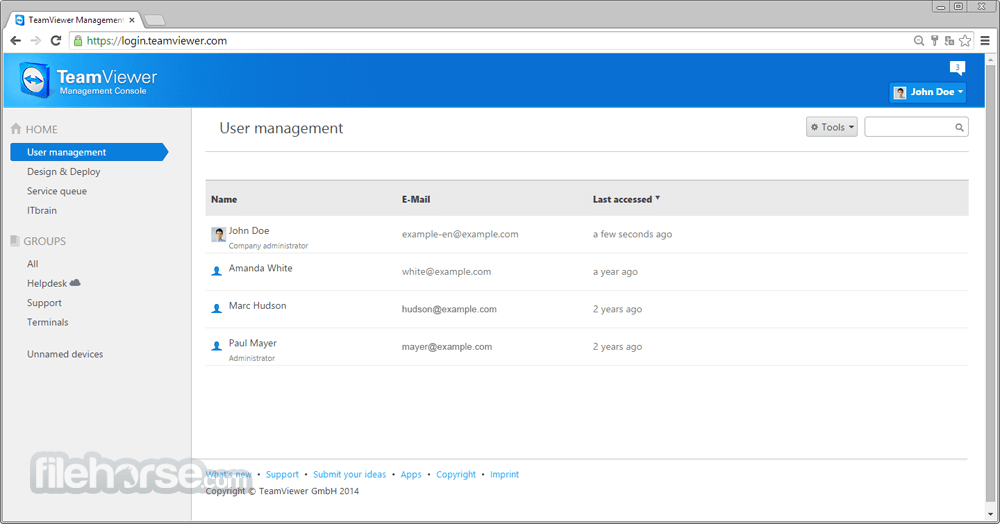
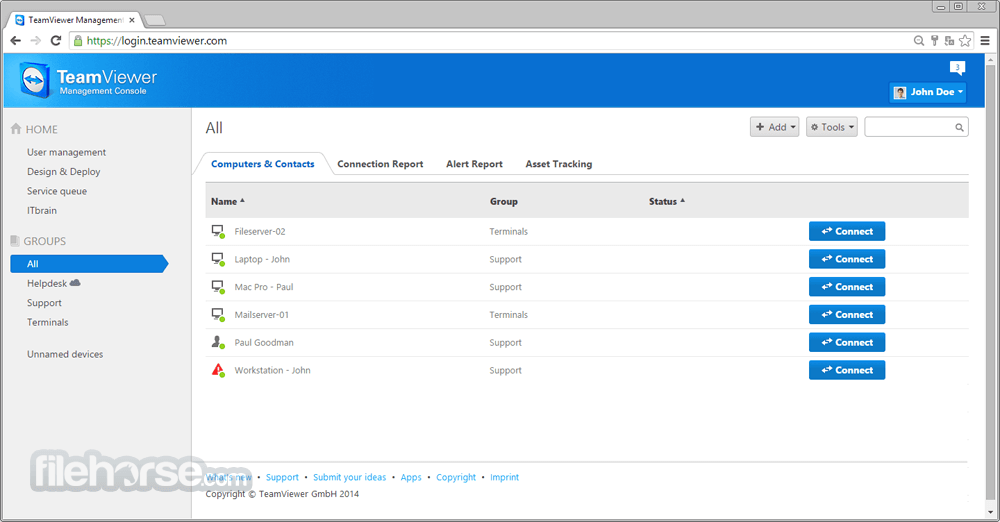
TeamViewer Portable 15.76.3 Screenshots
The images below have been resized. Click on them to view the screenshots in full size.

-

-
-
-

What's new in this version:
New features:
- Users can now configure AI‑generated session summaries so that data is logged only when the supporter triggers the summary during the session. In this mode, both the supporter and the remote user can stop data collection at any time.
Improved:
- The MSI package now installs the new UI by default for both full client and Host. A new MSI command‑line parameter is available to enforce the classic UI.
- TeamViewer client module downloads are now available in 64‑bit by default. For systems that do not support 64‑bit, the download automatically falls back to the 32‑bit version.
- Company administrators with TeamViewer Tensor can now enable the new UI for selected user groups
- A new TeamViewer policy setting has been introduced to enforce the use of the TLS 1.3 connection protocol
- Fixed a bug that prevented the TeamViewer application from being run as administrator by a non‑administrator account
- Improved error handling for failed policy assignments on devices. Users now receive clearer feedback when a policy cannot be applied.
Fixed:
- Fixed a bug where the profile picture was not displayed in the confirmation dialog when connecting to a managed device
- Fixed a bug where devices were displayed twice in the basic view
 OperaOpera 132.0 Build 5905.73 (64-bit)
 LDPlayerLDPlayer - Android Emulator
 PhotoshopAdobe Photoshop CC 2026 27.7 (64-bit)
 BlueStacks AIBlueStacks AI
 NitradoNitrado - Rent a Gaming Server
 CapCutCapCut Desktop 8.7.0
 PC RepairPC Repair Tool 2026
 Hero WarsHero Wars - Online Action Game
 TradingViewTradingView - Trusted by 100 Million Traders
 Forza HorizonForza Horizon 6
Comments and User Reviews