




 LimeWire
 Drecov
 AOMEI Backup
 Proton Drive
 RecoveryFox
 AnyRecover
 iTop Recovery
 Data Recovery
-
Latest Version
-
Operating System
Windows 7 64 / Windows 8 64 / Windows 10 64 / Windows 11
-
User Rating
Click to vote -
Author / Product
-
Filename
winrar-x64-720.exe
-
MD5 Checksum
65fc89b05dcee2a1fd712664c539e053
Sometimes latest versions of the software can cause issues when installed on older devices or devices running an older version of the operating system.
Software makers usually fix these issues but it can take them some time. What you can do in the meantime is to download and install an older version of WinRAR 7.20 (64-bit).
For those interested in downloading the most recent release of WinRAR (64-bit) or reading our review, simply click here.
All old versions distributed on our website are completely virus-free and available for download at no cost.
We would love to hear from you
If you have any questions or ideas that you want to share with us - head over to our Contact page and let us know. We value your feedback!
-
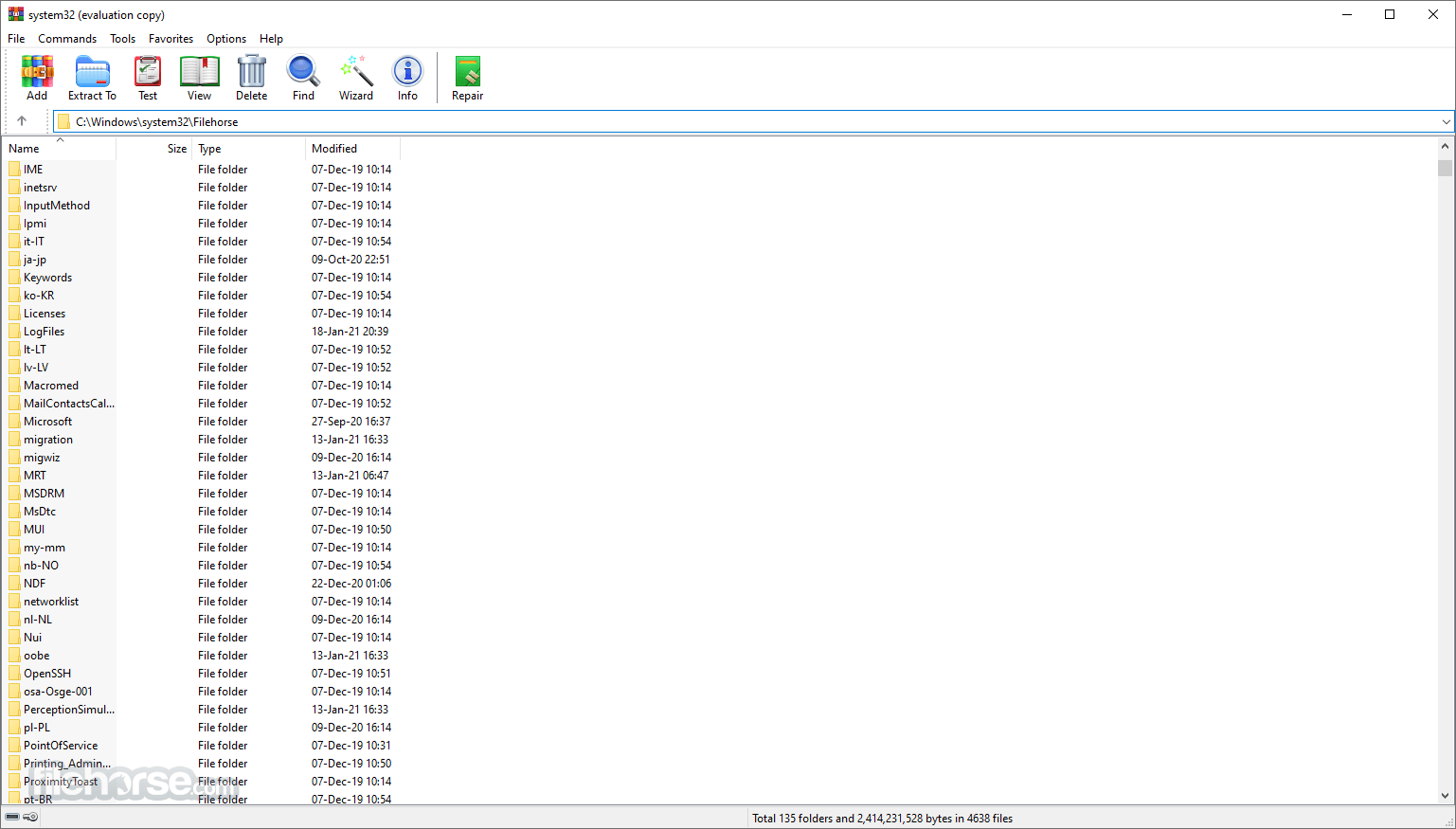
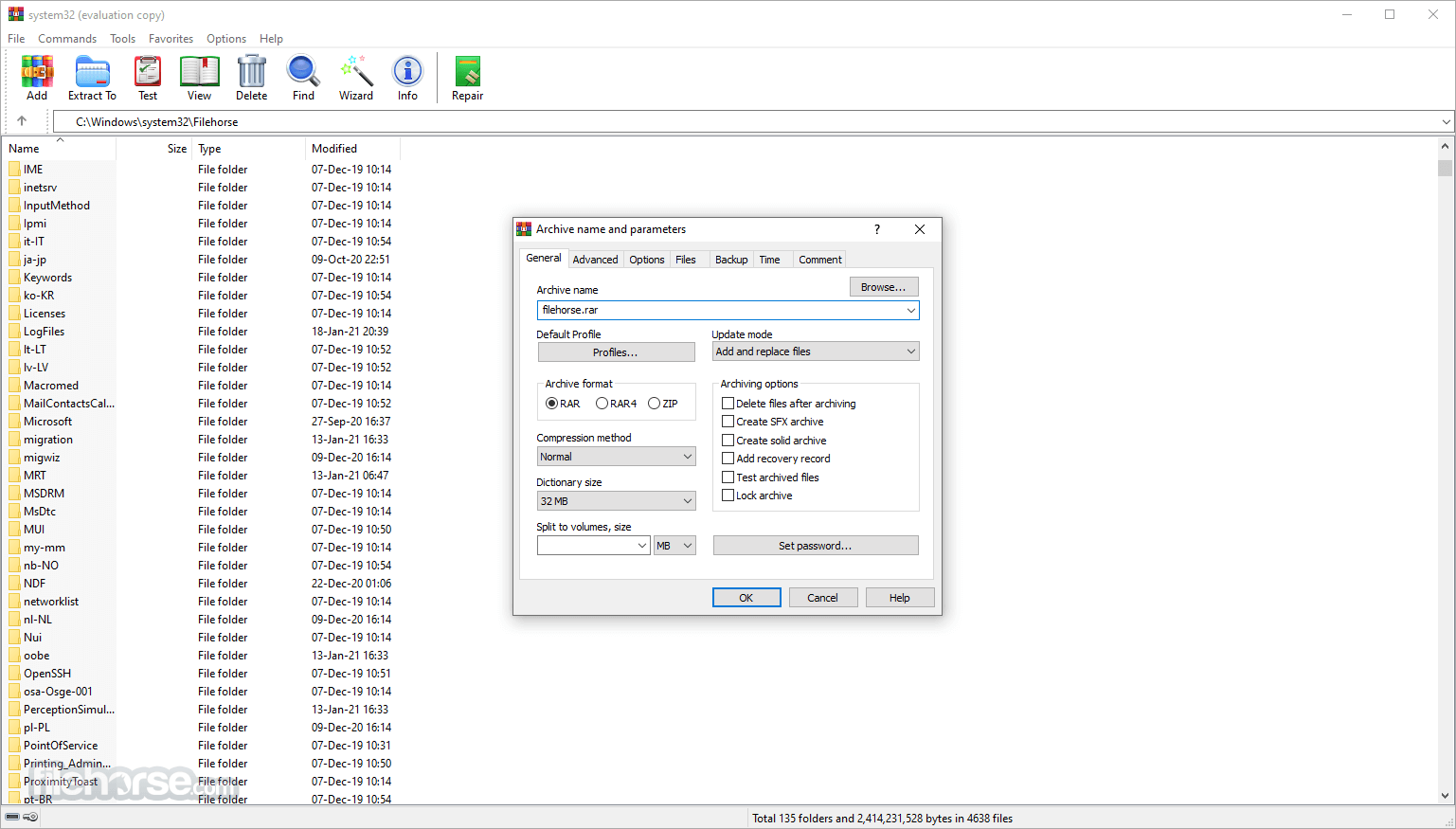
WinRAR 7.20 (64-bit) Screenshots
The images below have been resized. Click on them to view the screenshots in full size.
-
-

-

-

What's new in this version:
Performance improvements when deleting files in solid RAR archives:
- if there are no non-zero files after deleted files, archive recompressing isn't performed;
- part of archive before deleted files is copied as is, without repacking. Its contents is unpacked to memory if necessary, but not recompressed;
- semi-solid archive processing involves only solid blocks containing deleted files. Unaffected solid blocks are copied as is.
"Generate archive name by mask" archiving option and -ag command line switch:
- new 'K' format character defines the current day of week name as a text string;
- new 'O' format character defines the current month name as a text string regardless of format character number. Unlike "MMM" mask, it allows to use shorter or longer than 3 character names, such as -agOO;
- excessive format characters exceeding the available field width are now ignored instead of appending to archive name.
- So it is possible to use full month or week day names by providing format characters in the amount equal or exceeding the longest name, such as -agKKKKKKKKKK for day of week names.
Command line -s switch:
- switch -s accepts the optional parameter preceded by '=' character.
- Switches -s, -se, -sv, -sv-, -s- are replaced by -s=f, -s=e, s=v, -s=d, -s=-. Previous versions of these switches are still supported in the current version, but can be removed in the future.
- It is allowed to combine multiple modifiers in the same switch, such as -s=e100f.
- new switch -s=r resets the solid statistics before adding new files to existing archive.
- Switch -tk now accepts the optional date parameter in YYYYMMDDHHMMSS format. If used without parameter when modifying an archive, it preserves the original archive time. If optional parameter is present, it is assigned to archive modification time.
- It is allowed to insert separators like '-' or ':' to the date string and omit trailing fields. For example, switch -tk2025-06-01 is correct.
- "Specified time" is added to "Set archive time to" options on "Time" page of archiving dialog. It allows to assign the manually entered time to newly created or modified archives.
- UTF-8 output format and byte order mark options are added to "Generate report" command.
- "Cloud files" option is added to "Where to check for SFX archives" group in "Settings/Integration/Context menu items..." dialog. If this option is off, WinRAR shell extension will not attempt to detect if archive is self-extracting, when right clicking an executable cloud file not available locally. This detection involves data read and can be slow for such files. This option relies on file attributes returned by a cloud storage provider and can be ignored if required attribute isn't supported by specific cloud service.
- "Copy to clipboard" button at the bottom of "Search results" dialog places current results of "Find files" command to clipboard.
- It takes less time to open a large archive with a lot of files and folders in WinRAR file list. This is most noticeable for ZIP archives containing millions of files.
- Improved extraction speed of TAR and TAR based archives, such as .tar.gz or tar.xz. It is most visible for hard disk drives with slower seek time and large archives containing a lot of files.
- SFX module sets sfxnamenoext environment variable, containing SFX archive name without path and extension. It allows to append the archive name to user defined destination path like: Path=c:Util%sfxnamenoext%"
- "minsize" parameter, defining the minimum file reference size in -oi[0-4][:] switch, now can include an optional trailing unit size character. So -oi:1m is the equivalent of -oi:1048576.
- Switch -x recognizes exclude paths with both Windows and Unix style path separators, so -xfolderfile and -xfolder/file do the same. Previously only -xfolderfile excluded the file.
Fixed:
- "Files to exclude" field of archiving dialog was ignored for all but first ZIP archives if "Put each file to separate archive" option was turned on;
- when processing "Convert archives" command, "Use for all archives" option in the password prompt was available only for encrypted archives with file name encryption and couldn't be enabled when converting archives without encrypted file names.
 OperaOpera 134.0 Build 5954.26 (64-bit)
 BlueStacksBlueStacks 10.42.251.1003
 PhotoshopAdobe Photoshop CC 2026 27.7 (64-bit)
 WPS OfficeWPS Office Free 12.2.0.23196
 GTA 6GTA 6 for PS5
 CapCutCapCut Desktop 9.1.0
 PC RepairPC Repair Tool 2026
 Hero WarsHero Wars - Online Action Game
 TradingViewTradingView - Trusted by 100 Million Traders
 Halo: CampaignHalo: Campaign Evolved
Comments and User Reviews