




 dbForge SQL
 Portfolio
 Visual Studio
 Dreamweaver
 dbForge Studio
 SQL Server
 Access
 UltraEdit
-
Latest Version
-
Operating System
Windows 7 / Windows 8 / Windows 10 / Windows 11
-
User Rating
Click to vote -
Author / Product
-
Filename
innosetup-6.6.1.exe
-
MD5 Checksum
974eda6c36c82ba354eccb6bfce0f3a3
Sometimes latest versions of the software can cause issues when installed on older devices or devices running an older version of the operating system.
Software makers usually fix these issues but it can take them some time. What you can do in the meantime is to download and install an older version of Inno Setup 6.6.1.
For those interested in downloading the most recent release of Inno Setup or reading our review, simply click here.
All old versions distributed on our website are completely virus-free and available for download at no cost.
We would love to hear from you
If you have any questions or ideas that you want to share with us - head over to our Contact page and let us know. We value your feedback!
-
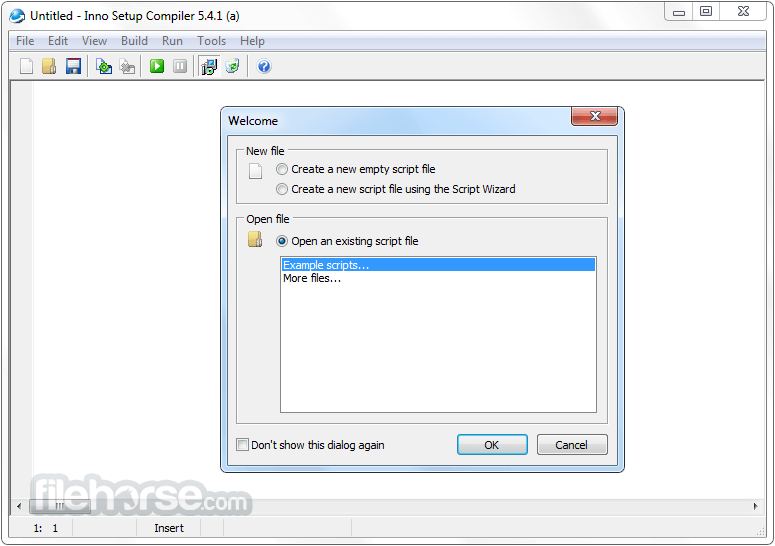
Inno Setup 6.6.1 Screenshots
The images below have been resized. Click on them to view the screenshots in full size.
-

-

What's new in this version:
Changes related to custom styles:
- Previously, when displaying any RTF text with a custom style active (including the built-in custom dark style), all foreground colors were replaced by the style's foreground color. This has been improved to only replace default foreground colors, preserving any custom colors.
- Added new [Setup] section directive WizardImageOpacity to specify the opacity of wizard images. This is useful if you want to use identical regular and DynamicDark wizard images. For example, you can set it to 150 to achieve partial transparency. Defaults to fully opaque (non-transparent).
- The compiler now stores identical regular and DynamicDark wizard images only once.
- Documentation fix: The prototype of Pascal Scripting support function CreateCustomForm was changed in the previous version, but its documentation was not updated accordingly. This has now been corrected.
Security improvement:
- Added new [Files] section flag notimestamp, preventing the file from being stored with a timestamp. Use this flag to help make builds reproducible, even if you are unable to preserve timestamps on source files.
- Other minor improvements
 OperaOpera 126.0 Build 5750.43 (64-bit)
 MalwarebytesMalwarebytes Premium 5.4.6
 PhotoshopAdobe Photoshop CC 2026 27.2 (64-bit)
 BlueStacksBlueStacks 10.42.160.1001
 OKXOKX - Buy Bitcoin or Ethereum
 Premiere ProAdobe Premiere Pro CC 2025 25.6.3
 PC RepairPC Repair Tool 2025
 Hero WarsHero Wars - Online Action Game
 TradingViewTradingView - Trusted by 60 Million Traders
 WPS OfficeWPS Office Free 12.2.0.23155
Comments and User Reviews