




 PRTG
PRTG RemotePC
 CleverGet
 Streaming
 EaseUS Video
 YTD Download
 4K Download
 WTFast
-
Latest Version
-
Operating System
Windows 7 / Windows 8 / Windows 10 / Windows 11
-
User Rating
Click to vote -
Author / Product
-
Filename
advanced_renamer_setup_4_19.exe
-
MD5 Checksum
50103238f6b36666ad8911bfdae68845
Sometimes latest versions of the software can cause issues when installed on older devices or devices running an older version of the operating system.
Software makers usually fix these issues but it can take them some time. What you can do in the meantime is to download and install an older version of Advanced Renamer 4.19.
For those interested in downloading the most recent release of Advanced Renamer or reading our review, simply click here.
All old versions distributed on our website are completely virus-free and available for download at no cost.
We would love to hear from you
If you have any questions or ideas that you want to share with us - head over to our Contact page and let us know. We value your feedback!
-
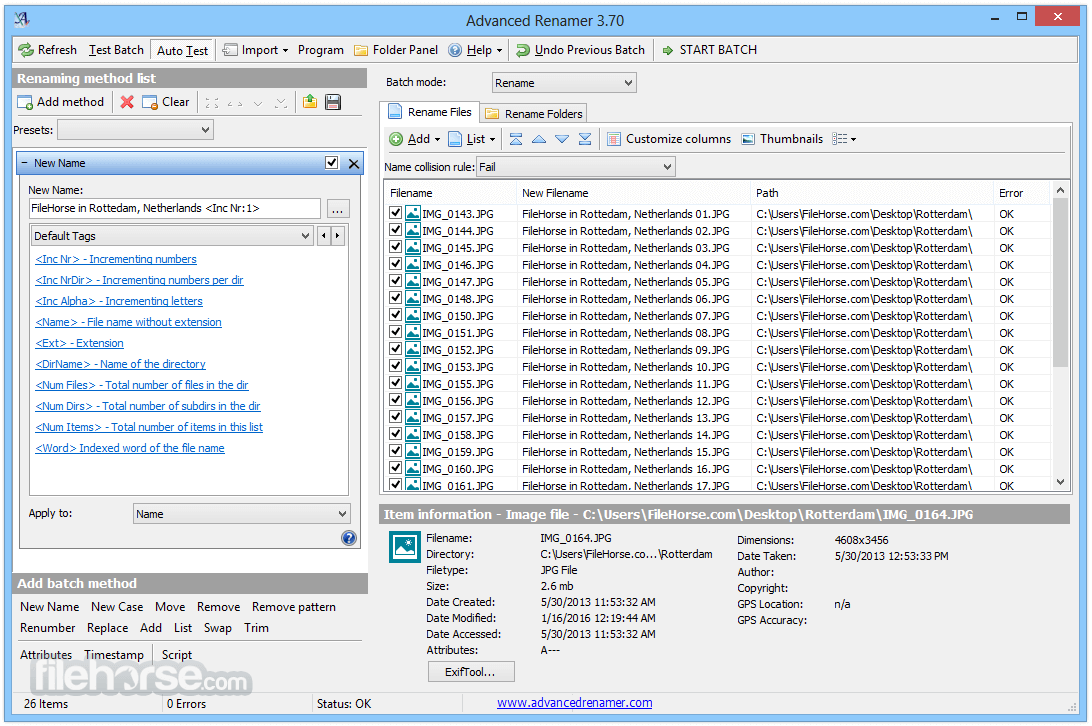
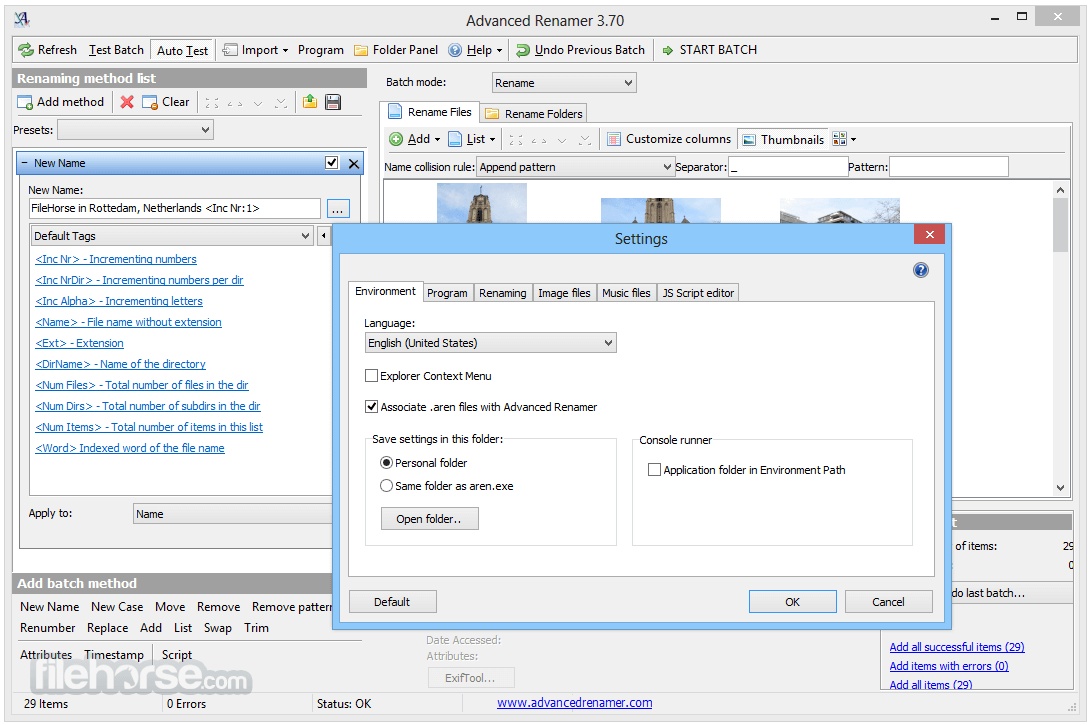
Advanced Renamer 4.19 Screenshots
The images below have been resized. Click on them to view the screenshots in full size.
-

-

-

-
What's new in this version:
- Item Details Panel: Will show a message if metadata analysis is turned off in settings
- Folder Panel: Show selected folder in edit box
- Replace Method: Fixed named groups when using regular expressions
- List Replace Method: Button, Move To Bottom, when shown in a separate window did not work
- Command Palette: Recent method presets now available through command palette
- Command Palette: Will remember the last 5 used commands between program restarts
- MacOS: Program settings has moved to a different folder, to be more compliant with Mac conventions. Existing settings will be migrated automatically
- Portable mode: Will now check for write permissions for config files on startup
- Tags: <Duration> now has an optional parameter called unit. <Duration:mins> will return the total duration in minutes. <Duration:secs> will return the total duration in seconds. <Duration:hours> will return the total duration in hours
- Metadata: Better support for reading EXIF metadata from Canon RAW CR3 files
- Export: It is now an option to select which field to export when exporting list to .txt file
- List: When sorting timestamp columns, also sort by sub second if available
- List: The menu item Randomize Sorting in file list popup has been moved into the Sort By submenu
- List: Save List menu item in popup replaced by Export menu item
- Batch Write Metadata: Tags can now be used when changing metadata
- Batch Write Metadata: Changed UI for better support for processing larger batches
- Name Collision Rule: New rule, Append Character
- Name Collision Rule: Added Start Value configuration to Append Number
 OperaOpera 126.0 Build 5750.43 (64-bit)
 MalwarebytesMalwarebytes Premium 5.4.6
 PhotoshopAdobe Photoshop CC 2026 27.2 (64-bit)
 BlueStacksBlueStacks 10.42.160.1001
 OKXOKX - Buy Bitcoin or Ethereum
 Premiere ProAdobe Premiere Pro CC 2025 25.6.3
 PC RepairPC Repair Tool 2025
 Hero WarsHero Wars - Online Action Game
 TradingViewTradingView - Trusted by 60 Million Traders
 WPS OfficeWPS Office Free 12.2.0.23155
Comments and User Reviews