




 Warships
 War Robots
 eFootball 2026
 FM 26
FM 26 FC 26
FC 26 Polytoria
 World of Tanks
-
Latest Version
Roblox LATEST
-
Review by
-
Operating System
Windows 7 64 / Windows 8 64 / Windows 10 64 / Windows 11
-
User Rating
Click to vote -
Author / Product
-
Filename
RobloxPlayerLauncher.exe
Roblox Digital Gift Card - 1,000 Robux [Includes Exclusive Virtual Item]
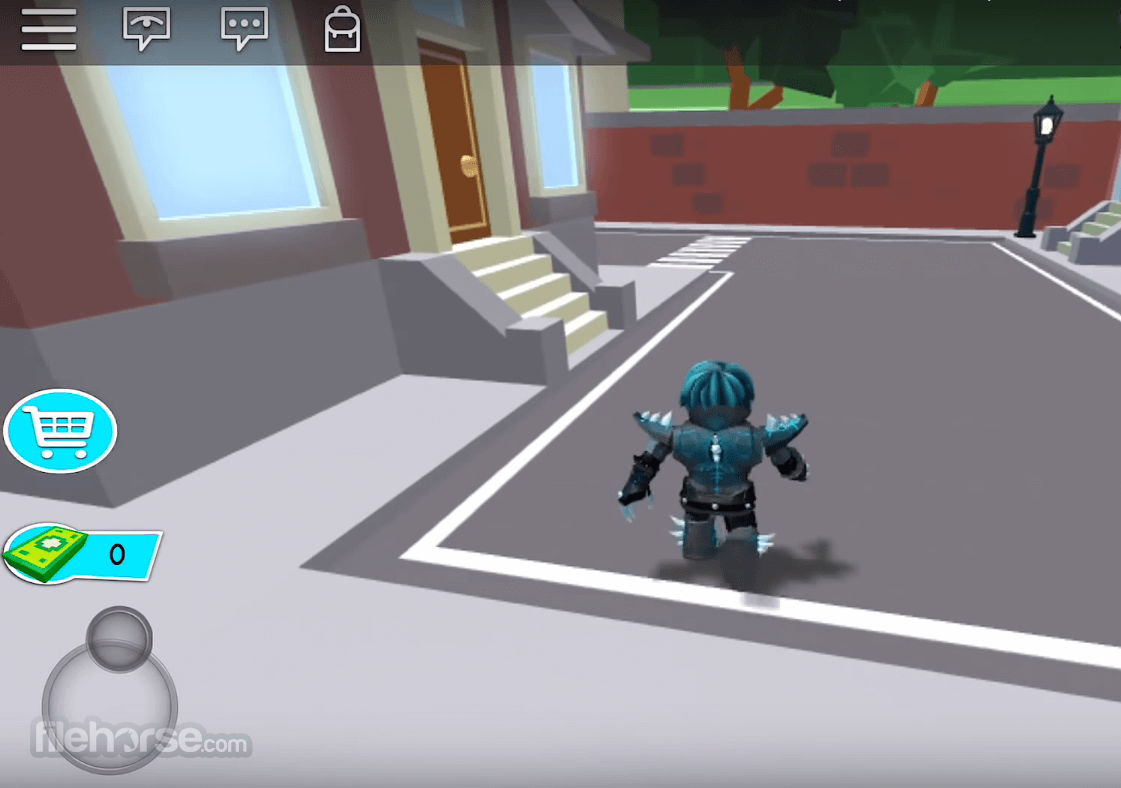
From first-person shooters, platformers, third-person adventure games, and RPGs, all the way to the more exoteric and experimental game types such as various simulators, retro games, obstacle courses, and art games. Enjoy!
Why you should buy a Roblox Gift Card:
- You are a fan of the Roblox game yourself, or you know someone who is.
- You look for a fun gift for your kid.
- You want to make in-game purchases without using a credit card.
Because of its simplistic visual style and easy-to-use creation tools, It has traditionally attracted younger users who prefer access to free content.
The creation tools of this game are found inside Roblox Studio and are based on Object-Oriented Programming and the programming language Lua. This enables users of all ages to simply modify their creations by manipulating visual objects and connections between them.
To attract more creators, developers from Roblox Corporation have included comprehensive support for the monetization of created content, - a large web-based catalog of marketable items (featuring characters, accessories, various body parts, gear, clothing, game objects, and more), support for one-time purchases, season passes that unlock content to regular players, and other monetization options.
Each transaction is shared between the seller and the game, thus fueling the creation of even more unique items.
After more than 10 years on the market, It has become one of the largest game creation platforms in the world, featuring millions of unique games and countless unique game creation objects.
During the summer of 2019, Roblox announced that it had surpassed 100 million monthly active users. As of early 2026, the platform reports over 380 million monthly active users, reflecting continued global expansion and strong year-over-year growth. This positions Roblox among the largest gaming platforms in the world, competing at scale with Minecraft, which maintains a similarly massive global player base.
If you want to become part of the ultimate virtual universe, where borders between playing, creating, and sharing are invisible, you can do so right now with the free game.
Get this game app while signing in to your Microsoft account and install it on up to ten Windows 10 devices. This product needs to be installed on your internal hard drive.
What`s New
- Avatars 2.0 improvements with more realistic body scaling and customization options
- New Zealand-based AI voice chat moderation and safety updates for player interactions
- Spatial voice upgrades for smoother, clearer in-game voice communication
- Dynamic world streaming for faster loading of large game environments
- Layered skyboxes and lighting enhancements for richer visual experiences
- New Terrain tools giving developers more control over natural environments
- Updated animation editor with improved keyframe and motion blending support
- Client-side prediction improvements to reduce lag and enhance responsiveness
- Improved developer metrics dashboard with deeper analytics and retention insights
- New themed event content and seasonal experiences inside many popular titles
- Enhanced monetization options for developers, including subscriptions and in-game sales analytics
- Expanded library of free assets and models for faster game prototyping
- Premium payout optimizations—better earnings for popular experiences
- Accessibility upgrades for UI scaling, captions, and input methods
- Platform stability and security patches rolled out continuously
- Create a free account on the official website.
- Download the game player onto your device (if you are playing on a PC) or download the game onto your mobile device (available on iOS and Android).
- Open the player or app and log in to your account.
- Choose a game from the list of popular games, or featured games, or search for a specific game by name or category.
- Click on the game to enter the game page, and then click on the green "Play" button to start the game.
- Follow the instructions provided by the game, and use the controls to play the game.
FAQ
What is Roblox and how does it work on PC?
This game is a massively popular online gaming platform that allows users to create, play, and share their own games with others. To play this game on a PC, you can download the Roblox player onto your computer, create an account, and start playing games.
How do I download Roblox on PC?
To download the game, go to the official website or FileHorse, click on the "Download" button, and follow the instructions to install the game player on your computer.
Do I need a high-end PC to play Roblox?
No, you do not need a high-end PC to play the game. The minimum system requirements for playing Roblox on PC are a 1.6 GHz processor, 1 GB of RAM, and a graphics card that is NVIDIA GeForce FX 5500 or better, ATI Radeon 9500 or better, or Intel GMA 950 or better.
How can I create my own game in Roblox?
You can create your own game in the game by using the Roblox Studio application, which allows you to build, script, and publish your own games.
Is Roblox safe for kids to play?
Yes, It has various safety features that make it a safe platform for kids to play on. It also has a dedicated moderation team that works to ensure a safe and positive experience for all users.
Are all games in Roblox free to play?
No, not all games in the game are free to play (F2P). Some games require in-game purchases or a subscription to access certain features or content.
Can I play Roblox with my friends?
Yes, you can play this game with your friends by joining the same game or by inviting them to play a game with you.
How do I report inappropriate content or behavior in Roblox?
To report inappropriate content or behavior in this game, you can use the "Report Abuse" feature, which can be found in-game or on the website.
Are there any parental controls in Roblox?
Yes, It has parental controls that allow parents to restrict or monitor their child's activity on the platform, such as setting age limits, limiting chat, and restricting in-game purchases.
Features and Highlights
- Play the game of your dreams – Browse the millions of unique games created by the community.
- Any game type you can imagine – Shooters, platformers, RPGs, simulators, obstacle courses, and many others.
- The ultimate game creation tool – Easily craft brand new worlds that will fuel your creativity and provide fun to millions of players.
- Customize your avatar – Be anything you desire. Game customization includes interchangeable faces, hats, shirts, gear, and more.
- Large online community – Play, chat, and party up with millions of online players from all around the world.
- Multiplatform clients – The game is available on Windows PC, macOS, iOS, Android, and Xbox One home console.
- Optimized for all modern versions of Windows (7, 8, 8.1, 10 or 11). The game won’t run on Windows XP and Vista.
- Modest system requirements, enabling easy play on laptops and older PCs.
- 100% FREE to play. The game offers in-game purchases.
- Operating System: Windows 7/8/10/11
- Processor: 1.6 GHz or higher
- RAM: 1 GB or more
- Graphics Card: NVIDIA GeForce FX 5500 or ATI Radeon 9500 or Intel GMA 950 or better
- Hard Disk Space: 20 MB or more
- Internet Connection: Broadband Internet connection
It can run on any PC or laptop made in the last decade with minimal requirements. The minimum CPU needed is an Intel Celeron D 430, but an Intel Core i3-2120 is recommended. As long as you have an AMD Radeon 9500 graphics card or higher, you will be able to play the game.
Alternatives
Minecraft: Build and explore in a blocky world with endless possibilities.
Terraria: Embark on adventures, mine resources, and craft in a 2D sandbox world.
Fortnite: Engage in a popular battle royale game with a unique building mechanic.
Minetest: An open-source sandbox game that closely resembles Minecraft in terms of gameplay and visual style.
PROS
- Vast Game Variety.
- Creative Community.
- Multiplayer Experience.
- Regular Updates.
- Cross-Platform Compatibility.
- Inappropriate Content.
- Limited Parental Controls.
- In-game Purchases.
- Performance Issues.
Roblox is a massively popular online gaming platform that allows users to create, play, and share their own games with others. It has a large and active user base, with a wide variety of games to choose from, including action, adventure, simulation, and role-playing games.
With its user-friendly interface and extensive collection of tools, it is easy for anyone to create their own game and share it with others.
Overall, It provides a fun and engaging experience for players of all ages, and its community-driven approach to game development has contributed to its continued success.
Also Available: Download Roblox for Mac
-
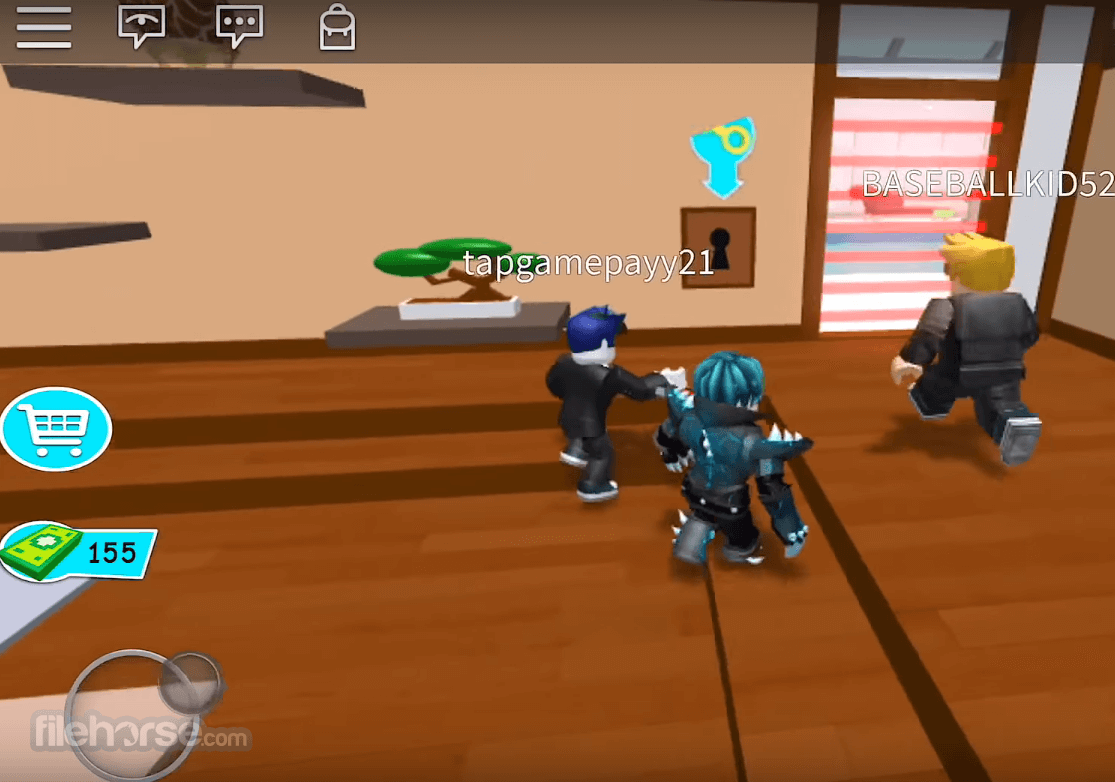
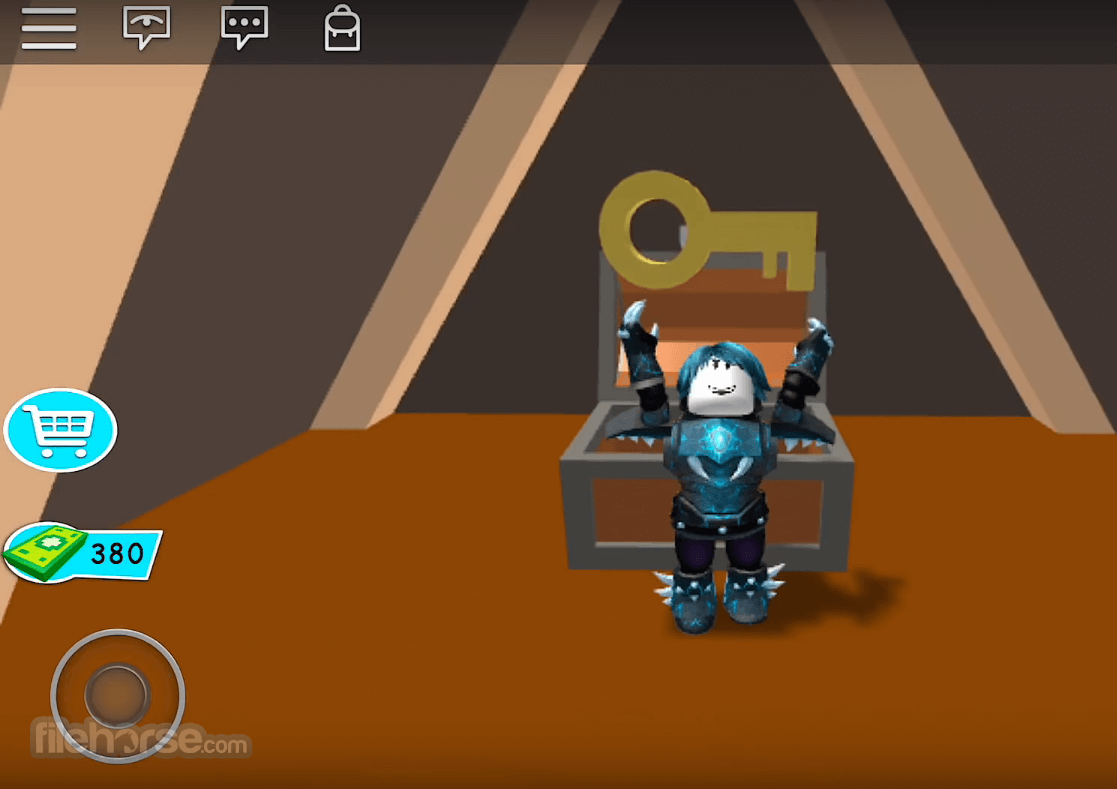
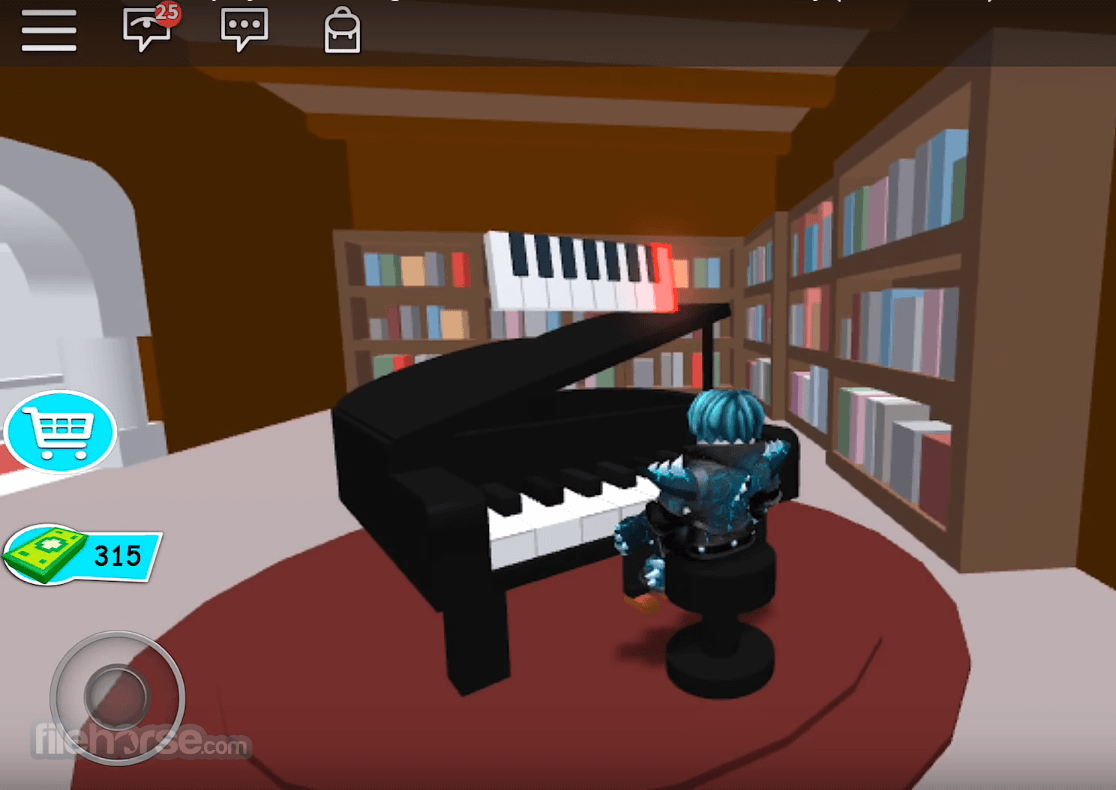
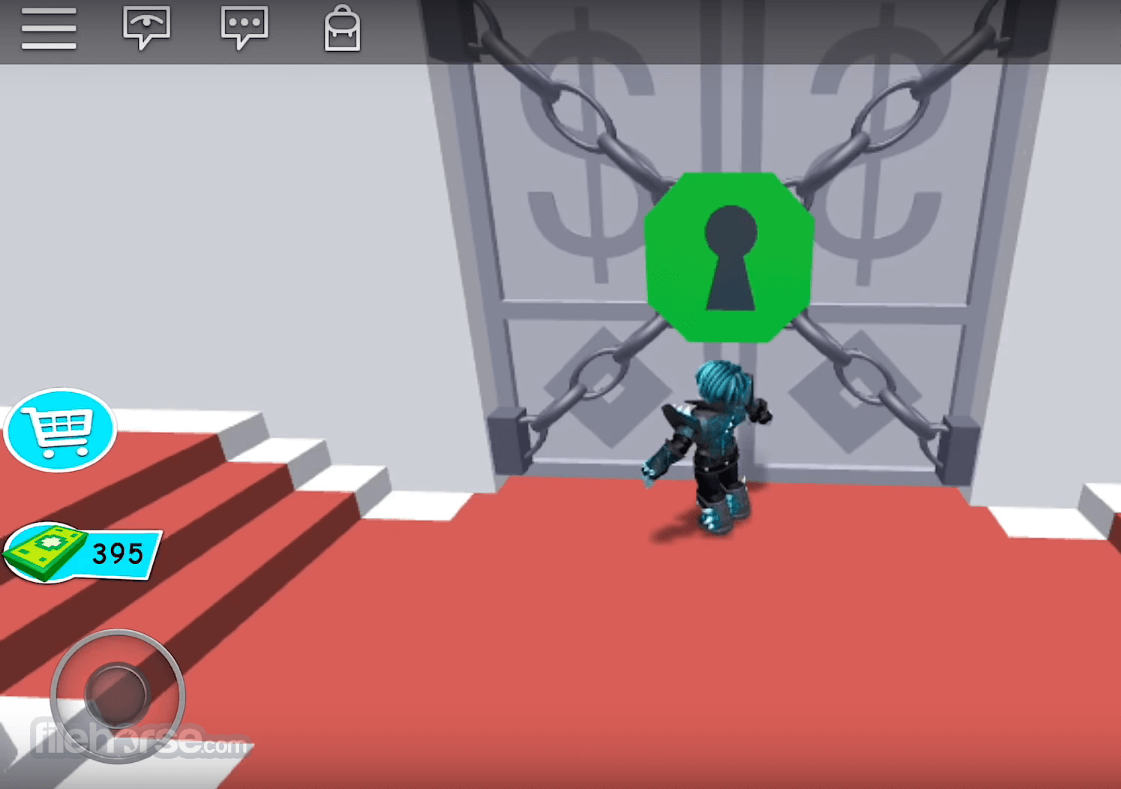
Roblox Screenshots
The images below have been resized. Click on them to view the screenshots in full size.
-
-
-
-
What's new in this version:
Improved overall game performance and stability.
Fixed multiple bugs causing crashes during gameplay.
Enhanced security measures to protect user accounts.
Updated in-game physics for more realistic interactions.
Optimized loading times for faster game startup.
Added support for new developer tools and APIs.
Improved compatibility with newer Windows versions.
Resolved various issues with avatar customization.
Updated UI elements for better user experience.
Patched exploits reported by the community.
 OperaOpera 129.0 Build 5823.15 (64-bit)
 Kling AIKling AI - Text or Image to Video
 PhotoshopAdobe Photoshop CC 2026 27.4 (64-bit)
 BlueStacksBlueStacks 10.42.167.1001
 OKXOKX - Buy Bitcoin or Ethereum
 CapCutCapCut 7.9.0
 PC RepairPC Repair Tool 2026
 Hero WarsHero Wars - Online Action Game
 TradingViewTradingView - Trusted by 100 Million Traders
 AdGuard VPNAdGuard VPN 2.9.0
Comments and User Reviews