




 WTFast
 YTD Download
 PRTG
PRTG 4K Download
 Blip Transfer
 CleverGet
 TrueNAS
 Keeprix
-
Latest Version
-
Operating System
Windows 7 / Windows 8 / Windows 10 / Windows 11
-
User Rating
Click to vote -
Author / Product
-
Filename
LansweeperSetup.exe
Sometimes latest versions of the software can cause issues when installed on older devices or devices running an older version of the operating system.
Software makers usually fix these issues but it can take them some time. What you can do in the meantime is to download and install an older version of Lansweeper 12.7.0.1.
For those interested in downloading the most recent release of Lansweeper or reading our review, simply click here.
All old versions distributed on our website are completely virus-free and available for download at no cost.
We would love to hear from you
If you have any questions or ideas that you want to share with us - head over to our Contact page and let us know. We value your feedback!
-
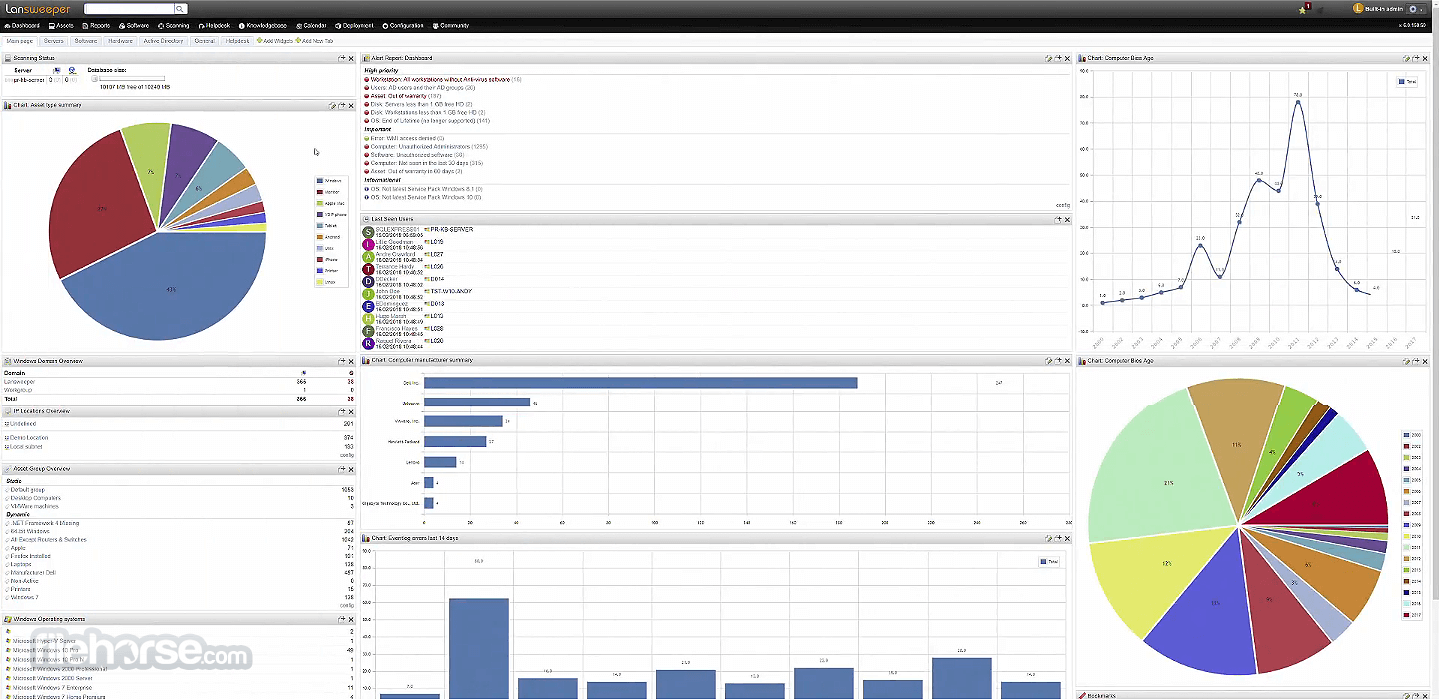
Lansweeper 12.7.0.1 Screenshots
The images below have been resized. Click on them to view the screenshots in full size.
-

-

-

-

What's new in this version:
- Added: LAN-17710 Added a new setting to allow "Last scan attempt" and "Last successful scan" to be updated on indirect scans
- LAN-17627 Capture Last Logged-ln User for Mac Assets
- LAN-18046 A new report "OS: Not latest build or LTS of Windows X" has been added
Changed:
- LAN-17022 SNMPv3 engine time handling has been improved to prevent usmStatsNotlnTimeWindows issues with devices such as Aruba switches
- LAN-17360 Intune scanning has been improved
- LAN-17730 Add Winll codes to import template
- LAN-18045 Improved HP API warranty scanning
- LAN-18049 The loading speed of the asset radar logs page has been improved
- LAN-18104 Windows scanning logic has been improved to correctly retrieve NVMe disk serial numbers
- Changed: LAN-18108 Added the treemap chart type for classic dashboard widgets
Fixed:
- Asset get incorrect name when default Linux shell is changed to csh
- Windows Cluster logs scanning could fail in certain cases
- Possible duplicate assets with the same serial number were not detected due to hidden characters in the serial value
- A security issue was resolved
- No cleanup for stale SCCM data for assets that do not have a scanserver set
- SSH scanning could fail on AIX servers
 OperaOpera 134.0 Build 5954.56 (64-bit)
 BlueStacksBlueStacks 10.42.255.1002
 PhotoshopAdobe Photoshop CC 2026 27.9.1 (64-bit)
 LDPlayerLDPlayer - Android Emulator
 GTA 6GTA 6 for PS5
 CapCutCapCut Desktop 9.1.0
 PC RepairPC Repair Tool 2026
 Hero WarsHero Wars - Online Action Game
 TradingViewTradingView - Trusted by 100 Million Traders
 Halo: CampaignHalo: Campaign Evolved
Comments and User Reviews