




 PRTG
PRTG Streaming
 4K Download
 YTD Download
 WTFast
 RemotePC
 Keeprix
 CleverGet
-
Latest Version
-
Operating System
Windows 7 / Windows 8 / Windows 10 / Windows 11
-
User Rating
Click to vote -
Author / Product
-
Filename
MobaXterm_Installer_v25.4.zip
-
MD5 Checksum
9d45162ae1401057b18f33ff57ac2ced
Sometimes latest versions of the software can cause issues when installed on older devices or devices running an older version of the operating system.
Software makers usually fix these issues but it can take them some time. What you can do in the meantime is to download and install an older version of MobaXterm 25.4.
For those interested in downloading the most recent release of MobaXterm or reading our review, simply click here.
All old versions distributed on our website are completely virus-free and available for download at no cost.
We would love to hear from you
If you have any questions or ideas that you want to share with us - head over to our Contact page and let us know. We value your feedback!
-
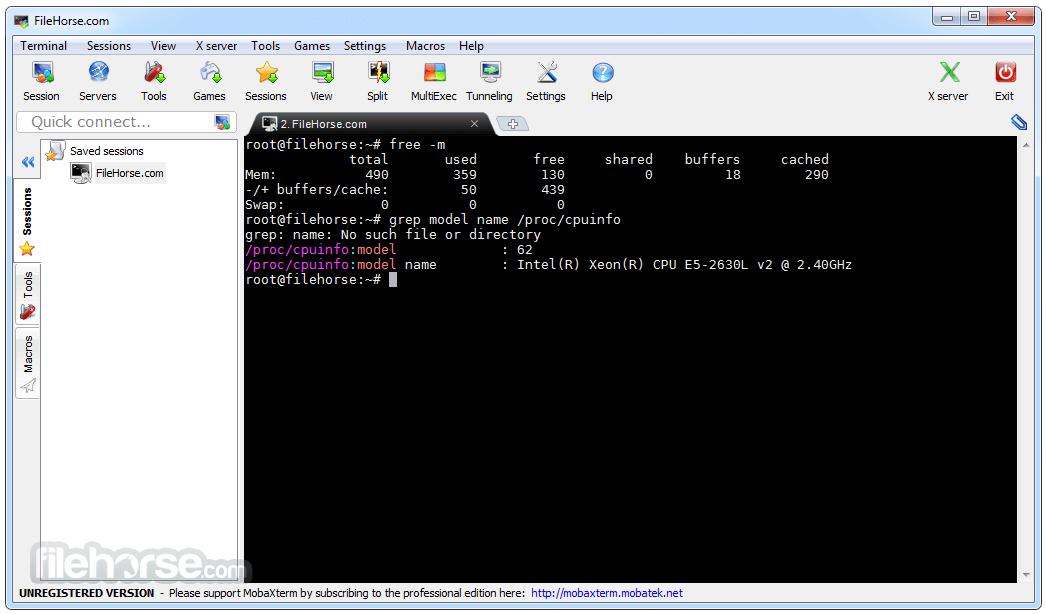
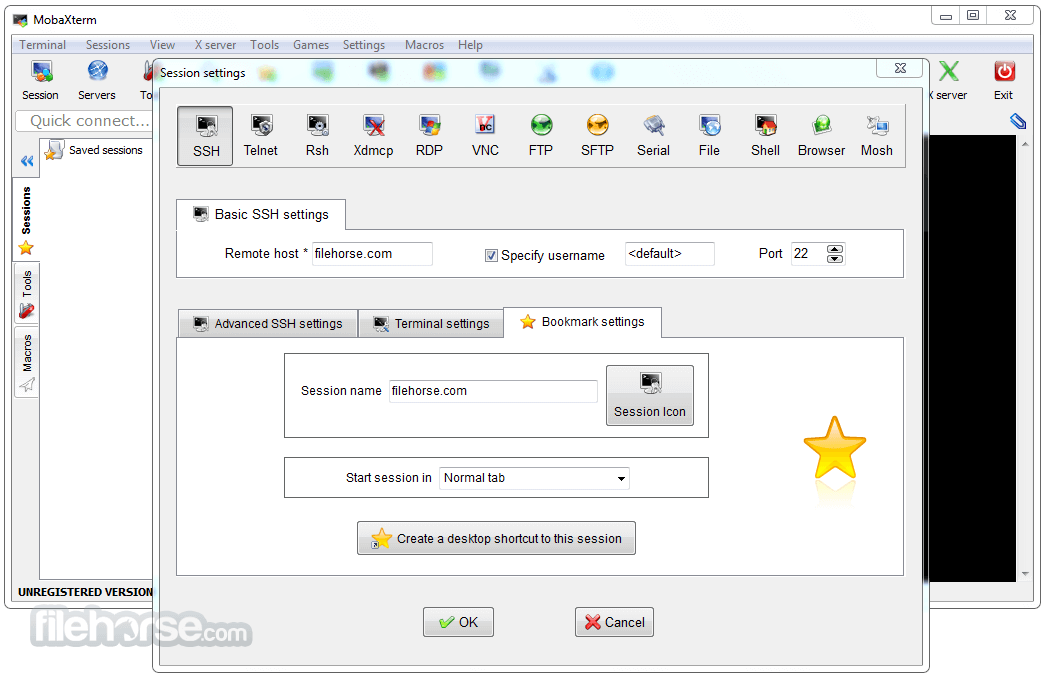
MobaXterm 25.4 Screenshots
The images below have been resized. Click on them to view the screenshots in full size.
-
-

-

-

What's new in this version:
New:
- New feature: you can now use the Windows SSH agent to authenticate to your SSH sessions
Improved:
- added a new option in macros to include another macro
- added milliseconds in terminal logs timestamps
- improved the default syntax highlighting in MobaTextEditor
- added Ctrl+Backspace keyboard shortcut to delete the last word in text fields
- improved startup speed and MobaXterm closing speed
- several new external PuTTY-based SSH agents are now supported in SSH/SFTP sessions
- better detection of long URLs when ctrl+clicking into the terminal
- you can now toggle between relative and absolute paths for root and home folders in the Customizer
- improved the paste and search feature in MobaTextEditor and MobaTextDiff
- enhanced the MobaXterm debug file, especially the event viewer section
- user identity can now be confirmed by using the "Windows Hello" mechanism (fingerprint or face recognition)
- better detection of the current explorer path for the "Popup Console" in the latest Windows 11 updates
- added a new "floating window" setting for the Popup Console spawned using Ctrl+Alt+M
- better detection of text files format (UTF-8 or ANSI) in MobaTextEditor and MobaTextDiff
- added a button to toggle between dark and bright theme in MobaFoldersDiff
- auto-detection of SSH sessions to Cisco devices that need a filtered KEX list to work properly
- added a new expert SSH setting "Chokes on full KEXINIT" for SSH servers that have a KexInit list limit
- better identification of old SSH servers that need some SSH tweaks to work properly
- improved the SSH-browser transfer speed, either in SFTP or in SCP mode
Fixed:
- when the "Use external PuTTY agent" setting was unchecked, MobaXterm was still requesting keys from Pageant
- some browsing windows could freeze MobaXterm, because they were trying to open archive files as folders
- when setting a dark theme in the Customizer program, some pop-up windows were not properly themed
- some search terms were not highlighted in MobaTextEditor when very long text lines were used in the text file
 OperaOpera 129.0 Build 5823.28 (64-bit)
 Kling AIKling AI - Text or Image to Video
 PhotoshopAdobe Photoshop CC 2026 27.4 (64-bit)
 BlueStacksBlueStacks 10.42.167.1001
 OKXOKX - Buy Bitcoin or Ethereum
 CapCutCapCut 7.9.0
 PC RepairPC Repair Tool 2026
 Hero WarsHero Wars - Online Action Game
 TradingViewTradingView - Trusted by 100 Million Traders
 AdGuard VPNAdGuard VPN 2.9.0
Comments and User Reviews