




 Kling AI
 OpusClip
 After Effects
 Media Encoder
 Restream
 Camo Studio
-
Latest Version
-
Operating System
Windows 7 64 / Windows 8 64 / Windows 10 64 / Windows 11
-
User Rating
Click to vote -
Author / Product
-
Filename
OpenShot-v3.5.0-x86_64.exe
Sometimes latest versions of the software can cause issues when installed on older devices or devices running an older version of the operating system.
Software makers usually fix these issues but it can take them some time. What you can do in the meantime is to download and install an older version of OpenShot Video Editor 3.5.0 (64-bit).
For those interested in downloading the most recent release of OpenShot Video Editor (64-bit) or reading our review, simply click here.
All old versions distributed on our website are completely virus-free and available for download at no cost.
We would love to hear from you
If you have any questions or ideas that you want to share with us - head over to our Contact page and let us know. We value your feedback!
-
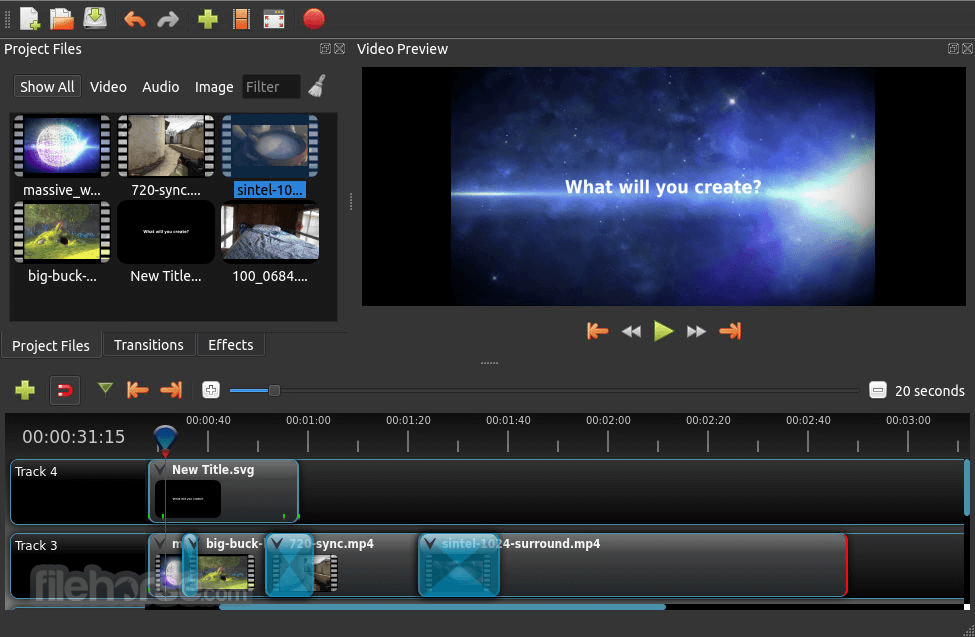
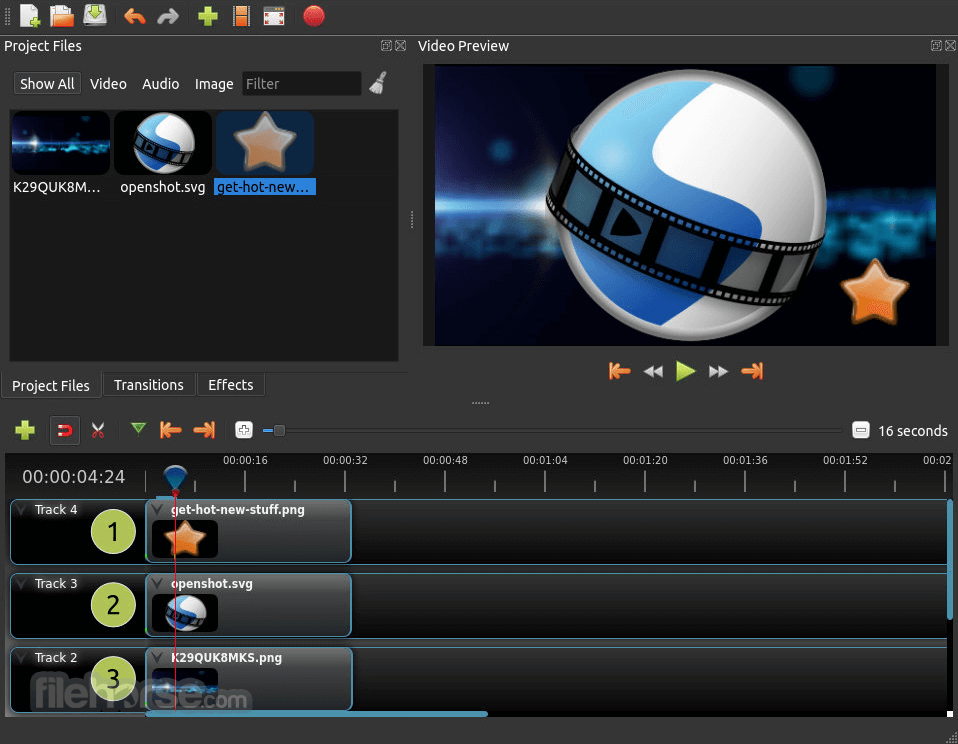
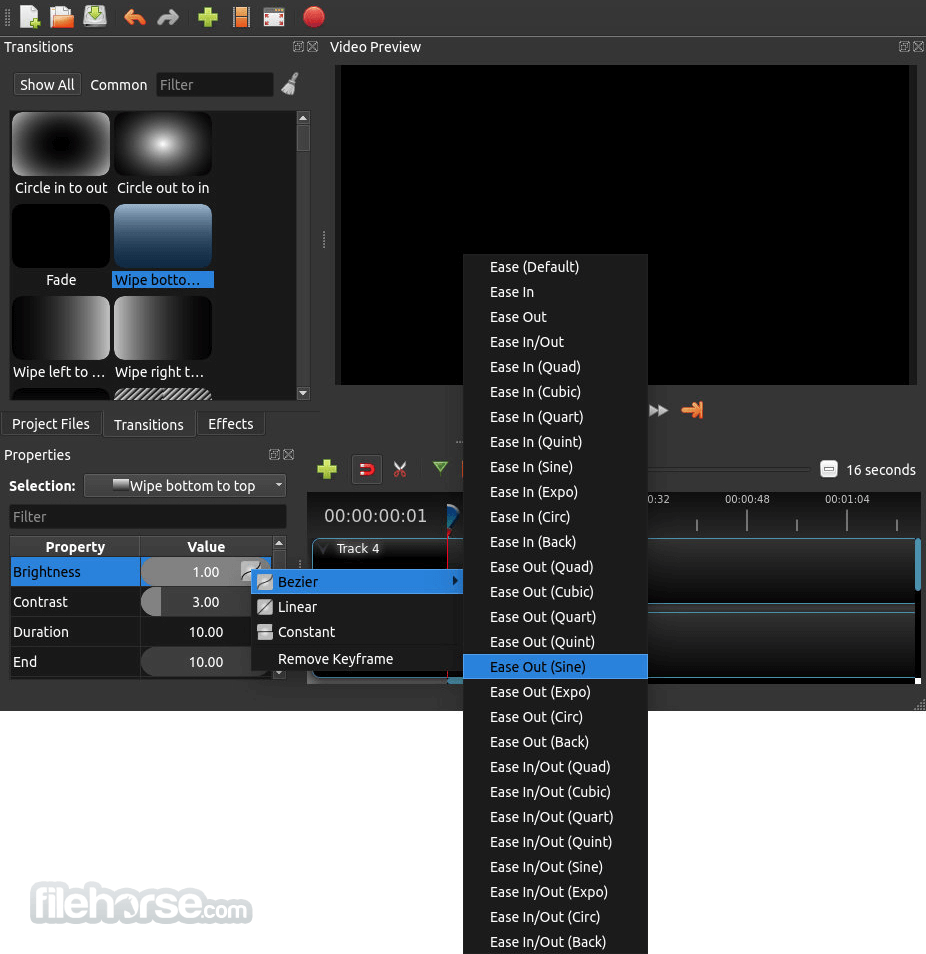
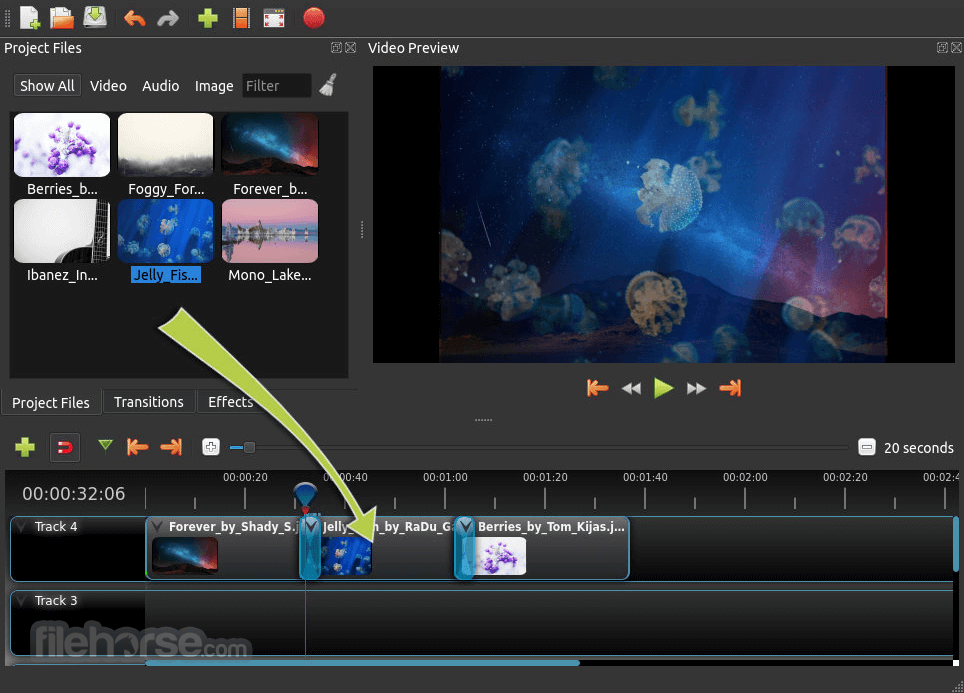
OpenShot Video Editor 3.5.0 (64-bit) Screenshots
The images below have been resized. Click on them to view the screenshots in full size.
-
-

-
-
What's new in this version:
- New default timeline: The new QWidget timeline is now the default, with much smoother zooming, scrolling, dragging, trimming, snapping, and multi-clip editing, especially on larger projects
- New keyframe panel and major timeline polish: The keyframe panel is now part of the default editing experience, with smoother dragging, better selection behavior, improved snapping, high-DPI thumbnails, live trim feedback, and many workflow refinements
- Smaller export file-sizes: Export presets were improved for smaller files and better quality, Blender GPU rendering is now enabled by default for Animated Titles, and hardware decoding checks are more reliable and user-friendly
- Experimental ComfyUI integration for advanced AI workflows: OpenShot 3.5 adds a major first pass at ComfyUI integration, including generation workflows, tracking and segmentation tools, custom JSON workflows, progress reporting, and better remote-server handling
- Improved stability, testing: This release includes expanded unit tests, new UI and replay-based testing tools, better missing-file dialogs, improved autosave and packaging reliability, smoother project loading, and a long list of bug fixes across the app
 OperaOpera 135.0 Build 5973.133 (64-bit)
 LDPlayerLDPlayer - Android Emulator
 BlueStacksBlueStacks 10.42.262.1002
 MalwarebytesMalwarebytes Premium 5.7.0
 Premiere ProAdobe Premiere Pro CC 2026 26.5
 CapCutCapCut Desktop 9.3.0
 PC RepairPC Repair Tool 2026
 Adobe AcrobatAdobe Acrobat Pro 2026.002.21901
 TradingViewTradingView - Trusted by 100 Million Traders
 WARDOGSWARDOGS - All Out Warfare FPS
Comments and User Reviews