




 WPS Office
 Adobe Acrobat
 Genspark AI
 Edraw AI
 BookFab
 PDFelement
-
Latest Version
-
Operating System
Windows 7 / Windows 7 64 / Windows 8 / Windows 8 64 / Windows 10 / Windows 10 64
-
User Rating
Click to vote -
Author / Product
-
Filename
snapgene_8.2.1_win.exe
-
MD5 Checksum
0dfbdfe0491e4670dcdbc5fbbb46380e
Sometimes latest versions of the software can cause issues when installed on older devices or devices running an older version of the operating system.
Software makers usually fix these issues but it can take them some time. What you can do in the meantime is to download and install an older version of SnapGene 8.2.1.
For those interested in downloading the most recent release of SnapGene or reading our review, simply click here.
All old versions distributed on our website are completely virus-free and available for download at no cost.
We would love to hear from you
If you have any questions or ideas that you want to share with us - head over to our Contact page and let us know. We value your feedback!
-
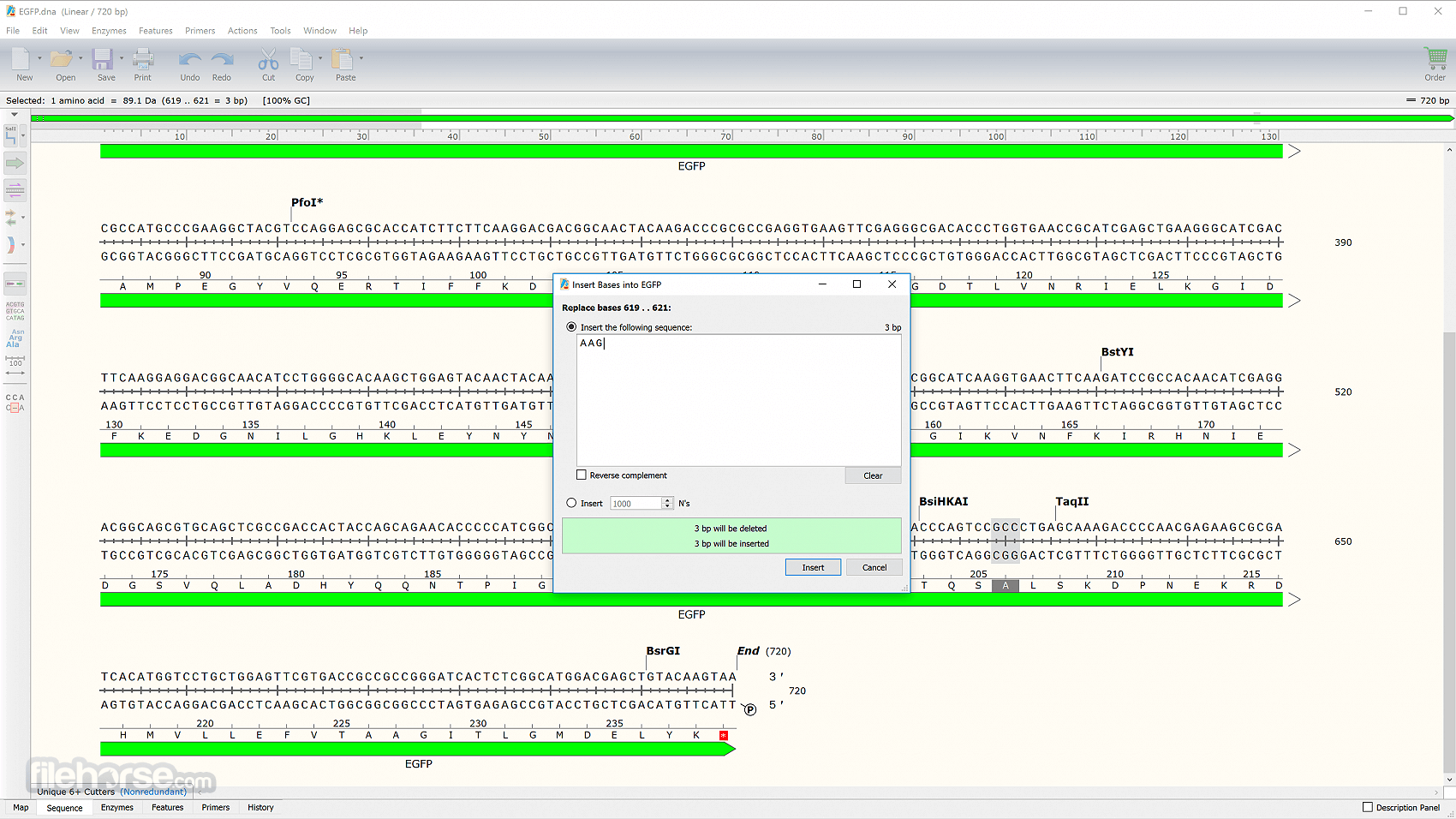
SnapGene 8.2.1 Screenshots
The images below have been resized. Click on them to view the screenshots in full size.
-

-

-

-

What's new in this version:
Fixed:
- Fixed a bug where the “Include raw tab” preference for the trace viewer was not restored upon restarting SnapGene
- Fixed an issue that prevented reverse-directed ORFs from being shown in the map view
- Fixed the history color ranges when simulating Golden Gate cloning
- Fixed a crash when deleting features from the context menu in the Features tab
- Addressed performance issues when running operations with large numbers of input sequences
- Fixed a crash when right-clicking on all-gap regions in reference alignments
- Fixed various issues with loading the multi-file table
- Fixed an issue where dialogs could appear behind the Redo Alignment dialog when adding a pasted sequence to multiple sequence alignments
- Fixed a crash attempting to log in to Bioregister on Linux with an improperly formatted URL
- Fixed display issues with the base position indicator on multiple monitor systems
- Fixed an issue where unsaved case changes were not maintained properly when shifting the origin
- Improved the layout of the Insert Restriction Site dialog on macOS
- Changed default light background color to Overcast to improve contrast with most feature colors
 OperaOpera 128.0 Build 5807.77 (64-bit)
 Kling AIKling AI - Text or Image to Video
 PhotoshopAdobe Photoshop CC 2026 27.4 (64-bit)
 BlueStacksBlueStacks 10.42.167.1001
 OKXOKX - Buy Bitcoin or Ethereum
 CapCutCapCut 7.9.0
 PC RepairPC Repair Tool 2026
 Hero WarsHero Wars - Online Action Game
 TradingViewTradingView - Trusted by 100 Million Traders
 AdGuard VPNAdGuard VPN 2.9.0
Comments and User Reviews