




 LitMedia AI
 Camo Studio
 Artlist
 Premiere Pro
 OpusClip
 Restream
 Kling AI
-
Latest Version
-
Operating System
Windows 10 (64-bit) / Windows 11
-
User Rating
Click to vote -
Author / Product
-
Filename
SubtitleEdit-Windows-x64-Setup.exe
-
MD5 Checksum
f905870993abf8bf69a975ca21389d16
Sometimes latest versions of the software can cause issues when installed on older devices or devices running an older version of the operating system.
Software makers usually fix these issues but it can take them some time. What you can do in the meantime is to download and install an older version of Subtitle Edit 5.0.0.
For those interested in downloading the most recent release of Subtitle Edit or reading our review, simply click here.
All old versions distributed on our website are completely virus-free and available for download at no cost.
We would love to hear from you
If you have any questions or ideas that you want to share with us - head over to our Contact page and let us know. We value your feedback!
-
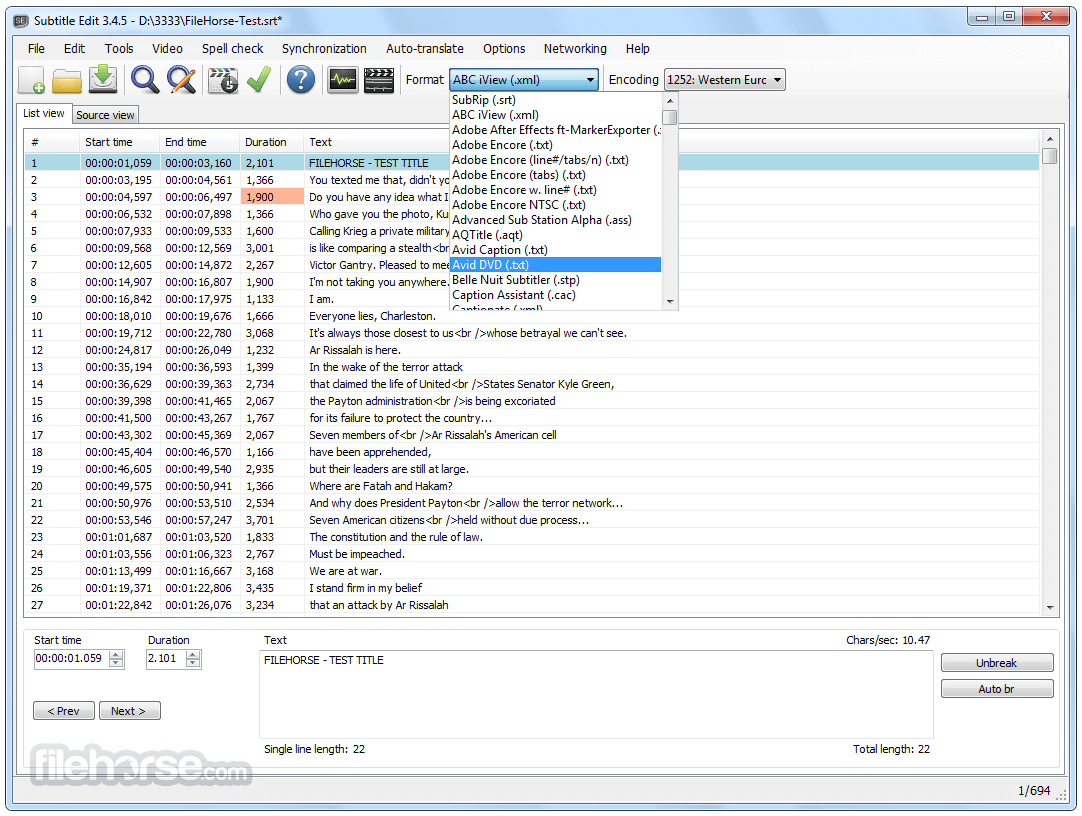
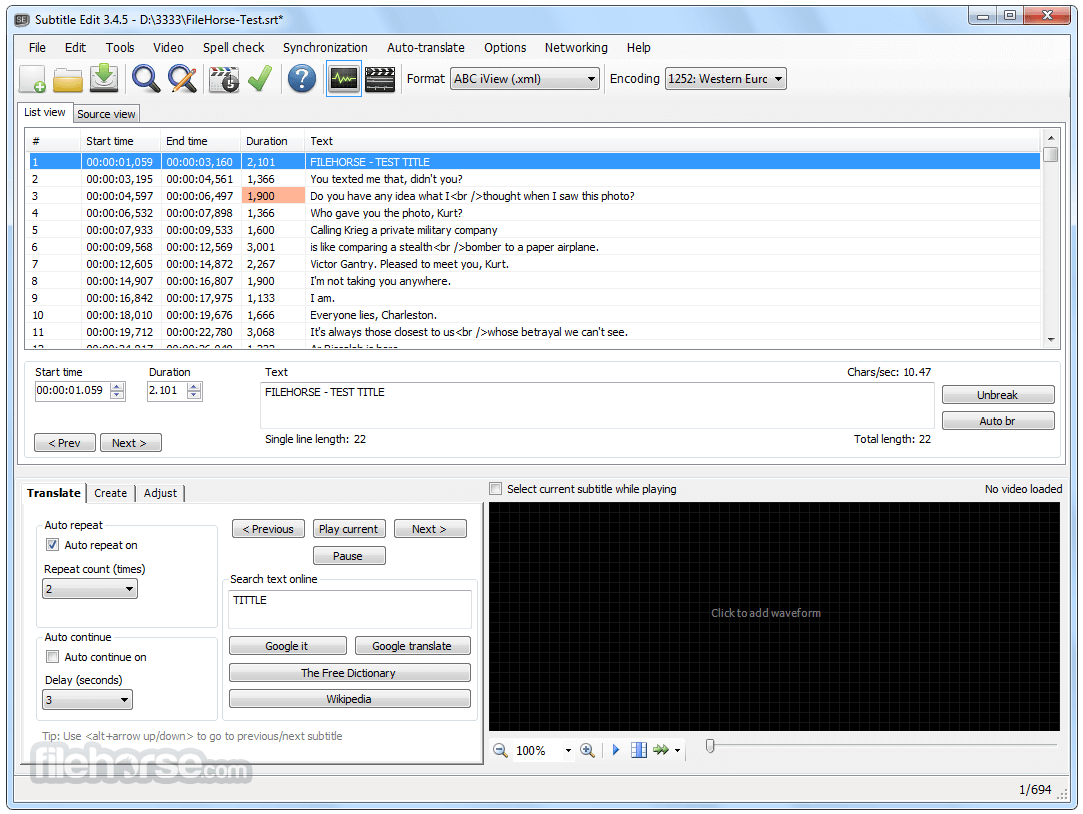
Subtitle Edit 5.0.0 Screenshots
The images below have been resized. Click on them to view the screenshots in full size.
-

-
-

-

What's new in this version:
- Subtitle Edit 5 is a major new release and a big step for the project. For the first time, Subtitle Edit runs natively on Windows, macOS, and Linux from a single, modern, cross-platform codebase. The builds are self-contained, so no separate .NET installation is required, and on macOS and Linux the needed media components (mpv/ffmpeg) are bundled in.
- Please read before upgrading:
- Subtitle Edit 5 is a new application, not just an update of Subtitle Edit 4. It has been rebuilt from the ground up to be cross-platform, so:
- It is not 100% the same app. The look, layout, and some workflows have changed. Some things are in different places, and a few behave differently than in SE4.
- Not every SE4 feature exists in SE5 yet. SE5 covers all the core editing, conversion, sync, video playback, OCR, and online services, but some of the more specialized SE4 tools are not available yet. Features will continue to be added.
- If you rely on a specific SE4 feature that is missing, please keep SE4 installed alongside SE5. The easiest way to run both side by side is to use the Portable versions of SE4 and SE5, which keep their settings separate and do not interfere with each other.
- Which version should I use?
- Subtitle Edit 5: recommended for most users on Windows 10 (22H2) or newer, macOS 12+, and Linux.
- Subtitle Edit 4: please continue to use SE4 if you are on an older Windows version (Windows 7/8), or on older / slower computers where SE5 may not run well. SE4 remains available and is the right choice in those cases.
- To run SE4 and SE5 at the same time, use the Portable versions - you can try SE5 while keeping SE4 as a fallback.
- Feedback is welcome on the issue tracker - it directly helps prioritize what comes next. Thank you to everyone who has supported and contributed to Subtitle Edit over the years.
 OperaOpera 134.0 Build 5954.56 (64-bit)
 BlueStacksBlueStacks 10.42.252.1003
 PhotoshopAdobe Photoshop CC 2026 27.9.1 (64-bit)
 LDPlayerLDPlayer - Android Emulator
 GTA 6GTA 6 for PS5
 CapCutCapCut Desktop 9.1.0
 PC RepairPC Repair Tool 2026
 Hero WarsHero Wars - Online Action Game
 TradingViewTradingView - Trusted by 100 Million Traders
 Halo: CampaignHalo: Campaign Evolved
Comments and User Reviews