




 Comet
Comet AdsPower
 Samsung
 iTop Browser
 Firefox
 Opera GX
 Chrome
-
Latest Version
-
Operating System
Windows 7 64 / Windows 8 64 / Windows 10 64 / Windows 11
-
User Rating
Click to vote -
Author / Product
-
Filename
Waterfox Setup 6.7.2.exe
Sometimes latest versions of the software can cause issues when installed on older devices or devices running an older version of the operating system.
Software makers usually fix these issues but it can take them some time. What you can do in the meantime is to download and install an older version of Waterfox G6.7.2.
For those interested in downloading the most recent release of Waterfox or reading our review, simply click here.
All old versions distributed on our website are completely virus-free and available for download at no cost.
We would love to hear from you
If you have any questions or ideas that you want to share with us - head over to our Contact page and let us know. We value your feedback!
-
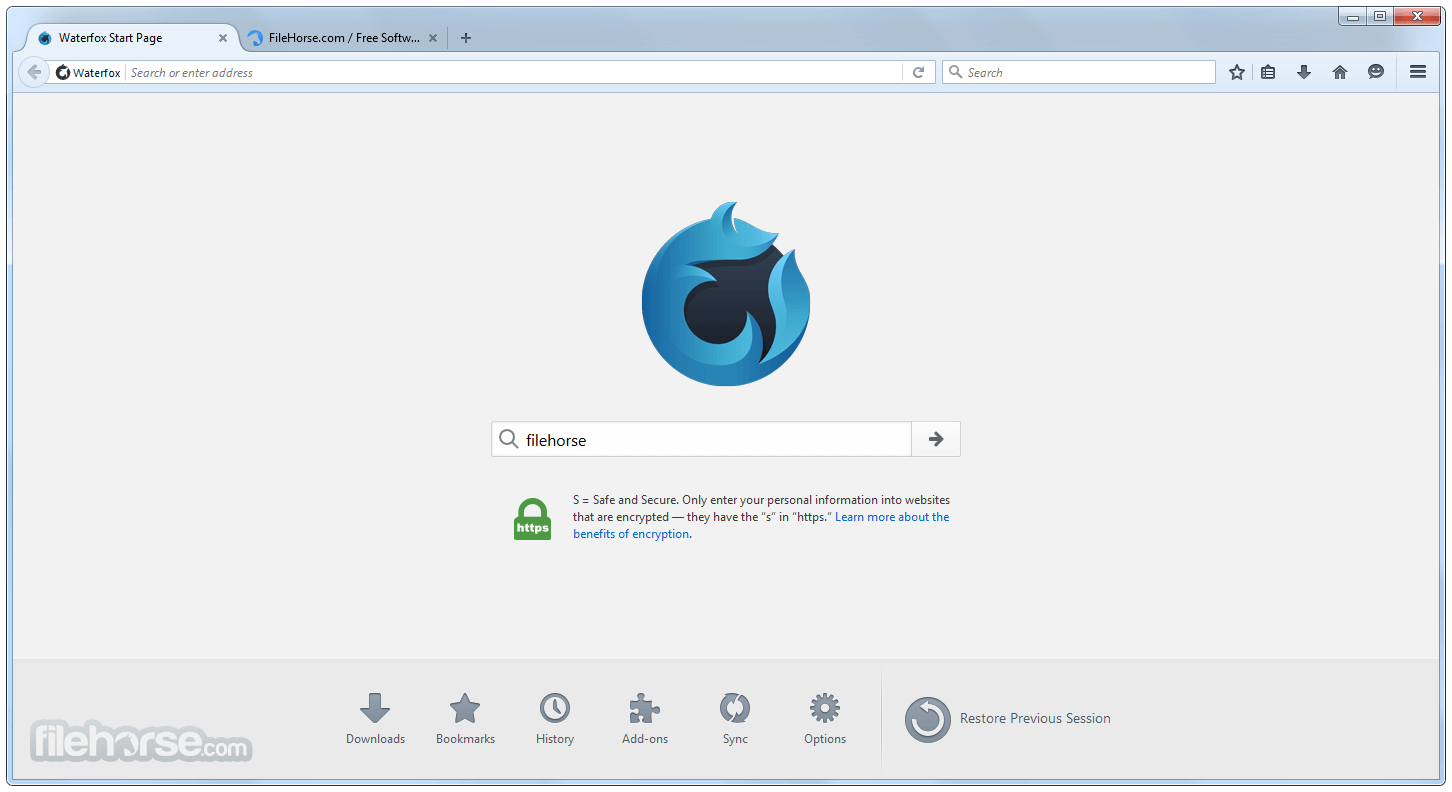
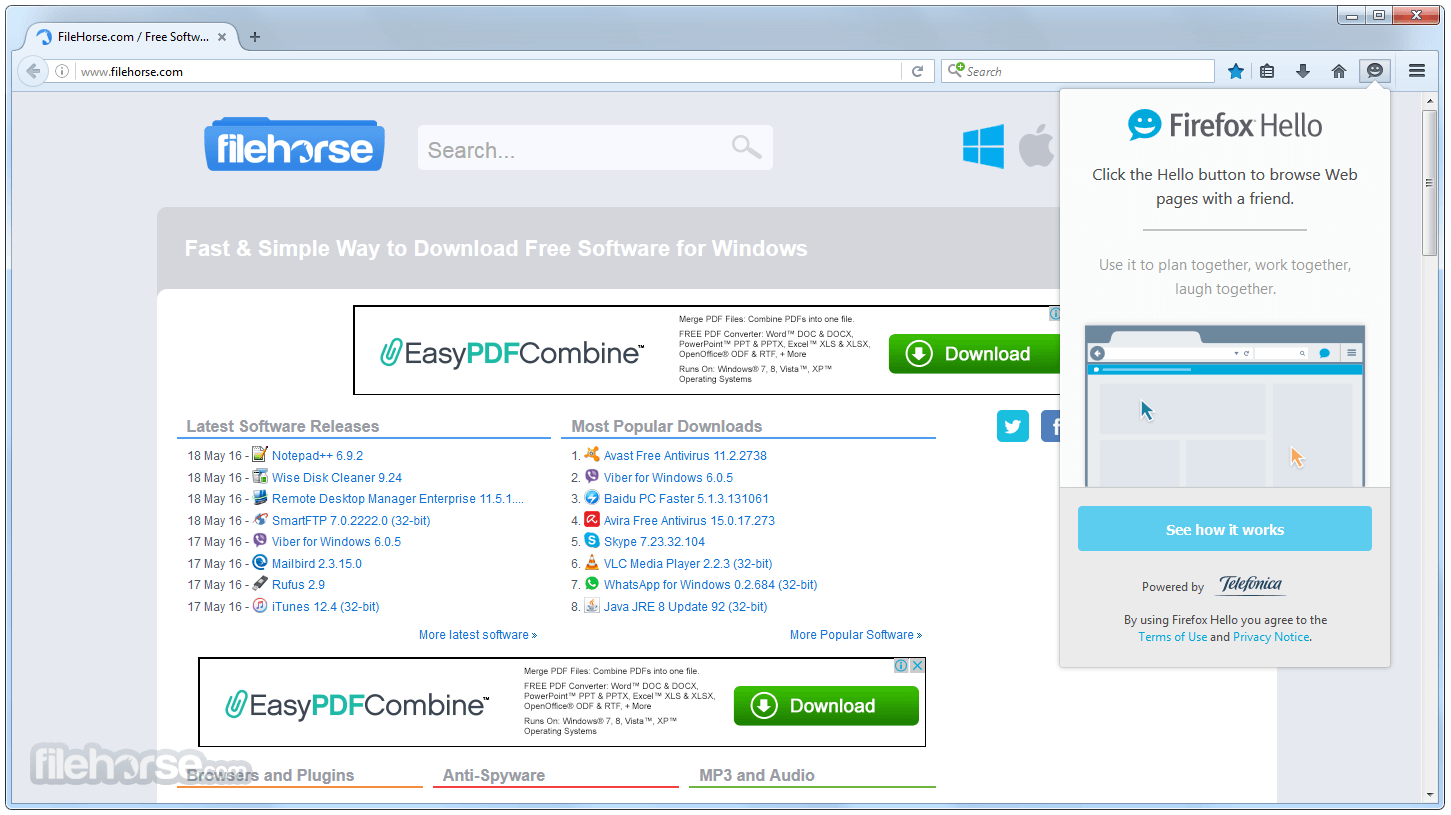
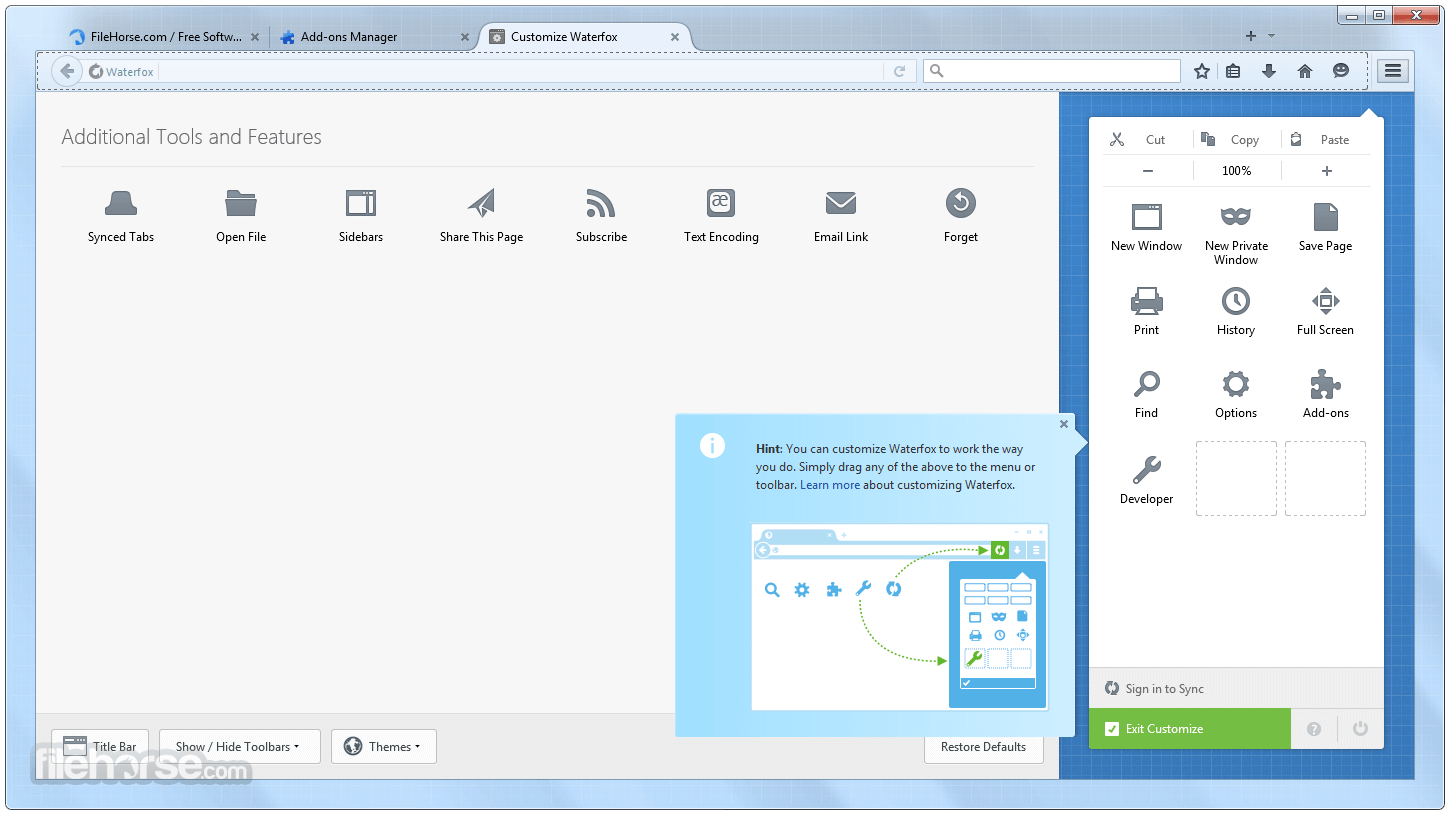
Waterfox G6.7.2 Screenshots
The images below have been resized. Click on them to view the screenshots in full size.
-
-

-
-

What's new in this version:
More reliable tab trees:
- Fixed an issue where newly opened tabs would sometimes remain invisible until another tab was selected, including links opened from pinned tabs.
- The restoration of saved tab trees has been improved, including tabs that load in the background and trees inside tab groups.
- Fixed an issue where dragging a branch would sometimes show where it would move without actually moving it, along with incorrect placement and ordering. Moving branches containing split-view tabs now preserves both panes and their child tabs more effectively.
- The indentation and alignment have been corrected so that parent tabs, children and siblings are easier to distinguish. The visibility and labels of the expand/collapse controls have been improved.
- The opening of bookmarked trees in new windows has been fixed, including in private windows. This ensures that bookmarks retain their order and nesting.
- Unnecessary work when restoring and displaying tab trees has been reduced.
More control over tree behaviour:
- The option to automatically collapse other trees when switching between them is now off by default. If you previously chose a setting explicitly, your choice is preserved.
- You can access more tree controls directly in Settings, including options for indentation and nesting limits, the tab that becomes active after a tab is closed, and how dropped links open
- When an unloaded background tree is expanded or collapsed, its parent tab is no longer unnecessarily loaded
- Switching to horizontal tabs no longer creates new tree-only parent/group pages. Any existing tree relationships remain available when you switch back.
Sidebar fixes:
- Fixed an issue where pinned tabs would disappear or become unclickable when displayed with their titles
- The unexpected collapse of the hover-expanded sidebar while a right-click menu was open has been fixed. Cancellation of hover expansion when the pointer leaves the window has also been improved
- Fixed an issue where full-screen video would leave the sidebar visible and shift the video to one side
- The issue of the collapsed sidebar becoming too narrow for tab icons when the sidebar controls were hidden has been fixed
- The clipped text and misaligned icons on the ‘New Private Tab’ button in the collapsed sidebar have been fixed
 OperaOpera 135.0 Build 5973.133 (64-bit)
 LDPlayerLDPlayer - Android Emulator
 BlueStacksBlueStacks 10.42.265.1001
 MalwarebytesMalwarebytes Premium 5.7.0
 Premiere ProAdobe Premiere Pro CC 2026 26.5
 CapCutCapCut Desktop 9.3.0
 PC RepairPC Repair Tool 2026
 Adobe AcrobatAdobe Acrobat Pro 2026.002.21901
 TradingViewTradingView - Trusted by 100 Million Traders
 WARDOGSWARDOGS - All Out Warfare FPS
Comments and User Reviews