




 YTD Download
 CleverGet
 WTFast
 PRTG
PRTG TrueNAS
 4K Download
 Blip Transfer
 Keeprix
-
Latest Version
-
Operating System
Windows 7 / Windows 8 / Windows 10 / Windows 11
-
User Rating
Click to vote -
Author / Product
-
Filename
Xshell-8.0.0095.exe
-
MD5 Checksum
03f2cd220c2b2f9750c6b4eab88b8644
Sometimes latest versions of the software can cause issues when installed on older devices or devices running an older version of the operating system.
Software makers usually fix these issues but it can take them some time. What you can do in the meantime is to download and install an older version of Xshell Free 8.0 Build 0095.
For those interested in downloading the most recent release of Xshell Free or reading our review, simply click here.
All old versions distributed on our website are completely virus-free and available for download at no cost.
We would love to hear from you
If you have any questions or ideas that you want to share with us - head over to our Contact page and let us know. We value your feedback!
-
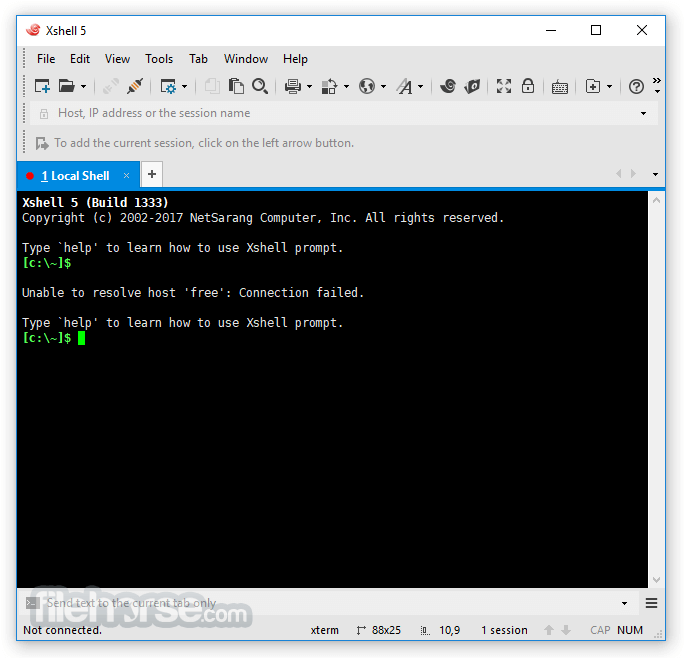
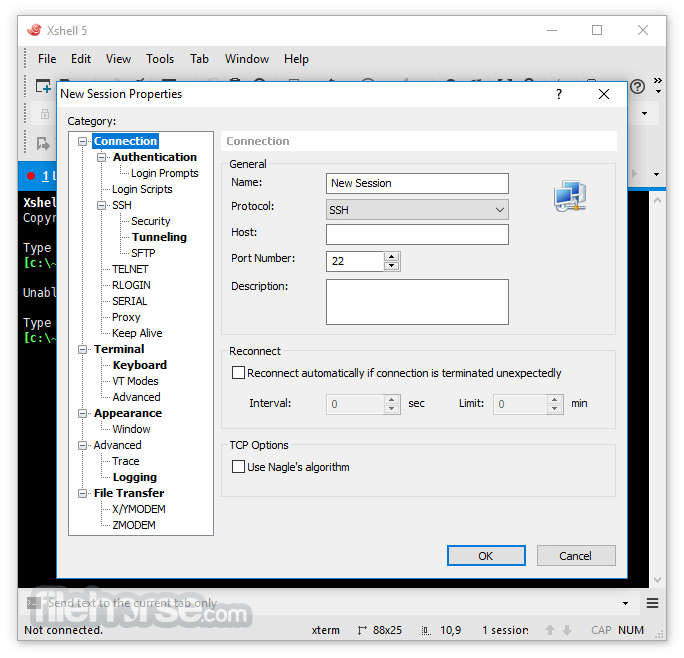
Xshell Free 8.0 Build 0095 Screenshots
The images below have been resized. Click on them to view the screenshots in full size.
-
-

-

-

What's new in this version:
Added:
- Status bar now displays number of lines selected
- Terminal font size reset feature
Mod:
- Improved certain error messages to more quickly diagnose errors
- Quick commands can now be used in realCmd, PowerShell, etc. (Quick Command Pane, Quick Command Manager)
- Removed the non-functioning Default layout
Fixed:
- Activation error displayed even after a successful activation
- Algorithm mismatch issue when utilizing the CNG (KSP) cryptographic framework
- Authentication windows not opening sequentially when launching a Session Group
- Broken characters when importing sessions from a UTF-8 encoded csv file
- Certain Key Mappings not properly saving user specified string
- Crash when closing Xshell after running a session
- Error when saving an active IPv6 session as a session file
- Paste not working on the Quick Start text field
- Session tab tooltips contain incorrect information in certain instances
- Sessions opened via the context menu as New Windows erroneously open as New Tabs
- Startup sessions not launching properly in certain instances
- The relative path for custom icons in session files are applied inconsistently in the Session Manager
 OperaOpera 134.0 Build 5954.46 (64-bit)
 BlueStacksBlueStacks 10.42.252.1003
 PhotoshopAdobe Photoshop CC 2026 27.9.1 (64-bit)
 LDPlayerLDPlayer - Android Emulator
 GTA 6GTA 6 for PS5
 CapCutCapCut Desktop 9.1.0
 PC RepairPC Repair Tool 2026
 Hero WarsHero Wars - Online Action Game
 TradingViewTradingView - Trusted by 100 Million Traders
 Halo: CampaignHalo: Campaign Evolved
Comments and User Reviews