




 4K Download
 Blip Transfer
 CleverGet
 Keeprix
 PRTG
PRTG YTD Download
 WTFast
 TrueNAS
-
Latest Version
-
Operating System
Windows 7 64 / Windows 8 64 / Windows 10 64 / Windows 11
-
User Rating
Click to vote -
Author / Product
-
Filename
putty-64bit-0.84-installer.msi
-
MD5 Checksum
20777e8868965ffcc9ce2ff4b12f6651
Sometimes latest versions of the software can cause issues when installed on older devices or devices running an older version of the operating system.
Software makers usually fix these issues but it can take them some time. What you can do in the meantime is to download and install an older version of PuTTY 0.84 (64-bit).
For those interested in downloading the most recent release of PuTTY (64-bit) or reading our review, simply click here.
All old versions distributed on our website are completely virus-free and available for download at no cost.
We would love to hear from you
If you have any questions or ideas that you want to share with us - head over to our Contact page and let us know. We value your feedback!
-
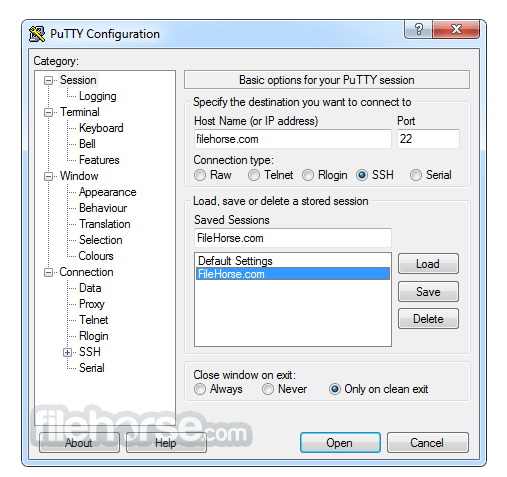
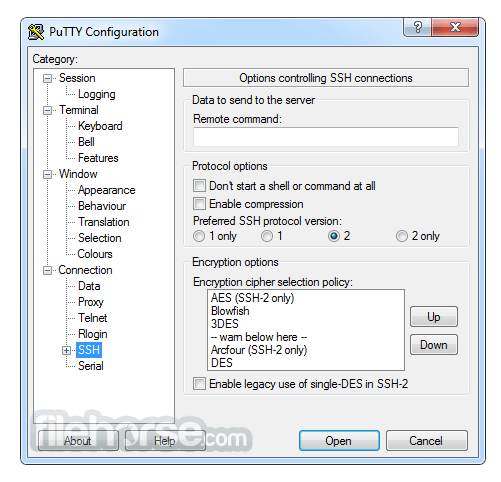
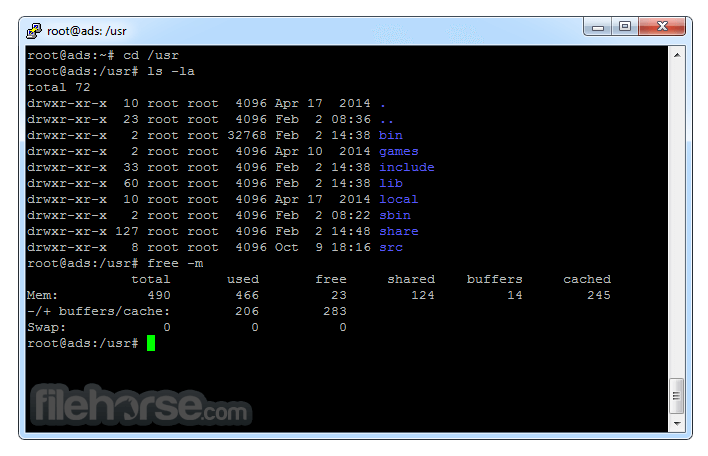
PuTTY 0.84 (64-bit) Screenshots
The images below have been resized. Click on them to view the screenshots in full size.
-

-

-
-
What's new in this version:
- Security issue: fixed a remotely triggerable double-free in RSA key exchange. (We don't know of any way it is exploitable to execute code.)
- Minor security issue: fixed a remotely triggerable crash in NIST ECDSA signature verification. (An assertion failure – definitely not exploitable to execute code.)
- Minor security issue: fixed marking of Telnet and Rlogin session data with a trust sigil after you authenticated to a proxy (possibly allowing a server to spoof a repeat proxy password prompt)
- Ability to run a specified command before starting the connection, e.g. to perform wake-on-LAN or a port knock
- On Unix: display 'pre-edit text', showing the progress of using multiple keystrokes to compose a single Unicode character
- On Unix: improved support for to running the GUI tools on Wayland (fixed startup issues and tuned performance)
Fixed:
- configuring a SSH certificate authority on Unix would fail unless you manually made a config directory
- spurious "Network error: Socket is not connected" when authenticating to some HTTP proxies
- disabling cursor blinking in the Windows Control Panel but enabling it in PuTTY would lead to a tight loop
 OperaOpera 134.0 Build 5954.66 (64-bit)
 BlueStacksBlueStacks 10.42.255.1002
 PhotoshopAdobe Photoshop CC 2026 27.9.1 (64-bit)
 LDPlayerLDPlayer - Android Emulator
 GTA 6GTA 6 for PS5
 CapCutCapCut Desktop 9.1.0
 PC RepairPC Repair Tool 2026
 Hero WarsHero Wars - Online Action Game
 TradingViewTradingView - Trusted by 100 Million Traders
 Halo: CampaignHalo: Campaign Evolved
Comments and User Reviews