




 WoT: HEAT
 MECCHA
 World of Tanks
 Forza Horizon
 007 Game
 Go-Go Town!
-
Latest Version
Minecraft Forge 1.21.11 LATEST
-
Review by
-
Operating System
Windows 7 / Windows 8 / Windows 10 / Windows 11
-
User Rating
Click to vote -
Author / Product
-
Filename
forge-1.21.11-61.0.10-installer.jar
-
MD5 Checksum
61edc4608ceffaa8b8d70396b87f6632
That game version is not some special customized game client, but instead usually just an older version of the game that maintains compatibility with this modding client.
In addition to the general mods that can be used in all regular versions of the game, users of the Minecraft Forge loader can also access a wide array of mods that are accessible only via the Forge client.
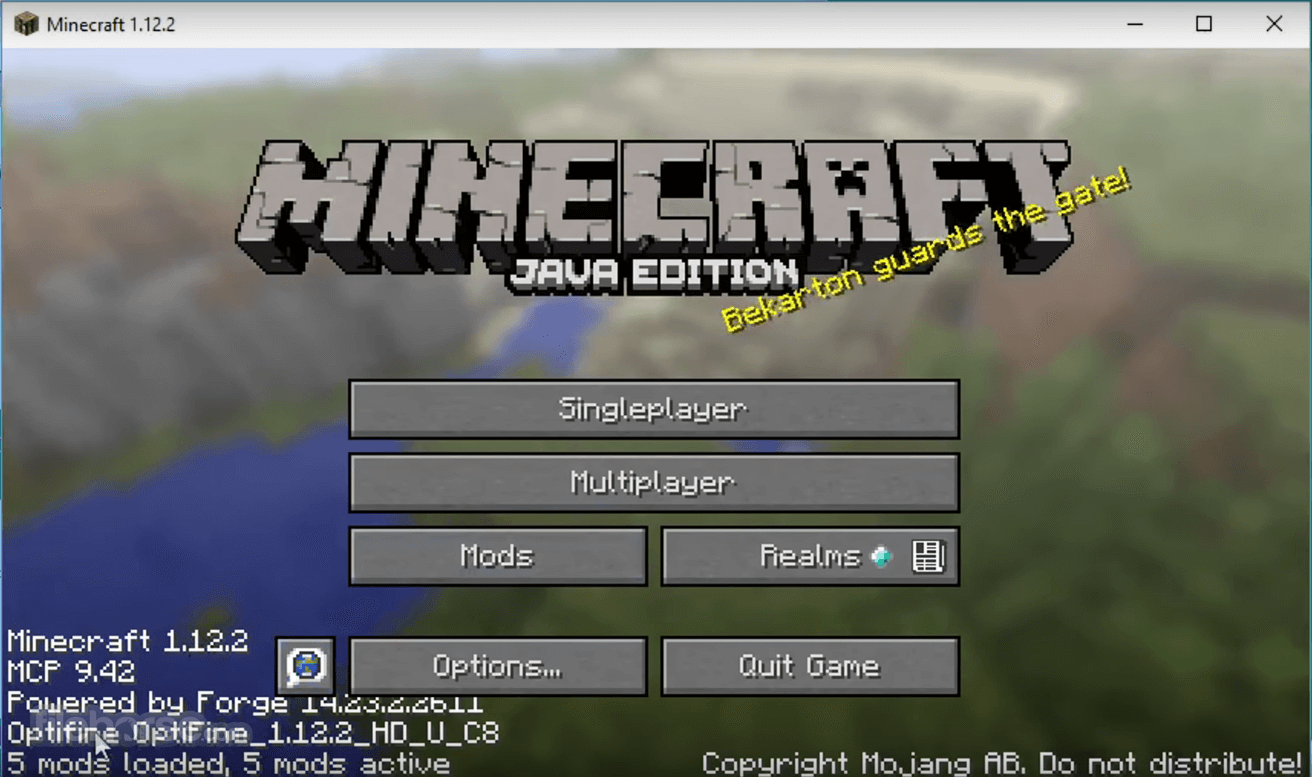
It is important to note that the Minecraft Forge loader does not feature any kind of graphical user interface, and instead it only installs on your PC all the necessary files that are needed for detecting and loading countless types of Minecraft mods.
Windows users can access Forge mods inside the “Minecraft/mods” folder, but to activate them first, they will have to download them manually from any of the available Internet sources and then place them inside that directory. Forge mods can be used on the version of Java Edition 1.1 or above.
Originally released to the public in the summer of 2011, it continues to be developed by the open-source community that regularly updates this popular modding API and loader utility with new features and expanded compatibility for advanced Minecraft modding.
Minecraft Forge is 100% FREE and can be used on all Windows OS versions that run the popular game Minecraft.
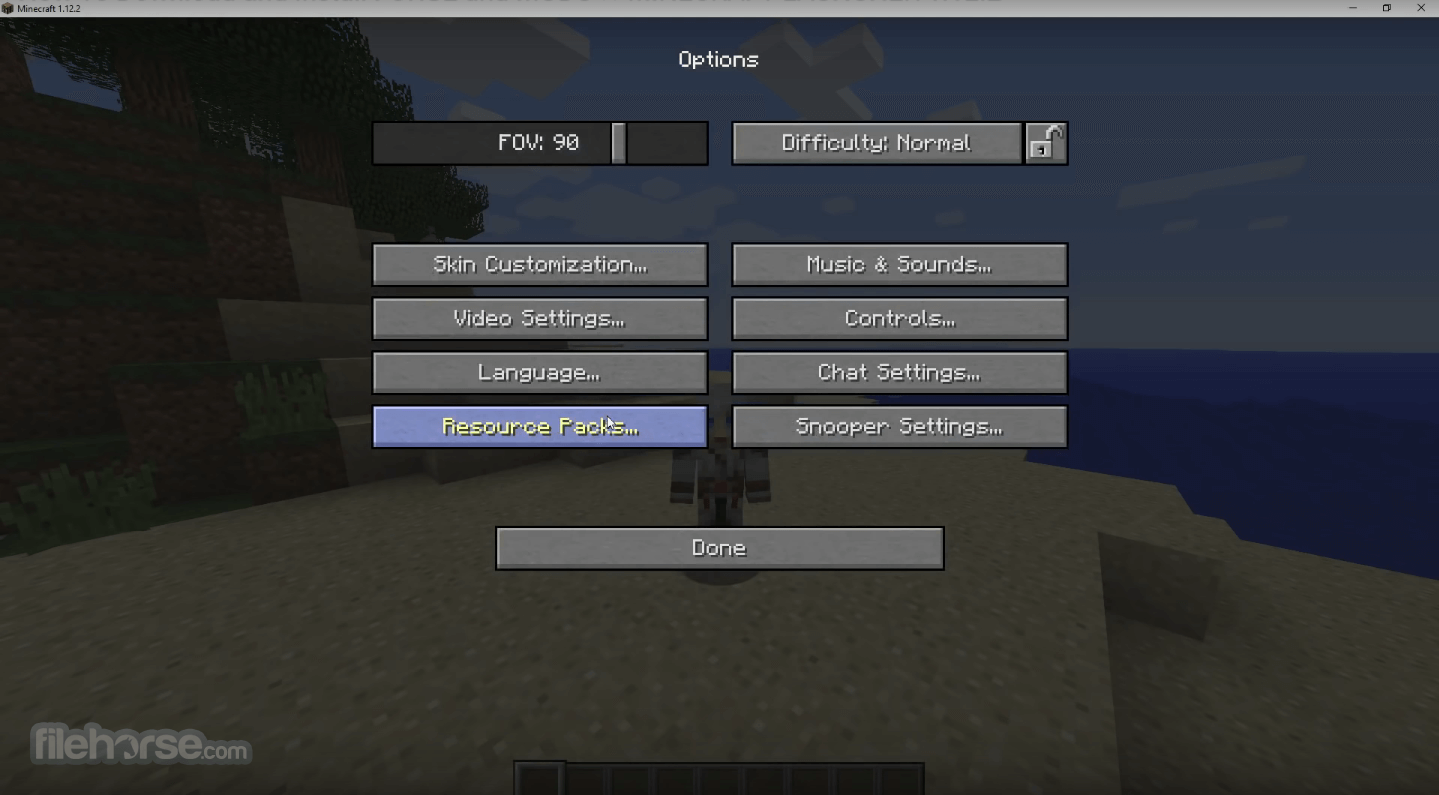
How to Use
- Download Minecraft Forge from the official website or FileHorse.com
- Run the installer and select “Install Client.”
- Launch Minecraft and select the Forge profile
- Place mod files in the "mods" folder
- Start the game and enjoy the mods
- Official 1.21.11 release with major rendering updates (BackedQuad & IQuadTransformers)
- Removed deprecated model generators (switch to vanilla generators required)
- Removed JavaScript CoreMods and Nashorn; ASMAPI moved to a separate dependency
- Added support for multiple access transformer configs
- Optimized memory handling for entity fluid collision checks
- Fixed player sleep issue
System Requirements
- OS: Windows 11, 10, 8, or 7
- Processor: Intel Core i3 or equivalent
- RAM: 4GB minimum, 8GB recommended
- GPU: Integrated or dedicated with OpenGL support
- Storage: 2GB free space
- Expands modding capabilities
- Compatible with many mods
- Regular updates and support
- Easy installation process
- Strong community and documentation
- Can cause performance issues
- Some mods may conflict
- Requires Java installation
- Updates may break older mods
- Not supported in Minecraft Bedrock
-
Minecraft Forge 1.21.11 Screenshots
The images below have been resized. Click on them to view the screenshots in full size.
-
-
What's new in this version:
- Add support for multiple access transformer configs
- Update discord links in issue templates
- Remove JavaScript CoreMods and Nashorn
- The ASMAPI helper methods have been split off into a separate dep which is included with Forge for Java transformers to use
- Update SecureModules to address ZipPath bug with brackets
- Optimize memory allocation for checking entity fluid collisions
- Allow accessing Registry context from TagValueOutput
- Don't save capabilities if level is null as we don't have enough context
- Fix not being able to sleep. Steve is very tired
- Fix AT lines which didn't work on some old dev environments
- Bump S2S, fixes patches in UserDev
 OperaOpera 134.0 Build 5954.26 (64-bit)
 BlueStacksBlueStacks 10.42.251.1002
 PhotoshopAdobe Photoshop CC 2026 27.7 (64-bit)
 WPS OfficeWPS Office Free 12.2.0.23196
 GTA 6GTA 6 for PS5
 CapCutCapCut Desktop 9.1.0
 PC RepairPC Repair Tool 2026
 Hero WarsHero Wars - Online Action Game
 TradingViewTradingView - Trusted by 100 Million Traders
 Halo: CampaignHalo: Campaign Evolved
Comments and User Reviews