




 YTD Download
 WTFast
 PRTG
PRTG 4K Download
 Keeprix
 RemotePC
 CleverGet
 Streaming
-
Latest Version
-
Operating System
Windows 7 / Windows 8 / Windows 10 / Windows 11
-
User Rating
Click to vote -
Author / Product
-
Filename
MobaXterm_Installer_v25.3.zip
-
MD5 Checksum
fb2fe22e270256504381ae27afd5752a
Sometimes latest versions of the software can cause issues when installed on older devices or devices running an older version of the operating system.
Software makers usually fix these issues but it can take them some time. What you can do in the meantime is to download and install an older version of MobaXterm 25.3.
For those interested in downloading the most recent release of MobaXterm or reading our review, simply click here.
All old versions distributed on our website are completely virus-free and available for download at no cost.
We would love to hear from you
If you have any questions or ideas that you want to share with us - head over to our Contact page and let us know. We value your feedback!
-
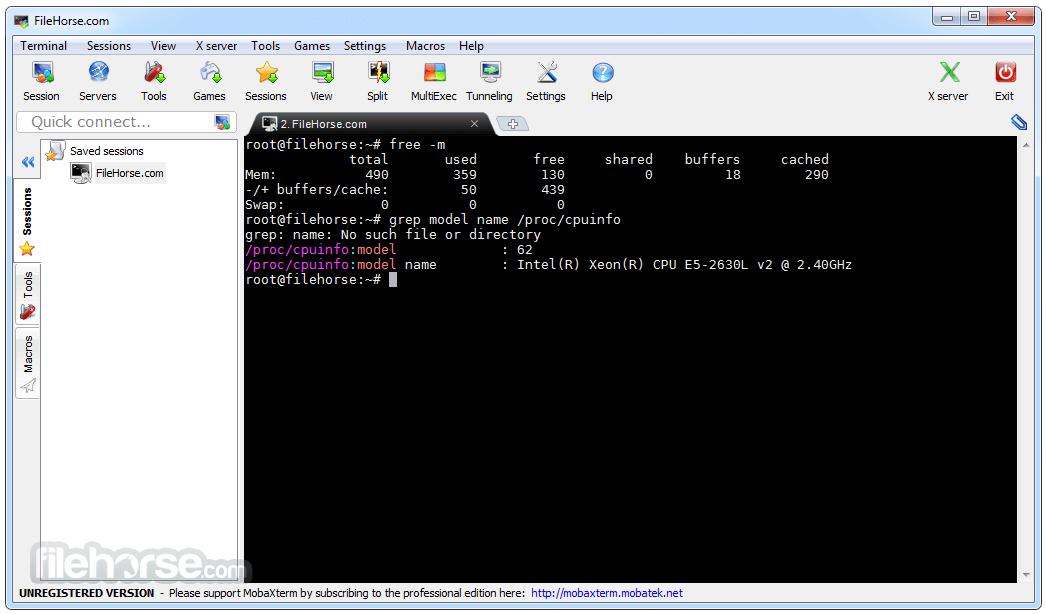
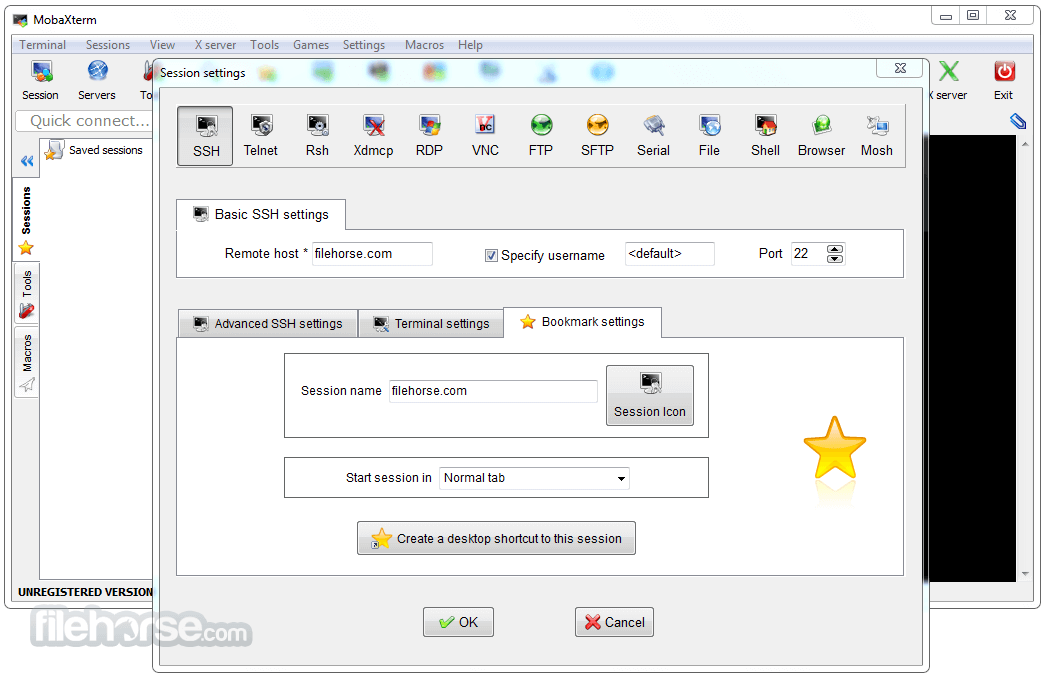
MobaXterm 25.3 Screenshots
The images below have been resized. Click on them to view the screenshots in full size.
-
-

-

-

What's new in this version:
New:
- New feature: you can now search for words in all files contained in a folder and its sub-folders using MobaTextEditor or the "MobaFind" command
Improved:
- huge ergonomics improvements in the search feature of MobaTextEditor and MobaTextDiff (instant results highlight, contextual lines, number of results, ...)
- added a new feature to move or copy blocks of lines up/down/left/right in MobaTextEditor (Alt+arrows by default)
- added a new option in MobaTextEditor and MobaDiff to automatically highlight the same words as the one under the cursor
- added a new option in MobaTextEditor and MobaDiff to display indent guides
- added a new "Toggle comments" feature in MobaTextEditor
- the colors in HTML format are now identified by MobaTextEditor and highlighted using the corresponding color
- improved syntax highlighting color schemes in MobaTextEditor and MobaDiff
- improved UTF-8 character recognition in MobaTextEditor and MobaDiff especially for 4-bytes UTF-8 characters
- added an extended character mapping table to MobaTextEditor
- you can now export your code to HTML with syntax highlighting from MobaTextEditor
- improved the parent bracket highlighting feature in MobaTextEditor
- added an indicator and some information in the MobaTextEditor status bar when the file is edited on a remote server
- you can now zoom in/out the text in MobaTextEditor using Ctrl-MouseWheel or Ctrl-+
- added a new feature to autocomplete code in MobaTextEditor (Ctrl+Space by default)
- changed the text engine and the memory manager used in MobaTextEditor and MobaDiff
- added a new status bar in MobaTextEditor to display useful details about the edited file
- added a new option in MobaTextEditor and MobaDiff to toggle dark/bright theme that is independent of MobaXterm
- added a new graphical hexadecimal color picker in MobaTextEditor
- organized the MobaTextEditor and MobaDiff settings window and added several new options
- improved the Unix Shell Script syntax highlighting in MobaTextEditor and MobaDiff
- improved the PHP syntax highlighting in MobaTextEditor and MobaDiff
- added a new Html/Javascript/Css/Php syntax that autodetects multi-format HTML pages in MobaTextEditor and MobaTextDiff
- improved detection and opening speed of binary files in MobaTextEditor
- improved MobaTextEditor and MobaDiff speed when opening files with very long lines
- improved rendering of font ligatures in MobaTextEditor and MobaDiff
- the syntax highlighting is preserved in text selections in MobaTextEditor and MobaDiff
- improved selection color with a dark theme in MobaTextEditor and MobaDiff
- improved the visibility of the MobaTextEditor caret, especially in dark mode
- added a new keyboard shortcut to cycle through tabs in MobaTextEditor (Ctrl-Tab by default)
- added a new keyboard shortcut to select a whole line in MobaTextEditor (Ctrl+L by default)
- added the "Select to Match Bracket" keyboard shortcut in MobaTextEditor
- added right-click menus on the MobaTextEditor status bar to quickly modify some of the text file settings
- added quick access to recently opened files in MobaTextEditor
- when switching MobaTextEditor or MobaTextDiff from a first monitor to a second monitor in High DPI mode, the application switches to High DPI mode
- if MobaTextEditor fonts are blocked by a Windows policy, use "Consolas" by default instead
- if the embedded MobaXterm terminal font is blocked by a Windows policy, try to use the "MobaFont" if it is installed or use "Consolas" if there is no other choice
- in the Customizer program, if you choose a shared sessions file, its path will use common variables like "_MyDocuments_" to adapt to other computers
Fixed:
- the password request and save password prompt windows were overlapping each other when connecting to FreeBSD with SSH
- in browser sessions, the "script URL" field was too large for the container
- paste using Ctrl+V was disabled in the user syntax highlighting edition
- on some Windows versions, MobaXterm log identified Windows 11 as Windows 10
- fixed some windows title bars that were white when the MobaXterm theme was set to dark
- fixed a typo in an SSH connection warning prompt
- modified the "smart tabs" feature in MobaTextEditor and MobaDiff to automatically adapt to mixed tabs and spaces indentations
- the highlighted search results were not reset when switching from one tab to another in MobaTextEditor
- the "indent/unindent block" feature was not properly taken into account in the "Undo" action of MobaTextEditor
- the extended characters are no longer treated as separators in MobaTextEditor and MobaDiff
- the highlighted searched patterns were still highlighted after switching to another tab in MobaTextEditor
- fixed the MobaTextEditor tabs placements
- only the first line was copied in MobaDiff when multiple lines were selected
- removed the "snap to monitor" feature in MobaTextEditor
 OperaOpera 129.0 Build 5823.15 (64-bit)
 Kling AIKling AI - Text or Image to Video
 PhotoshopAdobe Photoshop CC 2026 27.4 (64-bit)
 BlueStacksBlueStacks 10.42.167.1001
 OKXOKX - Buy Bitcoin or Ethereum
 CapCutCapCut 7.9.0
 PC RepairPC Repair Tool 2026
 Hero WarsHero Wars - Online Action Game
 TradingViewTradingView - Trusted by 100 Million Traders
 AdGuard VPNAdGuard VPN 2.9.0
Comments and User Reviews