




 PRTG
PRTG CleverGet
 YTD Download
 4K Download
 Streaming
 RemotePC
 WTFast
 Keeprix
-
Latest Version
-
Operating System
Windows 7 / Windows 8 / Windows 10 / Windows 11
-
User Rating
Click to vote -
Author / Product
-
Filename
MobaXterm_Installer_v26.1.zip
-
MD5 Checksum
1753c4f1dd3546f3668877d2c571c38c
Sometimes latest versions of the software can cause issues when installed on older devices or devices running an older version of the operating system.
Software makers usually fix these issues but it can take them some time. What you can do in the meantime is to download and install an older version of MobaXterm 26.1.
For those interested in downloading the most recent release of MobaXterm or reading our review, simply click here.
All old versions distributed on our website are completely virus-free and available for download at no cost.
We would love to hear from you
If you have any questions or ideas that you want to share with us - head over to our Contact page and let us know. We value your feedback!
-
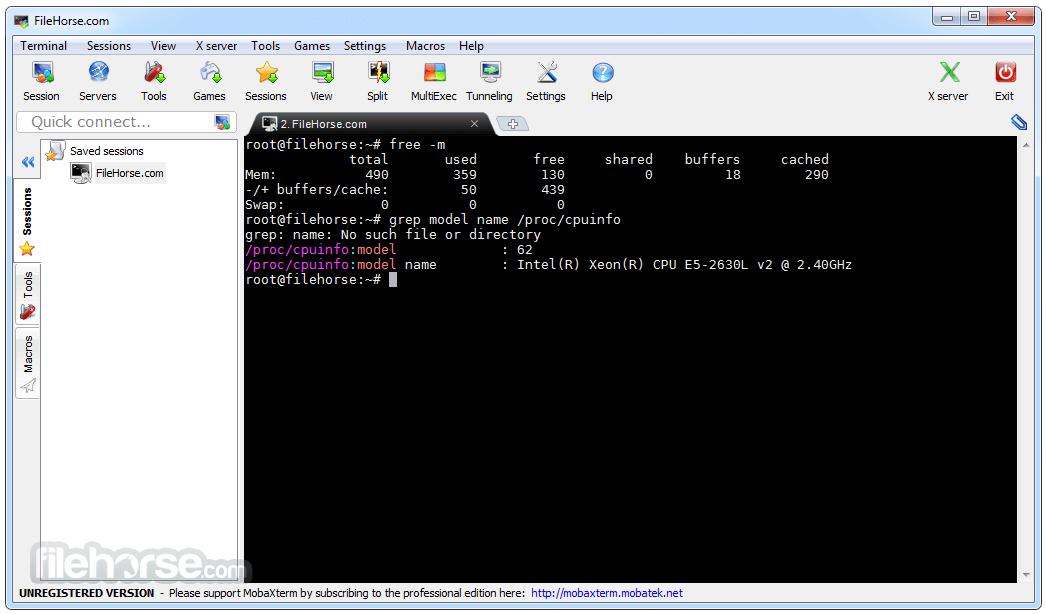
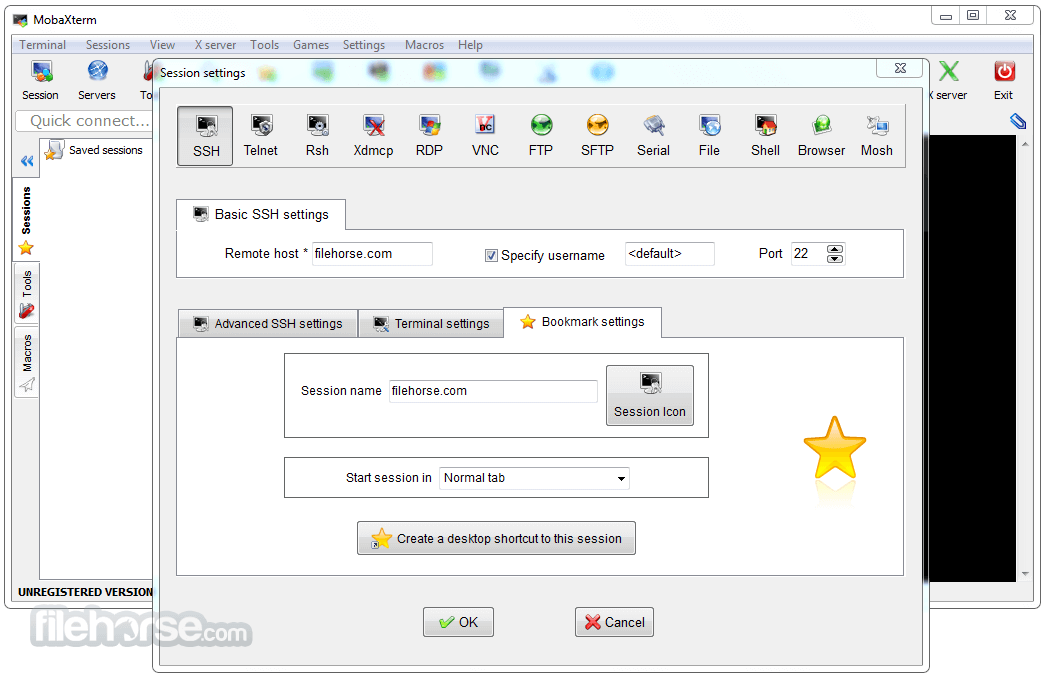
MobaXterm 26.1 Screenshots
The images below have been resized. Click on them to view the screenshots in full size.
-
-

-

-

What's new in this version:
New:
- New feature: small dots in the session tree now indicate which sessions are already open
- New feature: clicking the green dots in the session tree now jumps to the corresponding tabs
- New feature: you can now assign a dedicated icon to each session via the Customizer or in shared sessions
Improved:
- improved session tree rendering performance
- custom icons are now stored with sessions when exporting or sharing them
- it is now possible to assign a specific custom icon per session even when more than 64 custom icons are used
- updated the embedded X server to the latest Xorg version
- improved X server startup speed
- updated several other embedded command-line tools to their latest versions
- improved autocompletion for the "livesession" and "createsession" commands
- optimized code executed during tab switches to improve tab switching performance
- reorganized the icon chooser window to display more icons per row
- improved custom icon loading speed from the INI file at startup
- improved detection of default Linux and macOS shell locations under Wine
- disabled the Edge browser on legacy Windows versions (XP, Vista) to prevent potential crashes in MobaTextEditor
- improved icon rendering in tabs with better anti-aliasing
- added a new button in MobaTextDiff to swap left and right files
- improved detection of non-Latin characters in MobaTextEditor for word boundary detection
- updated MobaSwInfo and MobaHwInfo to support the latest Windows releases
- some agents such as SK-SSH-Agent now work even when MobAgent is disabled
- SSH sessions now support logins containing square brackets
- updated the command-line SSH client and the OpenSSL library to their latest versions
Fixed:
- prevented an error when upgrading from an older MobaXterm version using an obsolete Xorg release
- fixed an issue where tab text remained red after selecting and unselecting an inactive tab
- fixed a brief black rectangle flash when clicking the "Quick Search" field
- fixed a high memory usage issue after mutiple successive pastes of very long texts in the terminal
- fixed potential graphical glitches when starting MobaXterm with a theme and then switching to the Windows dark theme
- fixed an issue with the 64-bit command-line OpenSSH client when requesting keys from MobAgent or the PuTTY SSH agent
- fixed a high memory usage issue after leaving the terminal window detached for many hours
- fixed an issue where MobaTextDiff would not start in portable mode when it was launched from the SSH browser
- fixed an issue where copying an IP address from Google Chat inserted a newline character into the host field
- fixed a search path issue when choosing a custom text editor in the global settings window
 OperaOpera 129.0 Build 5823.65 (64-bit)
 Kling AIKling AI - Text or Image to Video
 PhotoshopAdobe Photoshop CC 2026 27.5 (64-bit)
 BlueStacksBlueStacks 10.42.167.1001
 OKXOKX - Buy Bitcoin or Ethereum
 CapCutCapCut 7.9.0
 PC RepairPC Repair Tool 2026
 Hero WarsHero Wars - Online Action Game
 TradingViewTradingView - Trusted by 100 Million Traders
 AdGuard VPNAdGuard VPN 2.9.0
Comments and User Reviews