




 4K Download
 Blip Transfer
 PRTG
PRTG CleverGet
 WTFast
 TrueNAS
 YTD Download
 Keeprix
-
Latest Version
-
Operating System
Windows 7 64 / Windows 8 64 / Windows 10 64 / Windows 11
-
User Rating
Click to vote -
Author / Product
-
Filename
winbox64.exe
Sometimes latest versions of the software can cause issues when installed on older devices or devices running an older version of the operating system.
Software makers usually fix these issues but it can take them some time. What you can do in the meantime is to download and install an older version of WinBox 4.2.0.
For those interested in downloading the most recent release of WinBox or reading our review, simply click here.
All old versions distributed on our website are completely virus-free and available for download at no cost.
We would love to hear from you
If you have any questions or ideas that you want to share with us - head over to our Contact page and let us know. We value your feedback!
-
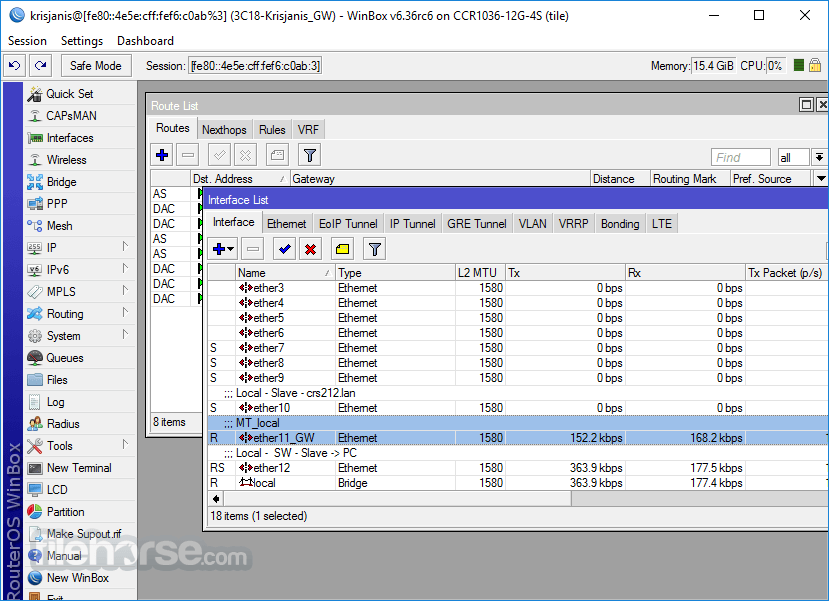
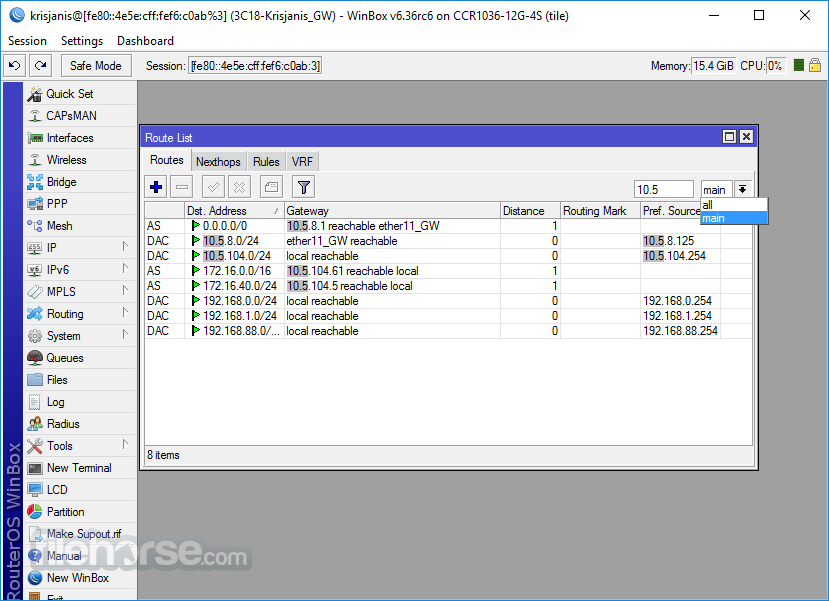
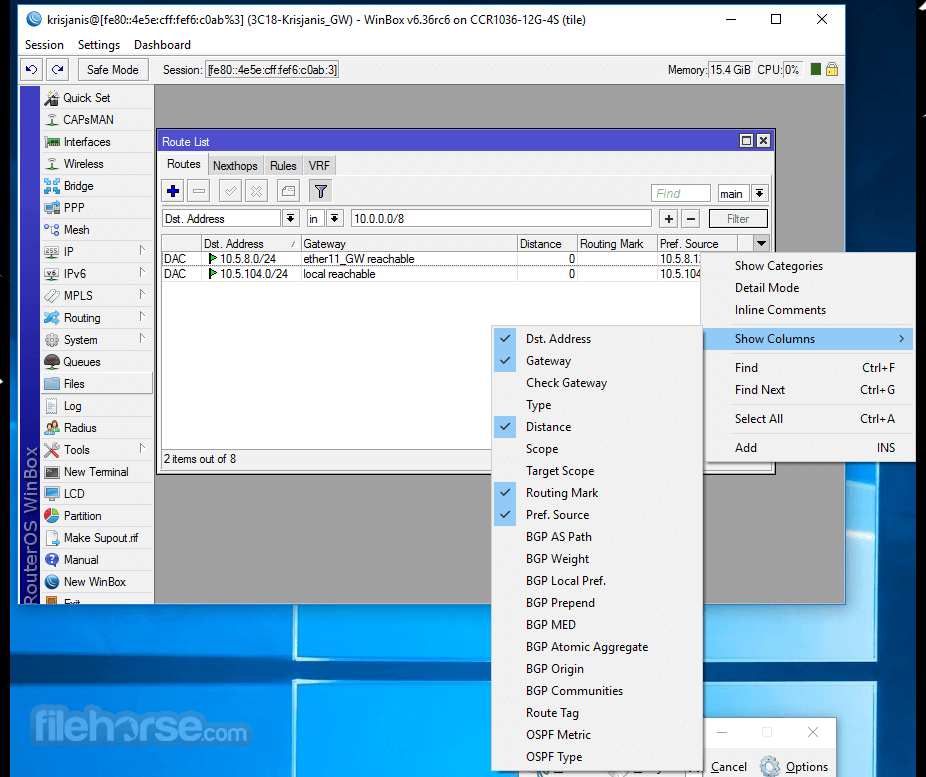
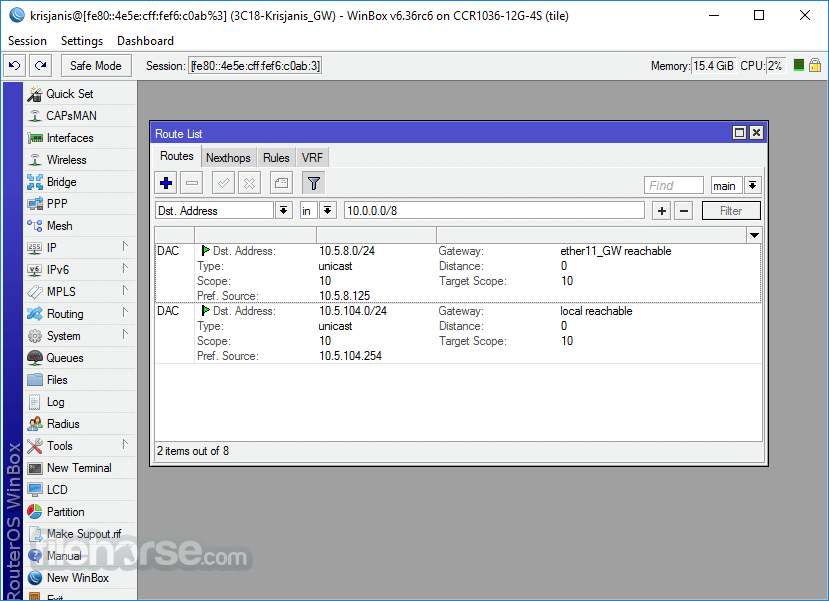
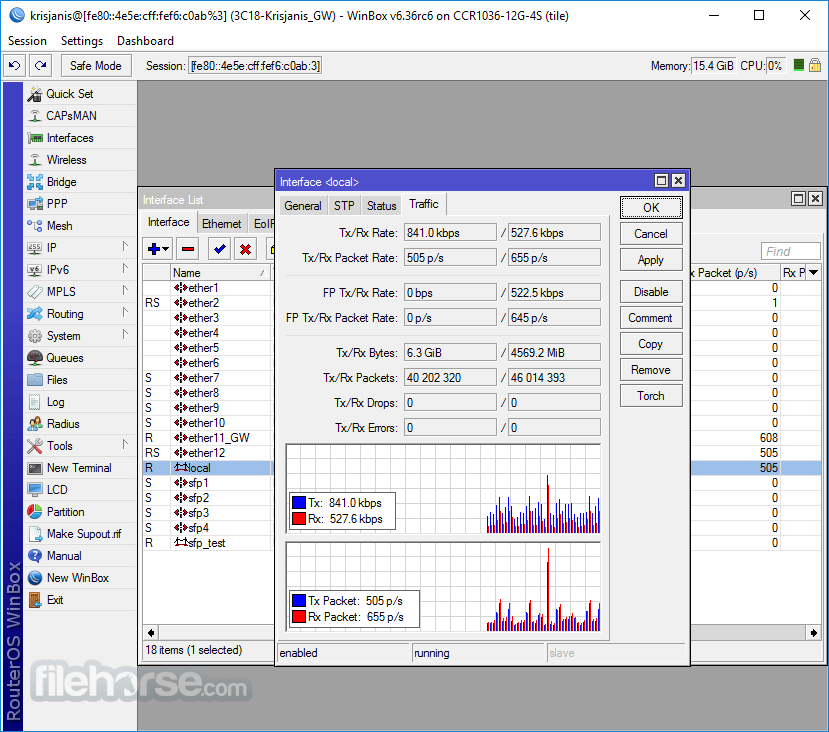
WinBox 4.2.0 Screenshots
The images below have been resized. Click on them to view the screenshots in full size.
-
-
-
-
What's new in this version:
- app: auto decrypt Saved address file in new window if parent window already provided it
- form: add option to open linked objects for some read-only optional fields
- form: add support for dynamic column re-layout when resizing window
- form: allow mouse select a warning text
- form: calculate window width of query panel by also considering table width
- form: do not show table duplicates in enum shortcut/extras popup
- form: fix autostart of some opened action windows
- form: fix file picker field state update (changed/error)
- form: fix query panel getting data immediately if there is no start command
- form: fix slow user interface when combobox has huge amount of dynamic data
- form: fix some combobox sorting as requested by RouterOS
- form: improve load performance if data contains large amount of multi-array rows
- form: separate combobox visually and sort items separately from different enum sources
- login,romon: fix connect in new window
- login,romon: fix visual bug showing "Error: Object doesn't exist" while connecting to slow device
- login,romon: show a clearer error when username/password wrong
- login: download RouterOS index files sequentially to make login process more stable
- login: select all text in "Connect To" field when opening WinBox
- login: try to ignore all RouterOS WinBox file parsing errors and connect to RouterOS anyway
- settings: change default row padding value from 4 to 3 (affects only new winbox installs)
- skins: fix crash when field references other fields from hidden table
- table: add Ctrl(CMD)+E to enable and Ctrl(CMD)+Shift+E shortcuts to disable selected rows
- table: add Insert and Ctrl(CMD)+N shortcuts to add new item
- table: add support for cells with colored text by condition
- table: add support to configure comment column/header type in each table
- table: allow up/down keyboard navigation when there is no current row focus
- table: correctly calculate default flags column width if there are combined flags
- table: fix column sorting in rare cases
- table: fix some buttons to be correctly under Actions group
- table: hide live/pause button in Torch type windows (e.g. Profile/Ping) and Saved routers table
- table: improve performance of table's quick filter with many records
- table: improve performance when scrolling
- table: remove selection/checkbox column
- table: show field postfix in column header if available
- terminal: add support for mouse scroll in script editor
- terminal: fix Enter key located on Numpad for macOS
- ui: add progress bar support for number based fields in form and table
- ui: add settings info that table has end/home/pageup/pagedown shortcuts
- ui: fix "Wireless Snooper" table cell values
- ui: fix to show only 1 confirmation dialog if action performed on multiple items
- ui: make form background a little lighter in light mode
- ui: make popup background same as form in darkmode
- ui: make workspace Name field read only after it is added
- ui: scale context menu width according to zoom
- ui: show info that RouterOS update is available
- windows: update certificate for Windows executable signing
- add new field type support used by future RouterOS version
- update Documentation link in About window
 OperaOpera 134.0 Build 5954.46 (64-bit)
 BlueStacksBlueStacks 10.42.252.1003
 PhotoshopAdobe Photoshop CC 2026 27.9.1 (64-bit)
 LDPlayerLDPlayer - Android Emulator
 GTA 6GTA 6 for PS5
 CapCutCapCut Desktop 9.1.0
 PC RepairPC Repair Tool 2026
 Hero WarsHero Wars - Online Action Game
 TradingViewTradingView - Trusted by 100 Million Traders
 Halo: CampaignHalo: Campaign Evolved
Comments and User Reviews