




 TrueNAS
 4K Download
 CleverGet
 YTD Download
 Keeprix
 WTFast
 Blip Transfer
 PRTG
PRTG
-
Latest Version
-
Operating System
Windows 7 64 / Windows 8 64 / Windows 10 64 / Windows 11
-
User Rating
Click to vote -
Author / Product
-
Filename
winbox64.exe
Sometimes latest versions of the software can cause issues when installed on older devices or devices running an older version of the operating system.
Software makers usually fix these issues but it can take them some time. What you can do in the meantime is to download and install an older version of WinBox 4.1.0.
For those interested in downloading the most recent release of WinBox or reading our review, simply click here.
All old versions distributed on our website are completely virus-free and available for download at no cost.
We would love to hear from you
If you have any questions or ideas that you want to share with us - head over to our Contact page and let us know. We value your feedback!
-
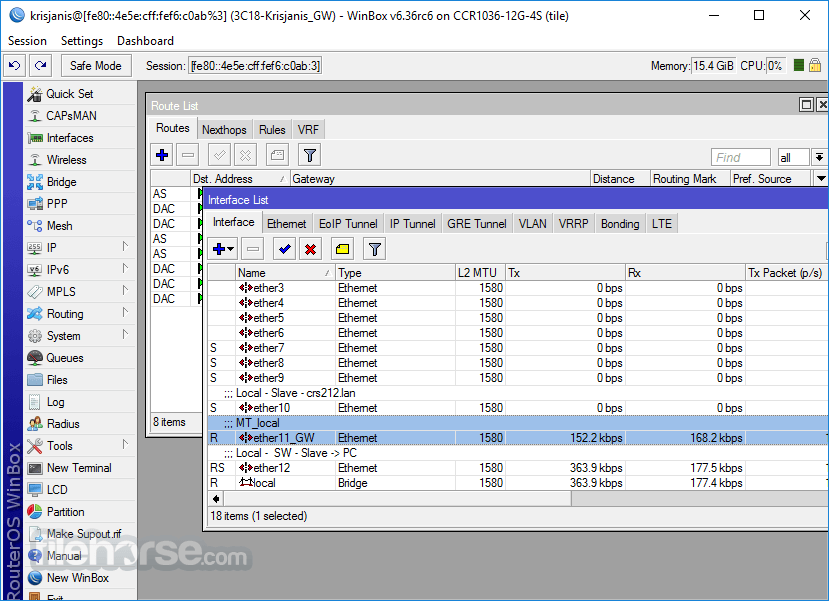
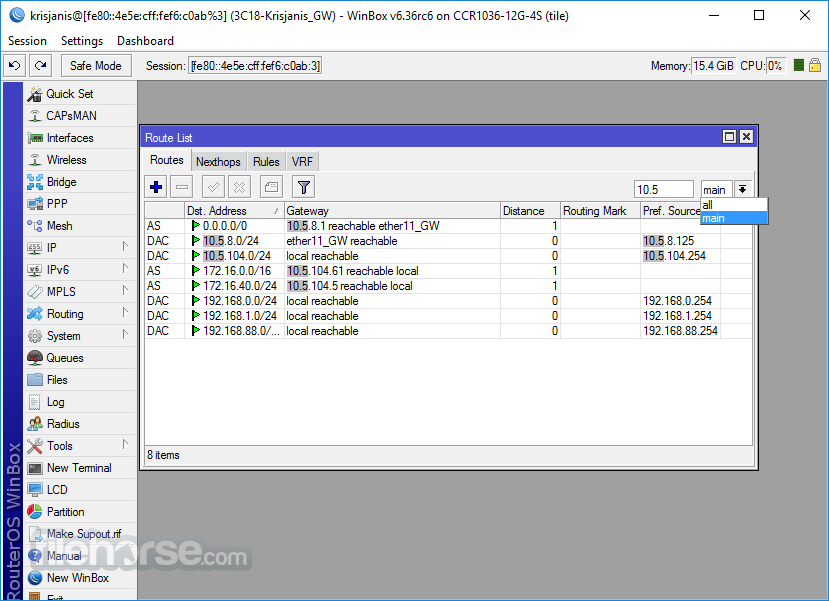
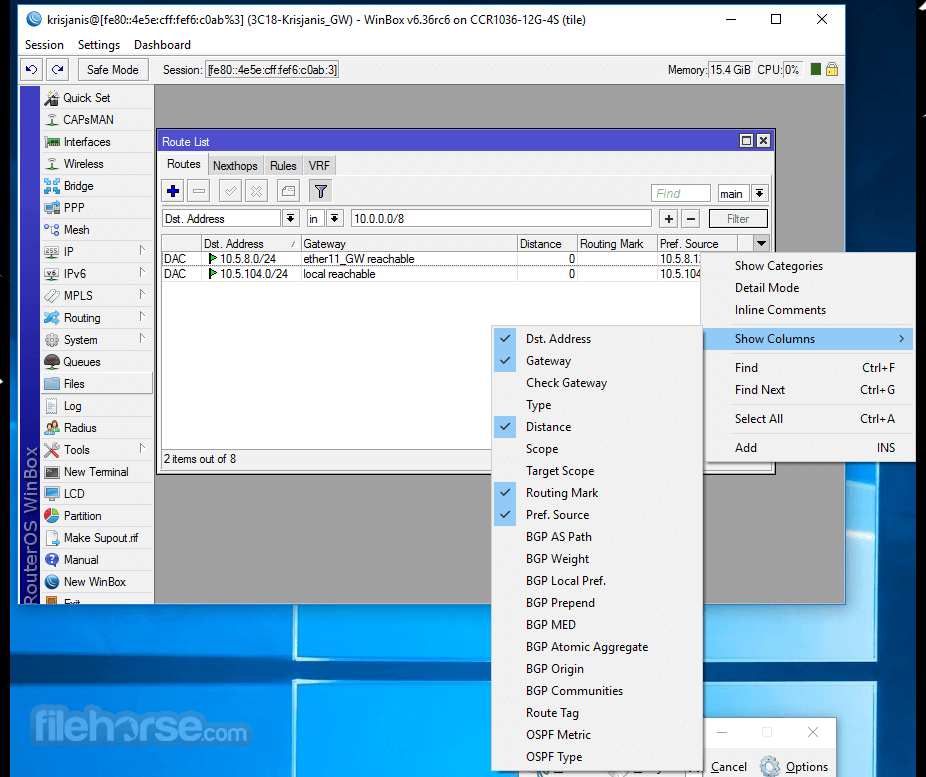
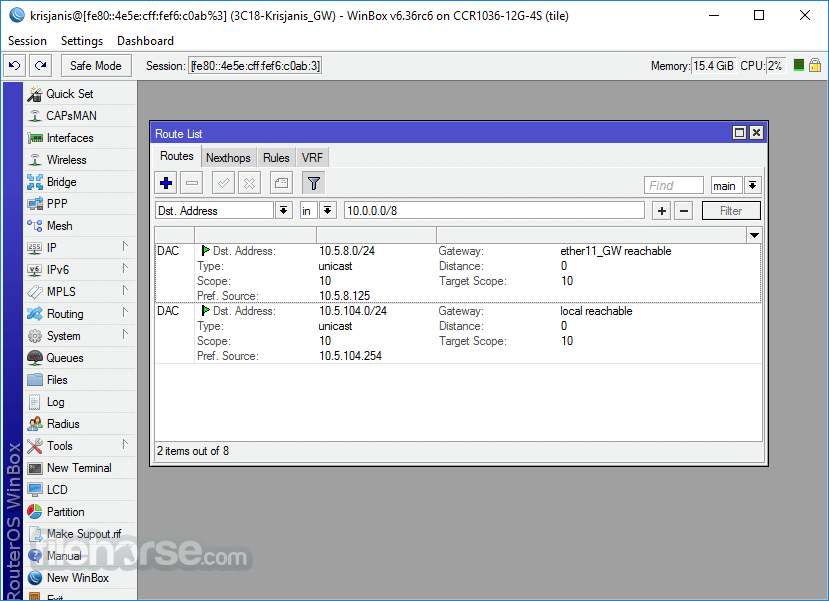
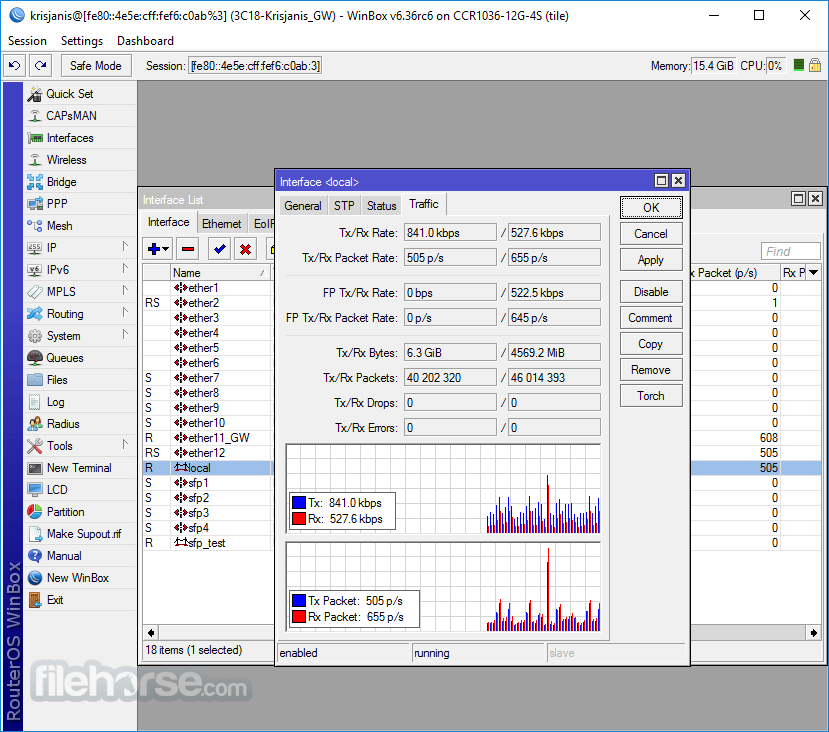
WinBox 4.1.0 Screenshots
The images below have been resized. Click on them to view the screenshots in full size.
-
-
-
-
What's new in this version:
- Form: improve "address" field by allowing to select Interface and VRF fields (where supported)
- Form: allow opening linked object or its parent table for certain fields (e.g., when adding an IP address and selecting an interface from the dropdown, it is possible to open either the interface table or the selected interface)
- Form: add support for input field postfix
- Form: add support for min/max row count limit for multi fields
- Form: add support for monospace font in scripts
- Form: add support for new "note" attribute which shows documentation or hints on label hover
- Form: change style of multi field plus/minus buttons
- Form: fix "hyperlink" field type (IP/Routes Immediate Gateway)
- Form: fix sorting for some fields
- Form: increase minimal width for combobox and multi-selection fields
- Mdi: fix resizing when window was moved to top or left side and then resized
- Mdi: move window resize mouse area 1px deeper within content
- Mdi: try to move whole window into workspace when (re)opening
- Table: change disabled row icon color
- Table: fix warnings printed in app output
- Table: make New button with dropdown expand full available height
- Table: send only disable/enable attribute when disabling/enabling row
- Table: try to fix Windows on ARM rendering issues
- Table: update some firewall table icons to stand out more
- Ui: fix Cancel button focus in file transfer progress dialog
- Ui: increase combobox popup's minimal width
- Ui: make checkbox/radio/tooltip background color darker in light mode
- Ui: make search result rows a little taller
- Ui: simplify error message with MAC connection when device is not responding
- Add new field type support used by future RouterOS version
- Change intermediary certificate for Windows executable signing
 OperaOpera 134.0 Build 5954.46 (64-bit)
 BlueStacksBlueStacks 10.42.252.1003
 PhotoshopAdobe Photoshop CC 2026 27.9.1 (64-bit)
 LDPlayerLDPlayer - Android Emulator
 GTA 6GTA 6 for PS5
 CapCutCapCut Desktop 9.1.0
 PC RepairPC Repair Tool 2026
 Hero WarsHero Wars - Online Action Game
 TradingViewTradingView - Trusted by 100 Million Traders
 Halo: CampaignHalo: Campaign Evolved
Comments and User Reviews