




 PRTG
PRTG WTFast
 Blip Transfer
 CleverGet
 TrueNAS
 YTD Download
 Keeprix
 4K Download
-
Latest Version
-
Operating System
Windows 8 (64-bit) / Windows 10 (64-bit) / Windows 11
-
User Rating
Click to vote -
Author / Product
-
Filename
Wireshark-4.6.6-x64.exe
Sometimes latest versions of the software can cause issues when installed on older devices or devices running an older version of the operating system.
Software makers usually fix these issues but it can take them some time. What you can do in the meantime is to download and install an older version of Wireshark 4.6.6 (64-bit).
For those interested in downloading the most recent release of Wireshark (64-bit) or reading our review, simply click here.
All old versions distributed on our website are completely virus-free and available for download at no cost.
We would love to hear from you
If you have any questions or ideas that you want to share with us - head over to our Contact page and let us know. We value your feedback!
-
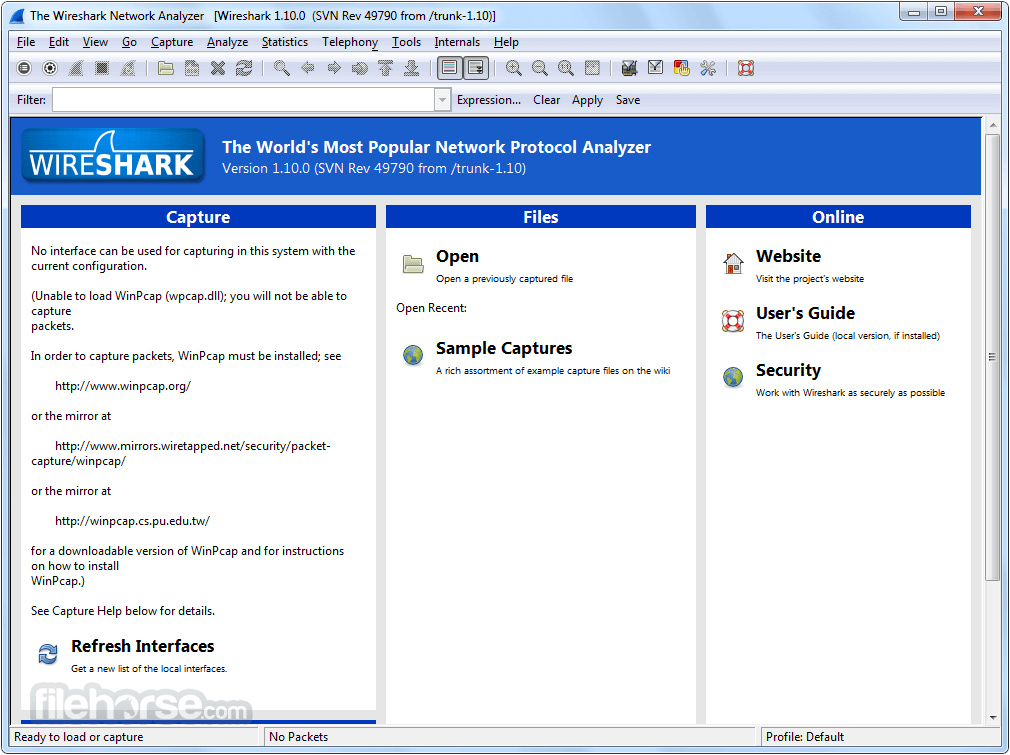
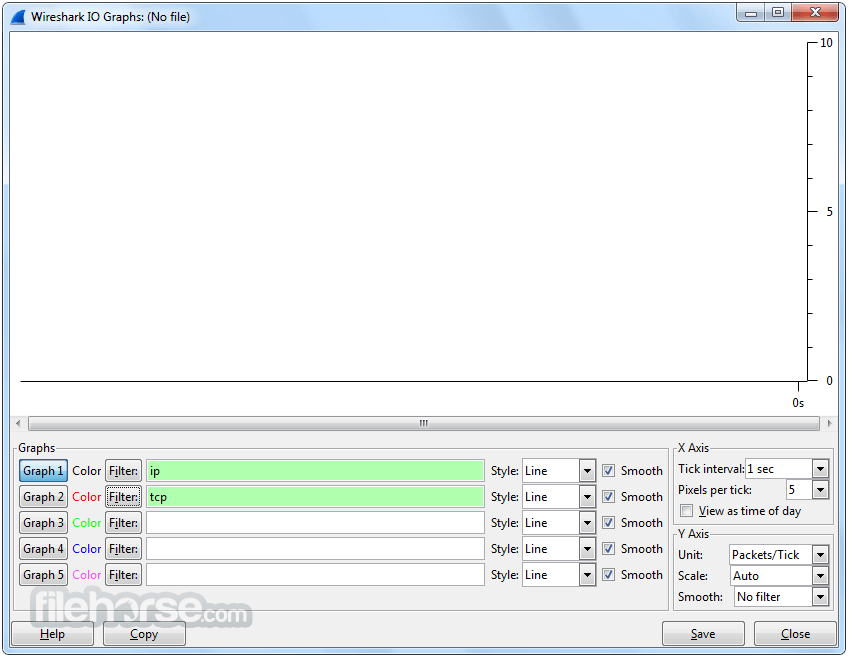
Wireshark 4.6.6 (64-bit) Screenshots
The images below have been resized. Click on them to view the screenshots in full size.
-

-

-
-

What's new in this version:
Fixes:
The following vulnerabilities have been fixed:
- wnpa-sec-2026-51 ROHC protocol dissector crash
The following bugs have been fixed:
- Wireshark crashes when run under Visual Studio on Windows
- Welcome page slide preferences are now available in the preferences window
- vwr: Read of uninitialized memory in pntoh16
- vwr: Read of uninitialized memory in find_signature
- Upgrades on Windows do not retain existing optional features unless explicitly requested, resulting in accidental removal of features
- Wireshark.exe version 4.6.5 is twice as large as version 4.6.4
- MACsec dissector global-buffer-overflow
- Wireshark 4.6.5 does not run on Windows 10 version 1809 (including Server 2019 and some LTSC versions)
- Fuzz job issue: fuzz-2026-05-02-14184750352.pcap
- packet-bacapp: rename aurth-request to auth-request
- Fuzz job issue: randpkt-2026-05-10-14293434231.pcap
New and Updated Features:
- The Windows installers now ship with Npcap 1.88. They previously shipped with Npcap 1.87
Updated Protocol Support:
- BACapp, BPv7, DB/IB GDS DB, Kafka, MACsec, PFCP, RF4CE, ROHC, RTPS-VT, SAPHDB, and SIP
New and Updated Capture File Support:
- JSON and VeriWave
Plugin Development Changes:
- On UN*X systems (excluding macOS when running from an app bundle, as with the official installer) extcap binaries are now searched for under the libexec directory by default, e.g., /usr/libexec/wireshark/extcap instead of /usr/lib64/wireshark/extcap or similar. This is the customary place for helper binaries, which as opposed to libraries do not need multiarch support. The location can be overridden via the environment variable WIRESHARK_EXTCAP_DIR. The extcap binaries shipped with Wireshark are installed in the new location, but third party extcaps may need packaging changes. This change was effective in version 4.6.0, but was not explicitly noted in the release notes previously. Note that some distributions do not use a libexec directory, such as Alpine Linux, which does not have multilib support. On such systems extcap binaries should be in the same location as before.
 OperaOpera 134.0 Build 5954.26 (64-bit)
 BlueStacksBlueStacks 10.42.251.1003
 PhotoshopAdobe Photoshop CC 2026 27.9.1 (64-bit)
 LDPlayerLDPlayer - Android Emulator
 GTA 6GTA 6 for PS5
 CapCutCapCut Desktop 9.1.0
 PC RepairPC Repair Tool 2026
 Hero WarsHero Wars - Online Action Game
 TradingViewTradingView - Trusted by 100 Million Traders
 Halo: CampaignHalo: Campaign Evolved
Comments and User Reviews